

Server Country Flags Mod for Minecraft 1.19.2, 1.18.2
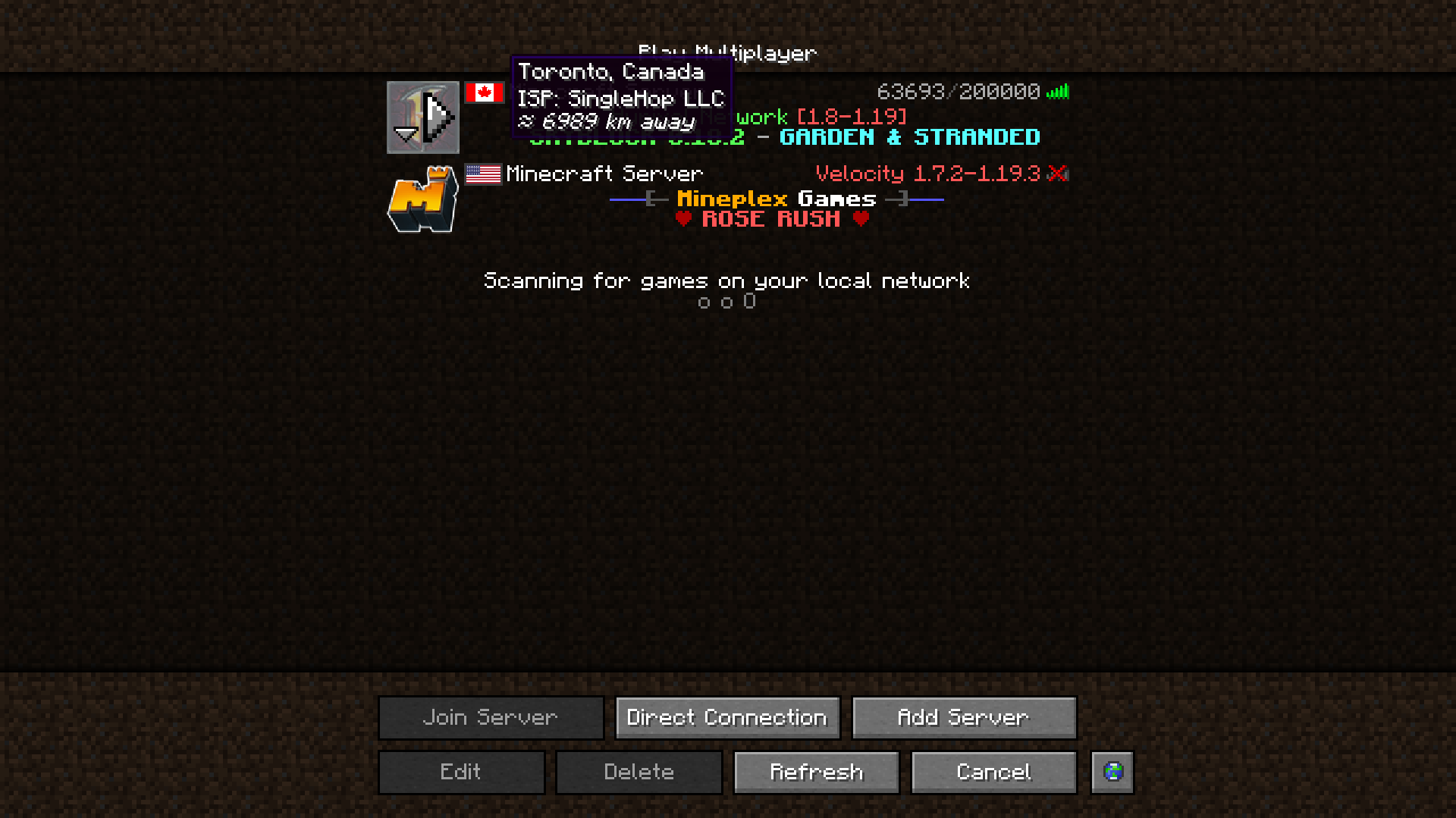
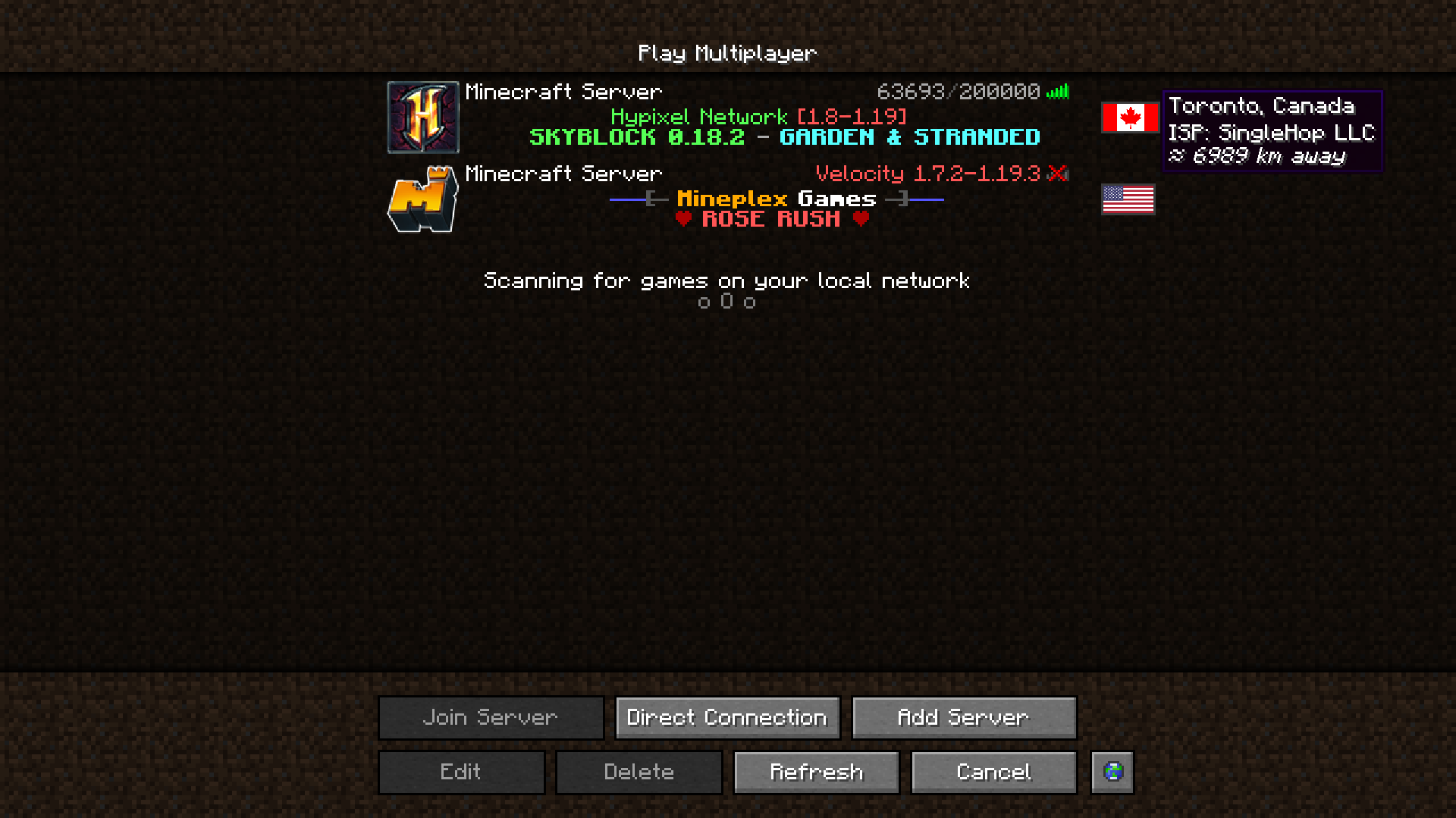
Shows the flag of where a server is located.
 NeoForge
 Fabric
 Forge
ForgeAbout the Server Country Flags mod
Server Country Flags is a fantastic addition to your server list experience. It shows in what country a given Minecraft server is located in the server list, your approximate distance to it, and some details.
If you have the Cloth Config API installed, you can tweak the mod's settings in a user-friendly GUI. To access it on Forge, you press the Config button in the mod-list. On Fabric, you need to access it using Mod Menu's config button.
This mod uses data from a publicly available, free IP Geolocation IP - IP-API.com.
It limits the amount of requests the mod can make to 45 per minute, but that's totally enough.
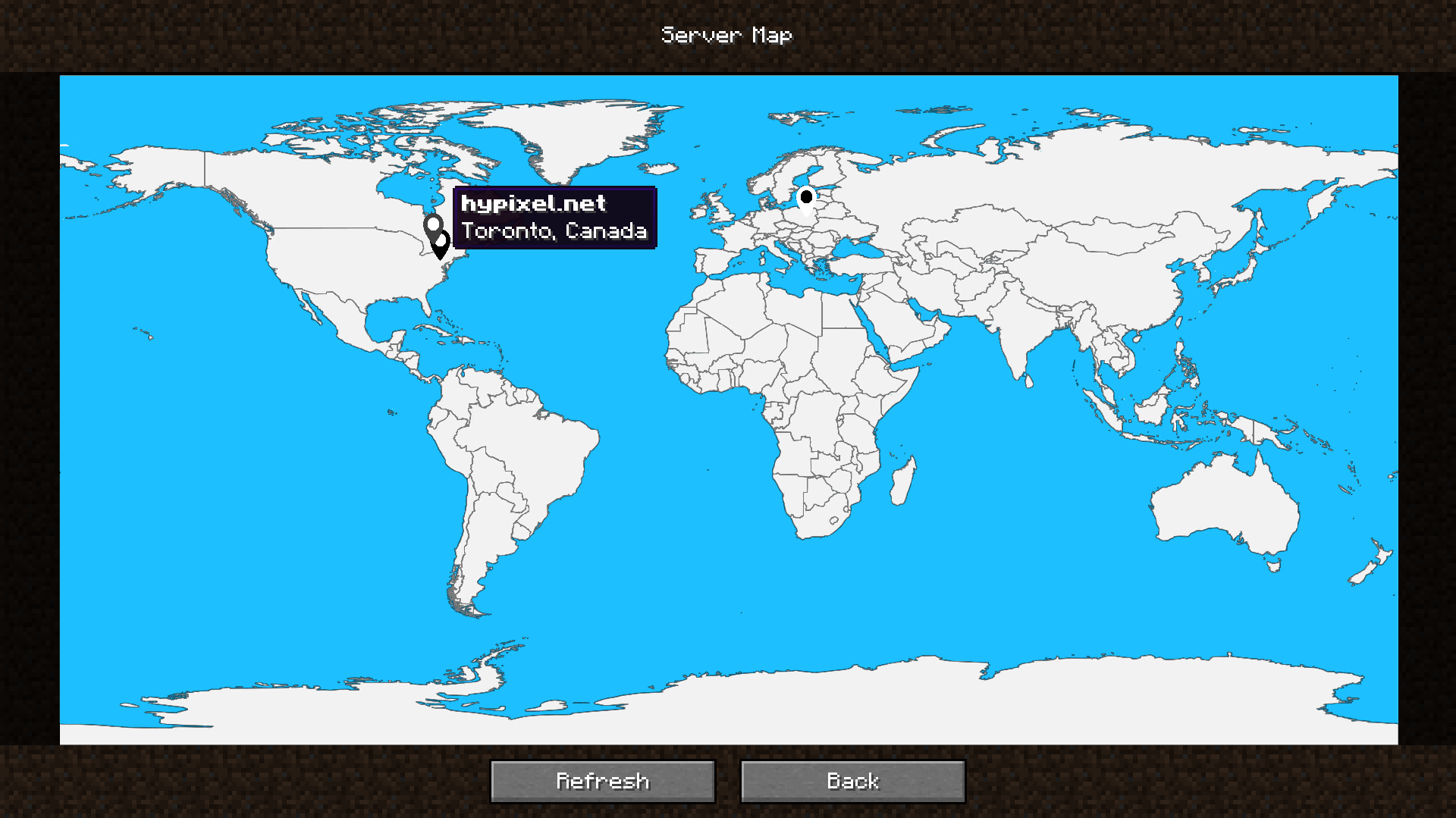
The mod also includes a built-in server map that provides a visual overview of your server locations, so that you can easily identify where your favorite servers are situated at a glance.
It can be accessed by the Server Map button in the server list, next to all of the buttons. You can remove or move it in the config!
Would you like to support me, or the mod?
Here is how you can do that:
- Donate on Ko-Fi!
- Use my promo code khajiitos on BisectHosting for 25% off!
- Contribute code, let me know of issues or add a star on the mod's GitHub page!
Thanks a lot!
Here are dependencies that enhance the mod's functionality, or this mod enhances!
- Fabric API (required on Fabric)
- Cloth Config API (provides the in-game Config page)
- Mod Menu (required to access the Config page on Fabric)
- Server Browser (we add flags to the Server Browser to help you find the server closest to you!)
Whether you're looking for a server for your modpack, or just to mess around with your friends - BisectHosting is one of the most reliable and affordable options you can get! It makes installing modpacks just a couple of clicks. 25% off with code khajiitos!
How to install Server Country Flags
With Millida Launcher
Install Millida Launcher
The launcher is free: download it at millida.net/launcher and sign in with any nickname.
Click “Install” on this page
The launcher opens and installs the mod for Minecraft 1.17–26.1 on Fabric, Forge or NeoForge automatically.
Launch the game
A profile with it appears in the launcher: click “Play”.
Manually
Install Fabric, Forge or NeoForge
The loader must match the game version of the mod file, for example Minecraft 26.1. After installing it, a separate profile appears in your launcher.
Download the file for your version
In the version list above, pick the file servercountryflags-1.10.4-26.1-NEOFORGE.jar (2.3 MB) for your game version and loader.
Put it in the mods folder
The folder is inside .minecraft (Windows: %appdata%\.minecraft\mods). If it does not exist, create it.
Launch the loader profile
Open “Mods” in the main menu: Server Country Flags should be in the list.
Versions
With dependencies
| Minecraft | Loader | File | Date | Actions |
|---|---|---|---|---|
| 26.1 | NeoForge | [NeoForge] Server Country Flags 1.10.4 - 26.12.3 MB | ||
| 26.1 | Fabric | [Fabric] Server Country Flags 1.10.4 - 26.12.3 MB | ||
| 1.20.4 | Forge | [Forge] Server Country Flags 1.10.1 - 1.20.42.3 MB | ||
| 1.17.1 | Fabric | Server Country Flags 1.6.3 - 1.17.x-1.19.x859 KB | ||
| 1.19.4 | Fabric | Server Country Flags 1.5.0a - 1.19.x1.7 MB |
FAQ
Which Minecraft versions does Server Country Flags work on?
There are files for 1.17–26.1, 12 versions in total. The newest is 26.1.
Is Server Country Flags for Forge or Fabric?
There are files for Fabric: 1.17–26.1, for Forge: 1.20.4 and for NeoForge: 26.1.
Does Server Country Flags need other mods?
The author lists no required dependencies: the Fabric, Forge or NeoForge loader is enough.
Where can I download Server Country Flags safely?
On this page: the file servercountryflags-1.10.4-26.1-NEOFORGE.jar (2.3 MB) is stored on Millida’s server, with no link shorteners. SHA-1 checksum: c248966226c7b62e7e147bcfb19d28cb8825d6d2.
Reviews
Be the first to rate Server Country Flags


