
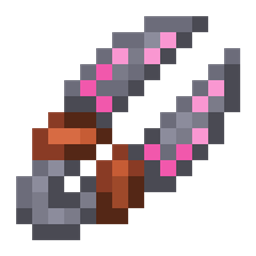
Roots 4 Mod for Minecraft 1.21.1, 1.12.2
A magic mod focused on nature, crops and animal husbandry!
 NeoForge
 Forge
ForgeAbout the Roots 4 mod
Roots 4 is available in alpha for NeoForge 1.21.1 and does not require any additional libraries.
For support, please check out the Roots Wiki, specifically the Getting Started page.
To discuss the game and give feedback, check out the Mystic Modding Discord.
To report bugs, you can do so on our GitHub.
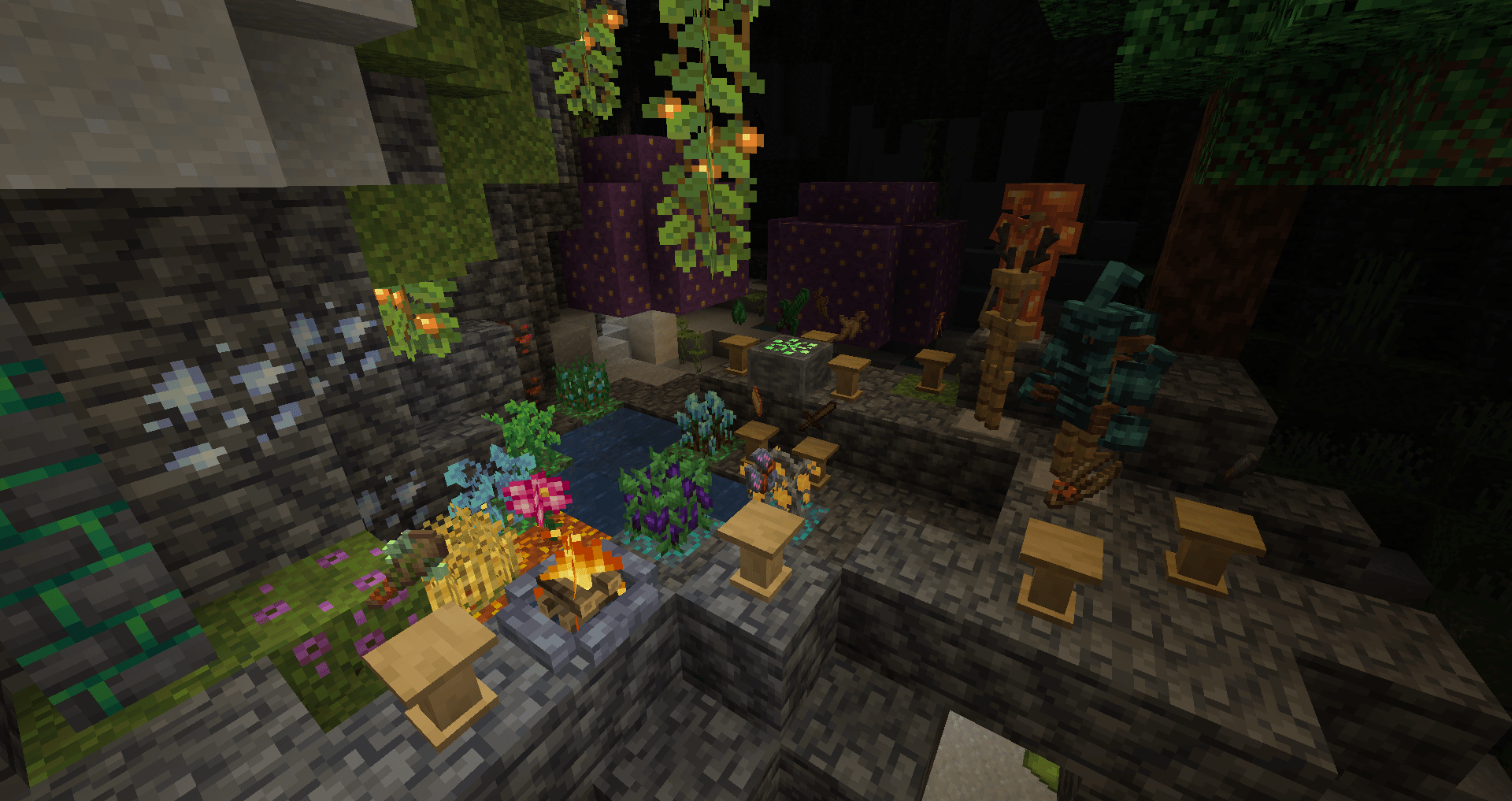
Roots is a magic mod themed around nature, farming, crops & animal husbandry!
Collect wildroot and grove moss, the remnants of a lost era of magic, and use them to craft magical equipment:
- Break down ingredients and craft spells with a mortar & pestle.
- Unleash magical rituals to obtain drops without harming animals, recreate lost magical herbs with a pyre.
- Cast spells to grow and harvest your crops, guard yourself from attacks and more with a staff!
- Unlock the secrets of the world's sylvan past by activating a grove stone and channeling its power into magical armor, tools & equipment with a grove crafter.
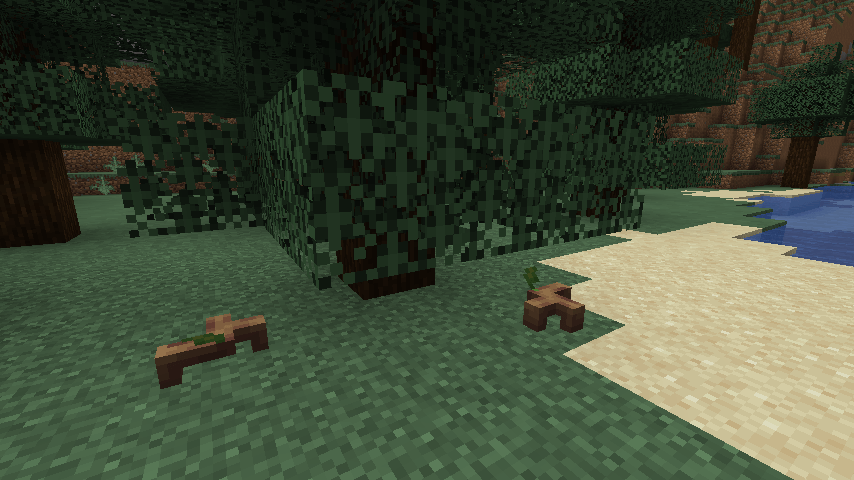
- Befriend a wide variety of animals, including deer, beetles, owls, and the cute sprouts, sentient plants.
How to install Roots 4
With Millida Launcher
Install Millida Launcher
The launcher is free: download it at millida.net/launcher and sign in with any nickname.
Click “Install” on this page
The launcher opens and installs the mod for Minecraft 1.12.2–1.21.1 on Forge or NeoForge automatically.
Launch the game
A profile with it appears in the launcher: click “Play”.
Manually
Install Forge or NeoForge
The loader must match the game version of the mod file, for example Minecraft 1.21.1. After installing it, a separate profile appears in your launcher.
Download the file for your version
In the version list above, pick the file roots-4.0.0.31-alpha.jar (4.5 MB) for your game version and loader.
Put it in the mods folder
The folder is inside .minecraft (Windows: %appdata%\.minecraft\mods). If it does not exist, create it.
Launch the loader profile
Open “Mods” in the main menu: Roots 4 should be in the list.
Minecraft 1.21.1 runs on Java 21: with a different Java version the game may close right after launch.
Versions
With dependencies
| Minecraft | Loader | File | Date | Actions |
|---|---|---|---|---|
| 1.21.1 | NeoForge | Roots-1.21 4.0.0.31-alpha4.5 MB 2 | ||
| 1.12.2 | Forge | Roots-1.12.2-3.1.9.2.jar3.4 MB 3 | ||
| 1.12.2 | — | Roots-1.12.2-3.0.4.jar1.3 MB | ||
| 1.12.2 | — | roots-2-0.104.jar699 KB |
FAQ
Which Minecraft versions does Roots 4 work on?
There are files for 1.21.1, 1.12.2. The newest is 1.21.1.
Is Roots 4 for Forge or Fabric?
There are files for Forge: 1.12.2 and for NeoForge: 1.21.1. There are no files for Fabric: a mod for another loader will not start.
Does Roots 4 need other mods?
The author lists no required dependencies: the Forge or NeoForge loader is enough.
Which Java does Roots 4 need?
Minecraft 1.21.1 runs on Java 21. If the game closes right after launch, the usual cause is the wrong Java version in the profile settings.
Where can I download Roots 4 safely?
On this page: the file roots-4.0.0.31-alpha.jar (4.5 MB) is stored on Millida’s server, with no link shorteners. SHA-1 checksum: 51d7065d0c3475ad95beca00d731f7efaec08f4c.
Reviews
Be the first to rate Roots 4


