

Ribbits Mod for Minecraft 1.20.1, 1.21.1
Swamp villages and musical frogs!
 Fabric
 NeoForge
 Forge
ForgeAbout the Ribbits mod
Support us on Ko-fi for previews and early access to new content!
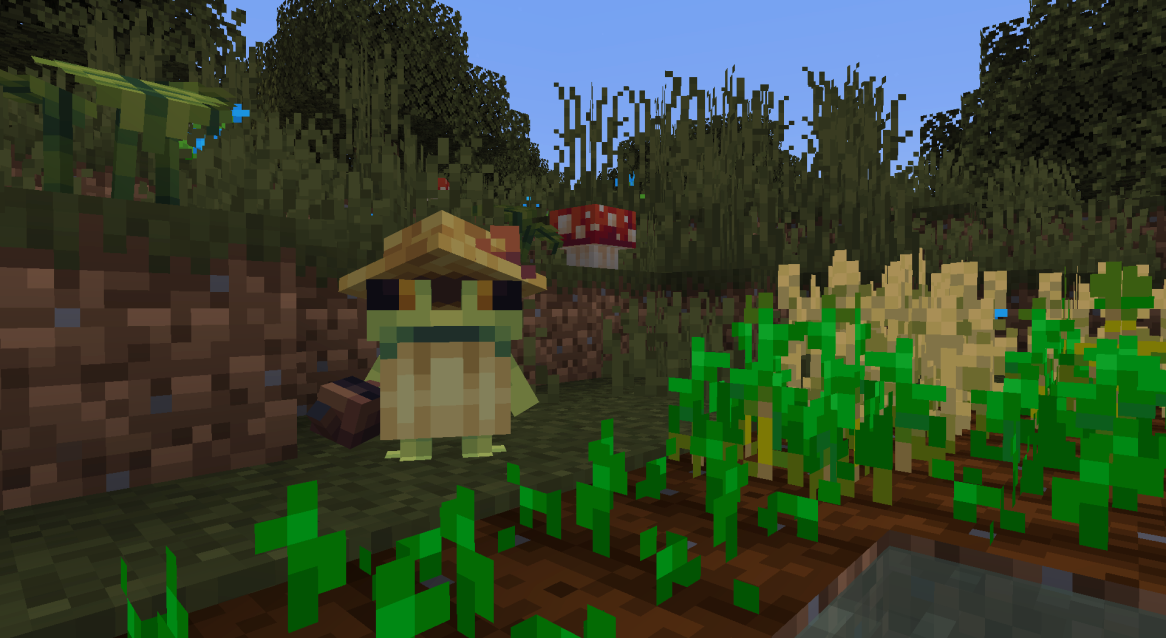
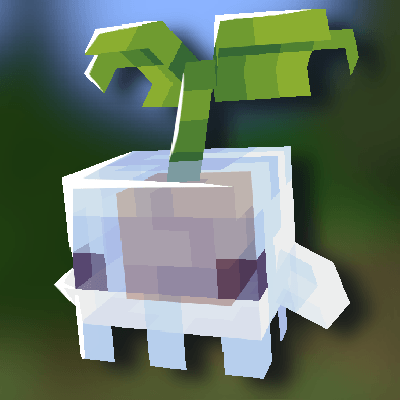
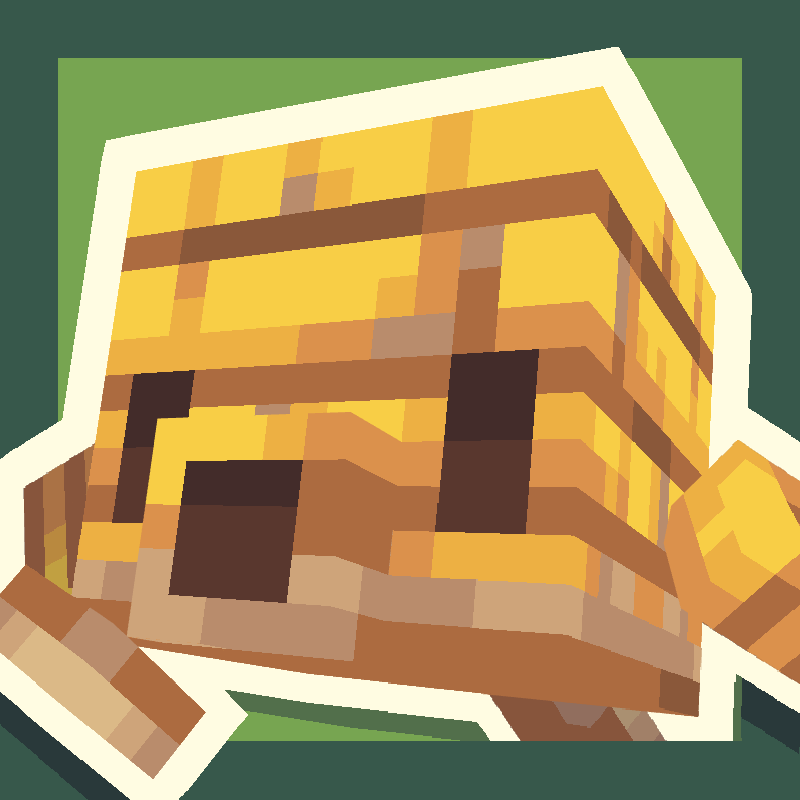
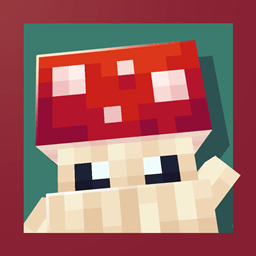
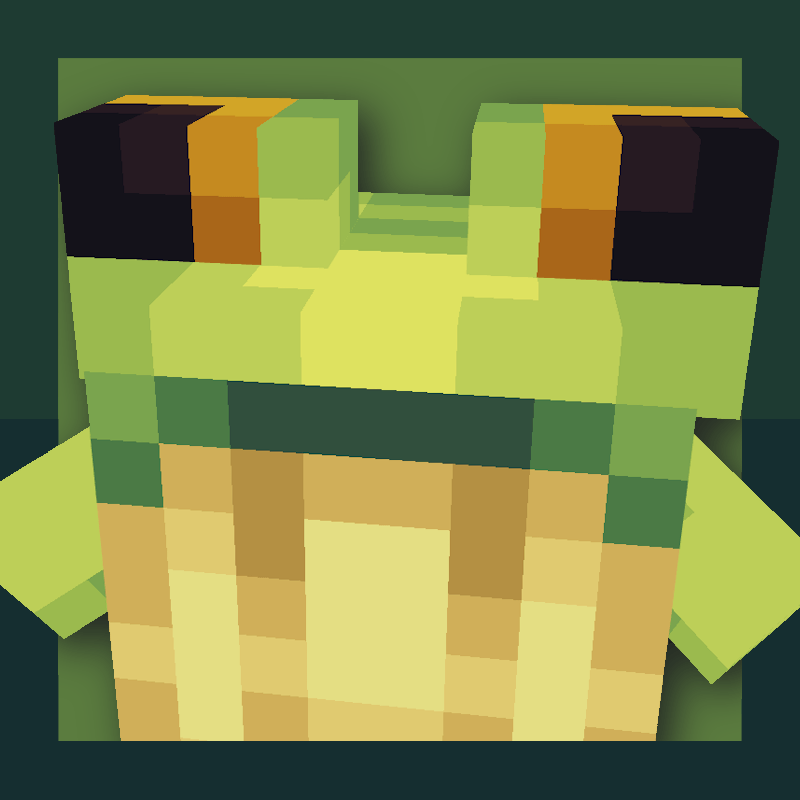
Ribbits will add swamp villages full of tiny frog villagers called ribbits! These little guys will sometimes sit down in groups to play music, which you can join in with!
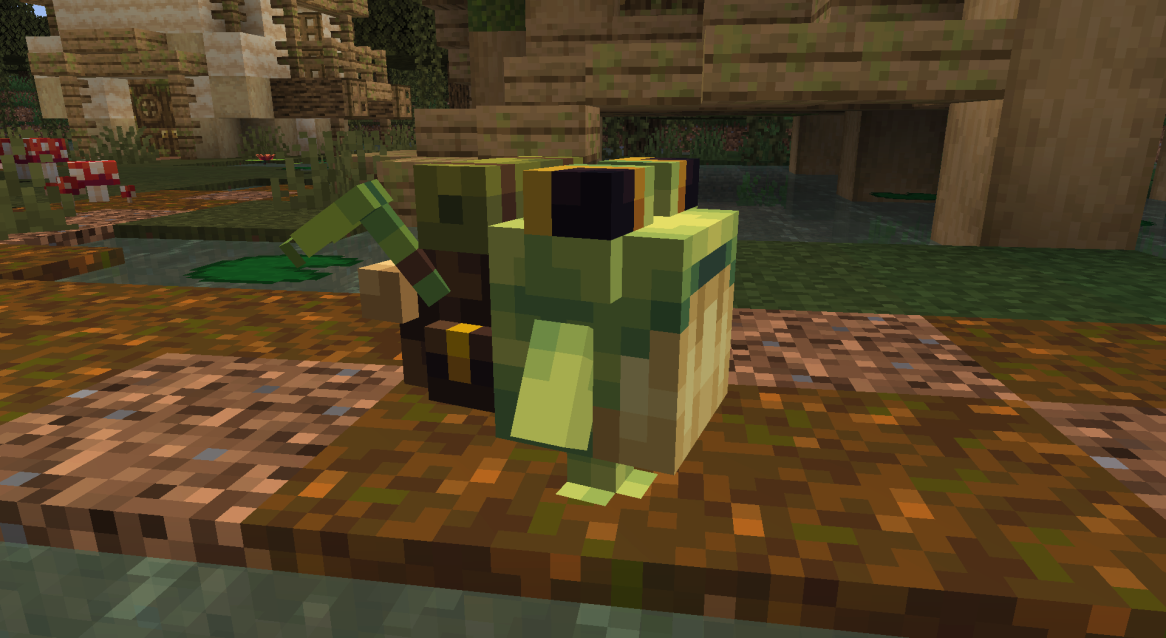
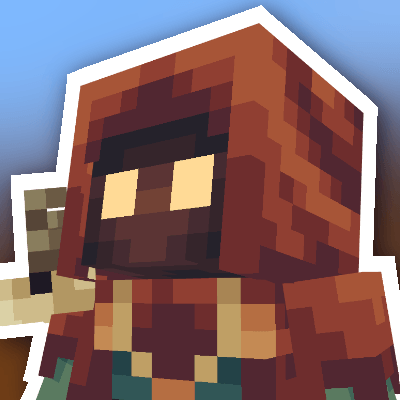
Merchant and fisherman ribbits can be traded with for various items including the new ribbits plant blocks & maracas! Sorcerer ribbits will occasionally cast spells to buff the player, and all gardener ribbits will water crops!
Ribbits will naturally return to their homes at night, but if you'd like to relocate them, you can reset their home point to their current position by right clicking them with amethyst.
Josh/Joosh - Art yungnickyoung - Coding HellionGames - Coding scratchy_sd - Sounds wesleybenjamin - Music joakota - Builds joshesque - Logo

How to install Ribbits
With Millida Launcher
Install Millida Launcher
The launcher is free: download it at millida.net/launcher and sign in with any nickname.
Click “Install” on this page
The launcher opens and installs the mod for Minecraft 1.20.1–1.21.1 on Fabric, Forge or NeoForge automatically.
Launch the game
A profile with it appears in the launcher: click “Play”.
Manually
Install Fabric, Forge or NeoForge
The loader must match the game version of the mod file, for example Minecraft 1.21.1. After installing it, a separate profile appears in your launcher.
Download the file for your version
In the version list above, pick the file Ribbits-1.21.1-Fabric-4.1.6.jar (2.2 MB) for your game version and loader.
Put it in the mods folder
The folder is inside .minecraft (Windows: %appdata%\.minecraft\mods). If it does not exist, create it.
Launch the loader profile
Open “Mods” in the main menu: Ribbits should be in the list.
Minecraft 1.21.1 runs on Java 21: with a different Java version the game may close right after launch.
Versions
With dependencies
| Minecraft | Loader | File | Date | Actions |
|---|---|---|---|---|
| 1.21 | Fabric | Ribbits [Fabric] 4.1.6 for 1.21.12.2 MB 13 | ||
| 1.21 | NeoForge | Ribbits [NeoForge] 4.1.6 for 1.21.12.1 MB 15 | ||
| 1.20.1 | Forge | Ribbits [Forge] 3.0.5 for 1.20.12.1 MB 12 |
FAQ
Which Minecraft versions does Ribbits work on?
There are files for 1.21.1, 1.21, 1.20.1. The newest is 1.21.1.
Is Ribbits for Forge or Fabric?
There are files for Fabric: 1.21–1.21.1, for Forge: 1.20.1 and for NeoForge: 1.21–1.21.1.
Does Ribbits need other mods?
The author lists no required dependencies: the Fabric, Forge or NeoForge loader is enough.
Which Java does Ribbits need?
Minecraft 1.21.1 runs on Java 21. If the game closes right after launch, the usual cause is the wrong Java version in the profile settings.
Where can I download Ribbits safely?
On this page: the file Ribbits-1.21.1-Fabric-4.1.6.jar (2.2 MB) is stored on Millida’s server, with no link shorteners. SHA-1 checksum: b95ef94e6c4d2b7a706bcbe3cde6a38b2fe936d3.
Reviews
Be the first to rate Ribbits


