
Quest Items for FTB Mod for Minecraft 1.21.1
Miscellaneous items of various themes, for quest objectives.
- views
- 31 views
- Updated
- Updated 18.10.2026
- 1.21.1
 Fabric
Quest Items
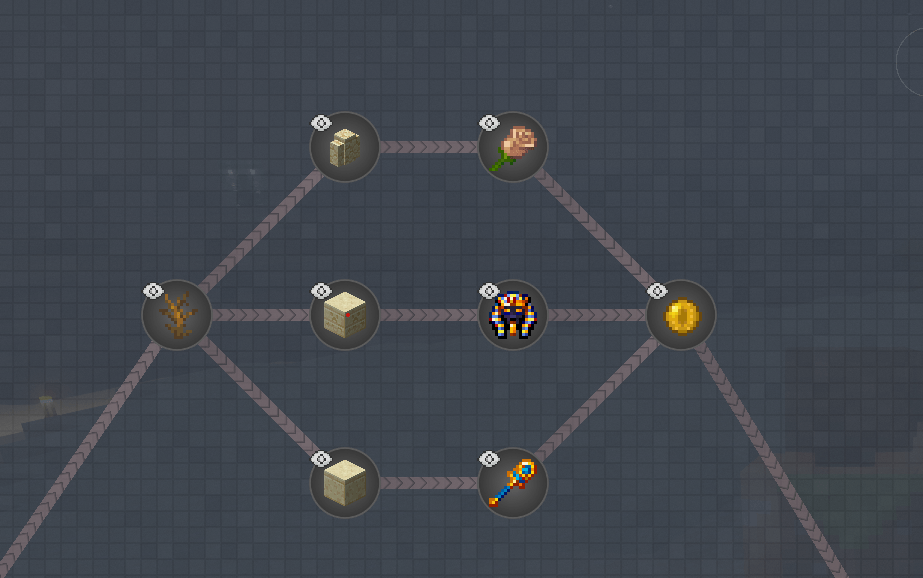
Miscellaneous items of various themes, for quest objectives.
Designed for FTB Quests.
How to install Quest Items for FTB
With Millida Launcher
Install Millida Launcher
The launcher is free: download it at millida.net/launcher and sign in with any nickname.
Click “Install” on this page
The launcher opens and installs the mod for Minecraft 1.21.1 on Fabric automatically.
Launch the game
A profile with it appears in the launcher: click “Play”.
Manually
Install Fabric
The loader must match the game version of the mod file, for example Minecraft 1.21.1. After installing it, a separate profile appears in your launcher.
Download the file for your version
In the version list above, pick the file quest_items-fabric-1.1.1+1.21.1.jar (181 KB) for your game version.
Put it in the mods folder
The folder is inside .minecraft (Windows: %appdata%\.minecraft\mods). If it does not exist, create it.
Launch the loader profile
Open “Mods” in the main menu: Quest Items for FTB should be in the list.
Minecraft 1.21.1 runs on Java 21: with a different Java version the game may close right after launch.
Versions
With dependencies
| Minecraft | Loader | File | Date | Actions |
|---|---|---|---|---|
| 1.21.1 | Fabric | 1.1.1+1.21.1181 KB |
Reviews
Be the first to rate Quest Items for FTB


