
 NeoForge
 Forge
ForgeAbout the Pylons mod
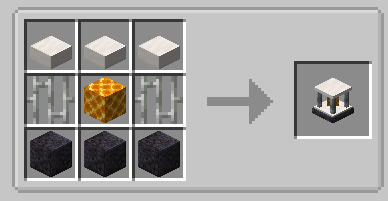
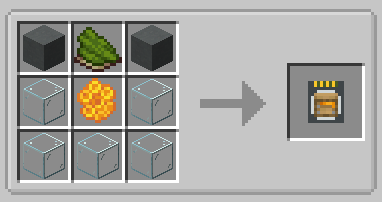
Currently adds the following blocks.
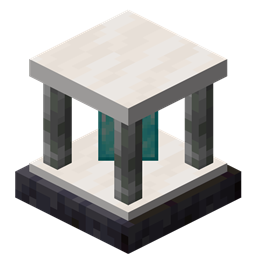
Expulsion Pylon:
Intended for use on servers, this block allows you to expel other players from the chunk it's placed in. You can whitelist players with a Player Filter - OPs are always whitelisted.
Infusion Pylon:
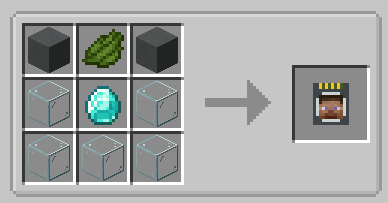
Allows you to apply effects to yourself from any distance (may require chunkloading) with activated Potion Filters. Potion Filters can be activated by applying an effect to yourself (from a potion, for example) and then right-clicking the Potion Filter. The minimum effect duration that can be extracted is 60 seconds by default. This will extract all remaining duration from the player and apply it to the Filter. To fully activate it, you will need a total of 1 hour of duration, the equivalent of 7.5 vanilla extended potions.
If you have multiple cards containing the same effect, you can combine them. Place one card in each hand, and right click. The duration from the off hand card will be added to the card in your main hand.
Harvester Pylon:
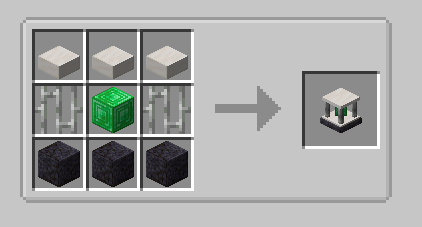
Harvests crops in a configurable radius (from 3x3 to 9x9) around the pylon and outputs to an inventory above. Place the pylon inside the water block of the farm:
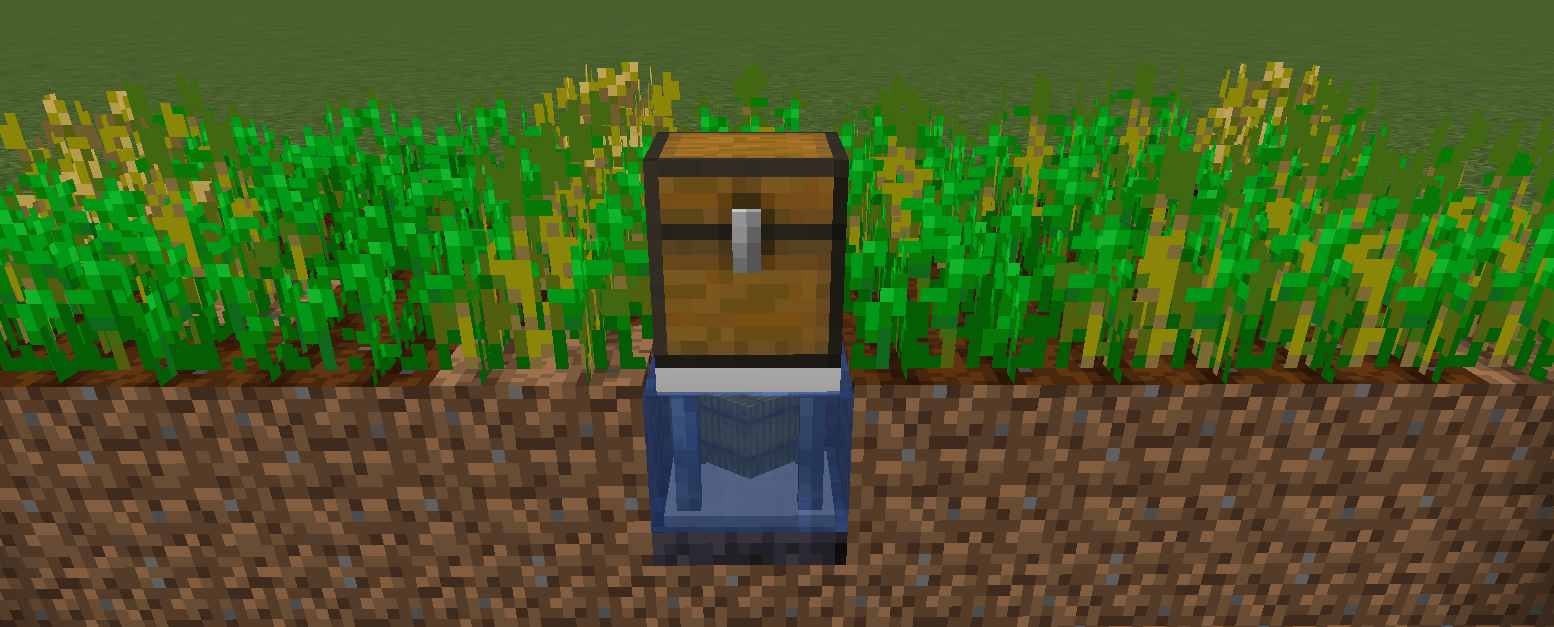
By default, the pylon requires a hoe in the pylon inventory, and will consume 1 durability per crop harvest. There is a config option to disable this. Unbreakable hoes, such as Mystical Agriculture's Supremium Hoe, can be used.
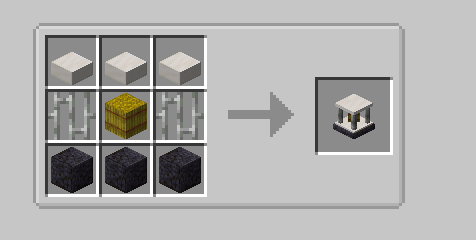
Interdiction Pylon
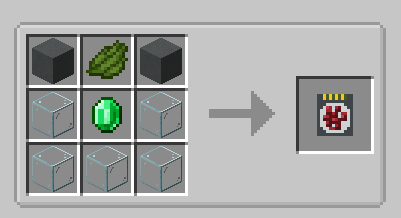
Prevents all spawns of specified mobs within the selected chunk range (1x1 to 5x5). Right click on a mob with a Mob Filter, then add the filter to the pylon to block that mob.
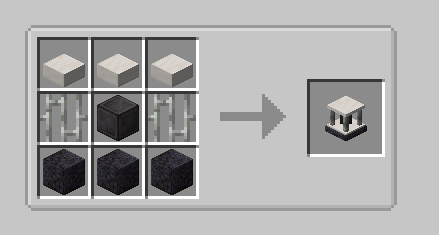
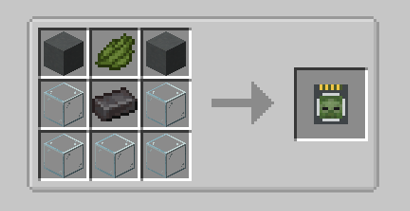
Protection Pylon (added in 5.3)
Prevents the pylon owner from breaking blocks or killing mobs within the selected chunk range (1x1 to 5x5 chunks). Add Mob Filters and Block Filters to specify which mobs and blocks to protect.
How to install Pylons
With Millida Launcher
Install Millida Launcher
The launcher is free: download it at millida.net/launcher and sign in with any nickname.
Click “Install” on this page
The launcher opens and installs the mod for Minecraft 1.20.1–26.1.2 on Forge or NeoForge automatically.
Launch the game
A profile with it appears in the launcher: click “Play”.
Manually
Install Forge or NeoForge
The loader must match the game version of the mod file, for example Minecraft 26.1.2. After installing it, a separate profile appears in your launcher.
Download the file for your version
In the version list above, pick the file pylons-26.1-6.0.1.jar (215 KB) for your game version and loader.
Put it in the mods folder
The folder is inside .minecraft (Windows: %appdata%\.minecraft\mods). If it does not exist, create it.
Launch the loader profile
Open “Mods” in the main menu: Pylons should be in the list.
Versions
With dependencies
| Minecraft | Loader | File | Date | Actions |
|---|---|---|---|---|
| 26.1 | NeoForge | pylons-26.1-6.0.1.jar215 KB | ||
| 1.20.1 | Forge, NeoForge | pylons-1.20.1-4.3.0.jar142 KB 9 |
FAQ
Which Minecraft versions does Pylons work on?
There are files for 26.1.2, 26.1.1, 26.1, 1.20.1. The newest is 26.1.2.
Is Pylons for Forge or Fabric?
There are files for Forge: 1.20.1 and for NeoForge: 1.20.1–26.1.2. There are no files for Fabric: a mod for another loader will not start.
Does Pylons need other mods?
The author lists no required dependencies: the Forge or NeoForge loader is enough.
Where can I download Pylons safely?
On this page: the file pylons-26.1-6.0.1.jar (215 KB) is stored on Millida’s server, with no link shorteners. SHA-1 checksum: 429b958d32d9be5a2d766281d13fbd9b5bf74e02.
Reviews
Be the first to rate Pylons


