
Platforms Mod for Minecraft 1.21.1
Make decks, bridges, mineshafts or even wooden coasters
 NeoForge
 Forge
ForgeAbout the Platforms mod
- ShetiPhianCore Required! *
Build decks, bridges, roofs, mine shafts, or even wooden coasters.
Combine nearly any 2 blocks or items (modded or vanilla).
If one block used emits light the crafted item will as well.
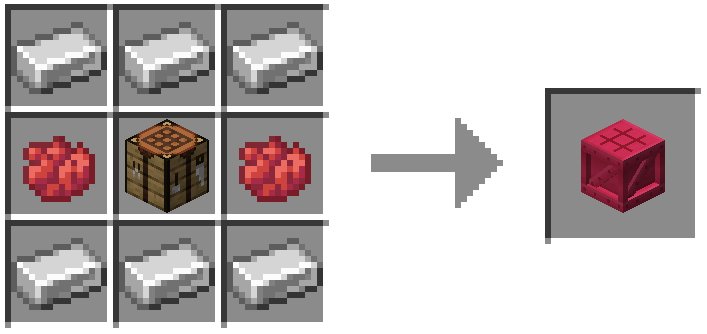
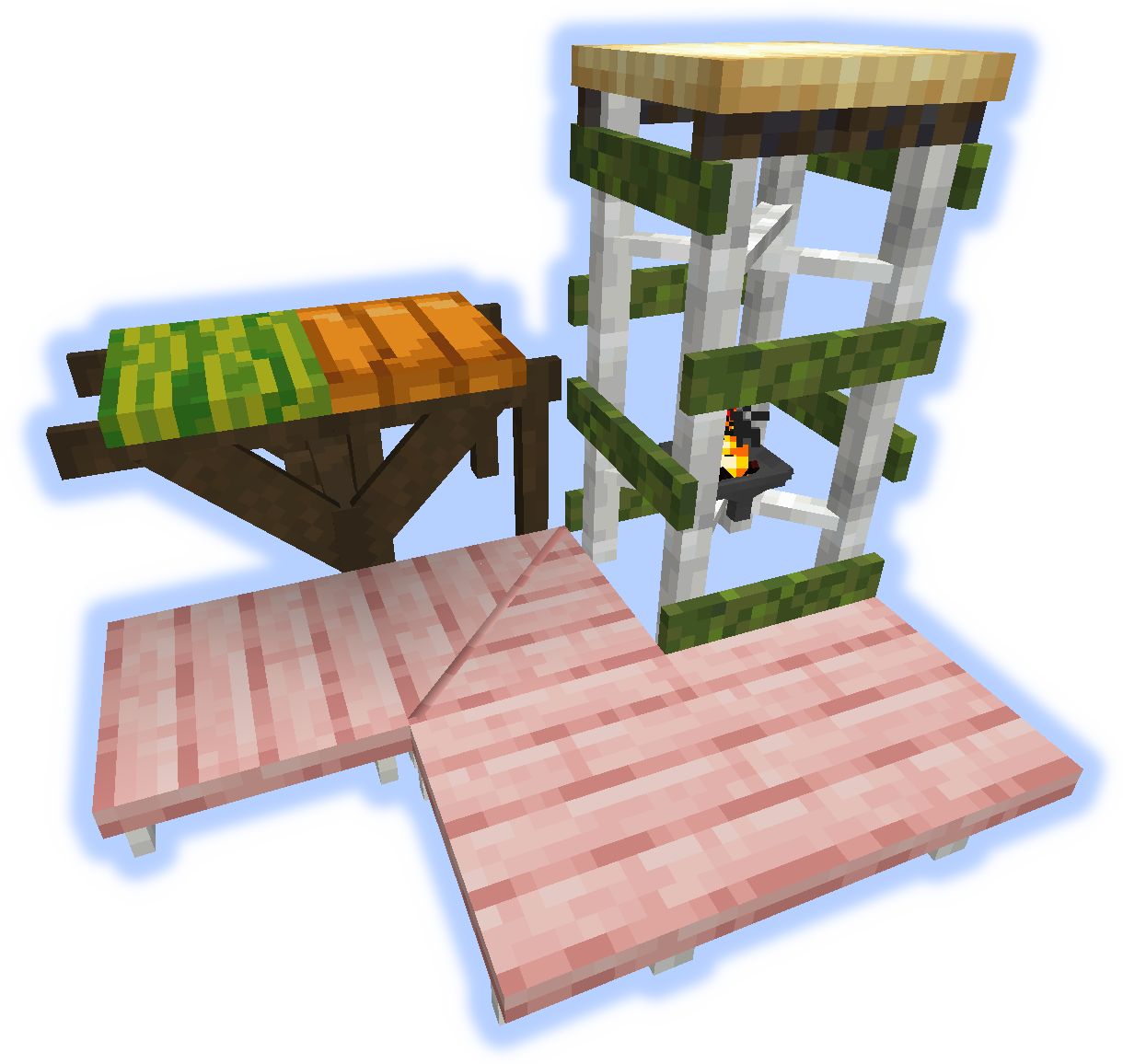
Frames, Floors & Platforms
Frames can have soul/redstone/torches applies to them.
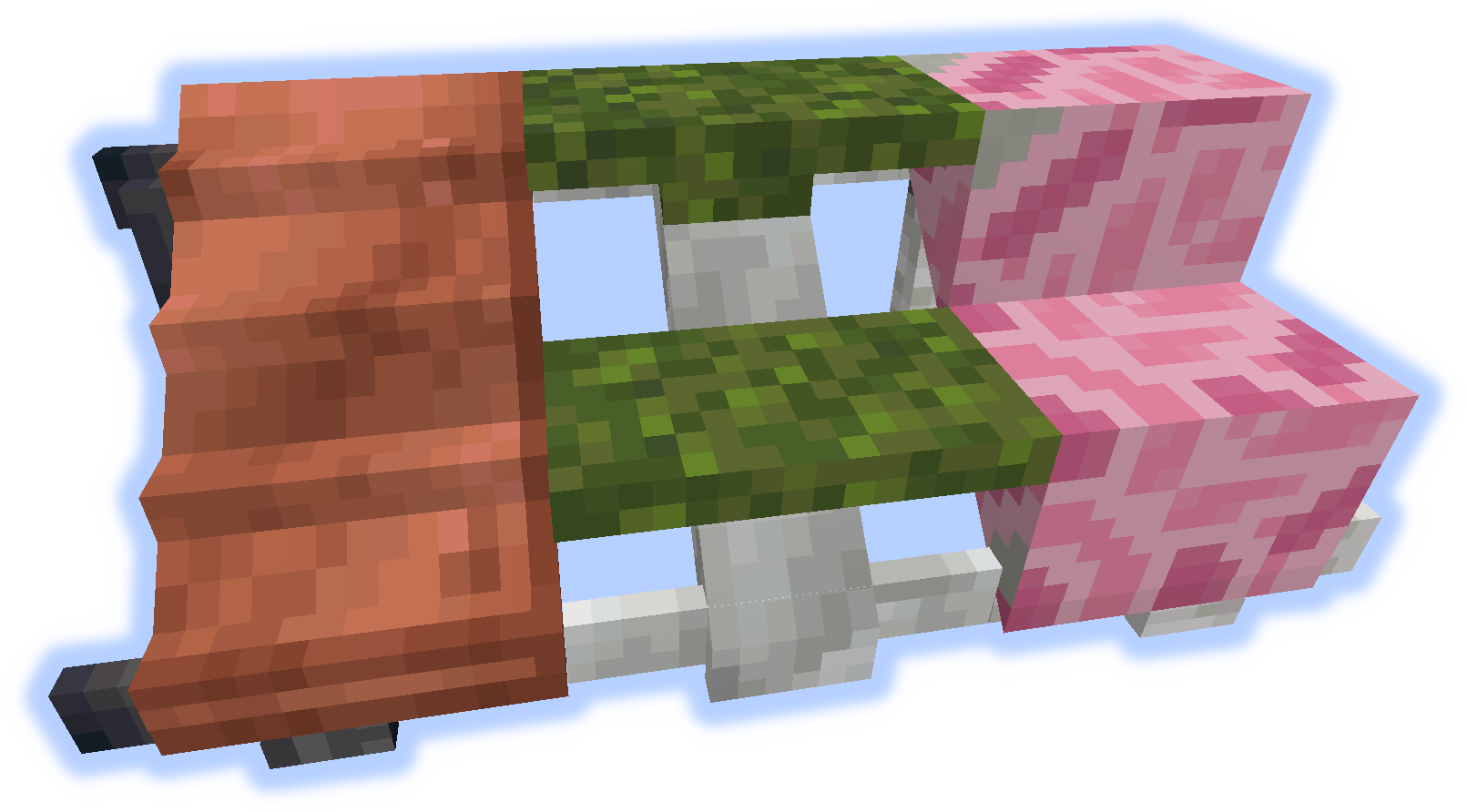
Ramps, Steps & Stairs
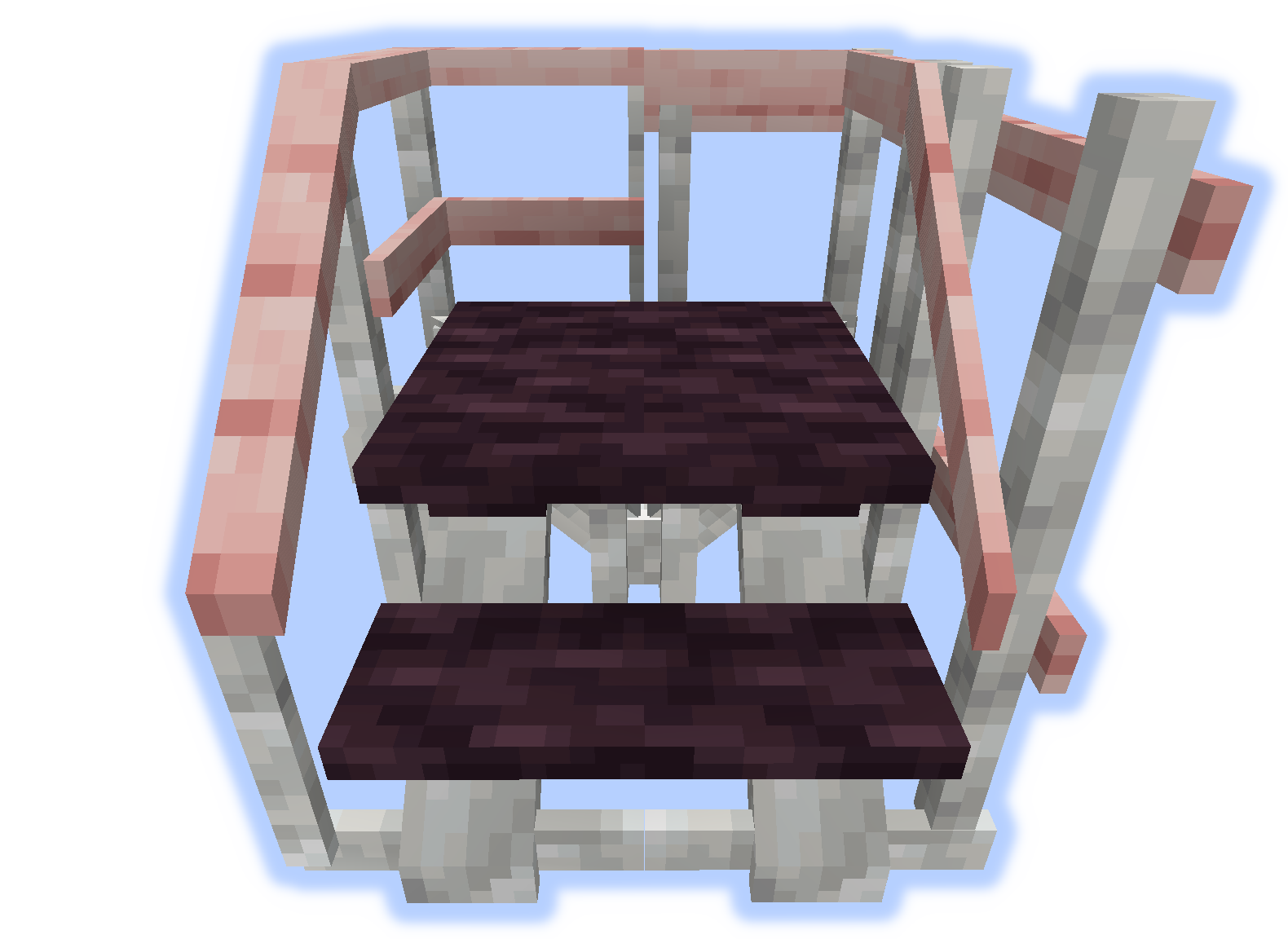
Hand Rails & Rises
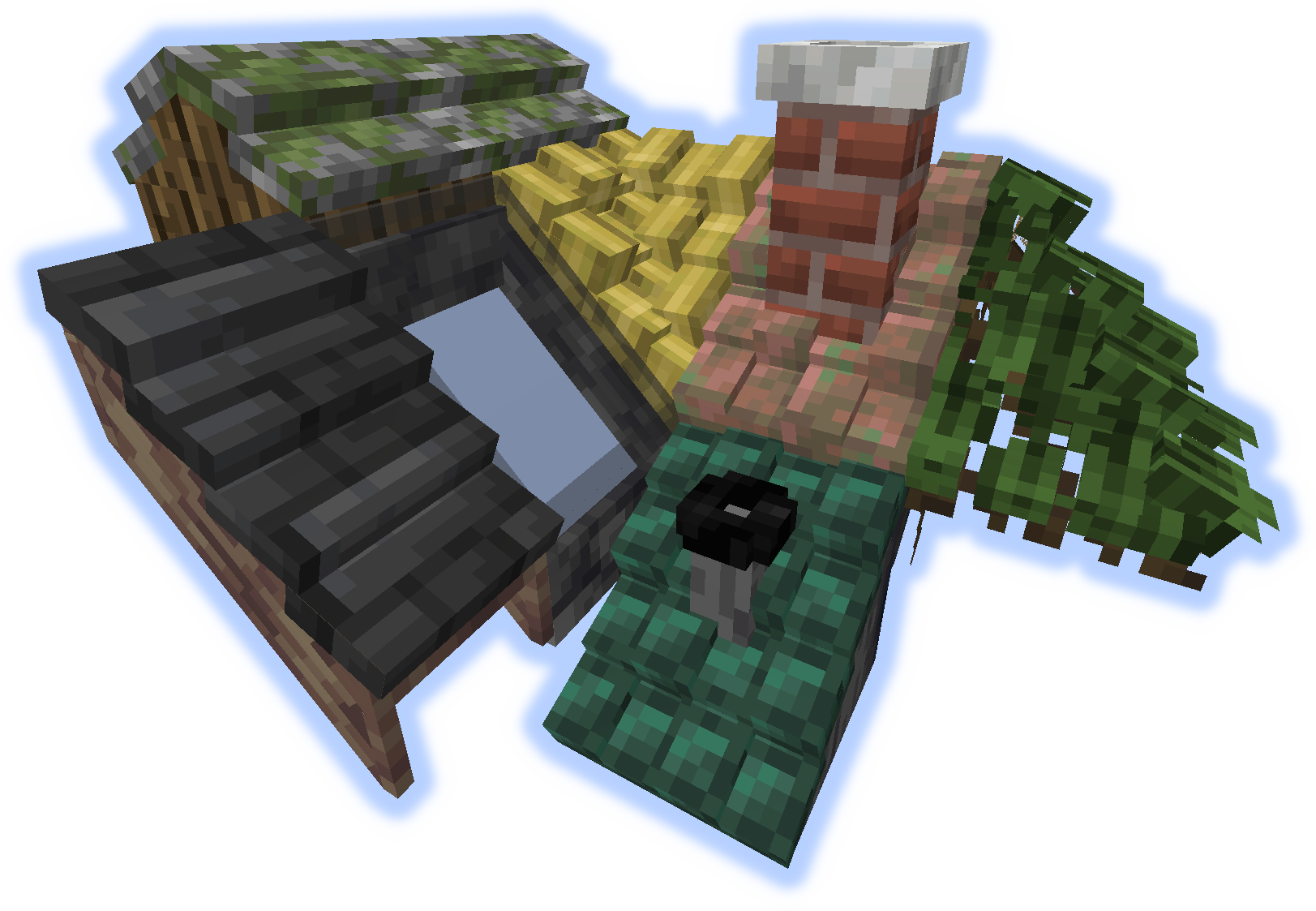
Roofs
When a "rise" or "handrail" is placed on a roof they become a chimney or pipe.
Tools
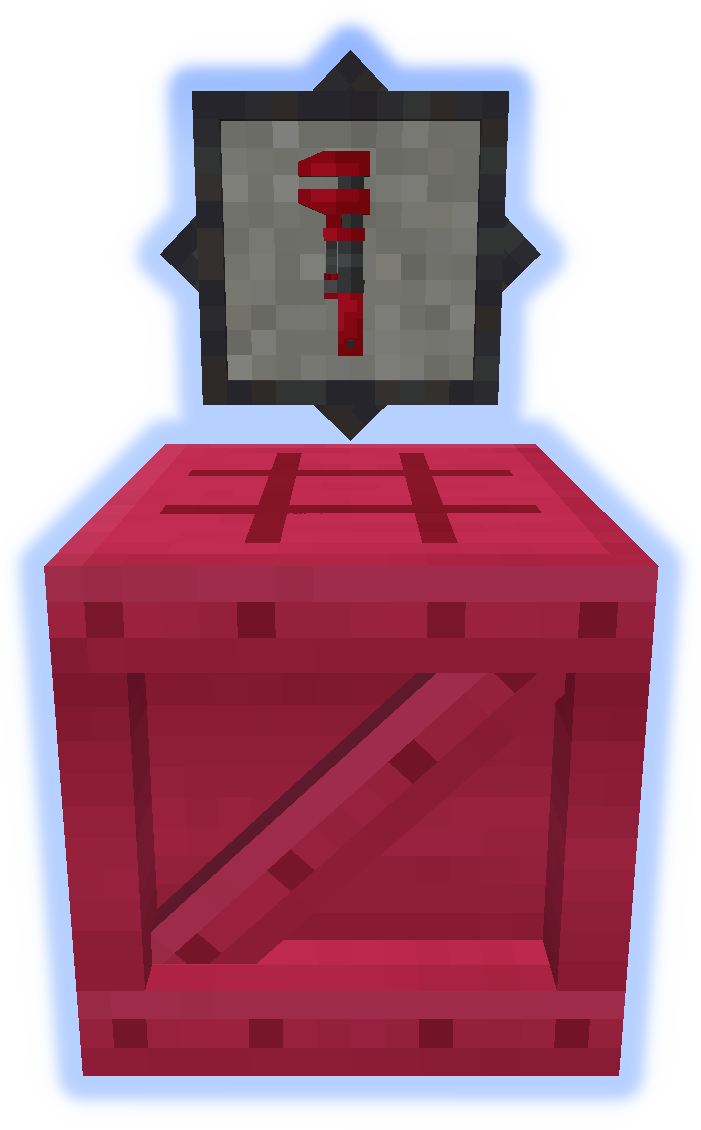
The Wrench is a very important tool. Try it in your off-hand. (More Info)
The Platformer is used to craft everything else from the mod. (More Info)
Special Features
Carpet can be placed on platforms.
Snow or Sand will accumulate in their respective biomes.
Chimneys & Pipes emit particles (toggle-able).
Submit localization files on github.
Do not post bugs in the comments, use the Issue Tracker.
How to install Platforms
With Millida Launcher
Install Millida Launcher
The launcher is free: download it at millida.net/launcher and sign in with any nickname.
Click “Install” on this page
The launcher opens and installs the mod for Minecraft 1.14.4–1.21.1 on Forge or NeoForge automatically.
Launch the game
A profile with it appears in the launcher: click “Play”.
Manually
Install Forge or NeoForge
The loader must match the game version of the mod file, for example Minecraft 1.21.1. After installing it, a separate profile appears in your launcher.
Download the file for your version
In the version list above, pick the file platforms-neoforge-1.21.1-1.0.jar (808 KB) for your game version and loader.
Put it in the mods folder
The folder is inside .minecraft (Windows: %appdata%\.minecraft\mods). If it does not exist, create it.
Launch the loader profile
Open “Mods” in the main menu: Platforms should be in the list.
Minecraft 1.21.1 runs on Java 21: with a different Java version the game may close right after launch.
Versions
With dependencies
| Minecraft | Loader | File | Date | Actions |
|---|---|---|---|---|
| 1.21.1 | NeoForge | platforms-neoforge-1.21.1-1.0.jar808 KB 2 | ||
| 1.21.1 | Forge | platforms-forge-1.21.1-1.0.jar804 KB 4 | ||
| 1.21.1 | NeoForge | platforms-neoforge-1.21.1-0.1.jar808 KB | ||
| 1.21.1 | Forge | platforms-forge-1.21.1-0.1.jar804 KB | ||
| 1.14.4 | — | platforms-1.14-1.5.13.jar497 KB 1 |
FAQ
Which Minecraft versions does Platforms work on?
There are files for 1.21.1, 1.14.4. The newest is 1.21.1.
Is Platforms for Forge or Fabric?
There are files for Forge: 1.21.1 and for NeoForge: 1.21.1. There are no files for Fabric: a mod for another loader will not start.
Does Platforms need other mods?
The author lists no required dependencies: the Forge or NeoForge loader is enough.
Which Java does Platforms need?
Minecraft 1.21.1 runs on Java 21. If the game closes right after launch, the usual cause is the wrong Java version in the profile settings.
Where can I download Platforms safely?
On this page: the file platforms-neoforge-1.21.1-1.0.jar (808 KB) is stored on Millida’s server, with no link shorteners. SHA-1 checksum: 4597d439a87ed57aa38ddbe935071c9398057557.
Reviews
Be the first to rate Platforms


