
Nether Descent Mod for Minecraft 26.1.2
A nether biome mod by the Potion Studios team, truly an adventure like no other awaits you with new biomes, mobs, blocks, items and more!
 NeoForge
 Fabric
 Quilt
Quilt Forge
ForgeAbout the Nether Descent mod
"Today you are You, that is truer than true. There is no one alive who is Youer than You" - Dr. Seuss
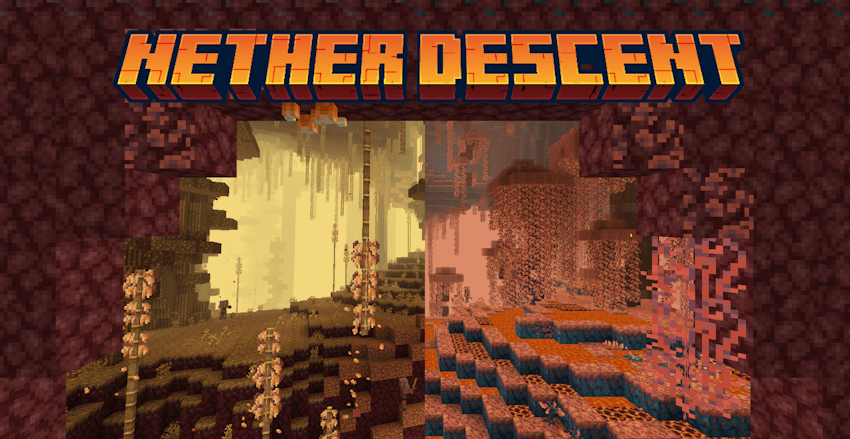
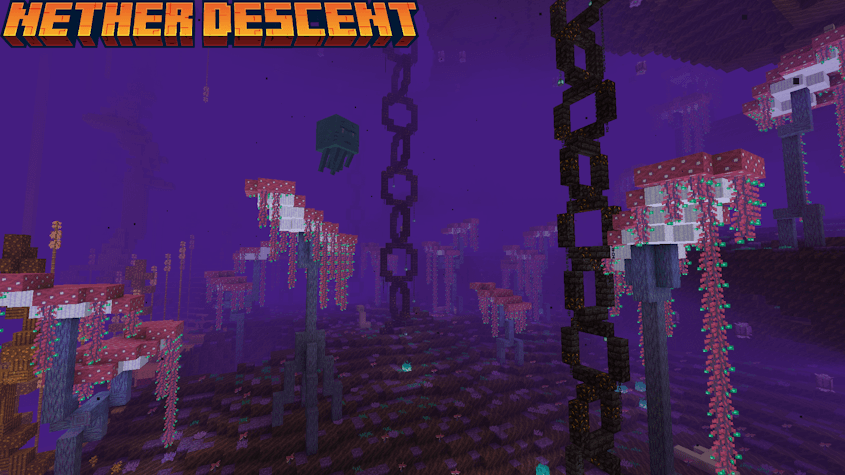
Nether Descent is a brand new nether biome mod by the Potion Studios team, truly an adventure like no other awaits you with new biomes, mobs, blocks, items, and more!
REQUIRES TREES YOU'LL GROW, and TERRABLENDER, LITHOSTITCHED or BIOLITH


1.0.0 Release Biomes
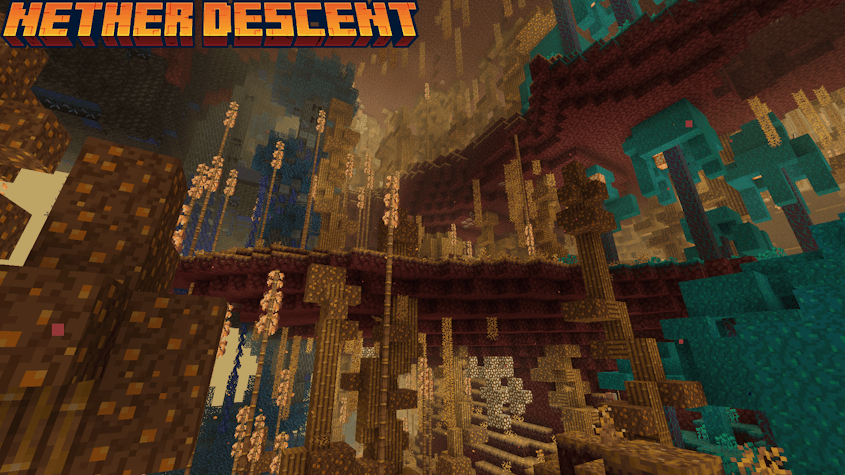
Arisian Undergrowth
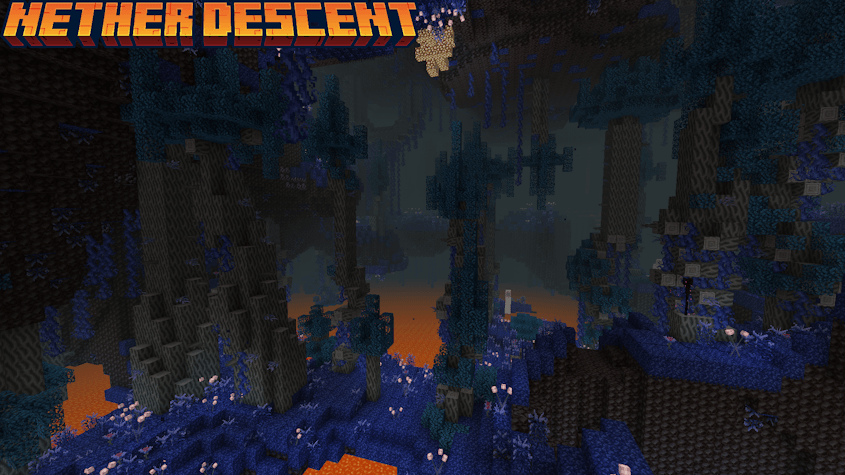
Sythian Torrids
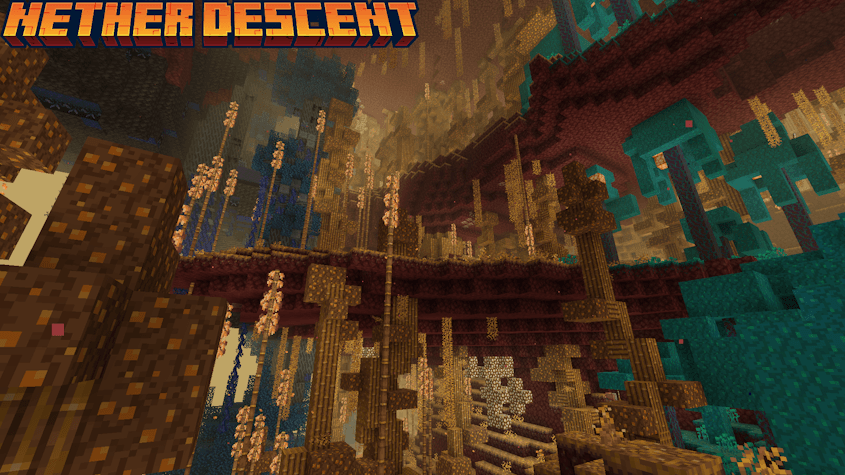
Embur Bog
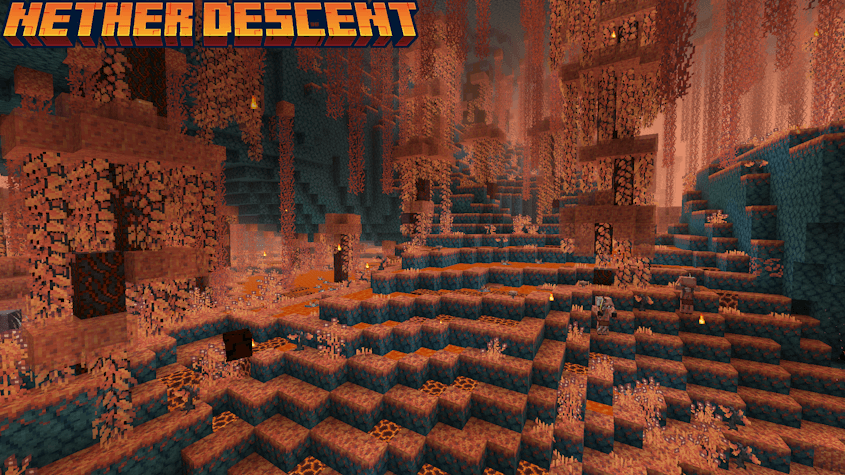
Crimson Gardens
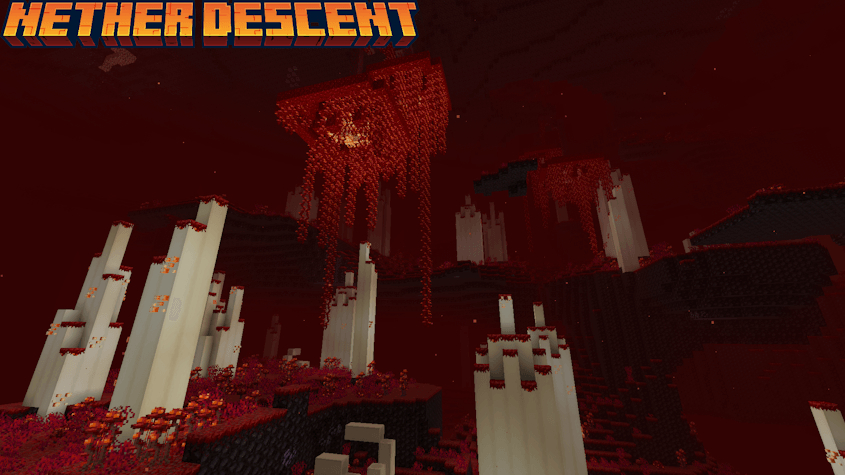
Wailing Garth
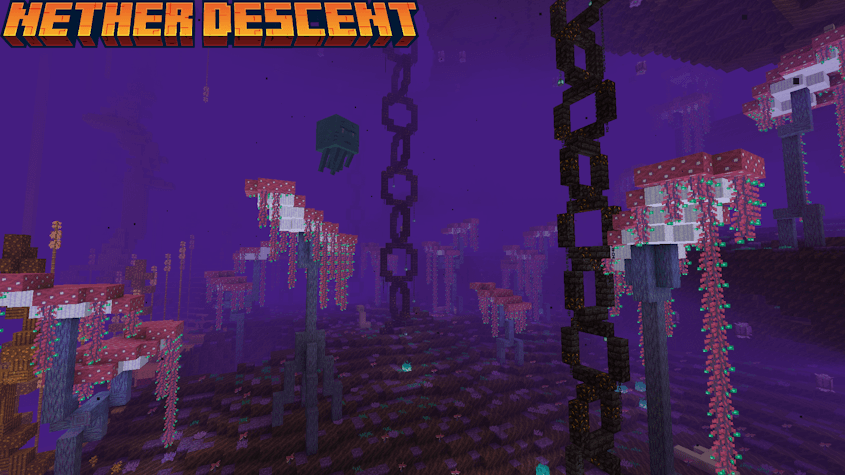
Each Biome comes packed with new blocks, ores, mobs, structures, and more!
How to install Nether Descent
With Millida Launcher
Install Millida Launcher
The launcher is free: download it at millida.net/launcher and sign in with any nickname.
Click “Install” on this page
The launcher opens and installs the mod for Minecraft 1.21.11–26.1.2 on Fabric, Forge, NeoForge or Quilt automatically.
Launch the game
A profile with it appears in the launcher: click “Play”.
Manually
Install Fabric, Forge, NeoForge or Quilt
The loader must match the game version of the mod file, for example Minecraft 26.1.2. After installing it, a separate profile appears in your launcher.
Download the file for your version
In the version list above, pick the file Nether-Descent-NeoForge-1.0.9-mc26.1.2.jar (11 MB) for your game version and loader.
Put it in the mods folder
The folder is inside .minecraft (Windows: %appdata%\.minecraft\mods). If it does not exist, create it.
Launch the loader profile
Open “Mods” in the main menu: Nether Descent should be in the list.
Versions
With dependencies
| Minecraft | Loader | File | Date | Actions |
|---|---|---|---|---|
| 26.1.2 | NeoForge | Nether-Descent-NeoForge-1.0.9-mc26.1.210.5 MB | ||
| 26.1.2 | Fabric, Quilt | Nether-Descent-Fabric-1.0.9-mc26.1.210.5 MB | ||
| 1.21.11 | Forge | Nether-Descent-Forge-1.0.9-mc1.21.1110.5 MB |
FAQ
Which Minecraft versions does Nether Descent work on?
There are files for 26.1.2, 1.21.11. The newest is 26.1.2.
Is Nether Descent for Forge or Fabric?
There are files for Fabric: 26.1.2, for Forge: 1.21.11, for NeoForge: 26.1.2 and for Quilt: 26.1.2.
Does Nether Descent need other mods?
The author lists no required dependencies: the Fabric, Forge, NeoForge or Quilt loader is enough.
Where can I download Nether Descent safely?
On this page: the file Nether-Descent-NeoForge-1.0.9-mc26.1.2.jar (11 MB) is stored on Millida’s server, with no link shorteners. SHA-1 checksum: 5c7f7c7f7c8fe47c8a4a4d9c357d0a89b56ba9a4.
Reviews
Be the first to rate Nether Descent


