

 NeoForge
 Fabric
 Forge
🗿🗿🗿 MOYAI 🗿🗿🗿
🗿 Moyai Facts🗿
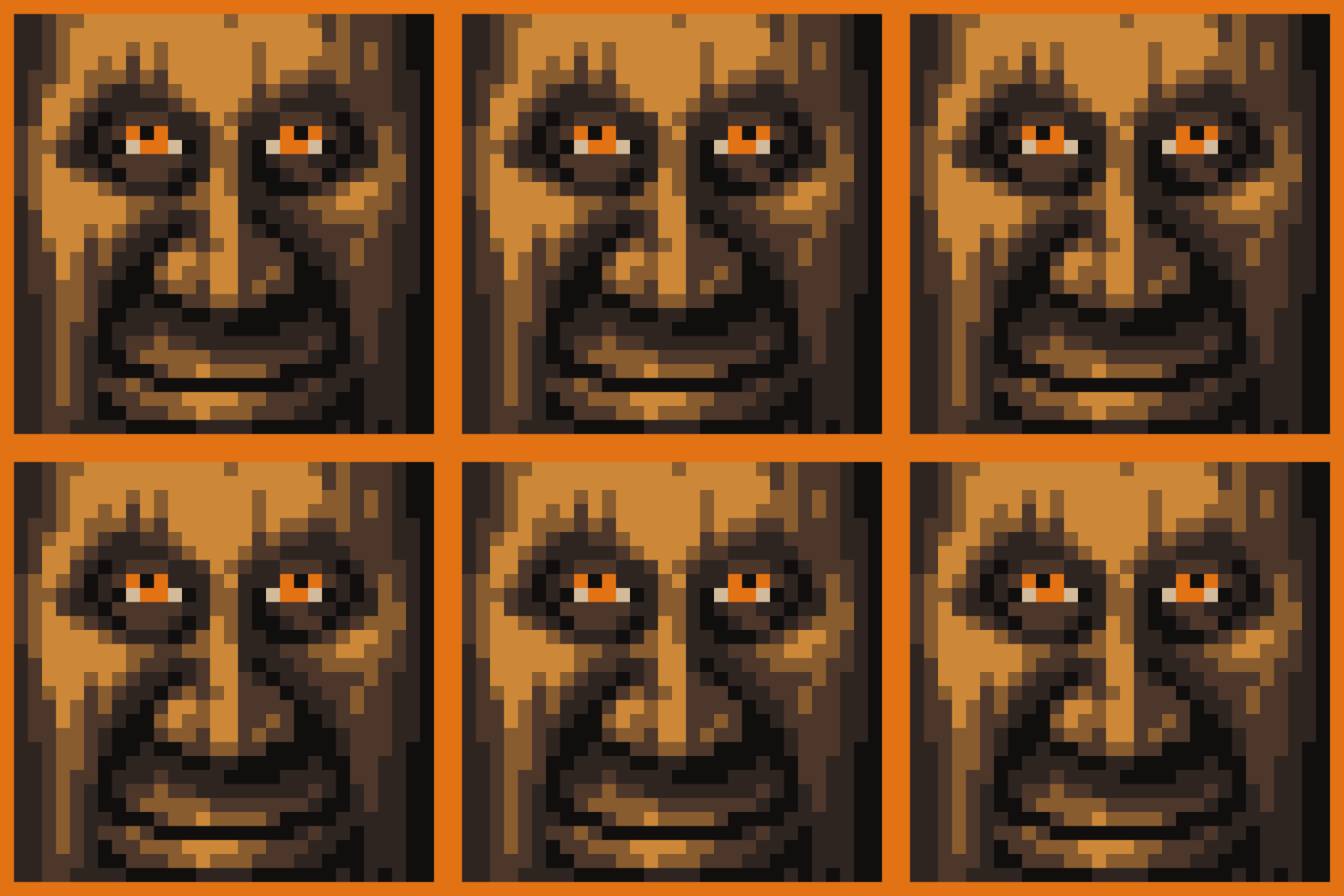
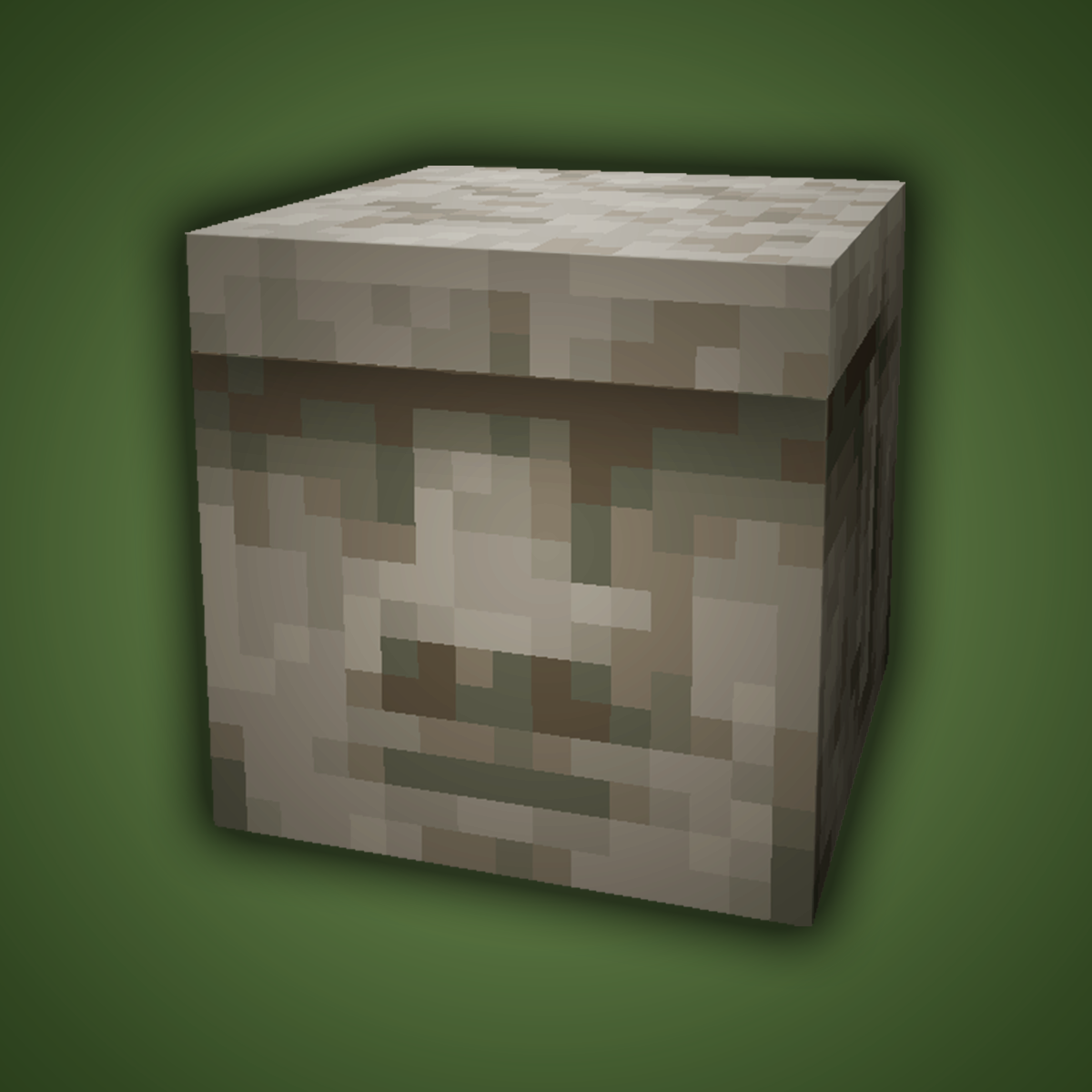
- Adds Moyai to your game. What else would you want from a mod?
- Can be found rarely in patches on beaches or more frequently in mushroom islands.
- Can be greeted once a day
- Will randomly move during a full moon
- Will talk to eachother when in a group
- Can be stacked
- Have a unique boom noteblock sound
- Can be used to make an iron golem
- Can eat soap
- Affected by gravity will deal alot of damage when falling on entities
- Can be crafted into firework stars
Note that fabric version currently has many of these features missing
For more 🗿 go here
❤️Support Me❤️
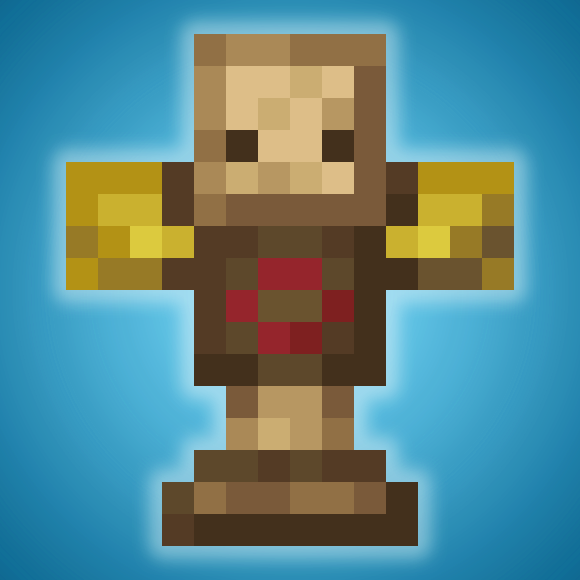
Modding is taking a lot of my time, so if you like what I do, and you would like to support me, you can do so here. If you do, you'll receive a custom Globe and or Statue just for you! This also applies if you purchase a server from Akliz using "supplementaries" code.
Need a server? Check out Akliz, they have top brand servers just for modded minecraft.
They really have a cozy community with great support and the servers wonderfully Use code "supplementaries" to get 20% off and also support me in the process!
🦉 Our Mods🦉


How to install Moyai
With Millida Launcher
Install Millida Launcher
The launcher is free: download it at millida.net/launcher and sign in with any nickname.
Click “Install” on this page
The launcher opens and installs the mod for Minecraft 1.20.1–26.1.2 on Fabric, Forge or NeoForge automatically.
Launch the game
A profile with it appears in the launcher: click “Play”.
Manually
Install Fabric, Forge or NeoForge
The loader must match the game version of the mod file, for example Minecraft 26.1.2. After installing it, a separate profile appears in your launcher.
Download the file for your version
In the version list above, pick the file moyai-26.1.2-3.0.0-neoforge.jar (204 KB) for your game version and loader.
Put it in the mods folder
The folder is inside .minecraft (Windows: %appdata%\.minecraft\mods). If it does not exist, create it.
Launch the loader profile
Open “Mods” in the main menu: Moyai should be in the list.
Versions
With dependencies
| Minecraft | Loader | File | Date | Actions |
|---|---|---|---|---|
| 26.1.2 | NeoForge | moyai-26.1.2-3.0.0-neoforge204 KB | ||
| 26.1.2 | Fabric | moyai-26.1.2-3.0.0-fabric200 KB 1 | ||
| 1.20.1 | Forge | moyai-1.20-2.1.4.jar422 KB |
Reviews
Be the first to rate Moyai


