
Modular Powersuits Mod for Minecraft 1.20.1, 1.16.5
High-tech expandable armor and tool/weapon
 NeoForge
 Forge
ForgeAbout the Modular Powersuits mod
*** WARNING: this mod has gone through some infrastructure changes! If you are updating from an older version, any unused Component items lying around will be lost. Don't be ashamed of cheating back in any items that disappear when updating!
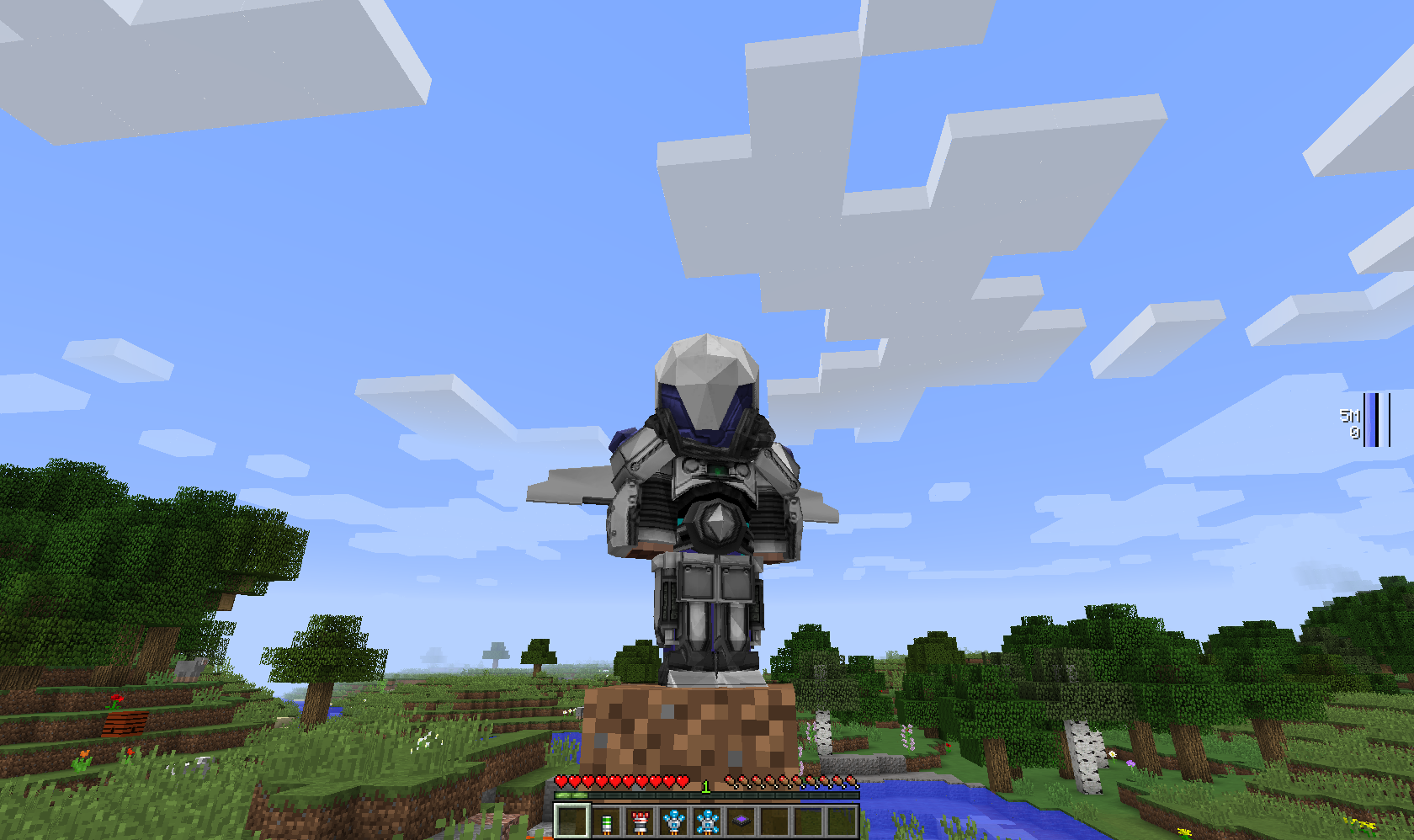
Modular Powersuits is a Minecraft mod based around the idea of an inventor who tinkers with high-tech electronics and makes a suit of powered armor chock-full of useful gadgets and features. Inspired by heroes like Iron Man, Megaman, and Samus Aran, as well as by the high-tech armor in mods like EE2 and IC2.
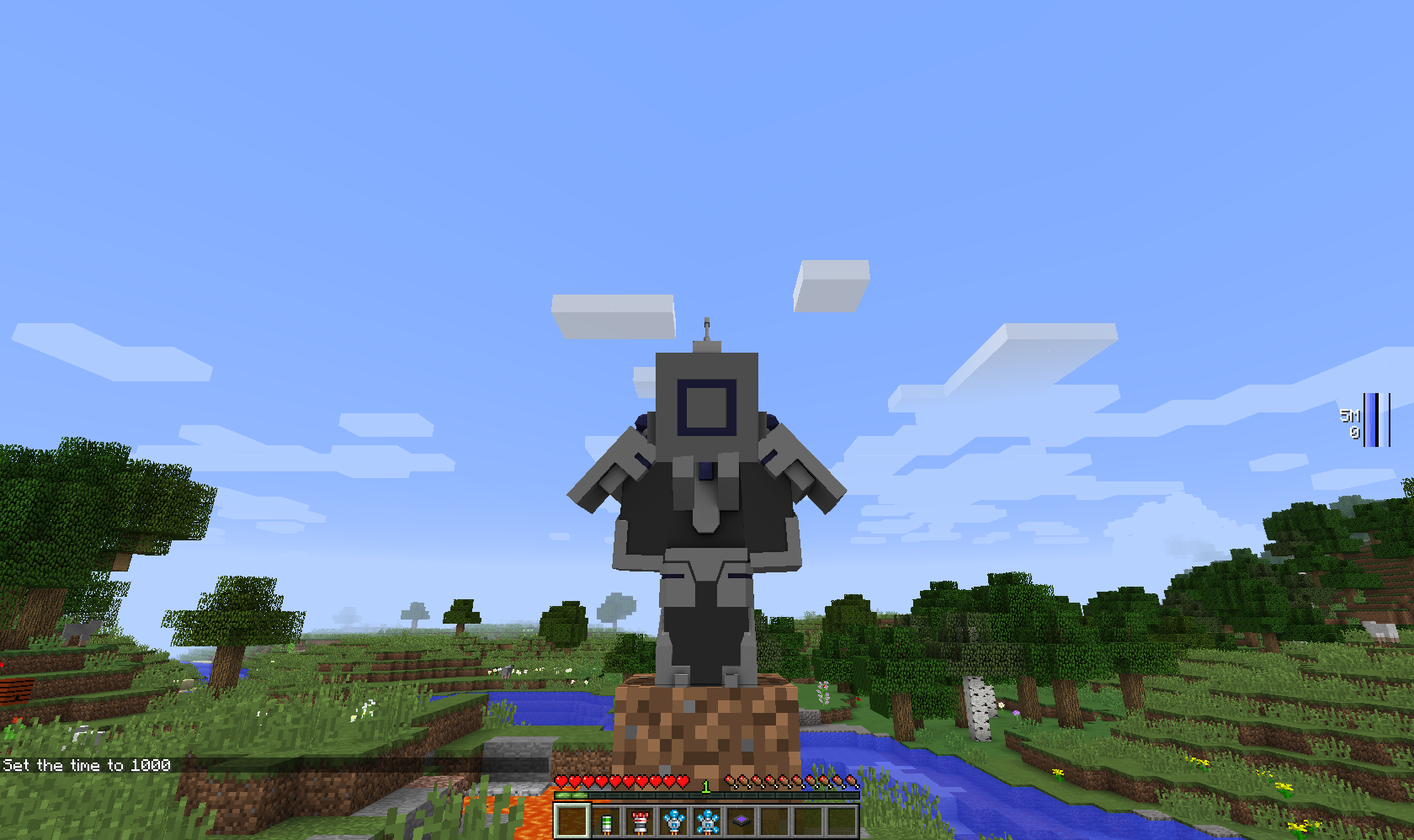
To start off with, you'll need a Tinker Table and at least one powersuit item - the helmet, torso,legs, boots, or tool. The powersuit items are useless on their own, but when you access a tinker table, it will list the modules you can put in that item, and tell you the component cost.
Requires Numina unless otherwise stated (such as Alpha builds).
*** Note: For 1.16.5 versions and beyond, the Tinker Table as a module is the same as the place-able block, same goes for the vanilla crafting table. The vanilla compass and clock are also install-able as modules.
How to install Modular Powersuits
With Millida Launcher
Install Millida Launcher
The launcher is free: download it at millida.net/launcher and sign in with any nickname.
Click “Install” on this page
The launcher opens and installs the mod for Minecraft 1.10.2–1.20.1 on Forge or NeoForge automatically.
Launch the game
A profile with it appears in the launcher: click “Play”.
Manually
Install Forge or NeoForge
The loader must match the game version of the mod file, for example Minecraft 1.20.1. After installing it, a separate profile appears in your launcher.
Download the file for your version
In the version list above, pick the file ModularPowersuits-NeoForged-1.20.1-2.3.13.jar (1.7 MB) for your game version and loader.
Put it in the mods folder
The folder is inside .minecraft (Windows: %appdata%\.minecraft\mods). If it does not exist, create it.
Launch the loader profile
Open “Mods” in the main menu: Modular Powersuits should be in the list.
Minecraft 1.20.1 runs on Java 17: with a different Java version the game may close right after launch.
Versions
With dependencies
| Minecraft | Loader | File | Date | Actions |
|---|---|---|---|---|
| 1.19.2 | Forge | ModularPowersuits-1.19.2-2.3.13.jar1.8 MB | ||
| 1.20.1 | NeoForge | ModularPowersuits-NeoForged-1.20.1-2.3.13.jar1.7 MB | ||
| 1.20.1 | Forge | ModularPowersuits-Forge-1.20.1-2.3.13.jar1.7 MB | ||
| 1.19.2 | Forge | ModularPowersuits-1.19.2-2.3.7.jar1.8 MB | ||
| 1.16.5 | — | ModularPowersuits-1.16.5-RC-11.5 MB | ||
| 1.16.5 | — | ModularPowersuits-1.16.4-Alpha-41.8 MB | ||
| 1.10.2 | — | ModularPowersuits-1.10.2-BETA-41.8 MB |
FAQ
Which Minecraft versions does Modular Powersuits work on?
There are files for 1.20.1, 1.19.2, 1.16.5, 1.16.4, 1.10.2. The newest is 1.20.1.
Is Modular Powersuits for Forge or Fabric?
There are files for Forge: 1.19.2–1.20.1 and for NeoForge: 1.20.1. There are no files for Fabric: a mod for another loader will not start.
Does Modular Powersuits need other mods?
The author lists no required dependencies: the Forge or NeoForge loader is enough.
Which Java does Modular Powersuits need?
Minecraft 1.20.1 runs on Java 17. If the game closes right after launch, the usual cause is the wrong Java version in the profile settings.
How do I download Modular Powersuits?
With Millida Launcher: it installs Modular Powersuits into a modpack by itself, for the right game version and loader. The launcher is free.
Reviews
Be the first to rate Modular Powersuits


