
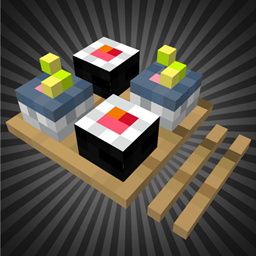
MOA DECOR: COOKERY Mod for Minecraft 1.20.1, 1.21.8
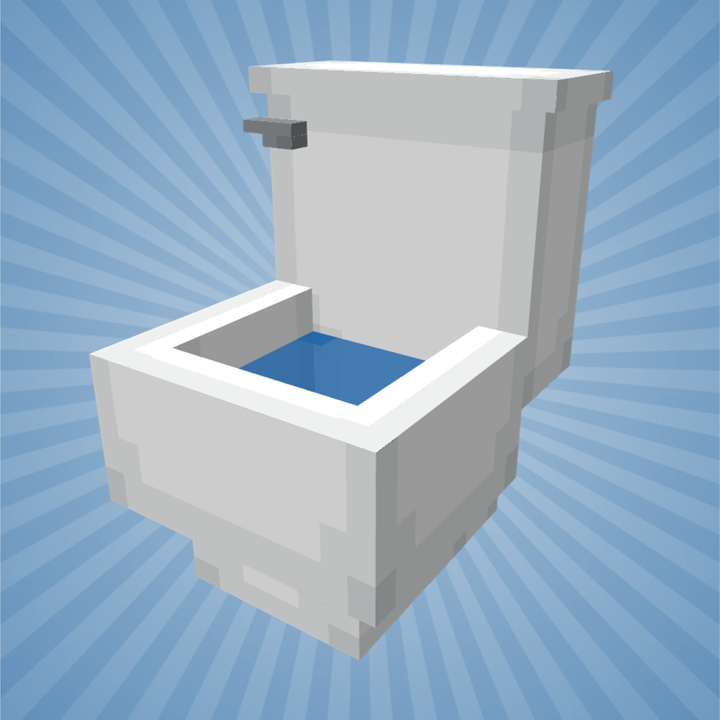
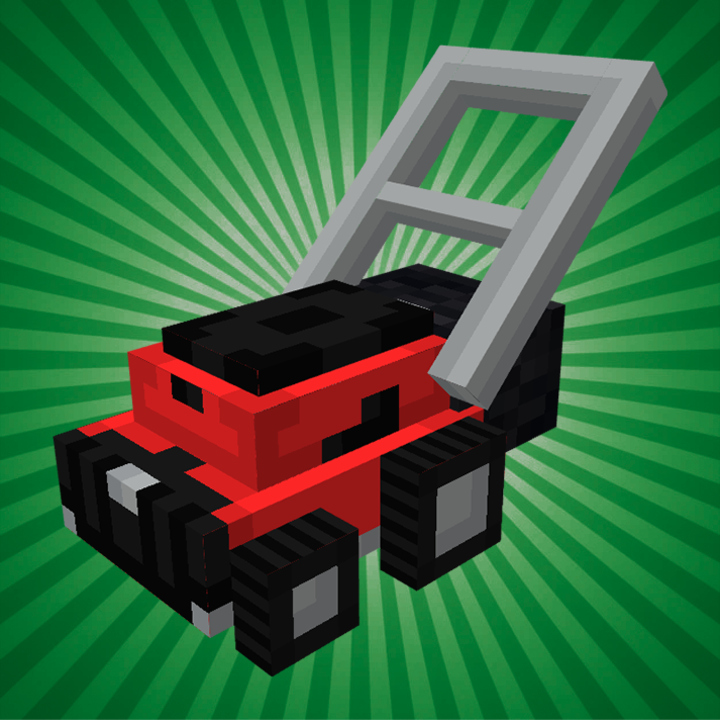
Add new models of decorative kitchen items to your builds.
 NeoForge
 Forge
ForgeMOA DECOR: COOKERY
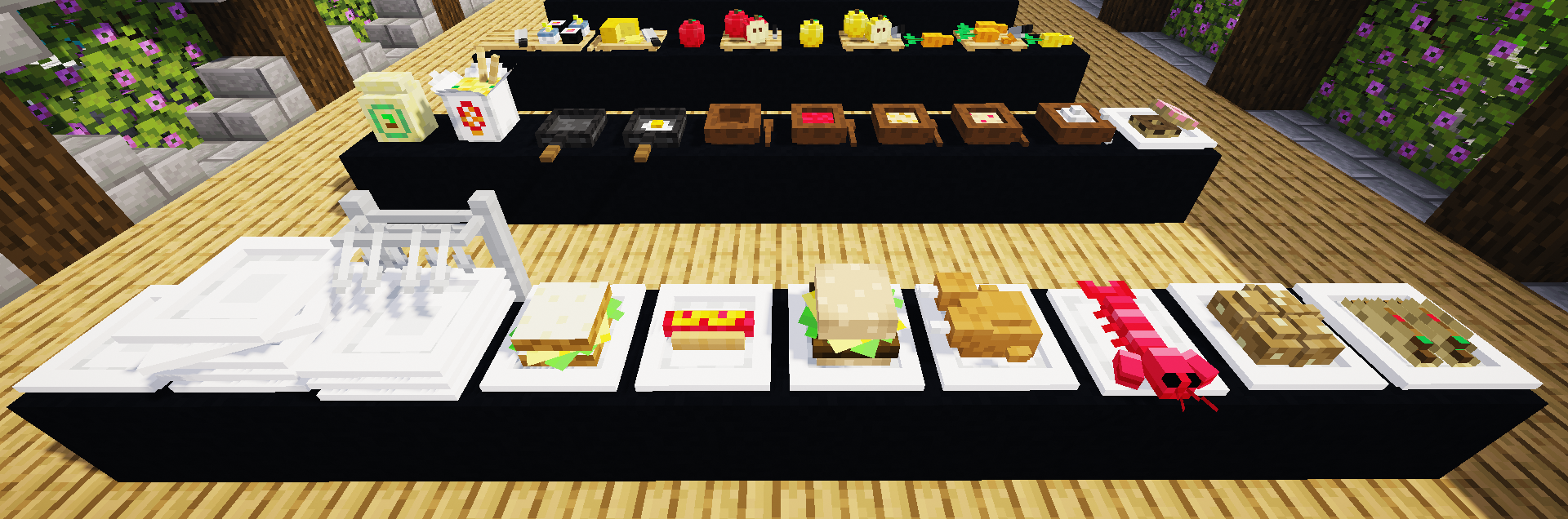
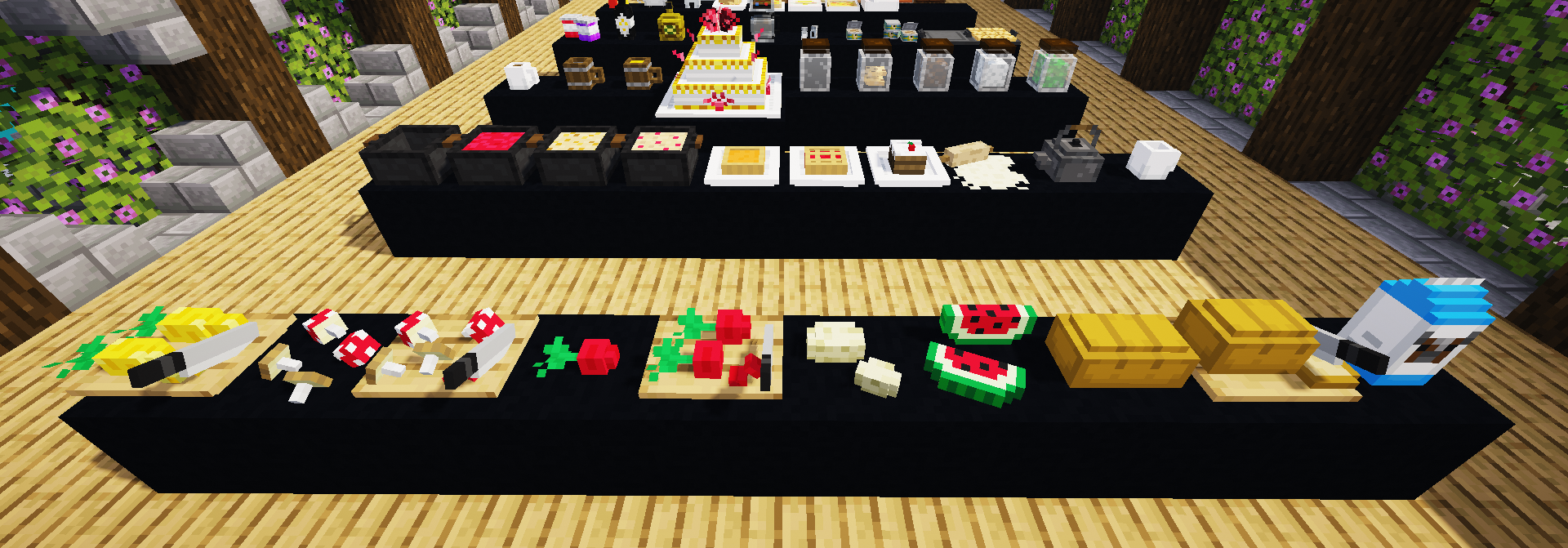
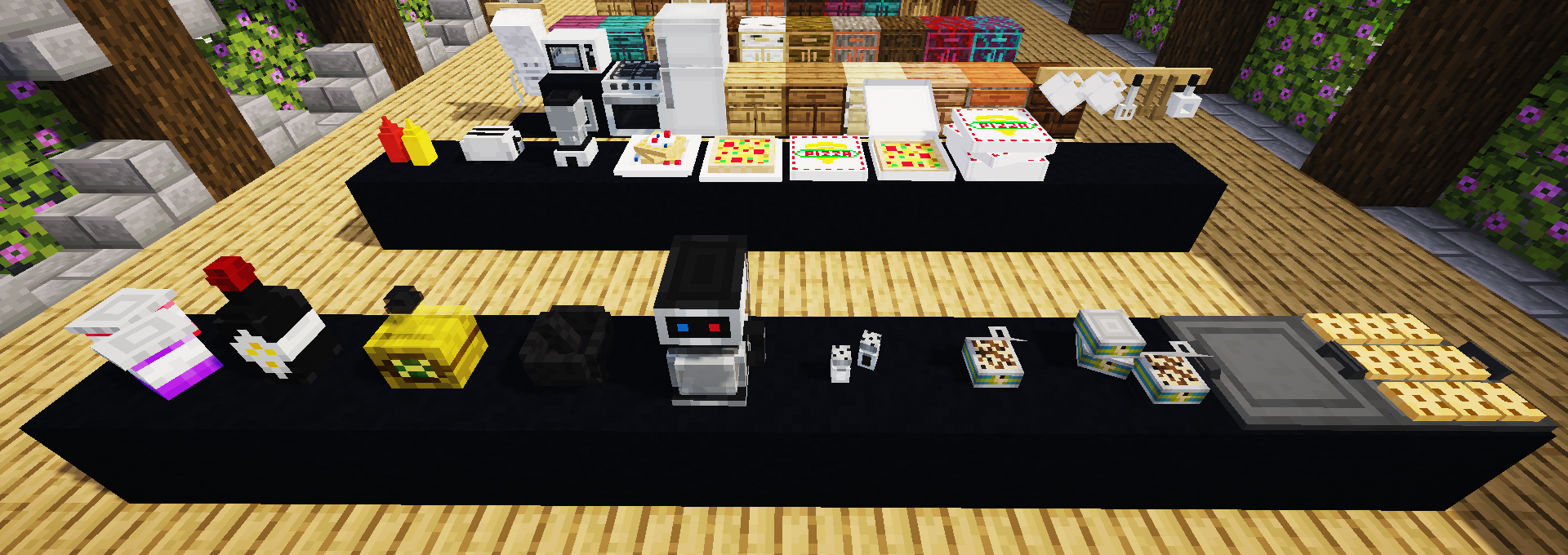
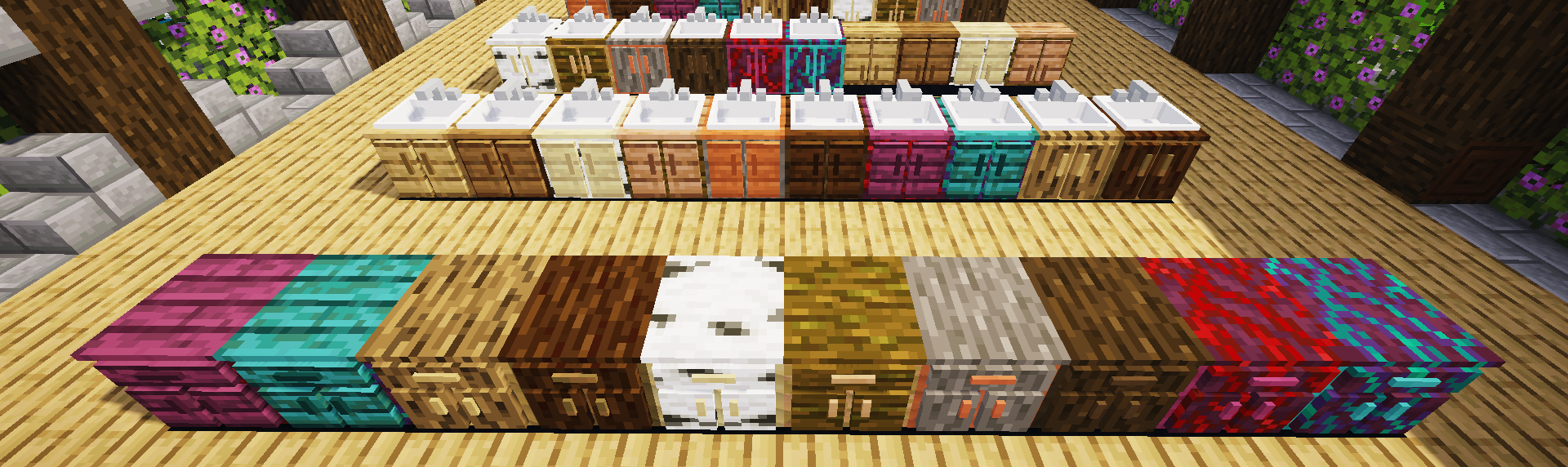
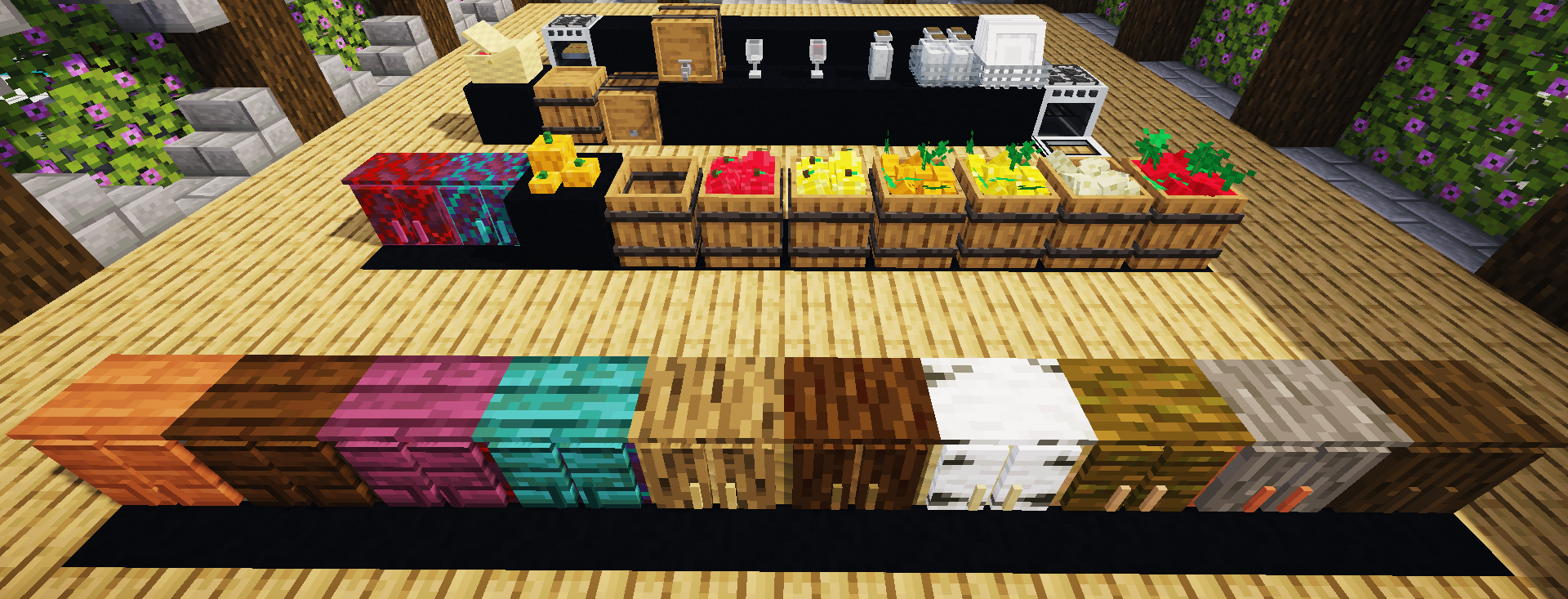
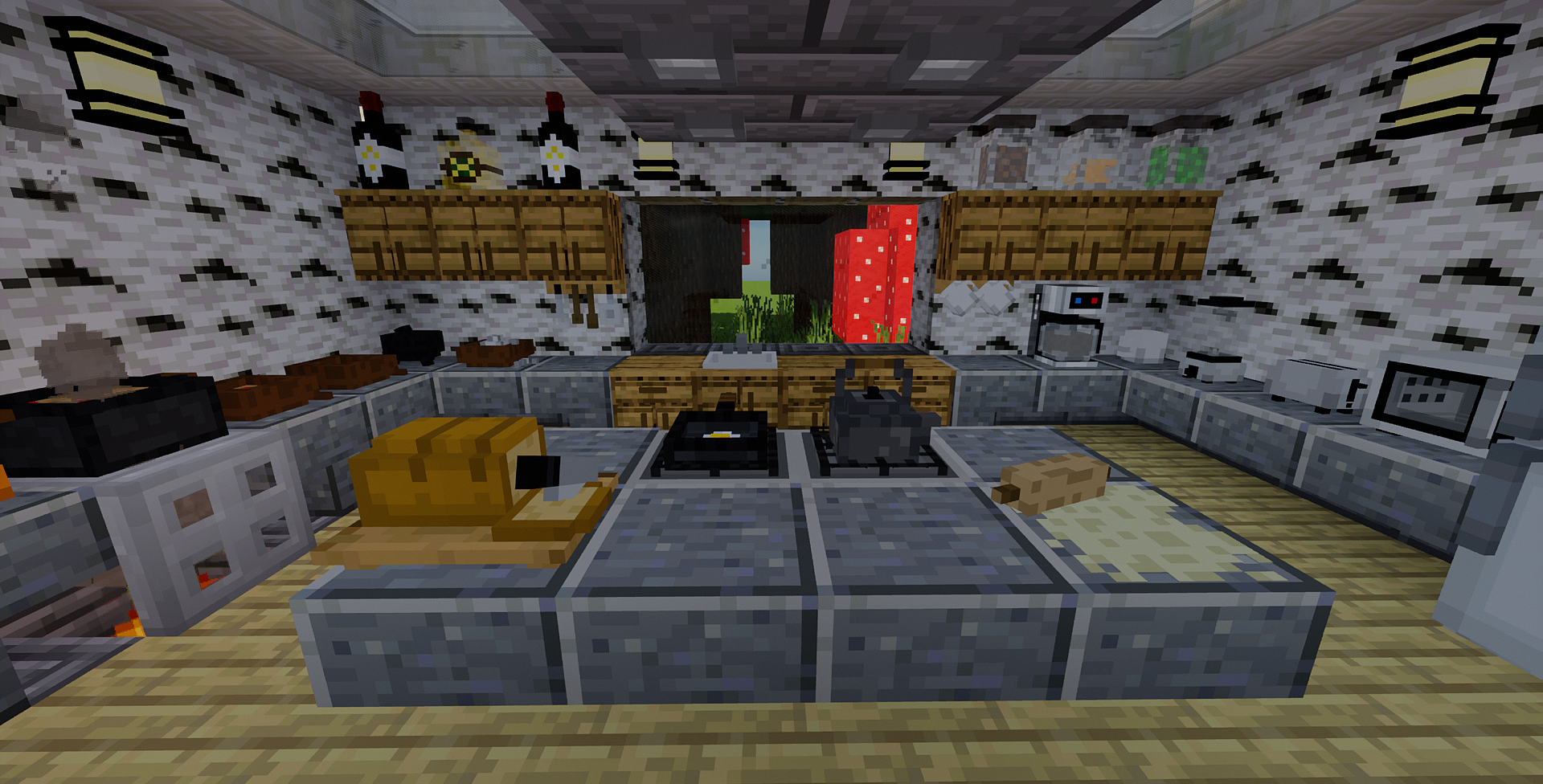
Its a decoration mod that seeks to add new art-themed objects to set your buildings. Currently there are already several mods that add furniture, this mod seeks to be one more complement to them, since you can find hundreds of different objects and elements with which to decorate your world. Being one more mod of the MOA DECOR catalog.
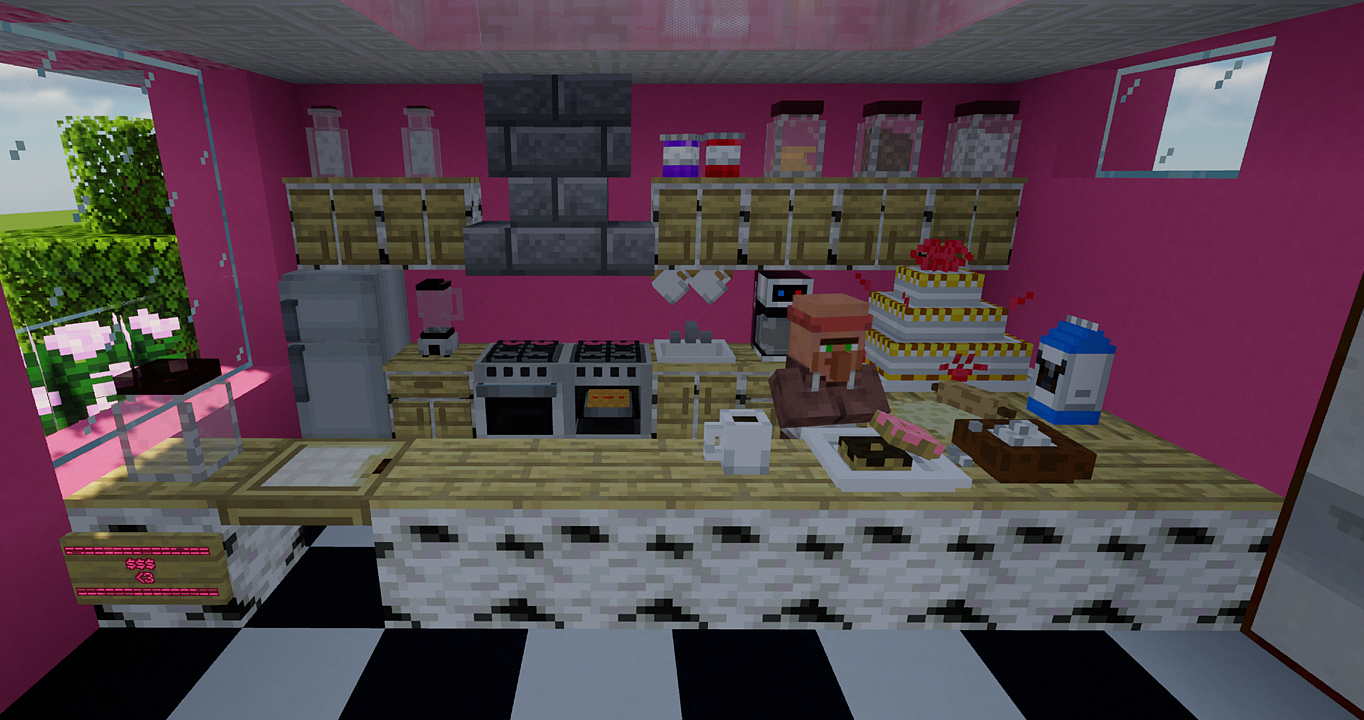
CRAFTING:
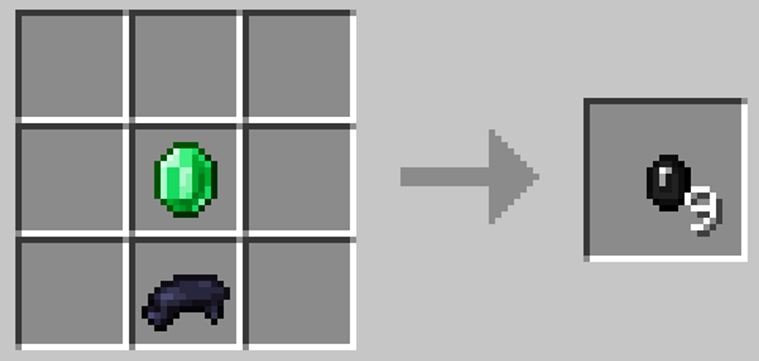
All items in the mod can be obtained in survival mode. In order to start creating these objects you must place an BLACK dye and an emerald on a crafting table, in this way you will obtain 9 COOKERY'S GEMS with which, by combining them with other materials, you will be able to obtain the decorative items. THERE ARE 160 DIFFERENT ITEMS!
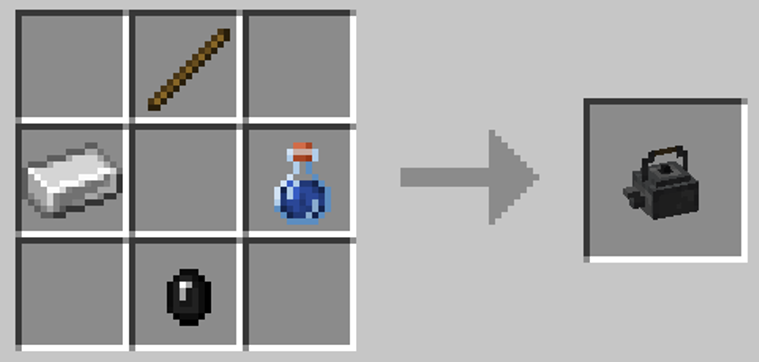
EXAMPLE: If you want to obtain the model of a Teapot, for its crafting you must necessarily have an Cookery Gem, in addition to the extra materials for the object, being in this case Iron Ingot, Stick and Water bottle). There are some secondaries crafts that derive from the combination of objects from two models. In these cases, the Gem will not be necessary, since it was already required for its previous craft.
NOTE: For a more complete experience, it is recommended to see the other mods of the MOA DECOR catalog, where there are more categories that complement this mod.




How to install MOA DECOR: COOKERY
With Millida Launcher
Install Millida Launcher
The launcher is free: download it at millida.net/launcher and sign in with any nickname.
Click “Install” on this page
The launcher opens and installs the mod for Minecraft 1.20.1–1.21.8 on Forge or NeoForge automatically.
Launch the game
A profile with it appears in the launcher: click “Play”.
Manually
Install Forge or NeoForge
The loader must match the game version of the mod file, for example Minecraft 1.21.8. After installing it, a separate profile appears in your launcher.
Download the file for your version
In the version list above, pick the file MOAdecor COOKERY 1.21.8.A.jar (1.6 MB) for your game version and loader.
Put it in the mods folder
The folder is inside .minecraft (Windows: %appdata%\.minecraft\mods). If it does not exist, create it.
Launch the loader profile
Open “Mods” in the main menu: MOA DECOR: COOKERY should be in the list.
Minecraft 1.21.8 runs on Java 21: with a different Java version the game may close right after launch.
Versions
With dependencies
| Minecraft | Loader | File | Date | Actions |
|---|---|---|---|---|
| 1.21.8 | NeoForge | MOAdecor COOKERY 1.21.8.A.jar1.6 MB | ||
| 1.20.1 | Forge | MOAdecor COOKERY 1.20.21.5 MB 5 |
Reviews
Be the first to rate MOA DECOR: COOKERY


