
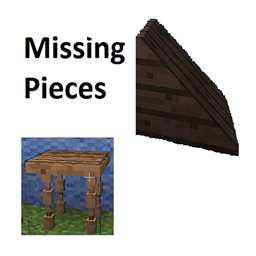
Missing Pieces Mod for Minecraft 1.12.2
A collection of blocks that I thought would add to the game.
About the Missing Pieces mod
The Missing Pieces mod is for recent versions of Minecraft for those players who like to stay on the bleeding edge of releases. It has just been updated for 1.11.2 and is a collection of blocks which I thought would add to the building and experience of the game. Some I thought up, others were inspired by other mods which don't seem to be making the transition to the newer versions so I included similar versions here.
A quick list of blocks:
- chairs you can sit on
- tables of various woods
- wedges (or ramps) recently including dirt and grass path for going up hills
- round pillars and logs
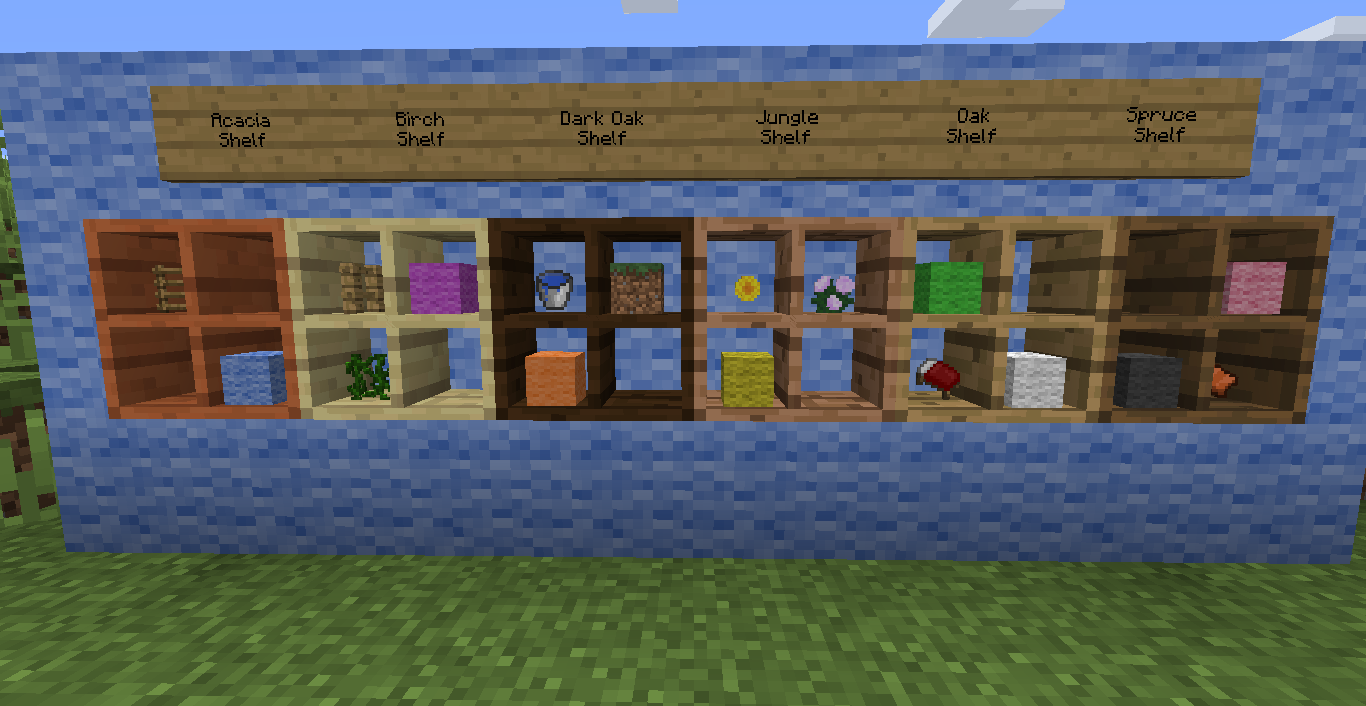
- shelves for storing / displaying items within easy reach
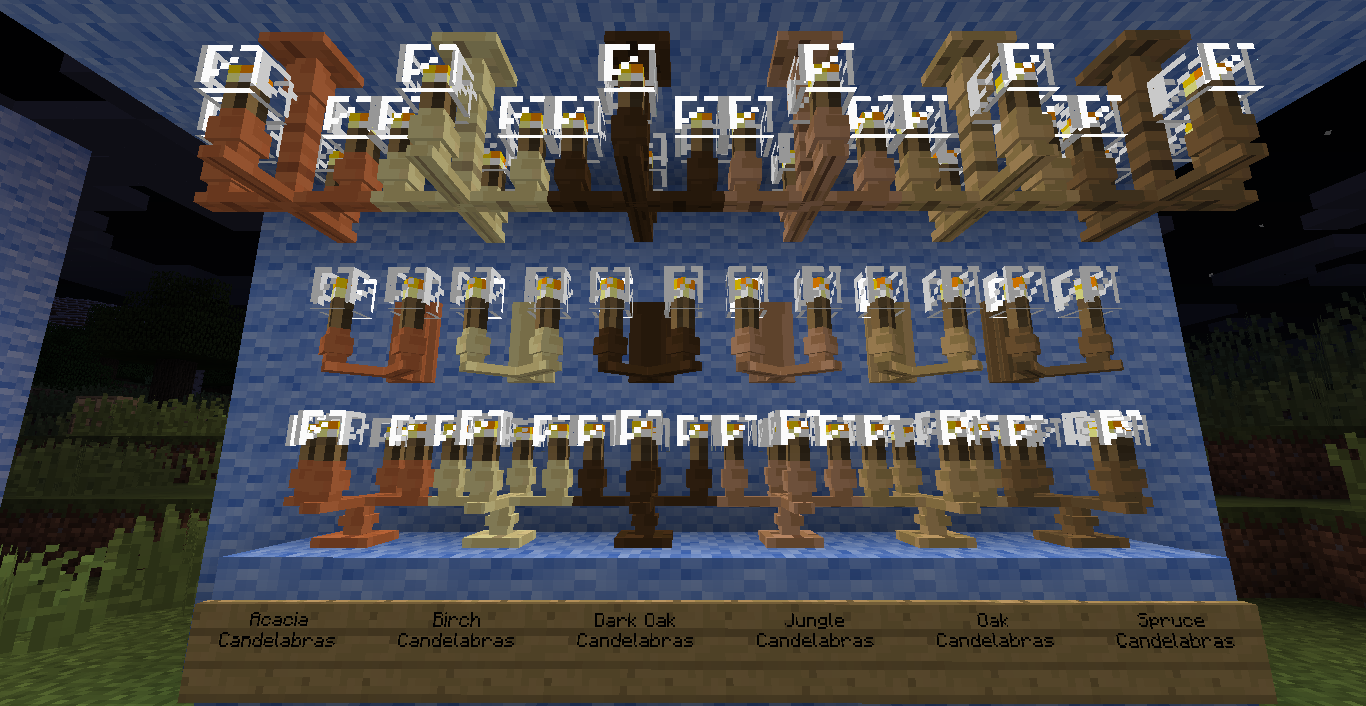
- lamps and candelabras which can be put on walls, floors or ceilings
- patterned slabs for patios or interesting pathways.
Most importantly are the round Pillars and triangle Wedges. Perfect for sloped roofs and ramps and columns on your buildings.
Interactive Shelves with four slots for holding and displaying your items nicely.
Chairs and Tables with spindle legs for setting up the dining room. Chairs support sitting.
Lamps and Candelabra to shine away the gloom.
This mod supports metals and rocks from Mineralogy and Basemetals if you have them loaded.
How to install Missing Pieces
With Millida Launcher
Install Millida Launcher
The launcher is free: download it at millida.net/launcher and sign in with any nickname.
Click “Install” on this page
The launcher opens and installs the mod for Minecraft 1.12.2 automatically.
Launch the game
A profile with it appears in the launcher: click “Play”.
Manually
Download the file for your version
In the version list above, pick the file missing_pieces-1.12.2-4.3.0.jar (864 KB) for your game version.
Put it in the mods folder
The folder is inside .minecraft (Windows: %appdata%\.minecraft\mods). If it does not exist, create it.
Launch the loader profile
Open “Mods” in the main menu: Missing Pieces should be in the list.
Minecraft 1.12.2 runs on Java 8: with a different Java version the game may close right after launch.
Versions
With dependencies
| Minecraft | Loader | File | Date | Actions |
|---|---|---|---|---|
| 1.12.2 | — | missing_pieces-1.12.2-4.3.0.jar864 KB 1 |
FAQ
Which Minecraft versions does Missing Pieces work on?
Only Minecraft 1.12.2: there are no files for other versions.
Which Java does Missing Pieces need?
Minecraft 1.12.2 runs on Java 8. If the game closes right after launch, the usual cause is the wrong Java version in the profile settings.
Where can I download Missing Pieces safely?
On this page: the file missing_pieces-1.12.2-4.3.0.jar (864 KB) is stored on Millida’s server, with no link shorteners. SHA-1 checksum: 8a9c6b791222cf94f086385ab74c6a3a57f08555.
Reviews
Be the first to rate Missing Pieces


