
 NeoForge
 Forge
ForgeLogistics Network

Have you ever wanted a fully wireless, efficient and yet fast logistical system? Well then this mod is for you. There are no real blocks either, all you do is stick a node on the block you wish to transport from and to and then it works!!
Features
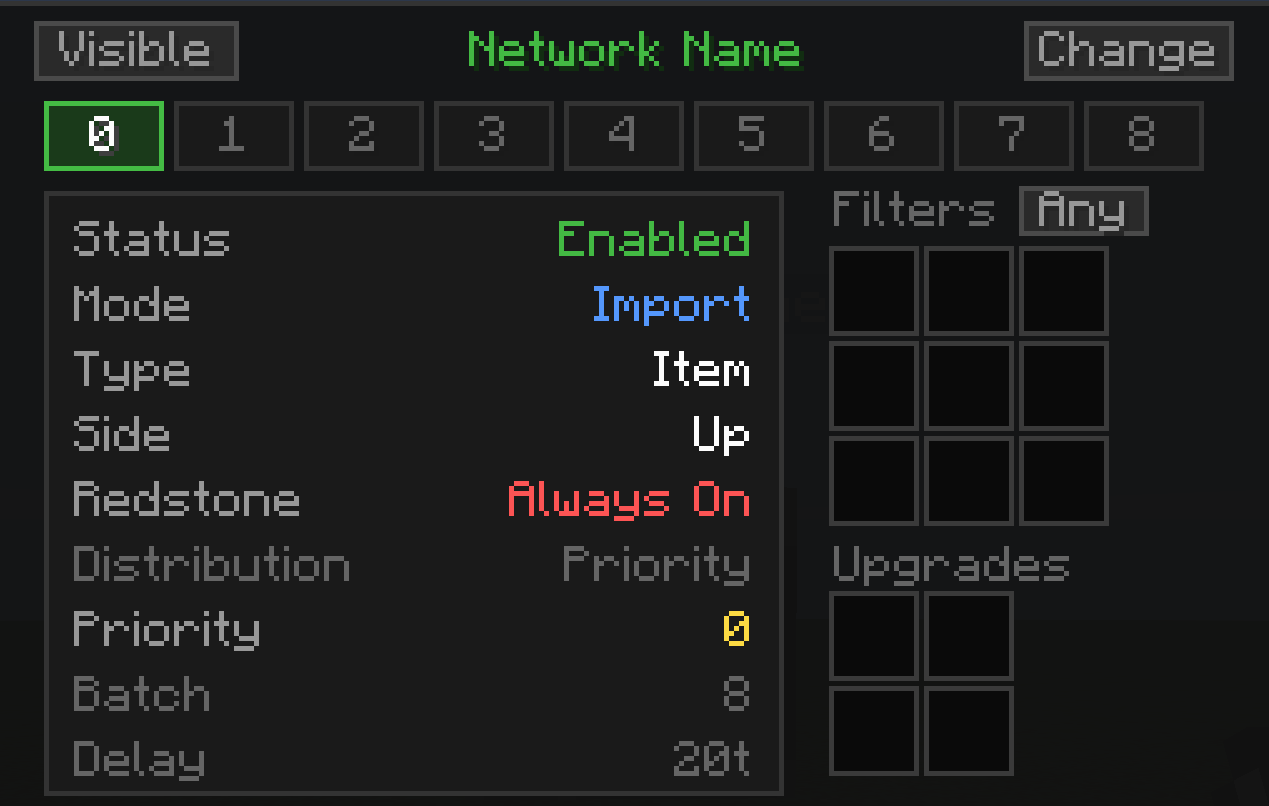
The mod is completely wireless. Along with that it can be totally hidden. There is no real block and hence the automation can be suspended in air if you want. The mod's current capabilities:
- Transfer items, fluids, FE and Mekanism's chemicals.
- All nodes have redstone control.
- 1 node has 9 channels so 9 different processes can run at once.
- You can select any side for input or output operations.
- Transfer upto 10k items, 1000b of fluid, 2.1b fe/t or 1000b of chemicals, 10k source per channel with nearly no lag.
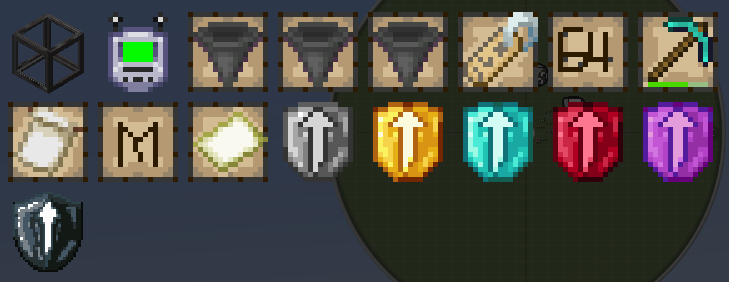
- Allows cross dimensional transfer with a special upgrade.
Tutorial
Vision
This mod is what I wanted in modded minecraft for a while. Its fast, highly configurable, lag friendly and also is completely invisible if you want it to be.
Currently, it can transport items, fluids and energy. In future, I plan to add support for several resources of different mods. Along with this, I will work on adding special compat to allow better suitability for certain larger builds.
Official Partners
We are partnered with Kinetic Host who help support the continuous development of this mod. Truly, a great host with really good prices and support.

Pack Developers
This mod offers certain tags to allow more control over what can transferred and what blocks can nodes connect to. Following are the tags:
- logisticsnetwork:blacklist/block: This tag allows you to blacklist any blocks on which the nodes can be placed.
- logisticsnetwork:blacklist/item: This tag allows you to blacklist particular items from being transferred.
- logisticsnetwork:blacklist/fluid: This tag allows you to blacklist particular fluids from being transferred.
- logisticsnetwork:blacklist/chemical: This tag allows you to blacklist particular chemicals from being transferred.
Development
As a solo developer, updates may take time sometimes. I wish you will be patient with me and my work. For any questions regarding ports, I have no particular plans for backports yet.
How to install Logistics Network
With Millida Launcher
Install Millida Launcher
The launcher is free: download it at millida.net/launcher and sign in with any nickname.
Click “Install” on this page
The launcher opens and installs the mod for Minecraft 1.20.1–26.1.2 on Forge or NeoForge automatically.
Launch the game
A profile with it appears in the launcher: click “Play”.
Manually
Install Forge or NeoForge
The loader must match the game version of the mod file, for example Minecraft 26.1.2. After installing it, a separate profile appears in your launcher.
Download the file for your version
In the version list above, pick the file logisticsnetworks-26.1.2-1.12.2.jar (1.9 MB) for your game version and loader.
Put it in the mods folder
The folder is inside .minecraft (Windows: %appdata%\.minecraft\mods). If it does not exist, create it.
Launch the loader profile
Open “Mods” in the main menu: Logistics Network should be in the list.
Versions
With dependencies
| Minecraft | Loader | File | Date | Actions |
|---|---|---|---|---|
| 26.1.2 | NeoForge | LogisticsNetworks - 26.1.2-1.12.21.9 MB | ||
| 1.20.1 | Forge | LogisticsNetworks - 1.20.1-1.3.4945 KB |
Reviews
Be the first to rate Logistics Network


