
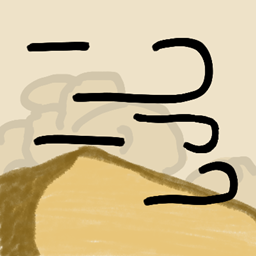
Immersive Storms Mod for Minecraft 26.3
Immersive fog and weather effects for mountains, deserts, pale gardens, and more!
 Fabric
 Quilt
QuiltImmersive Storms
A small client-side mod that adds subtle and immersive fog and particle effects to various biomes, based on the weather.
Sandstorms
Deserts, Badlands, and Savannas are now affected by Sandstorms. When it rains in the world, a dense sandy fog will close in and a fierce wind will kick up new dust particles. When thunderstorms roll in, this fog will get even thicker, making it very difficult to see where you are going.
Blizzards
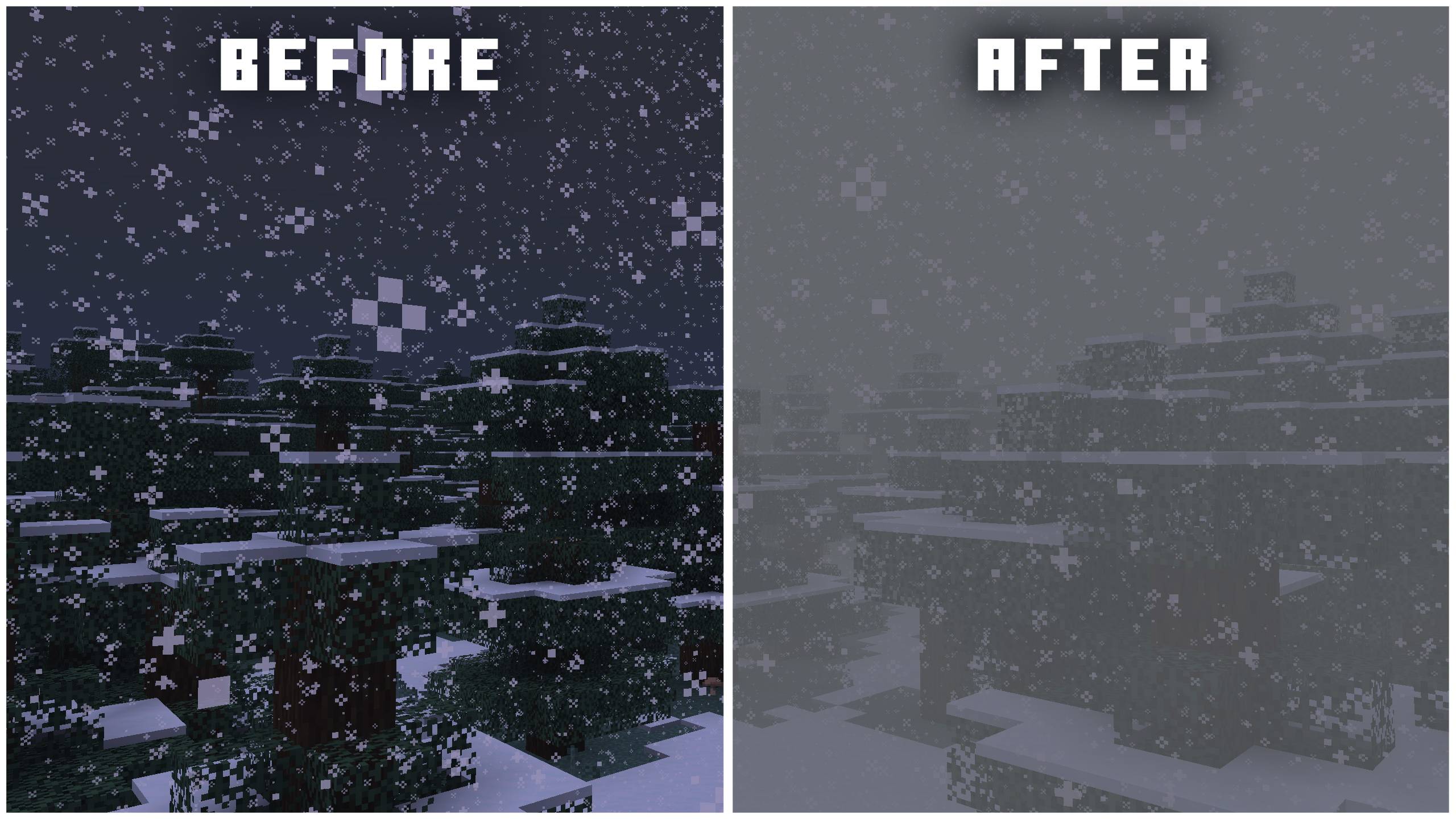
Blizzards will now envelop snowy biomes during thundering weather, with a dense snowy fog and fierce wind.
Pale Gardens
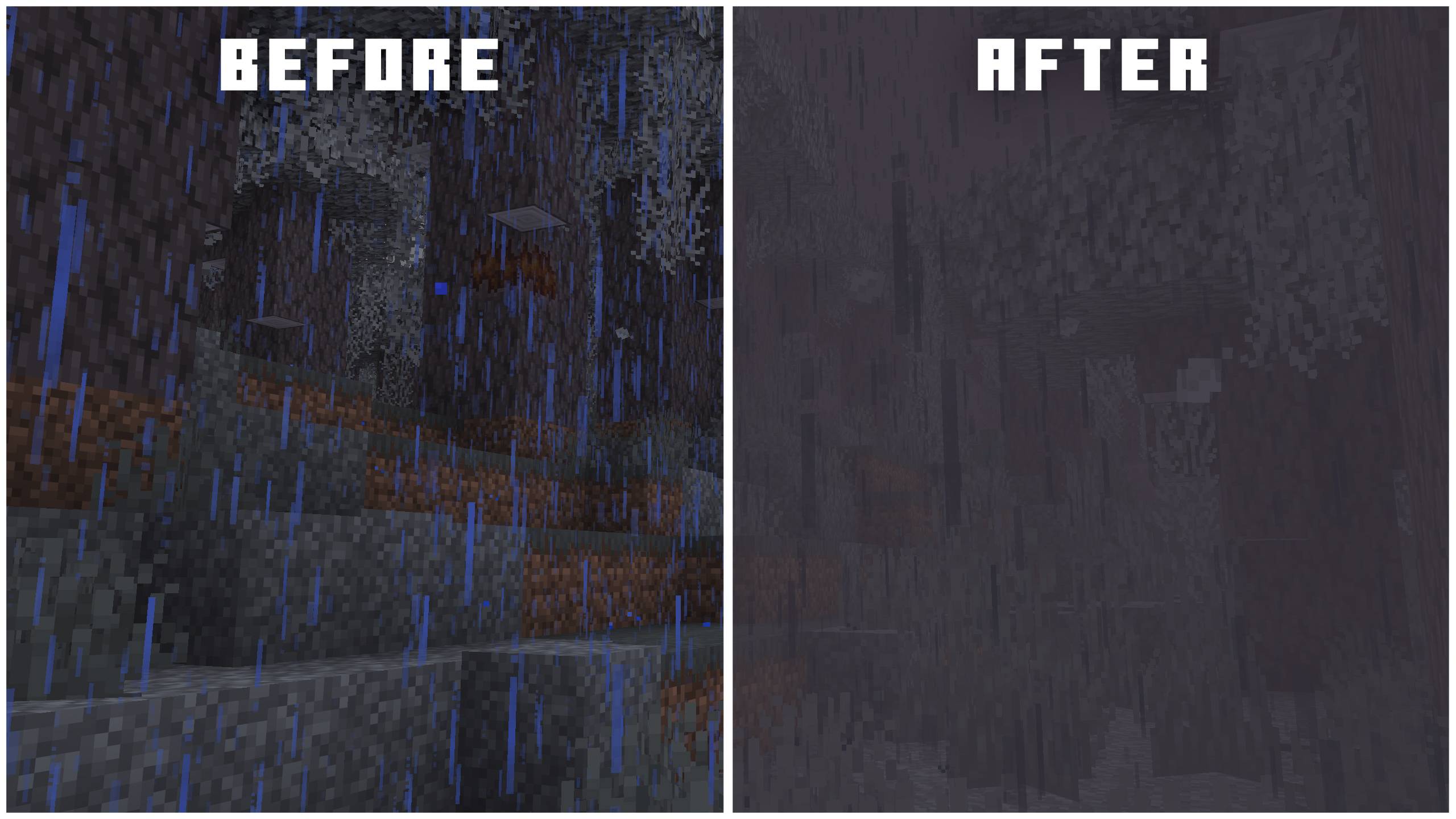
Rain in now Pale Gardens now brings extremely dense fog, a much requested community feature. The color-desaturating nature of this biome now also applies to the rain, making it black and devoid of all colour.
Spooky Fog
A thick Fog now envelopes Swamps and Dark Forests during rainy weather, similar to the Pale Garden except without the blackend rain.
Ambient Wind
(Click image for YouTube preview!)
Windswept hills and mountains have been made more windy in all weather conditions. A soft breeze will now carry bits of dust and rock with them. Deserts and badlands have been given this effect too (though the sound is a vanilla thing).
Compatibility
- Scorchful: This mod is a standalone extraction of the sandstorm feature from Scorchful and is bundled with that mod as of 1.21.5.
- Particle Rain: This mod is also compatible with Particle Rain. Sandstorm particles and sounds will be automatically disabled if Particle Rain is detected. Rain particles will also be made black in the Pale Gardens.
- Subtle Effects: Rain will be made black in the Pale Gardens.
- Shader Packs: The fog effects of this mod likely do not, and will not ever, work with most shaders packs as they have separate handling for fog. However, the particle and sound effects should work just fine.
- Neoforge (Connector): This mod may work with Neoforge via Sinytra connector on versions where it is available; but this will neither be tested for nor supported.
Help and Support
You can report any bugs or issues you find to: https://github.com/theDeathlyCow/immersive-storms/issues
You can also get technical support in my Discord at https://discord.thedeathlycow.com
How to install Immersive Storms
With Millida Launcher
Install Millida Launcher
The launcher is free: download it at millida.net/launcher and sign in with any nickname.
Click “Install” on this page
The launcher opens and installs the mod for Minecraft 26.3 on Fabric or Quilt automatically.
Launch the game
A profile with it appears in the launcher: click “Play”.
Manually
Install Fabric or Quilt
The loader must match the game version of the mod file, for example Minecraft 26.3. After installing it, a separate profile appears in your launcher.
Download the file for your version
In the version list above, pick the file immersive-storms-1.8.0+26.3.jar (1.8 MB) for your game version and loader.
Put it in the mods folder
The folder is inside .minecraft (Windows: %appdata%\.minecraft\mods). If it does not exist, create it.
Launch the loader profile
Open “Mods” in the main menu: Immersive Storms should be in the list.
Versions
With dependencies
| Minecraft | Loader | File | Date | Actions |
|---|---|---|---|---|
| 26.3 | Fabric, Quilt | Immersive Storms 1.8.0+26.31.8 MB 21 |
Reviews
Be the first to rate Immersive Storms


