
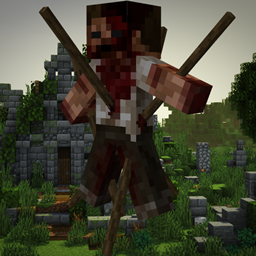
Horror Elements mod for Minecraft 1.20.1, 1.16.5
A mod that adds decorative blocks for your horror maps and spooky structures for your survival world
 NeoForge
 Forge
ForgeAbout the Horror Elements mod mod
THIS MOD WAS MADE BY AND FOR PLAYERS WHO ARE FED UP WITH HAVING TO USE REDSTONE AS A REPLACEMENT FOR BLOOD ! FIGHT AGAINST THIS NONSENSE BY DOWNLOADING NOW !
You can include this mod in your modpacks or other projets, no need to ask. Please just insert a link to this page in your project, and mention that it's not yours. Any review on this mod would be greatly appreciated and could even be showcased on this page. Enjoy !
The recents 26.2 and 26.1.2 neoforge ports are unnoficial ports made by OliverWalter, a community member, not by me. Big thanks to him for providing those ports !
support my work by becoming a patron :

Or Join my discord server to keep up with the news !

Ever wanted a true horror mod ? Then horror element is made for you !
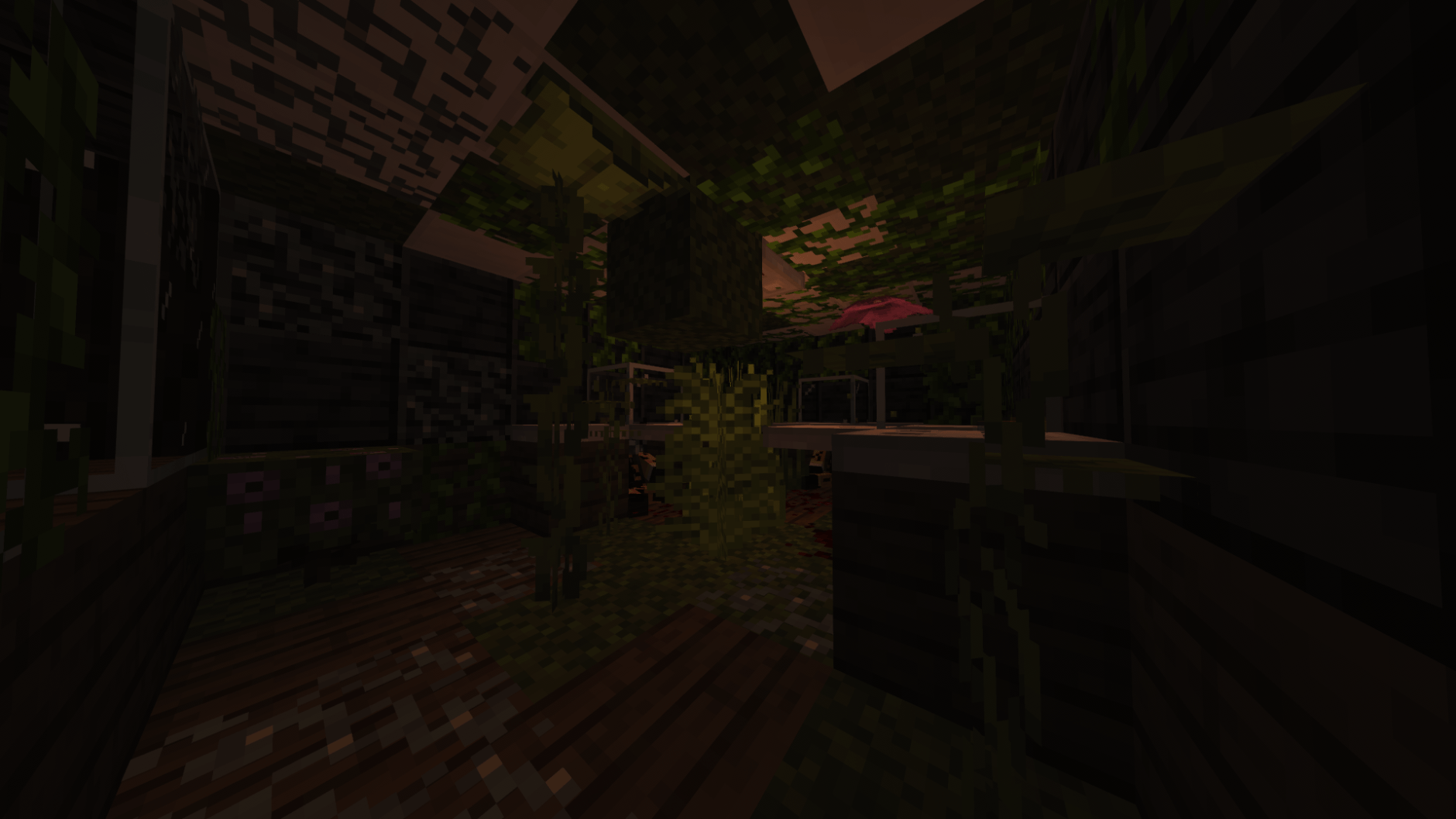
You can use this mod in both creative and survival mode. If you want to add more detail to some of your maps, this mod can do it. If you want to be wandering in your survival world just to encounter terrifying elements and structures, horror elments can also do it !
## command for those who'd want to deactivate the atmosphere block : /HMdayreset true/false
This mod currently add :
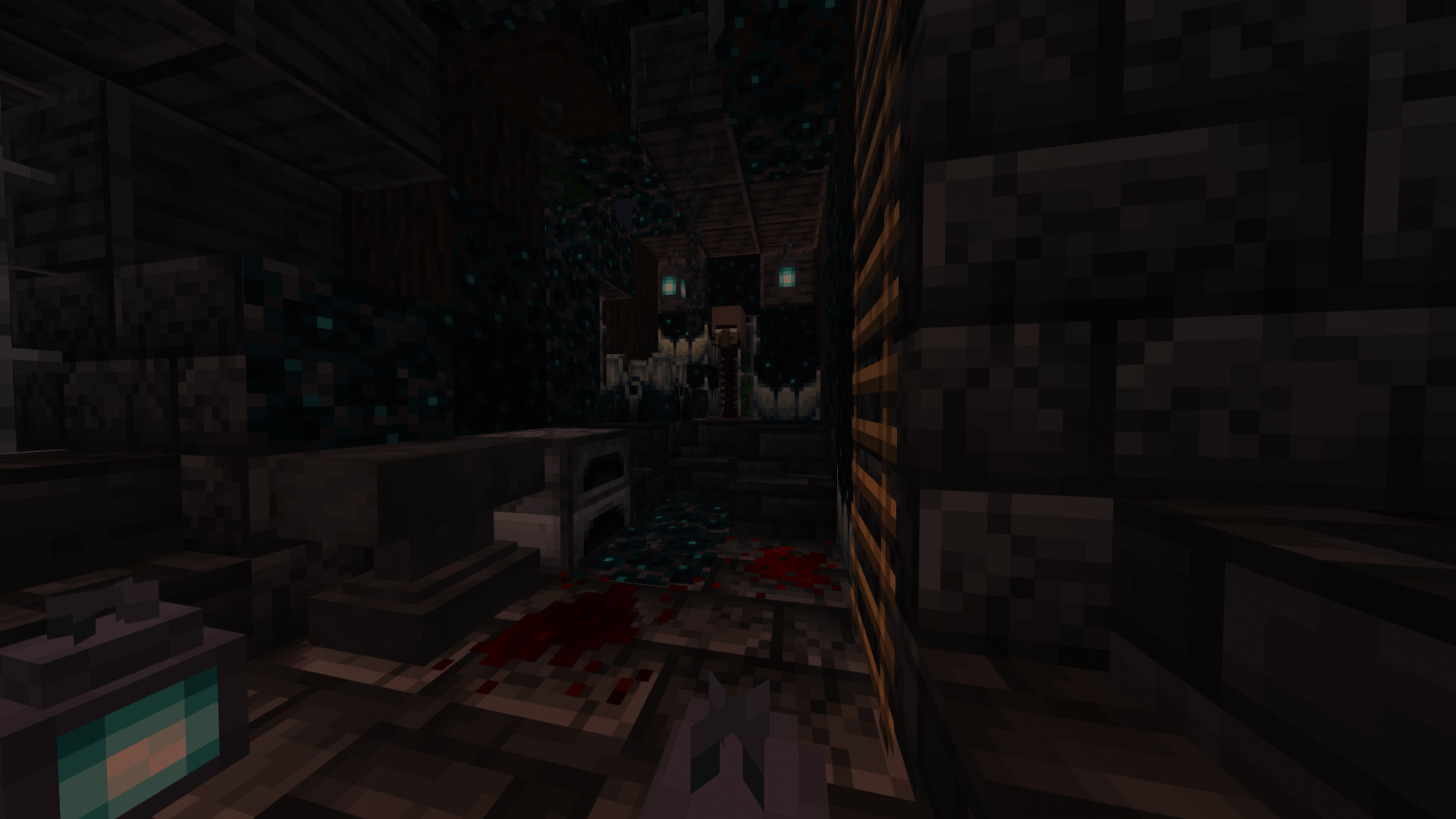
-60+ custom horror themed elements that will be spawning in you survival world
-10+ unique blocks to add a unique atmosphere to your projects (flashing lights, red lanterns, sound blocks...)
-7 unique structures that will randomly spawn in your world
Horror elements will frequently be updated with new features...
Installation: 1 : Download the forge version corresponding to the mod version
2 : press win+R and search %appdata%
3 : Click on ''roaming'' and then on the ".minecraft" folder
4 : Place the mod you just downloaded in the folder called ''mods''
5 : Select the Forge version on your minecraft launcher and launch the game
6 : Enjoy fear
How to install Horror Elements mod
With Millida Launcher
Install Millida Launcher
The launcher is free: download it at millida.net/launcher and sign in with any nickname.
Click “Install” on this page
The launcher opens and installs the mod for Minecraft 1.16.5–26.1.2 on Forge or NeoForge automatically.
Launch the game
A profile with it appears in the launcher: click “Play”.
Manually
Install Forge or NeoForge
The loader must match the game version of the mod file, for example Minecraft 26.1.2. After installing it, a separate profile appears in your launcher.
Download the file for your version
In the version list above, pick the file horror_element_mod-1.6.2-neoforge-26.1.2-private-port.jar (20 MB) for your game version and loader.
Put it in the mods folder
The folder is inside .minecraft (Windows: %appdata%\.minecraft\mods). If it does not exist, create it.
Launch the loader profile
Open “Mods” in the main menu: Horror Elements mod should be in the list.
Versions
With dependencies
| Minecraft | Loader | File | Date | Actions |
|---|---|---|---|---|
| 26.1.2 | NeoForge | horror_element_mod-1.6.2-neoforge-26.1.2-private-port.jar20.2 MB 2 | ||
| 1.20.1 | Forge | horror_element_mod-1.6.3-forge-1.20.1.jar20.2 MB 61 | ||
| 1.18.2 | — | Horror_elements_mod_1.18.2.jar93.9 MB 14 | ||
| 1.16.5 | — | Horror elements 2.0.jar71.9 KB |
FAQ
Which Minecraft versions does Horror Elements mod work on?
There are files for 26.1.2, 1.20.1, 1.18.2, 1.16.5. The newest is 26.1.2.
Is Horror Elements mod for Forge or Fabric?
There are files for Forge: 1.20.1 and for NeoForge: 26.1.2. There are no files for Fabric: a mod for another loader will not start.
Does Horror Elements mod need other mods?
The author lists no required dependencies: the Forge or NeoForge loader is enough.
Where can I download Horror Elements mod safely?
On this page: the file horror_element_mod-1.6.2-neoforge-26.1.2-private-port.jar (20 MB) is stored on Millida’s server, with no link shorteners. SHA-1 checksum: aa7524ff9906369949bac1f1ec4ca17994aba941.
Reviews
Be the first to rate Horror Elements mod


