
 Fabric
 Quilt
QuiltFormidulus
The Current Release is more of a proof of concept; I plan on expanding on it a lot more in the future.
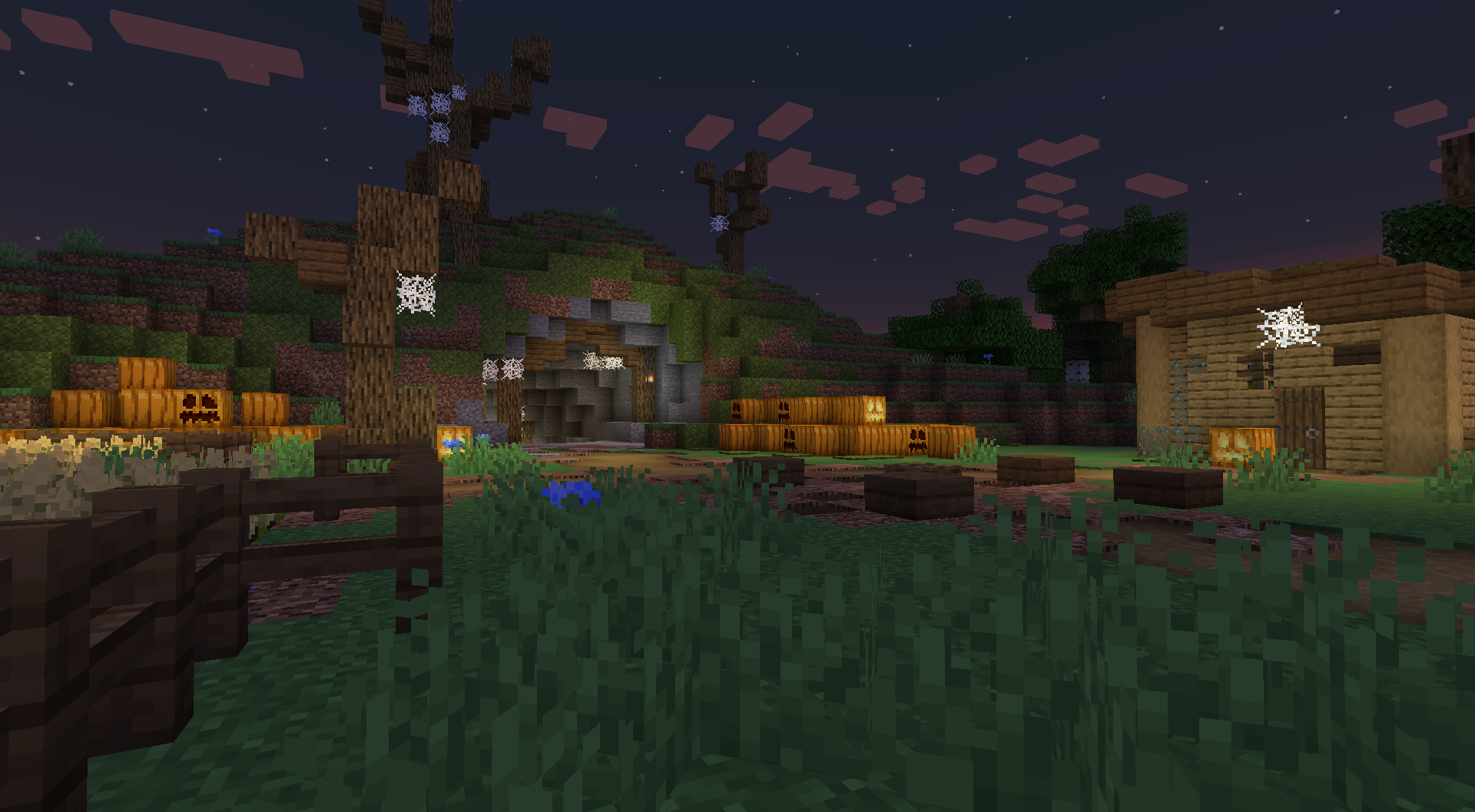
Release Trailer
Content
The Current Release of the mod contains
- 1 Challenging Soulslike Boss
- An OST made by Efefski
- Items with special Abilities
- 2 Weapons
- 1 Support Item
- 2 Decorative Block
- 2
- 2 Cosmetic Equipment pieces
- 1 Structure
- 1 Banner Pattern
Note
- This Mod is Balanced around Netherite Armor; in other words, it's intended to be End-Game or Post-Endgame Content.
- The Worlds Difficulty Affects the Behavior and Stats of both Bosses and its Minions
- This Mod uses YayConfig; to Change Server//World Settings easily, use the command /formidulus config
How to install Formidulus
With Millida Launcher
Install Millida Launcher
The launcher is free: download it at millida.net/launcher and sign in with any nickname.
Click “Install” on this page
The launcher opens and installs the mod for Minecraft 1.21.1 on Fabric or Quilt automatically.
Launch the game
A profile with it appears in the launcher: click “Play”.
Manually
Install Fabric or Quilt
The loader must match the game version of the mod file, for example Minecraft 1.21.1. After installing it, a separate profile appears in your launcher.
Download the file for your version
In the version list above, pick the file formidulus-0.1.2-beta.jar (25 MB) for your game version and loader.
Put it in the mods folder
The folder is inside .minecraft (Windows: %appdata%\.minecraft\mods). If it does not exist, create it.
Launch the loader profile
Open “Mods” in the main menu: Formidulus should be in the list.
Minecraft 1.21.1 runs on Java 21: with a different Java version the game may close right after launch.
Versions
With dependencies
| Minecraft | Loader | File | Date | Actions |
|---|---|---|---|---|
| 1.21.1 | Fabric, Quilt | formidulus-0.1.2-beta.jar24.6 MB |
Reviews
Be the first to rate Formidulus


