
 NeoForge
 Forge
 Fabric
About the Exposure: Expanded mod
A companion mod for Exposure that adds things that make the mod feel more complete.
Telescopic & Panoramic Lens


Craftable from a spyglass and amethyst, the Telescopic Lens lets you zoom in even further, and the Panoramic Lens lets you zoom out to capture a greater area.
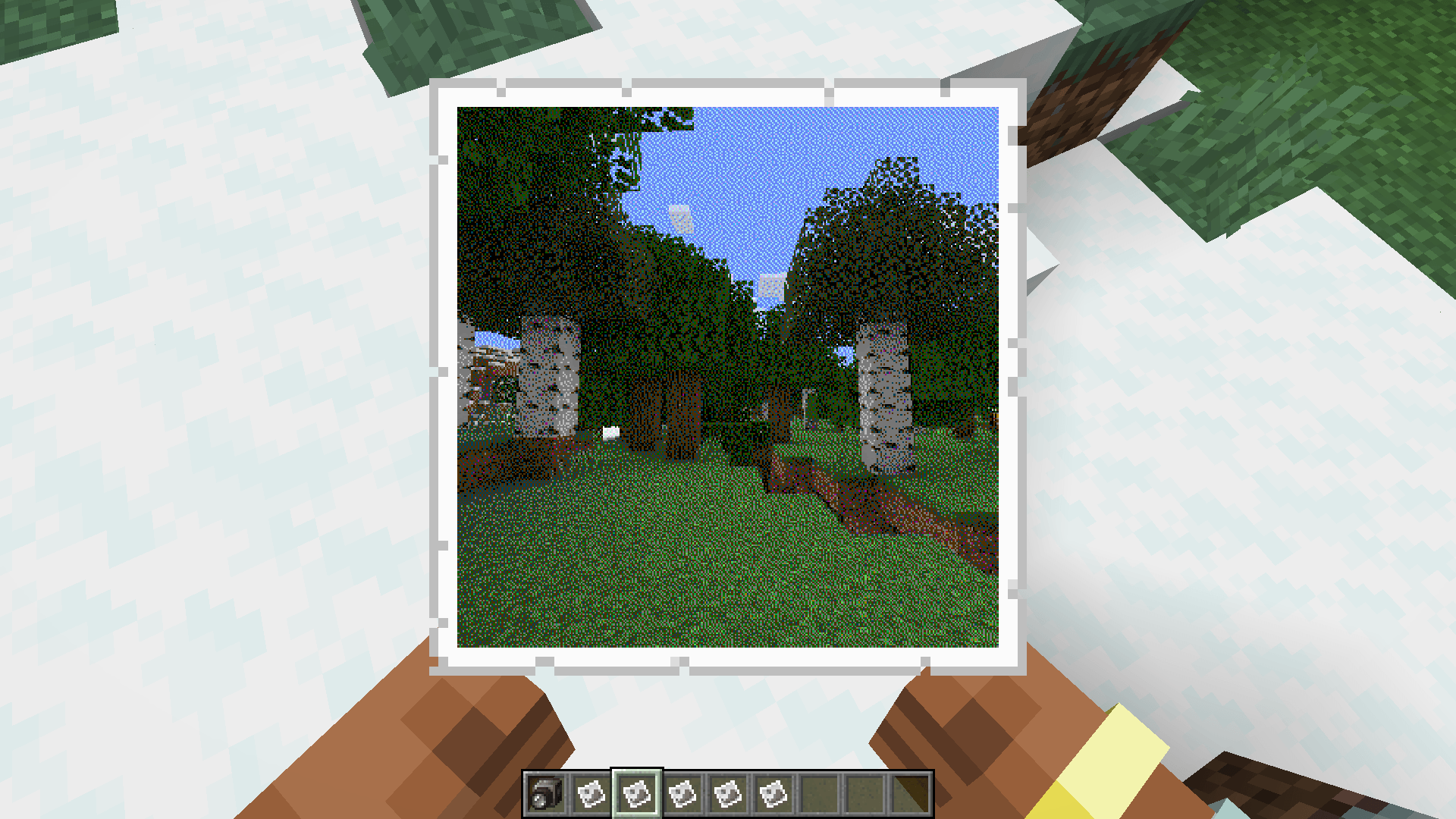
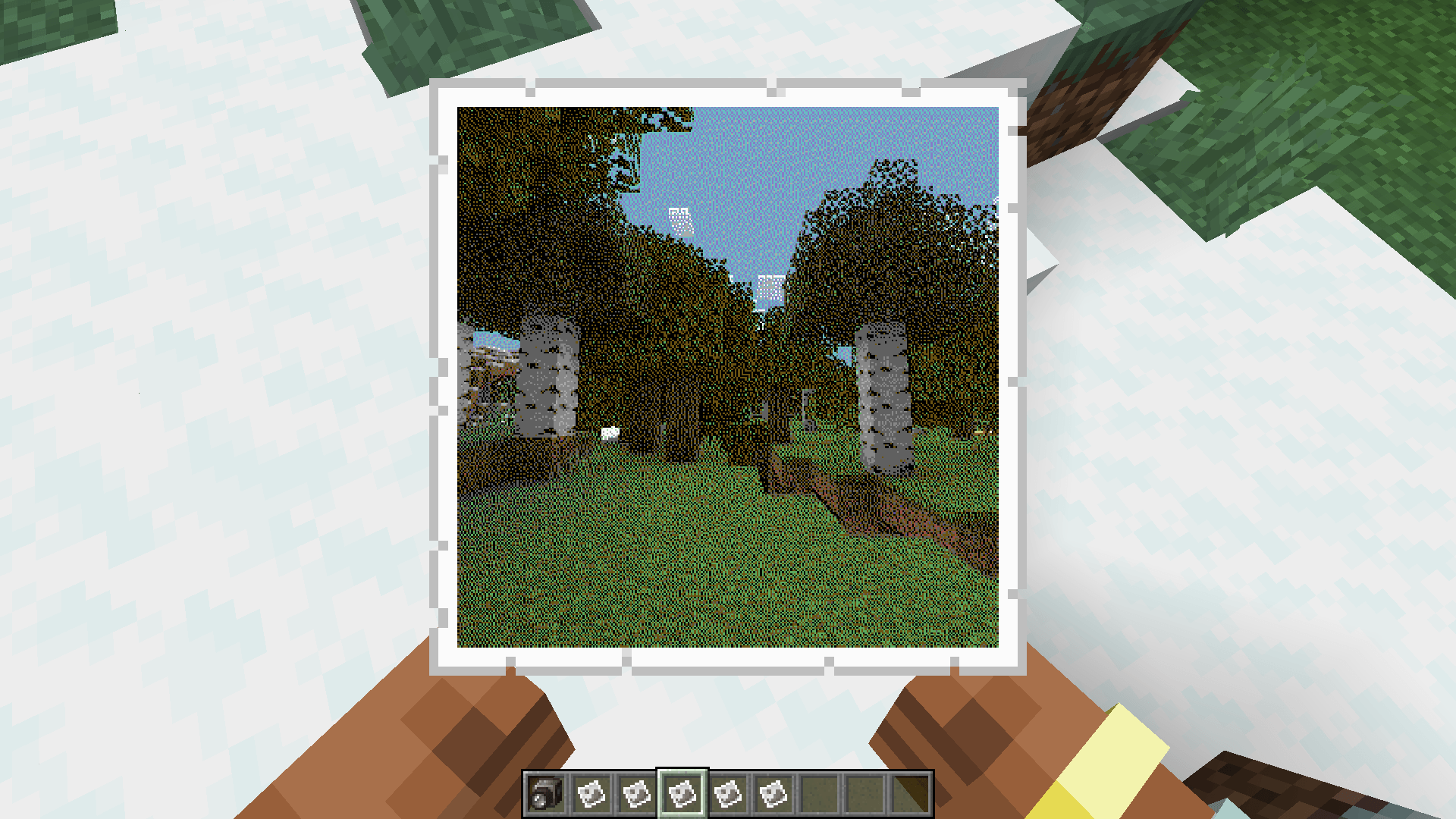
Vanity Films


Gameboy, NES, Commodore 64 and CGA color palette films found in village chests or craftable just like any other filter.
High Capacity & High Resolution Films


Films with doubled capacity for photos, as well as ones with doubled resolution of photos. They work in any camera like normal films. Available both in color and black & white.
Vanity Filters
16 different fancy camera filters based on Super Secret Settings shaders, found in various different structures in chests.
Exposure Polaroid Integration


Vanity slides and high-resolution slides are both available and work with any Instant Camera if Exposure Polaroid is installed.
Visit the wiki for more info, or join the Discord server to ask questions or suggest things.
How to install Exposure: Expanded
With Millida Launcher
Install Millida Launcher
The launcher is free: download it at millida.net/launcher and sign in with any nickname.
Click “Install” on this page
The launcher opens and installs the mod for Minecraft 1.20–1.21.1 on Fabric, Forge or NeoForge automatically.
Launch the game
A profile with it appears in the launcher: click “Play”.
Manually
Install Fabric, Forge or NeoForge
The loader must match the game version of the mod file, for example Minecraft 1.21.1. After installing it, a separate profile appears in your launcher.
Download the file for your version
In the version list above, pick the file exposure_expanded-neoforge-1.0.1.jar (929 KB) for your game version and loader.
Put it in the mods folder
The folder is inside .minecraft (Windows: %appdata%\.minecraft\mods). If it does not exist, create it.
Launch the loader profile
Open “Mods” in the main menu: Exposure: Expanded should be in the list.
Minecraft 1.21.1 runs on Java 21: with a different Java version the game may close right after launch.
Versions
With dependencies
| Minecraft | Loader | File | Date | Actions |
|---|---|---|---|---|
| 1.20.1 | Forge | Exposure: Expanded 1.1.0 - Forge 1.20.1756 KB 1 | ||
| 1.20.1 | Fabric | Exposure: Expanded 1.1.0 - Fabric 1.20.1756 KB | ||
| 1.21.1 | NeoForge | Exposure: Expanded 1.0.1 (NeoForge)929 KB 2 |
FAQ
Which Minecraft versions does Exposure: Expanded work on?
There are files for 1.21.1, 1.20.1, 1.20. The newest is 1.21.1.
Is Exposure: Expanded for Forge or Fabric?
There are files for Fabric: 1.20–1.20.1, for Forge: 1.20–1.20.1 and for NeoForge: 1.21.1.
Does Exposure: Expanded need other mods?
The author lists no required dependencies: the Fabric, Forge or NeoForge loader is enough.
Which Java does Exposure: Expanded need?
Minecraft 1.21.1 runs on Java 21. If the game closes right after launch, the usual cause is the wrong Java version in the profile settings.
How do I download Exposure: Expanded?
With Millida Launcher: it installs Exposure: Expanded into a modpack by itself, for the right game version and loader. The launcher is free.
Reviews
Be the first to rate Exposure: Expanded


