
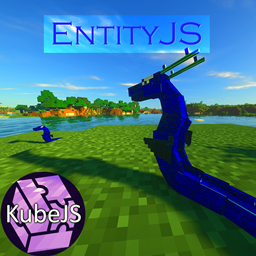
EntityJS Mod for Minecraft 1.20.1, 1.21.1
This mod uses KubeJS to dynamically register entities with full AI/Animation/Spawn Control support!
 NeoForge
 Forge
Forge Fabric
Key Features
- Dynamic Entity Registry: Easily register custom entities and define their attributes and behaviors using JavaScript.
- Entity Modification: Modify existing entity methods with the entity modification event for further customization.
- Full Animation Support: Enjoy smooth and lifelike animations for your entities, utilizing LioLib, a Geckolib 4 fork backporting many fixes to the unsupported 1.19.2 version
(EntityJS 1.20.1+ uses Geckolib as a direct dependency because it is a supported version)
- Spawn Control: Take full control over entity spawning by specifying spawn conditions, rates, and locations.
- Attribute Modification: Fine-tune entity attributes such as health, speed, damage, and more to suit your gameplay needs.
- Full AI Support: Easy access to mob goals and brain logic via the server ai
- Full AI Support: Easy access to mob goals and brain logic via the server AI events.
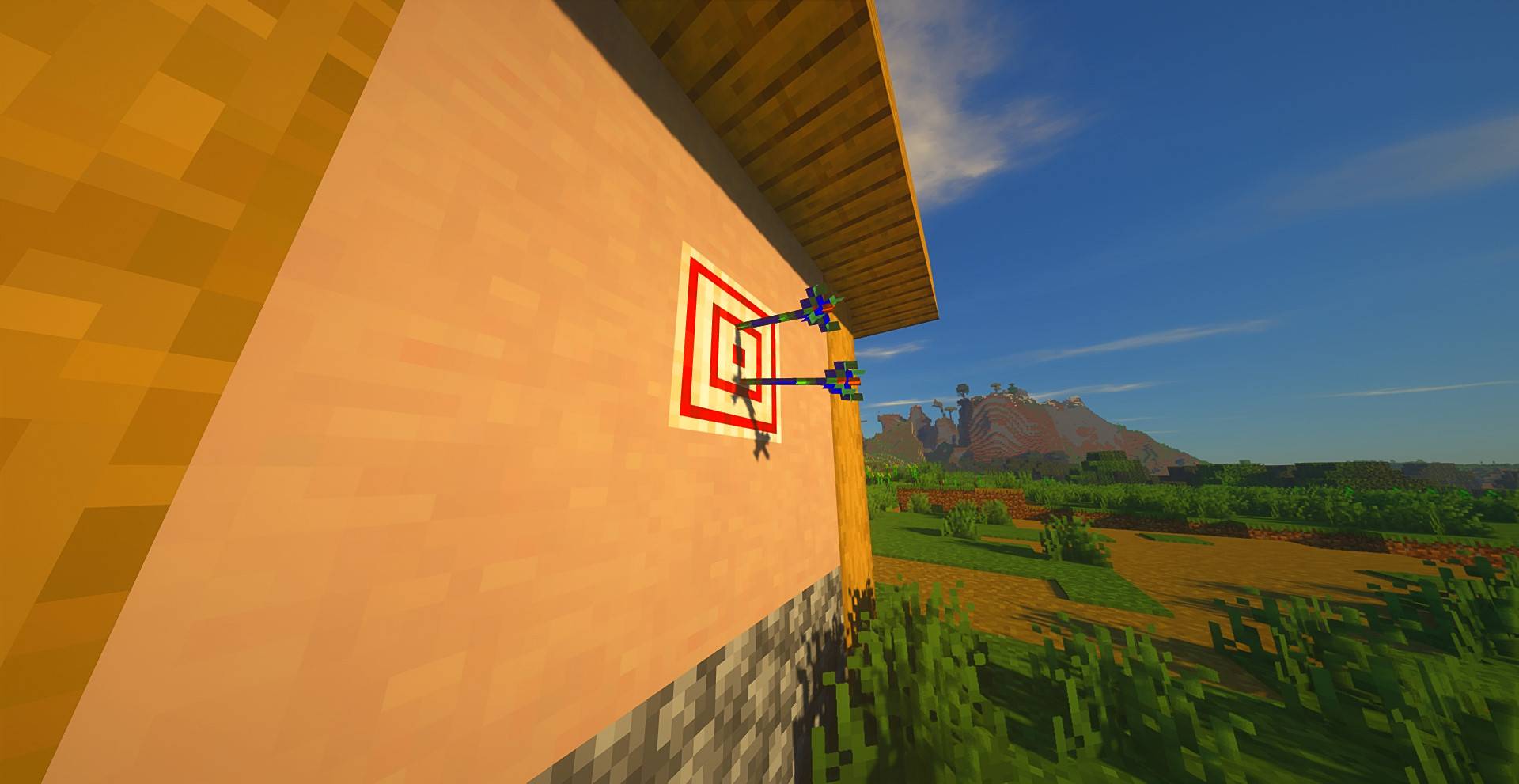
Special Compatibility
KubeJS Iron's Spells
Visit KubeJS Iron's Spells Mod Page
- Spellcasting Mobs: You can make any Mob cast spells by using the Goal event to attach spellcasting behavior.
- Custom Spellcasters: Create fully custom spellcasting mobs with tailored AI, spell sets, and behaviors.
- Spell Projectiles: Define and control custom spell projectiles for advanced combat and visual effects.
Visit EntityJS Wiki Page
Community
Join the official KubeJS Discord community to connect with other users, share your creations, and get help with any questions or issues you encounter while using EntityJS. Alternatively, you can click the Discord icon below:
Youtube Tutorials:
How to install EntityJS
With Millida Launcher
Install Millida Launcher
The launcher is free: download it at millida.net/launcher and sign in with any nickname.
Click “Install” on this page
The launcher opens and installs the mod for Minecraft 1.20.1–1.21.1 on Fabric, Forge or NeoForge automatically.
Launch the game
A profile with it appears in the launcher: click “Play”.
Manually
Install Fabric, Forge or NeoForge
The loader must match the game version of the mod file, for example Minecraft 1.21.1. After installing it, a separate profile appears in your launcher.
Download the file for your version
In the version list above, pick the file entityjs-1.5.1.jar (3.5 MB) for your game version and loader.
Put it in the mods folder
The folder is inside .minecraft (Windows: %appdata%\.minecraft\mods). If it does not exist, create it.
Launch the loader profile
Open “Mods” in the main menu: EntityJS should be in the list.
Minecraft 1.21.1 runs on Java 21: with a different Java version the game may close right after launch.
Versions
With dependencies
| Minecraft | Loader | File | Date | Actions |
|---|---|---|---|---|
| 1.21 | NeoForge | entityjs-1.5.1.jar3.5 MB | ||
| 1.20.1 | Forge, NeoForge | entityjs-forge-0.7.4.jar3.5 MB | ||
| 1.20.1 | Fabric | entityjs-fabric-0.7.4.jar3.5 MB |
FAQ
Which Minecraft versions does EntityJS work on?
There are files for 1.21.1, 1.21, 1.20.1. The newest is 1.21.1.
Is EntityJS for Forge or Fabric?
There are files for Fabric: 1.20.1, for Forge: 1.20.1 and for NeoForge: 1.20.1–1.21.1.
Does EntityJS need other mods?
The author lists no required dependencies: the Fabric, Forge or NeoForge loader is enough.
Which Java does EntityJS need?
Minecraft 1.21.1 runs on Java 21. If the game closes right after launch, the usual cause is the wrong Java version in the profile settings.
Where can I download EntityJS safely?
On this page: the file entityjs-1.5.1.jar (3.5 MB) is stored on Millida’s server, with no link shorteners. SHA-1 checksum: 0da9c2e2a6c80af7bf6e3e5fe7985c4ca616176d.
Reviews
Be the first to rate EntityJS


