

Dimensional Control Mod for Minecraft 1.12.2
Tool used to create custom dimensions
About the Dimensional Control mod
Dimensional Control is not supported anymore. New features, bug fixes and updates to documentation/examples are very unlikely to happen. Check out Topography, Just Enough Dimensions and Random Portals. They might have what you need!
Tired of your worlds all being the same? The same boring dimensions over and over again? Dimensional Control is a tool created by the team at Blood N Bones Gaming in an attempt to give modpack makers more control over the overworld as well as the ability to create their own customized dimensions.
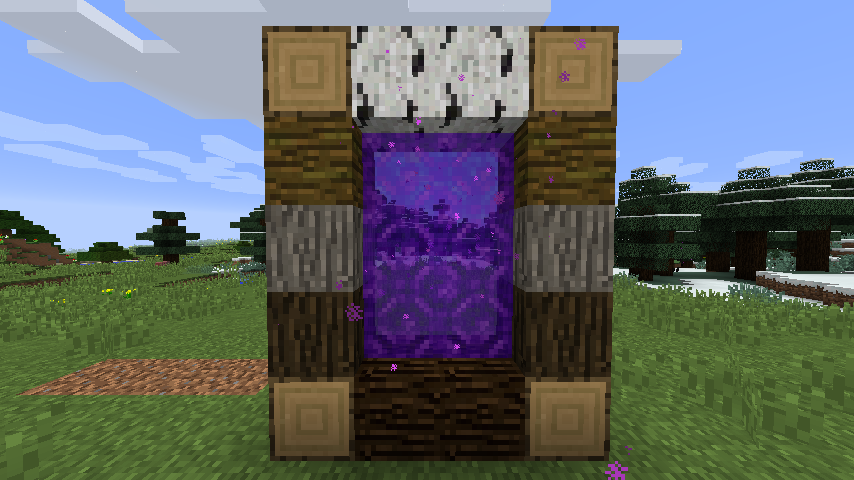
This mod allows you to:
- Replace blocks
- Disable map gen like caves, ravines and structures
- Configure biome map generation
- Modify terrain generation
- and so much more
Combined with other mods such as COFHCore and BiomeTweaker for a level of customization in your packs far beyond the current possibilities!
Requires BNBGamingLib v2.4.1 or higher to also be installed.
Most options on 1.12 also require BNBGamingCore to be installed.
Please use the issue link above to report issues. Full documentation is shipped with the mod. Simply load Minecraft and check config/dimensionalcontrol/documentation.
Documentation for the 1.7.10 versions can be found on the wiki link.
FAQ and Discussion available on our Minecraft Forum thread.
We also have a Discord server.
We also have a Twitch App channel.
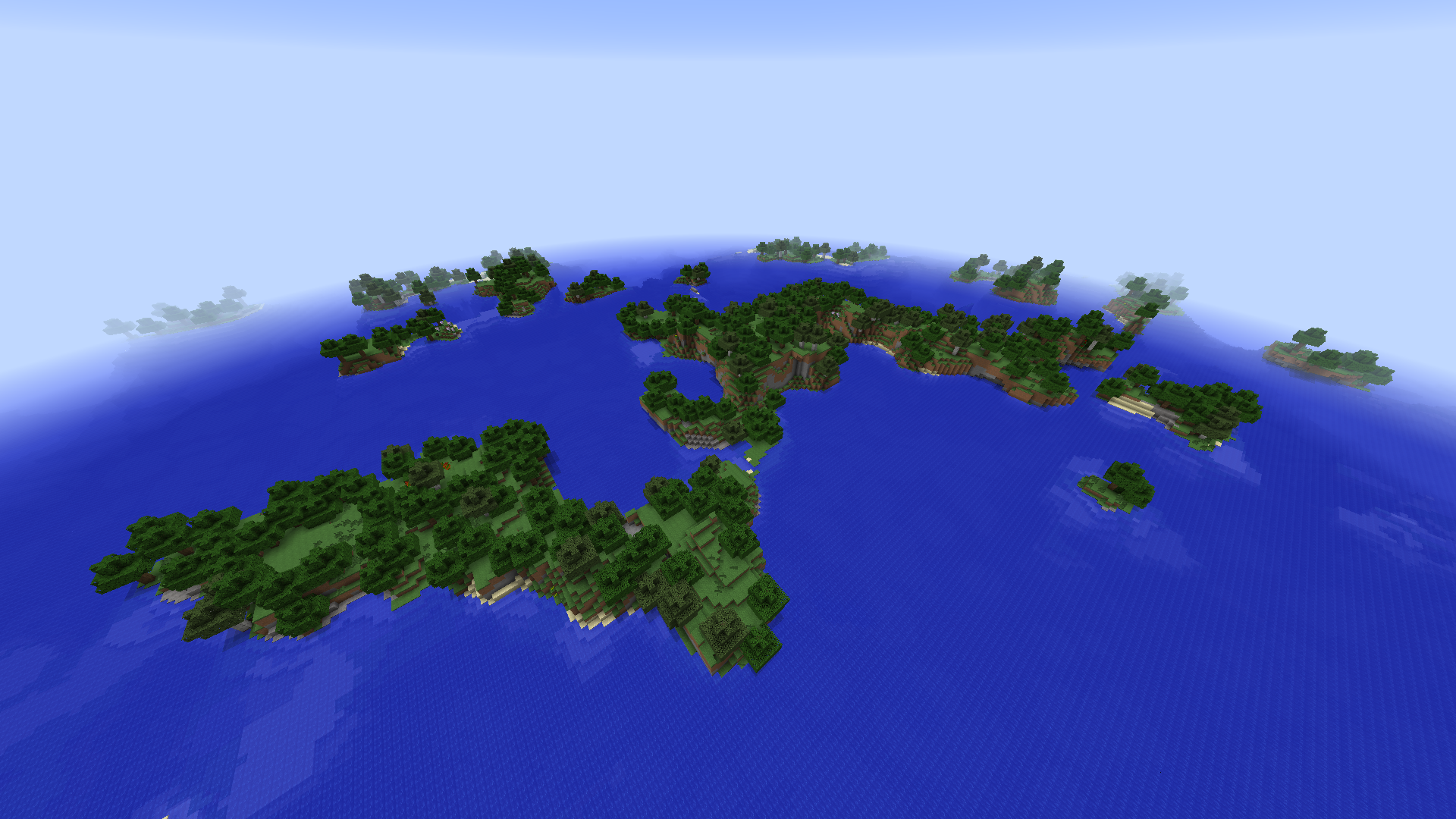
How to install Dimensional Control
With Millida Launcher
Install Millida Launcher
The launcher is free: download it at millida.net/launcher and sign in with any nickname.
Click “Install” on this page
The launcher opens and installs the mod for Minecraft 1.12–1.12.2 automatically.
Launch the game
A profile with it appears in the launcher: click “Play”.
Manually
Download the file for your version
In the version list above, pick the file DimensionalControl-1.12.2-2.13.0.jar (334 KB) for your game version.
Put it in the mods folder
The folder is inside .minecraft (Windows: %appdata%\.minecraft\mods). If it does not exist, create it.
Launch the loader profile
Open “Mods” in the main menu: Dimensional Control should be in the list.
Minecraft 1.12.2 runs on Java 8: with a different Java version the game may close right after launch.
Versions
With dependencies
| Minecraft | Loader | File | Date | Actions |
|---|---|---|---|---|
| 1.12.1 | — | Dimensional Control 1.12.2-2.13.0334 KB |
FAQ
Which Minecraft versions does Dimensional Control work on?
There are files for 1.12.2, 1.12.1, 1.12. The newest is 1.12.2.
Which Java does Dimensional Control need?
Minecraft 1.12.2 runs on Java 8. If the game closes right after launch, the usual cause is the wrong Java version in the profile settings.
Where can I download Dimensional Control safely?
On this page: the file DimensionalControl-1.12.2-2.13.0.jar (334 KB) is stored on Millida’s server, with no link shorteners. SHA-1 checksum: c37cc10e4c76885a2dc4cabd1e7f5a7e29f79acb.
Reviews
Be the first to rate Dimensional Control


