
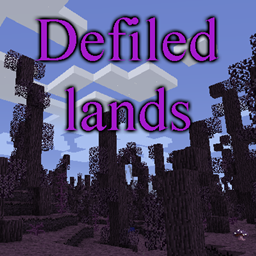
Defiled Lands Mod for Minecraft 1.12.2
Adds dangerous defiled biomes filled with unique dangers and treasures
- downloads
- 2 downloads
- views
- 13 views
- Updated
- Updated 20.10.2026
- 1.12 — 1.12.2
 Forge
Forge
About the Defiled Lands mod
Presentation
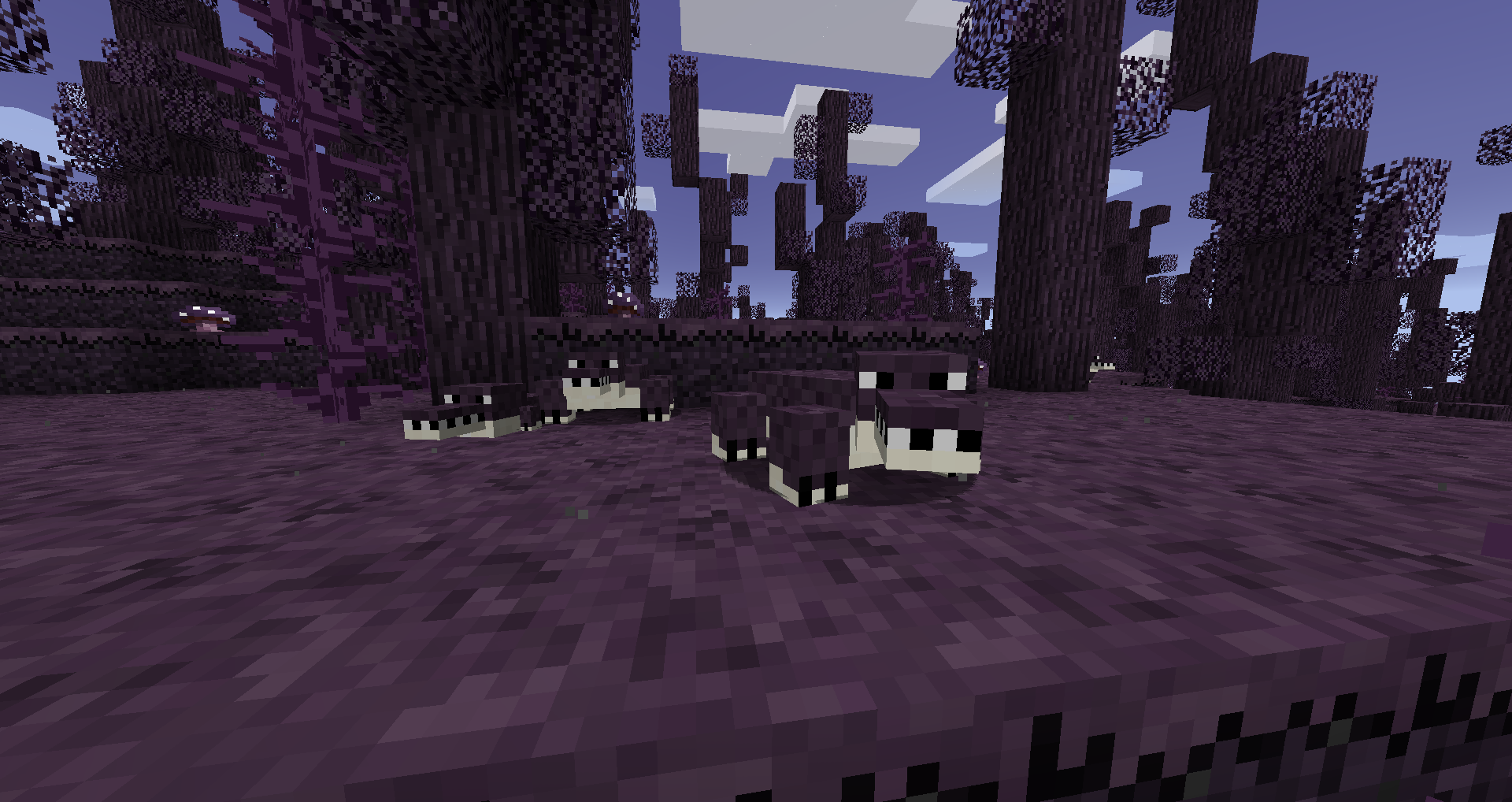
This mod adds a variety of defiled biomes that spawn in the world, with their own set of unique dangerous creatures, plants and treasures.
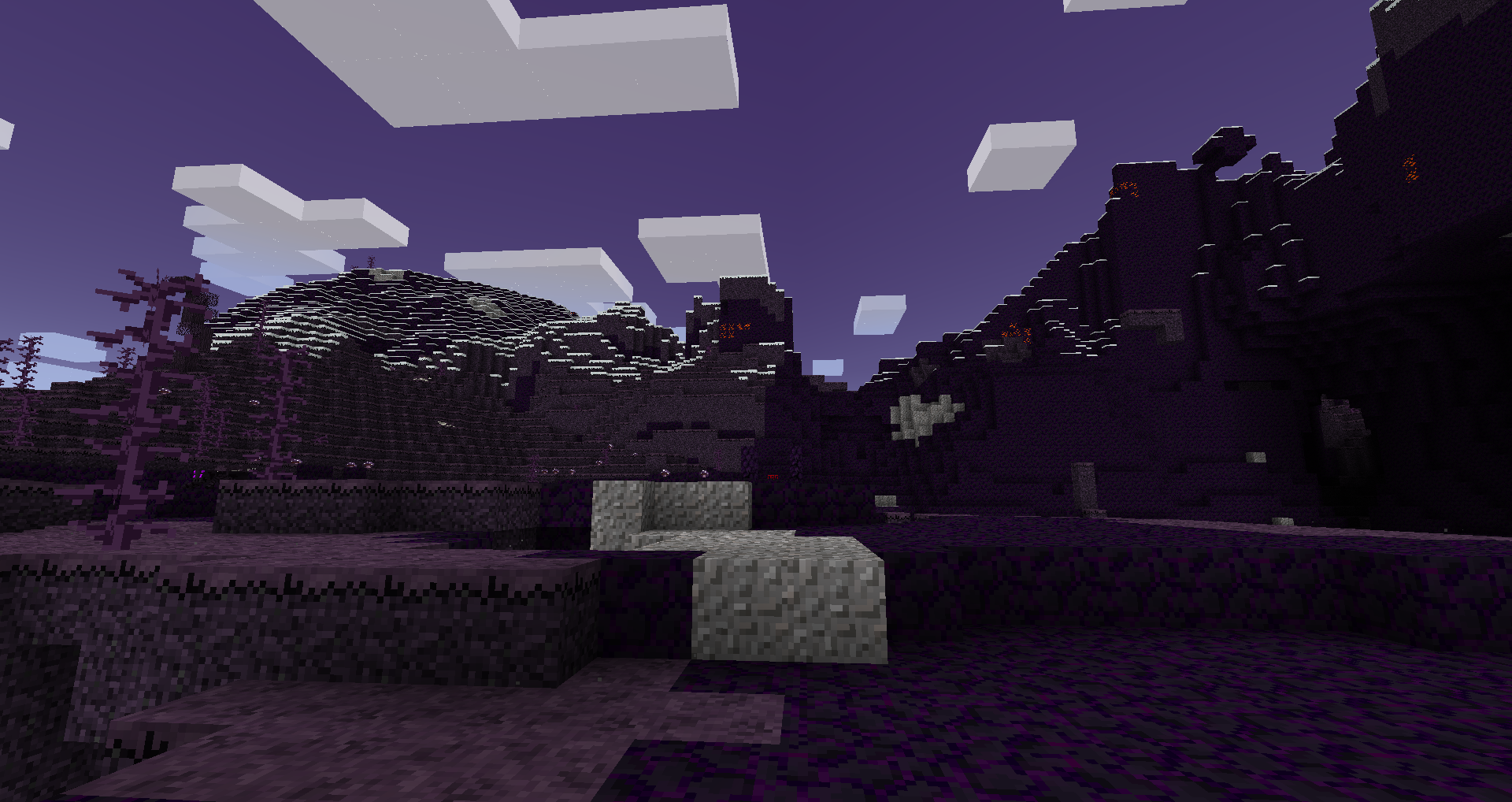
These biomes will actively converts blocks placed inside them, and will also contain unique resources. Those can be used to make unique and powerful tool, as well as reaching a boss fight for more unique tools.
Detailled information can be found on the wiki
FAQ:
Q: Do defiled lands spread ?
A: Yes, but never more than a few blocks from their natural boundaries, unless you changed the config.
Q: How do I stop defiled lands from spreading ?
A: Defiled lands will not spread more than about 3 blocks from their natural boundaries, unless you changed the config. In fact, any defiled block placed outside of natural defiled lands will not spread around.
Q: Can I use defiled blocks for decoration ?
A: Yes, as long as you are outside a natural defiled biome. If you are inside one they will spread around and you may not want that.
Q: Is this compatible with <other biome mod> ?
A: Yes, this is compatible with most other biome adding mods, including BOP.
Special thanks
- Rhodox for letting me use modified assets from the Painterly Pack
- McJty for his modding tutorials
How to install Defiled Lands
With Millida Launcher
Install Millida Launcher
The launcher is free: download it at millida.net/launcher and sign in with any nickname.
Click “Install” on this page
The launcher opens and installs the mod for Minecraft 1.12–1.12.2 on Forge automatically.
Launch the game
A profile with it appears in the launcher: click “Play”.
Manually
Install Forge
The loader must match the game version of the mod file, for example Minecraft 1.12.2. After installing it, a separate profile appears in your launcher.
Download the file for your version
In the version list above, pick the file defiledlands-1.12.2-1.4.3.jar (762 KB) for your game version.
Put it in the mods folder
The folder is inside .minecraft (Windows: %appdata%\.minecraft\mods). If it does not exist, create it.
Launch the loader profile
Open “Mods” in the main menu: Defiled Lands should be in the list.
Minecraft 1.12.2 runs on Java 8: with a different Java version the game may close right after launch.
Versions
With dependencies
| Minecraft | Loader | File | Date | Actions |
|---|---|---|---|---|
| 1.12.2 | Forge | defiledlands-1.12.2-1.4.3.jar762 KB 2 | ||
| 1.12.2 | — | defiledlands-1.12.2-1.4.1.jar770 KB | ||
| 1.12.1 | — | defiledlands-1.12.1-0.3.0.jar695 KB | ||
| 1.12 | — | defiledlands-1.12-0.1.3.jar655 KB |
Reviews
Be the first to rate Defiled Lands


