
 NeoForge
 Forge
About the Cursed Earth Returns mod
A fork of the classic Cursed Earth mod! With additions (Blessed Earth) and tweaked default values.
Cursed Earth
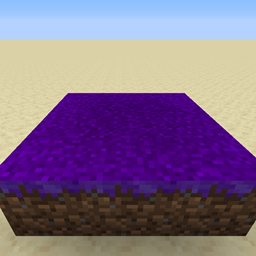
Cursed earth is dirt which has been touched, and thus cursed, by a wither rose.
Naturally spawning hostile mobs will rapidly spew forth!
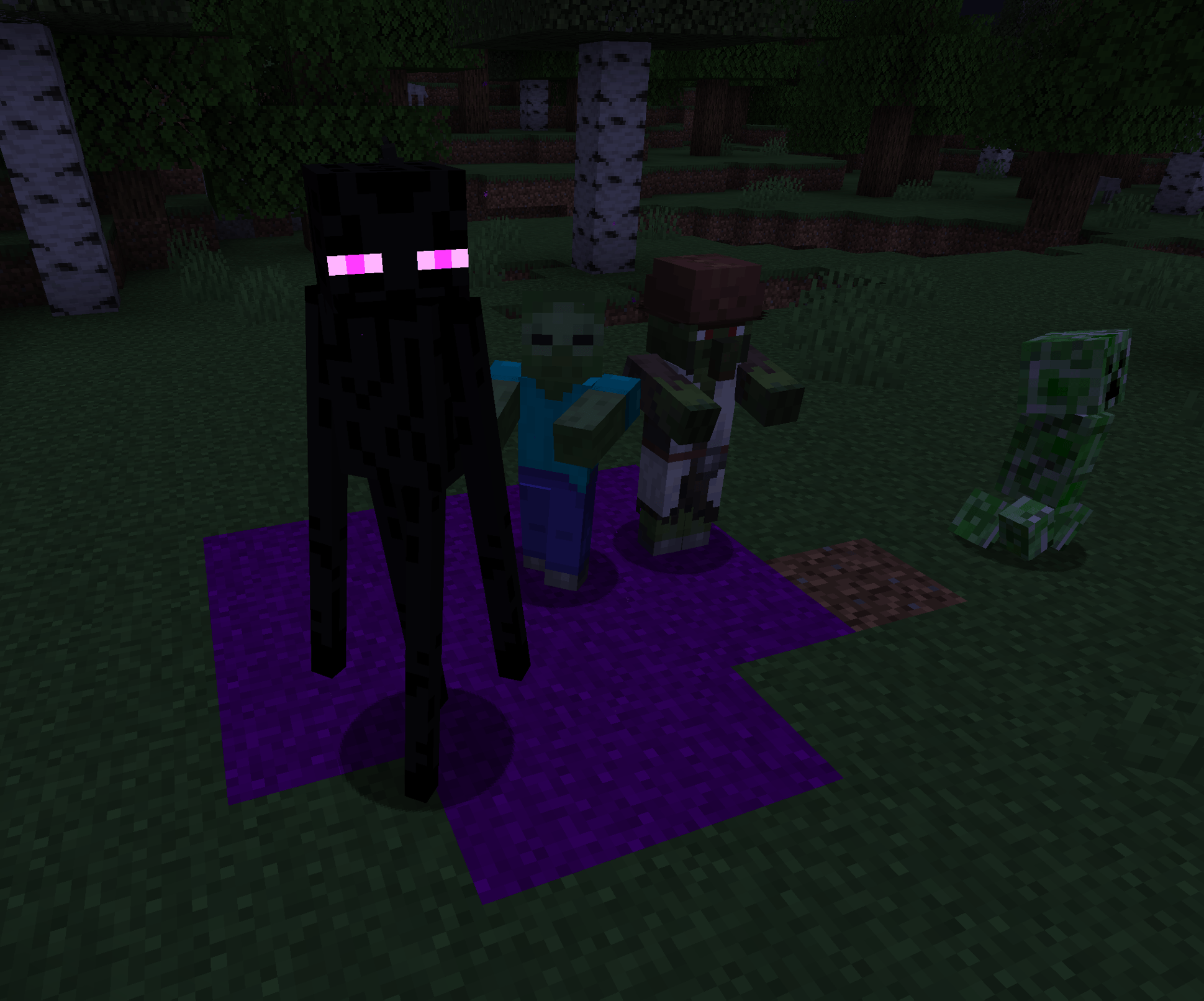
Cursed Earth Tips
-- To create a block of cursed earth, sneak (hold shift) & right click a dirt (not grass) block with a wither rose in-hand.
-- Cursed earth will spread to surrounding dirt blocks - be careful!
-- Cursed earth will catch on fire and revert to dirt in sunlight.
-- Mobs which will spawn are determined by the biome that the cursed earth block is in. To see which mobs a specific cursed earth block will randomly spawn: with an empty hand <sneak>-<right click> on the cursed earth block.
Blessed earth
Blessed earth is similar to cursed earth in that it spreads to touching dirt blocks, and spawns mobs - except instead of spawning hostile mobs, it produces passive (creature) mobs!
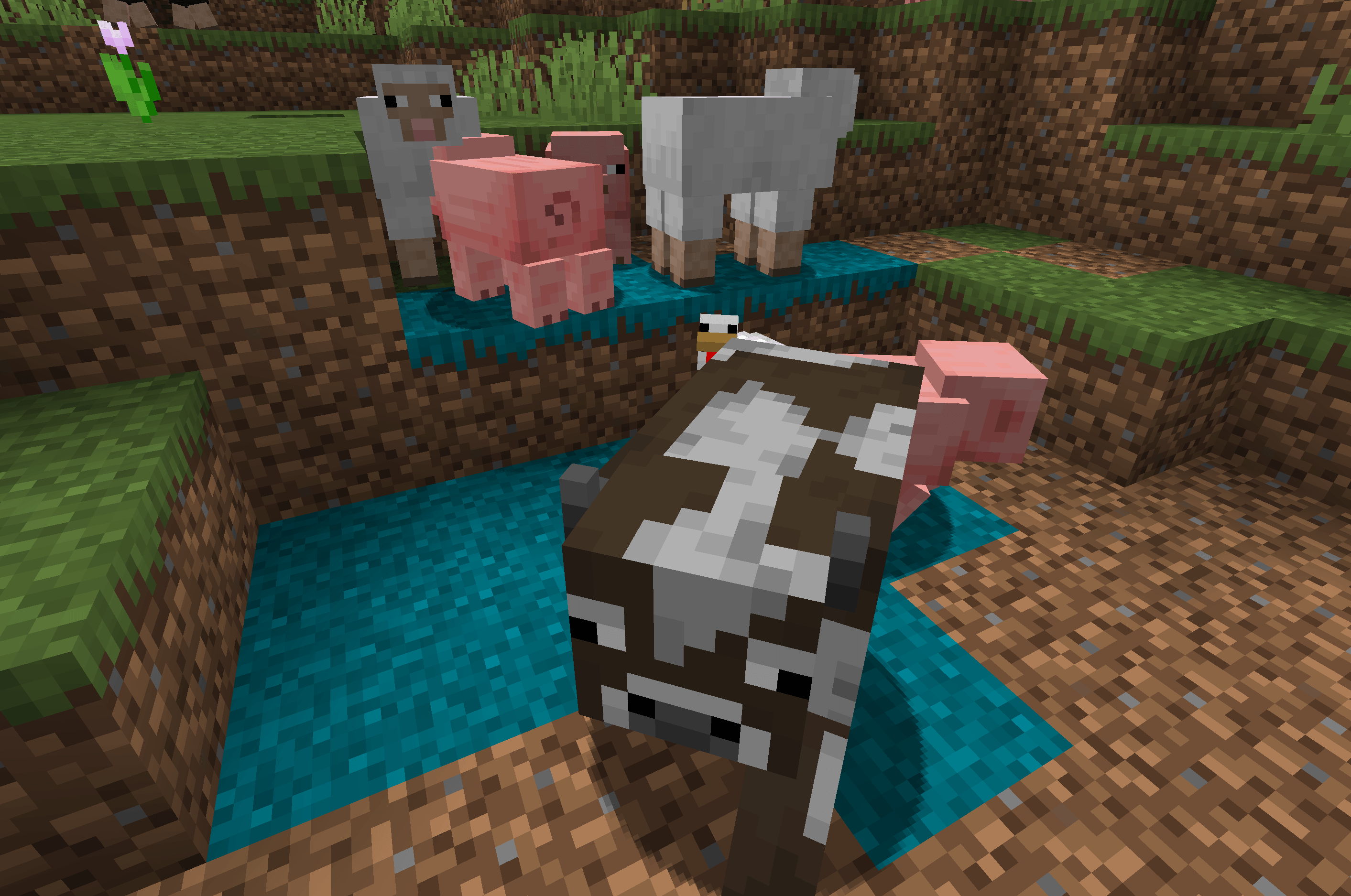
Blessed Earth Tips
-- To create a block of blessed earth, sneak (hold shift) & right click a dirt (not grass) block with a 'blessed flower' in-hand.
-- If a blessed earth block is not lit with enough light, it will turn into cursed earth - look out!
-- To see which mobs a blessed earth block will spawn, <sneak>-<right click> on the block with an empty hand - much like cursed earth above.
Blessed Flower
-- Blessed flowers spawn very rarely in the world, only in the Overworld biomes: jagged peaks, stony peaks, and lush caves.
-- As an alternative to finding them naturally in the Overworld, blessed flowers can be crafted with a wither rose and other flowers, with the wither rose at the center of the crafting grid.
Blessed Flower crafting recipe - surrounding flowers can be any type tagged as a minecraft:flower, with a wither rose at the center.
( * See the config file cursedearth-client.toml in 'configs' folder for client options. )
( * See the config file cursedearth-server.toml in the world > 'serverconfigs' folder for server/world options. )
How to install Cursed Earth Returns
With Millida Launcher
Install Millida Launcher
The launcher is free: download it at millida.net/launcher and sign in with any nickname.
Click “Install” on this page
The launcher opens and installs the mod for Minecraft 1.20.1–1.21.4 on Forge or NeoForge automatically.
Launch the game
A profile with it appears in the launcher: click “Play”.
Manually
Install Forge or NeoForge
The loader must match the game version of the mod file, for example Minecraft 1.21.4. After installing it, a separate profile appears in your launcher.
Download the file for your version
In the version list above, pick the file cursedearthreturns-1.21.4-neoforge-1.6a.jar (39 KB) for your game version and loader.
Put it in the mods folder
The folder is inside .minecraft (Windows: %appdata%\.minecraft\mods). If it does not exist, create it.
Launch the loader profile
Open “Mods” in the main menu: Cursed Earth Returns should be in the list.
Minecraft 1.21.4 runs on Java 21: with a different Java version the game may close right after launch.
Versions
With dependencies
| Minecraft | Loader | File | Date | Actions |
|---|---|---|---|---|
| 1.21.4 | NeoForge | cursedearthreturns-1.21.4-neoforge-1.6a.jar39 KB | ||
| 1.20.1 | NeoForge, Forge | cursedearthreturns-1.20.1-forge-1.6.jar36.1 KB 1 |
Reviews
Be the first to rate Cursed Earth Returns


