
 NeoForge
 Fabric
About the Clavis mod
Clavis transforms the traditional loot system: every loot chest is now locked and can be opened through a simple yet engaging mini-game. The better you perform, the richer your reward - up to nearly double the loot for a perfect result.
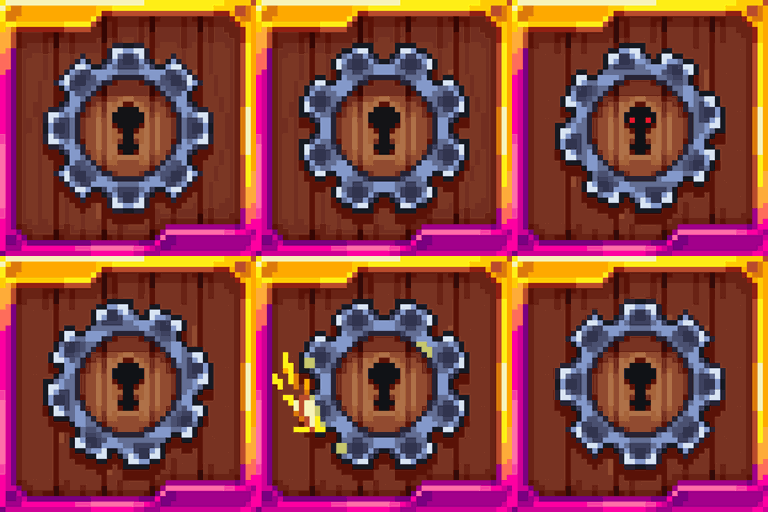
Lock's difficulty depends on how valuable the loot inside is. The richer the loot, the harder the lockpicking mini-game: faster speed, more tasks, and extra rules that change how the game plays. There are 3 main difficulty levels, marked by the color of the smiley in the mini-game interface and the outline color of the lock floating above the chest. This lets you decide in advance whether the chest is worth your time.
What will I get with this mod?
If I'm a player:
- The better my skills, the more loot I get from each chest.
- Opening chests becomes a fun challenge rather than a routine click.
- Rewards feel earned - high-tier loot isn’t just handed over.
If I'm a modpack developer:
- I can make dungeon loot less overpowered in the early game, preventing players from getting strong items too soon.
- Easily balance loot economy and progression.
- Increase player engagement - every chest becomes a small event.
Downloads:
- 1.21.1: NeoForge | Fabric
Clavis makes opening chests a part of the adventure, not just a moment of free loot.
WANT TO TRY OUT OUR OTHER MODS? - VISIT SHATTERBYTE.COM FOR MORE INFO!
How to install Clavis
With Millida Launcher
Install Millida Launcher
The launcher is free: download it at millida.net/launcher and sign in with any nickname.
Click “Install” on this page
The launcher opens and installs the mod for Minecraft 1.21.1 on Fabric or NeoForge automatically.
Launch the game
A profile with it appears in the launcher: click “Play”.
Manually
Install Fabric or NeoForge
The loader must match the game version of the mod file, for example Minecraft 1.21.1. After installing it, a separate profile appears in your launcher.
Download the file for your version
In the version list above, pick the file Clavis-NEOFORGE-0.2.13+1.21.1.jar (315 KB) for your game version and loader.
Put it in the mods folder
The folder is inside .minecraft (Windows: %appdata%\.minecraft\mods). If it does not exist, create it.
Launch the loader profile
Open “Mods” in the main menu: Clavis should be in the list.
Minecraft 1.21.1 runs on Java 21: with a different Java version the game may close right after launch.
Versions
With dependencies
| Minecraft | Loader | File | Date | Actions |
|---|---|---|---|---|
| 1.21.1 | NeoForge | Clavis-NEOFORGE-0.2.13+1.21.1.jar315 KB 4 | ||
| 1.21.1 | Fabric | Clavis-FABRIC-0.2.13+1.21.1.jar308 KB |
FAQ
Which Minecraft versions does Clavis work on?
Only Minecraft 1.21.1: there are no files for other versions.
Is Clavis for Forge or Fabric?
There are files for Fabric: 1.21.1 and for NeoForge: 1.21.1. There are no files for Forge: a mod for another loader will not start.
Does Clavis need other mods?
The author lists no required dependencies: the Fabric or NeoForge loader is enough.
Which Java does Clavis need?
Minecraft 1.21.1 runs on Java 21. If the game closes right after launch, the usual cause is the wrong Java version in the profile settings.
Reviews
Be the first to rate Clavis


