
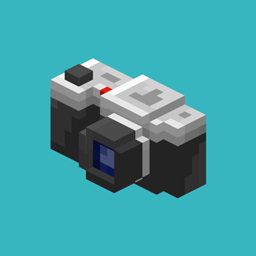
Camerapture Mod for Minecraft 1.20.1, 1.21.1
Take pictures using a working camera, show them to other players and hang them on your wall in picture frames!
 Fabric
 NeoForge
 Quilt
Quilt Forge
ForgeAbout the Camerapture mod
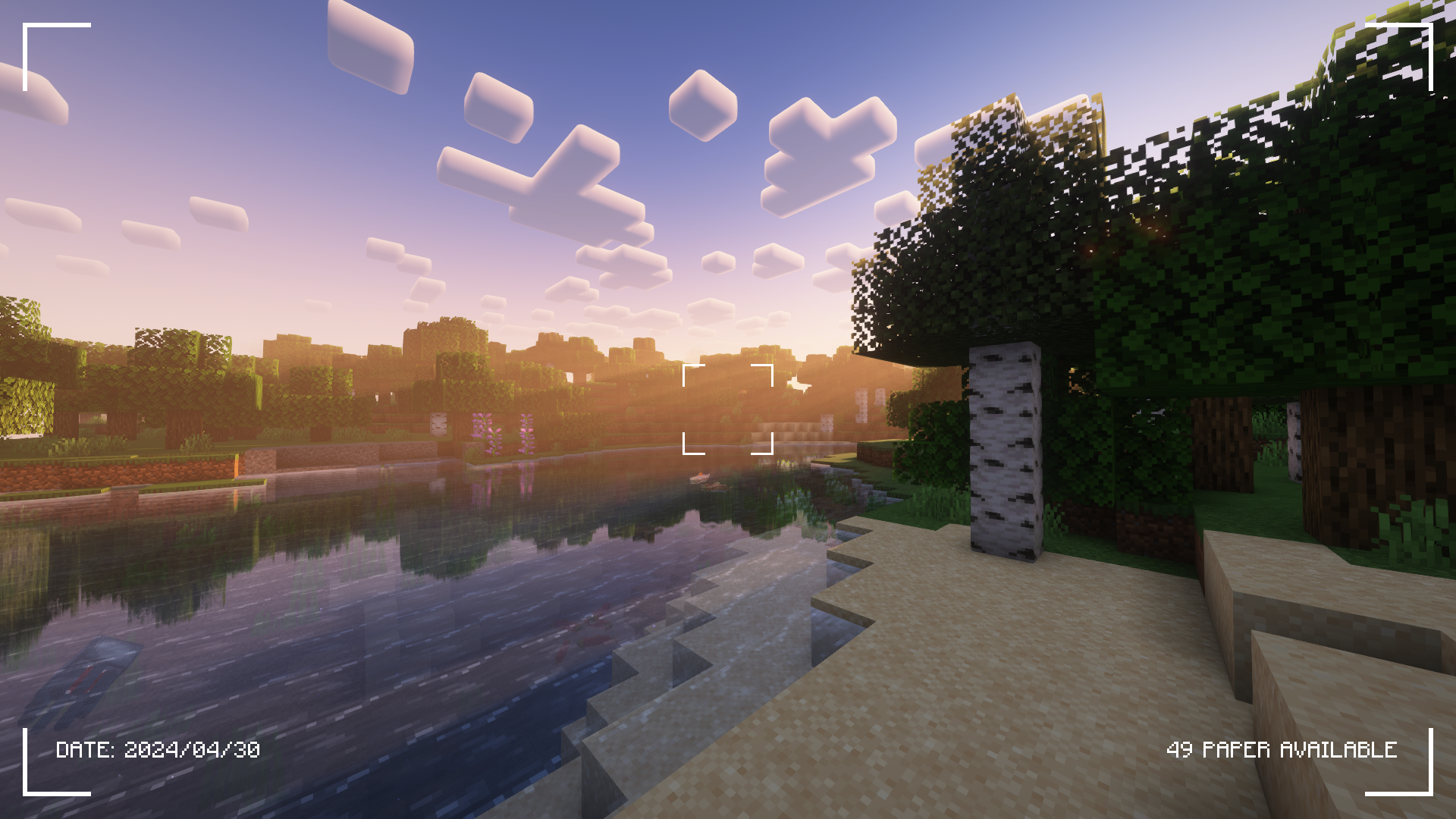
Check the Gallery tab for more screenshots!
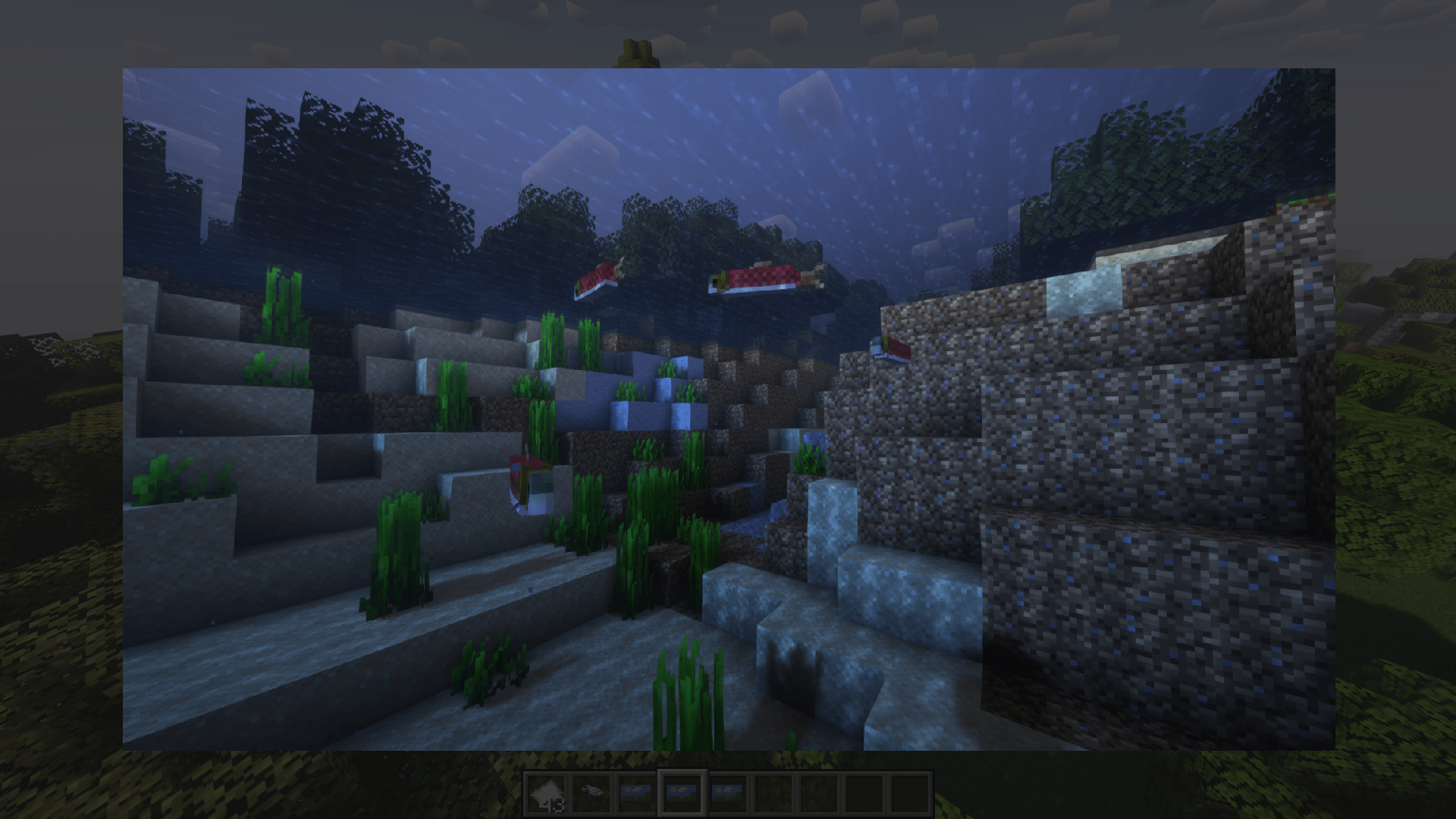
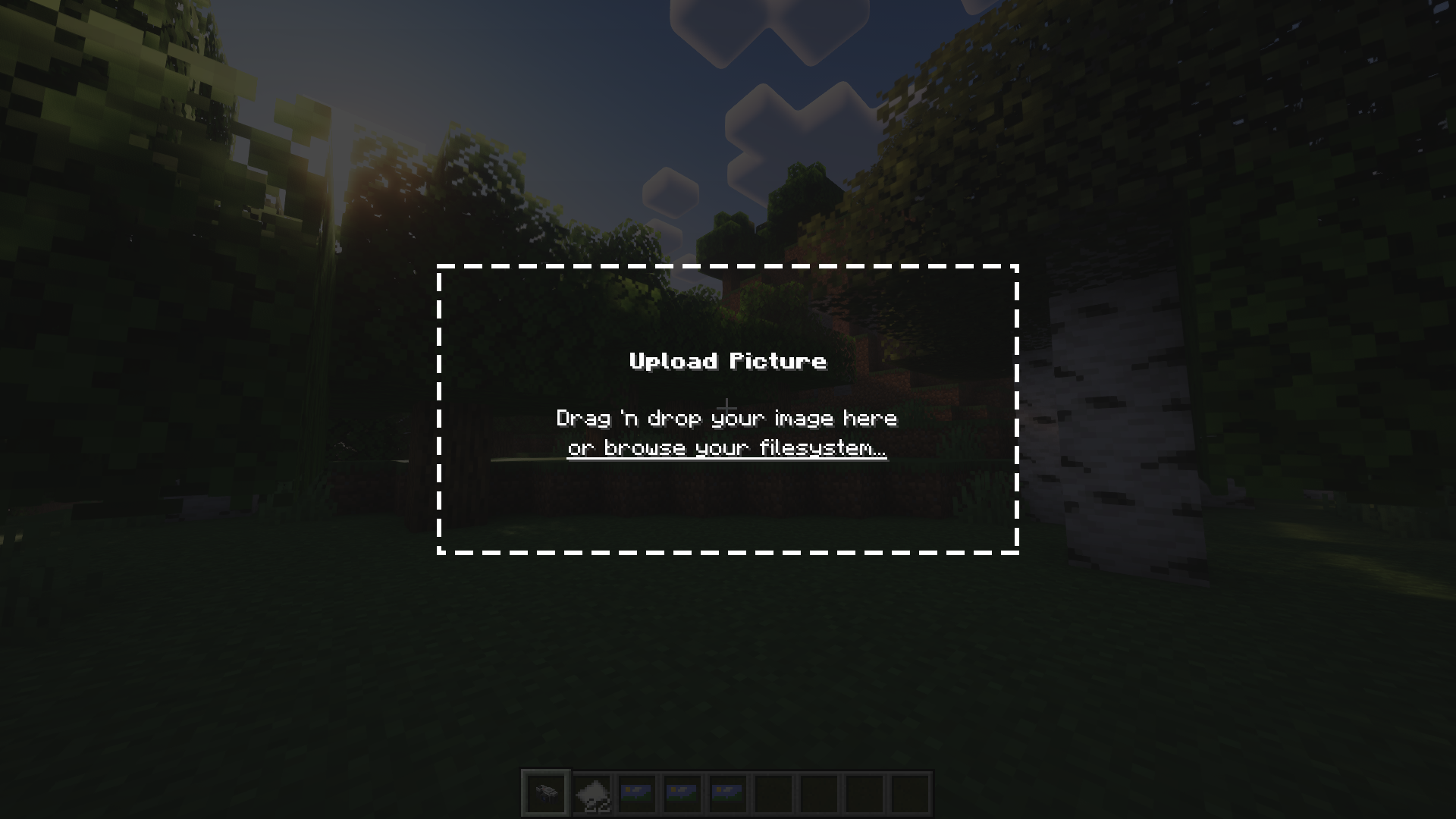
Camerapture is a camera / picture mod for Fabric! It adds working cameras that can take actual pictures of what you see in-game. You can also upload custom pictures using the camera! These pictures can be shared with other players and hung up on the wall to be viewed by everyone.
How does it work?
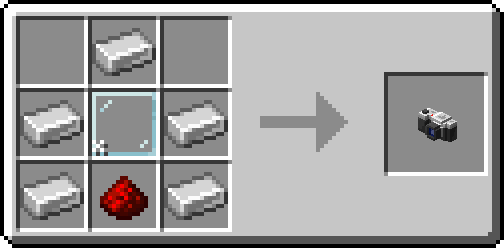
After crafting your camera, put some paper in your inventory and get to photographing!
You can hang a picture on the wall by sneak + right-clicking. To resize the picture frame, just sneak + right-click again on the picture!
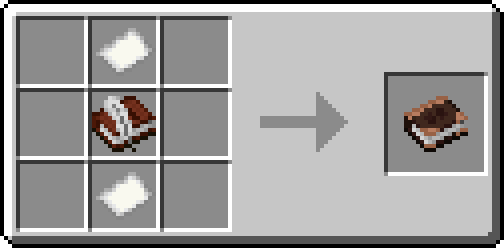
Alternatively, craft an album and collect your pictures into a single book!
Credits
- henkelmax for making the Camera Mod for Forge that's used on the QSMP, for being the main inspiration of this mod.
- All the great people on our origins server for being amazing and patient with me <3
How to install Camerapture
With Millida Launcher
Install Millida Launcher
The launcher is free: download it at millida.net/launcher and sign in with any nickname.
Click “Install” on this page
The launcher opens and installs the mod for Minecraft 1.20–26.3 on Fabric, Forge, NeoForge or Quilt automatically.
Launch the game
A profile with it appears in the launcher: click “Play”.
Manually
Install Fabric, Forge, NeoForge or Quilt
The loader must match the game version of the mod file, for example Minecraft 26.3. After installing it, a separate profile appears in your launcher.
Download the file for your version
In the version list above, pick the file camerapture-1.10.15+mc26.3.jar (2.3 MB) for your game version and loader.
Put it in the mods folder
The folder is inside .minecraft (Windows: %appdata%\.minecraft\mods). If it does not exist, create it.
Launch the loader profile
Open “Mods” in the main menu: Camerapture should be in the list.
Versions
With dependencies
| Minecraft | Loader | File | Date | Actions |
|---|---|---|---|---|
| 26.3 | Fabric, NeoForge, Quilt | 1.10.15 - Minecraft 26.32.3 MB 18 | ||
| 1.20.1 | Forge, NeoForge | 1.10.12 - Forge 1.20.12.1 MB 8 | ||
| 1.21.11 | NeoForge | 1.10.12 - NeoForge 1.21.111.9 MB 1 | ||
| 1.20.1 | Fabric, Quilt | 1.7.0-alpha - Fabric 1.20.13.3 MB 6 | ||
| 1.20.1 | NeoForge, Forge | 1.7.0-alpha - Forge 1.20.13.5 MB | ||
| 1.21 | NeoForge | 1.7.0-alpha - NeoForge 1.21.13.3 MB 6 |
FAQ
Is Camerapture for Forge or Fabric?
There are files for Fabric: 1.20–26.3, for Forge: 1.20–1.20.1, for NeoForge: 1.20–26.3 and for Quilt: 1.20–26.3.
Does Camerapture need other mods?
The author lists no required dependencies: the Fabric, Forge, NeoForge or Quilt loader is enough.
Where can I download Camerapture safely?
On this page: the file camerapture-1.10.15+mc26.3.jar (2.3 MB) is stored on Millida’s server, with no link shorteners. SHA-1 checksum: 48489e23ebd921c9dd95bbbc8eb713bf9b566a10.
Reviews
Be the first to rate Camerapture


