
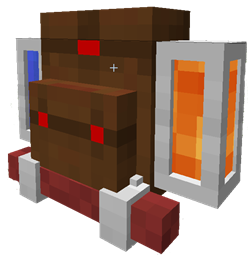
About the Adventure Backpack mod
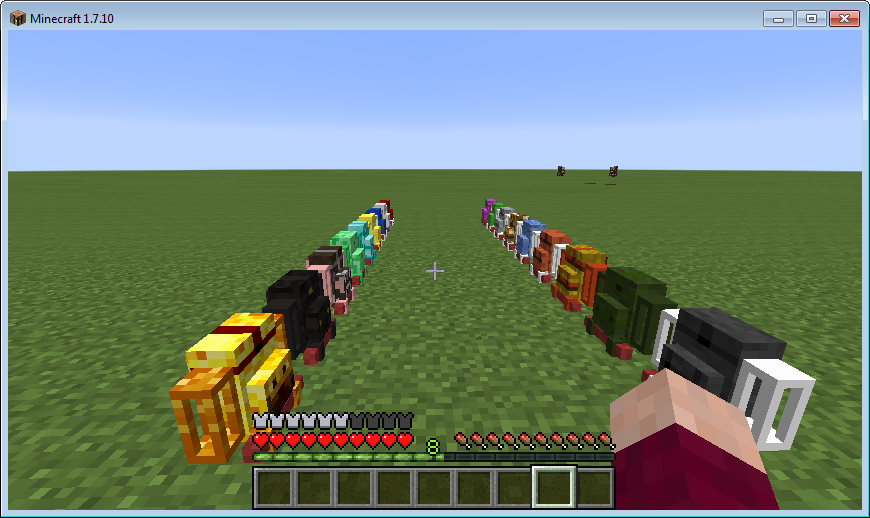
Adventure Backpack adds 60-something new backpacks with original designs, abilities and they can store fluids!
They will keep their inventory when you die, are impervious to lava and fire, and have some neat abilities:
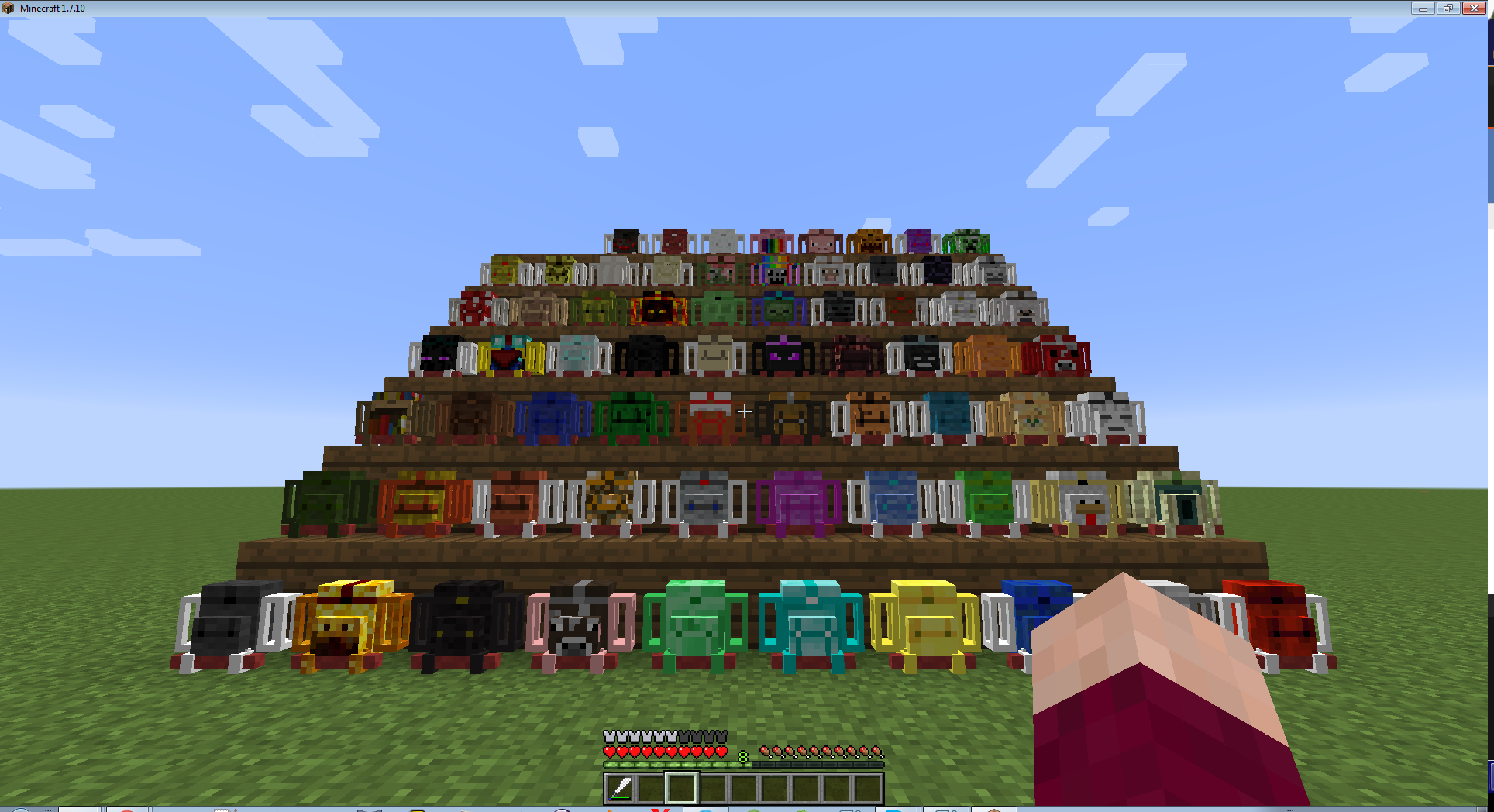
- You can rotate the tool in your hand with the tools stored in the green slots of your backpack if you sneak and roll the mouse wheel.
- You can craft a Hose that will allow you to suck and spill fluids in the world.
- Some backpacks have special abilities, and because this is still in development, more will be added over time.
- They are Crafting Benches too!
- You can deploy a sleeping bag from your backpack to sleep anywhere!
- Tools in the special tool slots render on the backpack.
- Fluids will render inside the tanks. The rendering depends on the quantity.
- The Hose lets you drink the contents of your backpacks tanks, for various effects.
This mod also adds the following:
- Piston-powered boots, to jump higher and run faster.
- A classy Fedora. Looks cool.
- A matching hat that will make you look almost like that famous adventurer, Harrison Jones! *
- A Machete, to traverse dense jungles faster.
- Delicious Melon Juicetm.
More information in the minecraft forum post: ZELDA LINK GANONDORF
- To open the backpack inventory while wearing it, press B (configurable)
- To switch the tank the hose is bound to, press N while holding it (configurable)
- To switch the hose modes, sneak and mousewheel.
Visit the Wiki HERE for up-to-date information, recipes and fun*!
*fun might or might not be available
How to install Adventure Backpack
With Millida Launcher
Install Millida Launcher
The launcher is free: download it at millida.net/launcher and sign in with any nickname.
Click “Install” on this page
The launcher opens and installs the mod for Minecraft 1.7.10 automatically.
Launch the game
A profile with it appears in the launcher: click “Play”.
Manually
Download the file for your version
In the version list above, pick the file adventurebackpack-1.7.10-0.8c.jar (3.2 MB) for your game version.
Put it in the mods folder
The folder is inside .minecraft (Windows: %appdata%\.minecraft\mods). If it does not exist, create it.
Launch the loader profile
Open “Mods” in the main menu: Adventure Backpack should be in the list.
Minecraft 1.7.10 runs on Java 8: with a different Java version the game may close right after launch.
Versions
With dependencies
| Minecraft | Loader | File | Date | Actions |
|---|---|---|---|---|
| 1.7.10 | — | Beta-0.8c3.2 MB 3 |
FAQ
Which Minecraft versions does Adventure Backpack work on?
Only Minecraft 1.7.10: there are no files for other versions.
Which Java does Adventure Backpack need?
Minecraft 1.7.10 runs on Java 8. If the game closes right after launch, the usual cause is the wrong Java version in the profile settings.
Where can I download Adventure Backpack safely?
On this page: the file adventurebackpack-1.7.10-0.8c.jar (3.2 MB) is stored on Millida’s server, with no link shorteners. SHA-1 checksum: 29772dc76a582eb17b9c429a11f235a5b8e9c02d.
Reviews
Be the first to rate Adventure Backpack


