
Horror modpacks for Minecraft Java
327 itemsModpacks: list
Fear Nightfall: Remains of Chaos
Made for CO-OP. A unique, immersive and difficult horror modpack with a campaign and tons of custom content.InstallOn a server
DREAD - A Horror Survival Pack
The most immersive and scariest Horror Modpack for Minecraft, made to make you feel fear and DREAD. Made by Arrenek on YouTube.InstallOn a server

Cave Horror Project 1
Forge 1.20.1 | Chapter 6 is out! | Best horror modpack with quests and story! PLAY NOW!InstallOn a server
HORROR - Into The Backrooms - Found Footage (dweller)
The classic VHS backrooms experience, but in Minecraft!InstallOn a server
Endless Horror - The ULTIMATE Horror Experience
A horror modpack that contains almost every genre of horror, as well as every horror mod made for this version. It contains a couple of extra content mods to keep play throughs interesting, as well as coming with shaders to emphasize the experience.InstallOn a server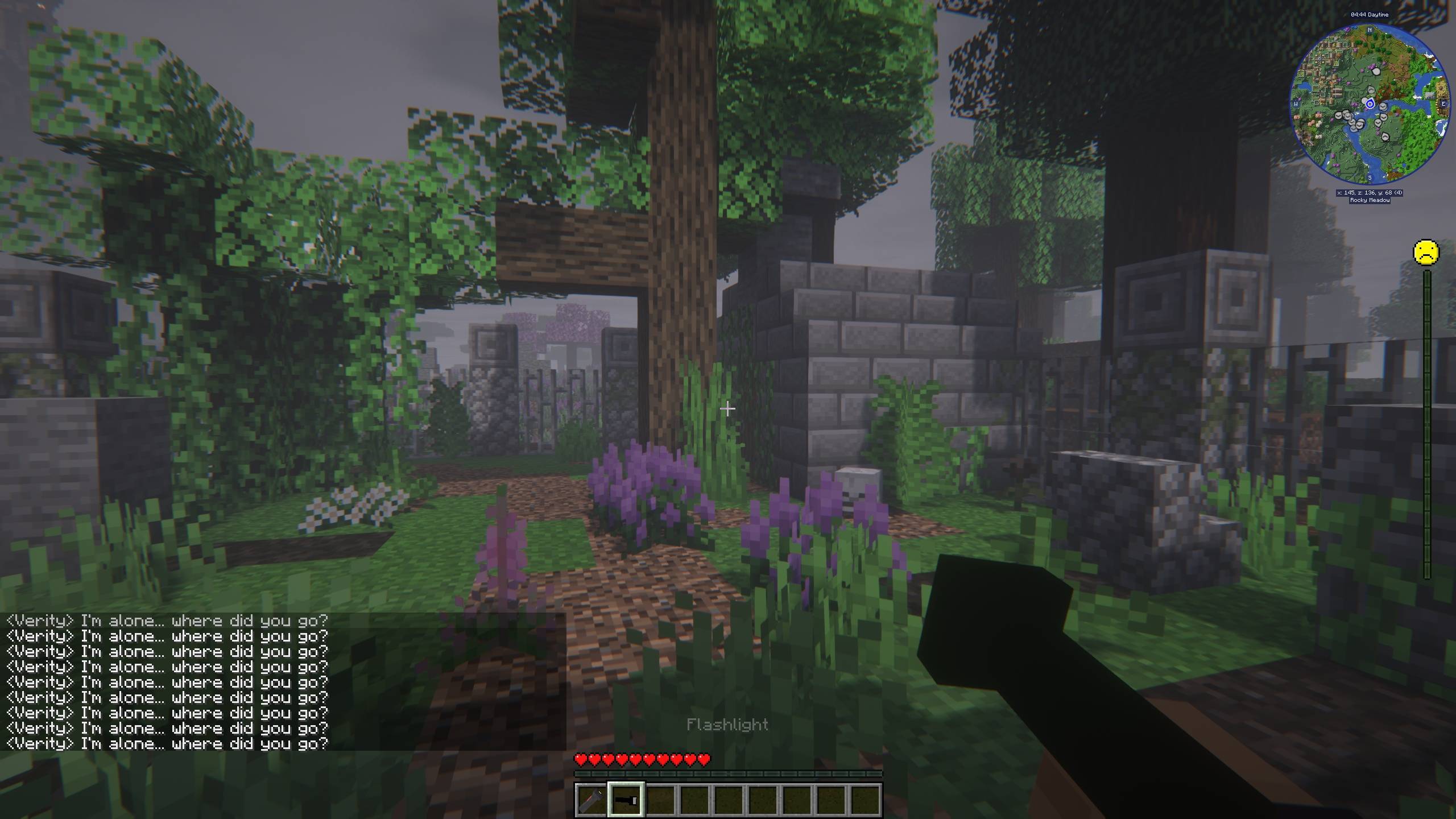

VerityCraft - A Realistic Horror Experience with Verity
A complete horror modpack featuring Verity and much more!InstallOn a server
One Block Horror
A one block modded to be horror and make it very difficult to reach the final objective.InstallOn a server
The Fog - A Horror Experience
A Horror Themed Modpack with Herobrine and Friends.InstallOn a server

Backrooms: Found Footage
The Best Backrooms Experience for MinecraftInstallOn a server
ZOMBIEMANIA - A Modern Zombie Apocalypse
This modpack is a highly realistic zombie apocalypse experience. They hear your voices. They react to your gunshots. And they smell your blood. Set in a bleak, wintry world, survival is more than a challenge — it’s a nightmare.InstallOn a server

Liminal Industries
Explore, conquer and industrialise the liminal backrooms with tech and magicInstallOn a server
the horrors in the fog
a horror mod pack that is spookyInstallOn a server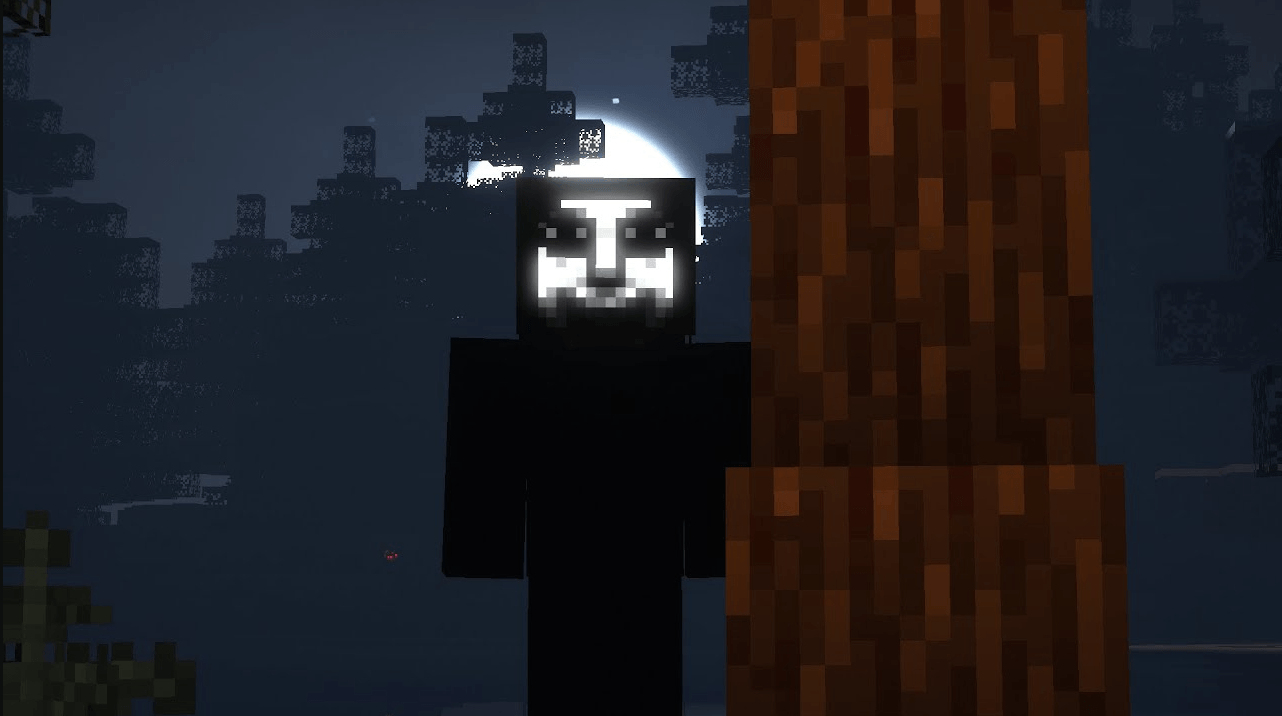
HORROR - One Block (dweller)
The classic one block experience, but with a horrifying twist!InstallOn a server

THE DWELLERS
Horror modpack adding multiple dwellers, Herobrine, and numerous horror and immersion mechanics to the gameInstallOn a server

One block horror
It's regular one block survival, but with many dwellers to give you a chilling experience (optimized)InstallOn a server
From the Fog Reimagined
The OG Minecraft From the Fog Modpack. Inspired by "Calvin". With some extra features for enhanced game playInstallOn a server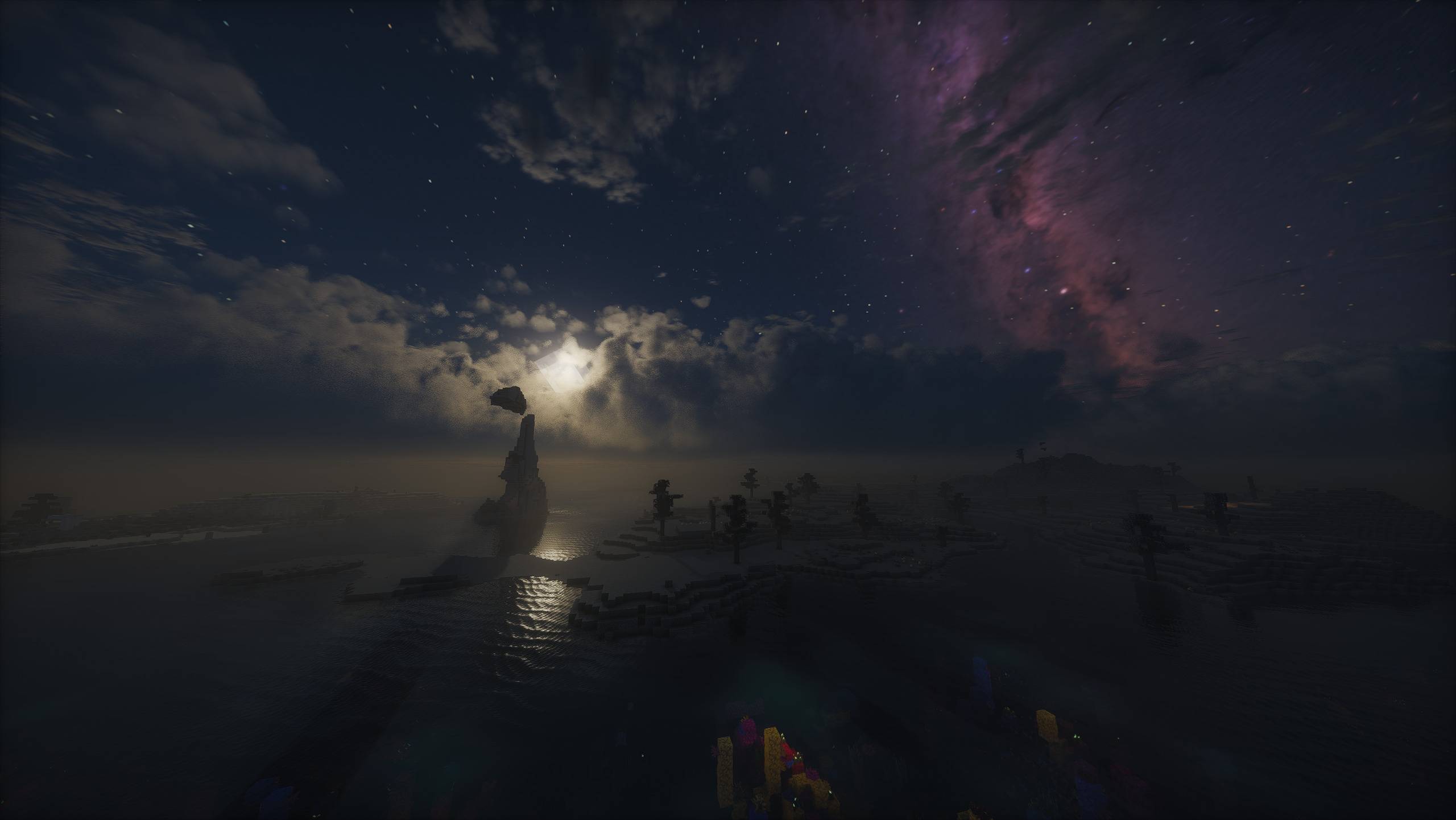
Lost World - The Broken Script
A challenging Horror Modpack which slowly destroys your world while dangerous creatures are watching you - Now with TBS 2.0!InstallOn a server
Verity virtual assistant (READ THE DESCRIPTION)
Adds a cute yellow little ball to your world that helps you (or not)InstallOn a server
DREAD - A Horror Survival Pack
Horror survival: darkness, fog, creepy creatures and the constant feeling that you are being watched.Install
The Fungal Infection | Co-Op Base Defense
CO-OP & Singleplayer | The Cordyceps fungus has taken over the Overworld, build and defend your base to surive the always-evolving infection.InstallOn a server
Cracker's Wither Storm Performance
Cracker's Wither Storm Mod, with performance enhancing mods and shader support for the ultimate boss fight.InstallOn a server
Horror Craft
A modpack aiming to bring anxiety and dread to the peaceful landscape of minecraftInstallOn a server

The Broken Script Enhanced
A horror modpack based around The Broken Script, adding small mods to aid it in giving you a sense of fear and paranoia.InstallOn a serverFAQ
How is a modpack different from a bunch of mods?
A modpack is already a tuned set: mod versions are matched to each other, configs are set up, and recipes and progression are tied together. Mods downloaded one by one you'll have to make work together yourself.
How do I install a modpack?
Click “Install” and Millida Launcher will download the modpack and the right Java for you and create a separate profile for it. No need to install the mods or loader separately.
How much memory should I allocate?
Light performance modpacks run on 4 GB, mid-sized ones on 6 GB, and big tech-and-magic ones need 8 GB or more. You can change memory in the Millida Launcher profile settings; the exact figure is usually in the modpack description.
Which modpack should I pick to play with friends?
Turn on the With a friend filter under What for to keep modpacks made for playing together: co-op survival, Create, adventures with shared progression. The modpack version must match for every player and the server.
Are there modpacks with quests in my language?
Modpacks with a quest book and a story are in the With quests theme. The quest language depends on the author: most packs ship in English, and other languages are usually added by a separate translation mod — check the modpack description.
Will a modpack run on a low-end PC?
A light one will. The For low-end PCs filter keeps modpacks with a small mod list and performance mods, and 4 GB of memory is enough for them. Big tech-magic modpacks need 6–8 GB and lag on a weak machine even if they start.
How do I run a modpack on my own server?
A modpack page has an On a server button: it installs the modpack on a Millida Hosting server and switches the core to match, and a copy of the old world is kept in backups. Players then install the same modpack in Millida Launcher and join the server address.
Horror modpacks for Minecraft Java
A modpack is a ready-made set of mods, configs and recipes put together by the author so that everything works together. Building a set like that by hand takes ages: mods clash over versions, need libraries and handle game mechanics in different ways. A modpack has already done that work for you — all that's left is to pick the game version and loader.
A modpack is not only for your own game: you can also run it on a server to play with friends. Next to Install on a modpack page there is an On a server button: it installs the same modpack on a Millida Hosting server together with the right core, and a copy of the old world is kept in backups. Your friends install the modpack in the launcher and join the server address — everyone gets the same version because it comes from one place.
Each modpack here is one page with every released version. The card shows which game version and loader it's built for, how big the archive is and who the author is. Modpacks aren't installed like individual mods: click “Install” and Millida Launcher downloads all the modpack's mods, the right loader and Java, and creates a separate profile for it without touching your others. Mind the memory requirements: heavy tech-and-magic modpacks need six gigabytes or more and simply won't start on the default two.