
Modpacks with the Create mod for Minecraft Java
211 itemsModpacks: list

All of Create
The Ultimate Create Experience | Create 6.0 with 50+ Addons, Quests and Great PerformanceInstallOn a server

Create+
A simple, optimized, Vanilla+ pack, with the special exception of Create (and its addons). Now with Create: Aeronautics!InstallOn a server
Create: Perfect World
Create-focused lightweight modpack from MrBeardstone's YouTube SeriesInstallOn a server
Create: Astral
This is a challenging tech-focused Fabric 1.18.2 pack filled to the brim with mods integrated into create with custom recipes. Includes full questing and a progression tree.InstallOn a server
Create Live 4
Minecraft Create Live 4 is a Modpack created for the german YouTube/Twitch project "Minecraft Create Live 4".InstallOn a server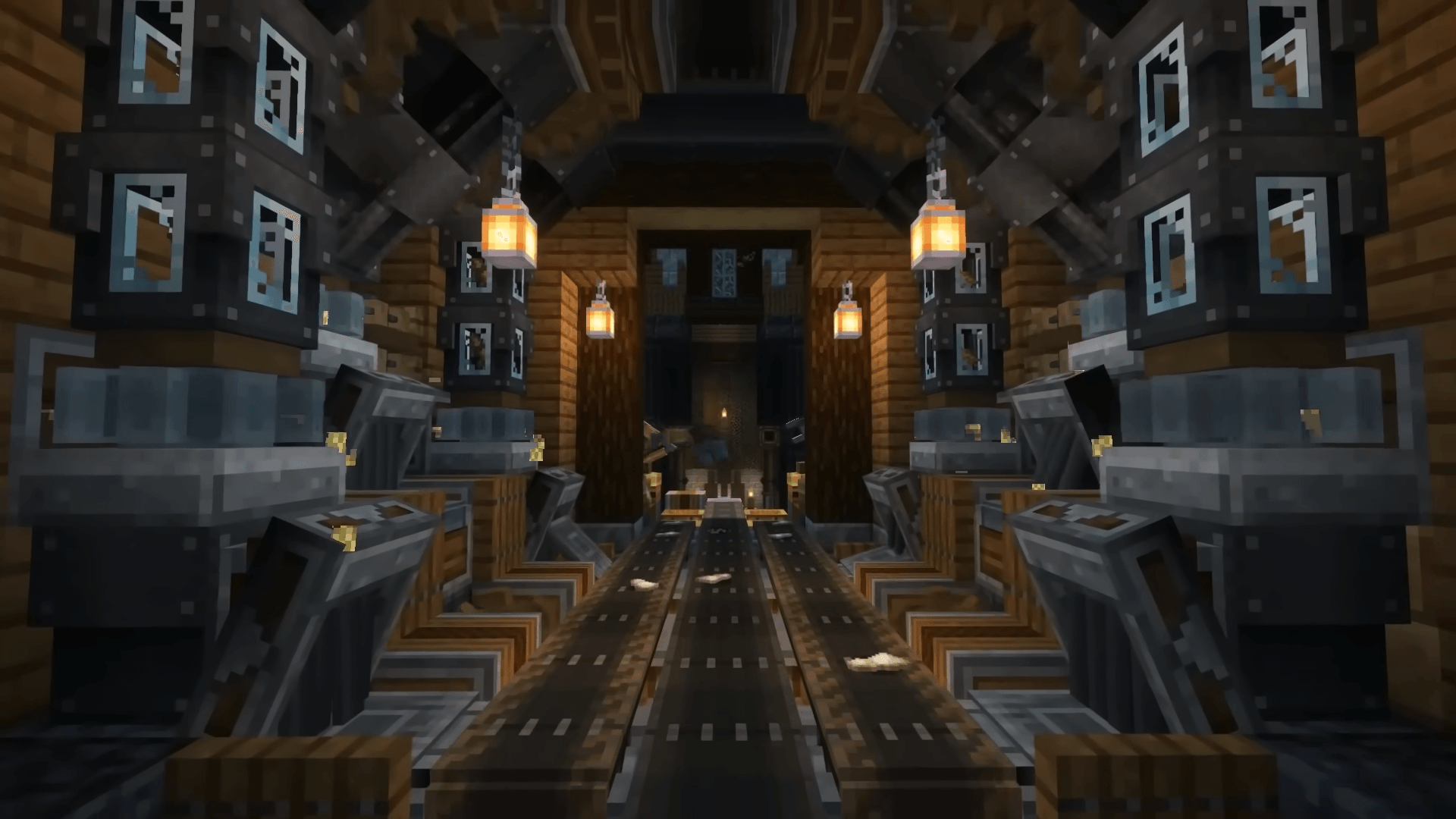
Create Ultimate Selection – Create Quests | Create Addons [1.20.1]
CREATE 6.0 AND QUESTS - With the Best Create Mods: Unlock the Full Potential of Engineering, Automation, and Innovation in MinecraftInstallOn a server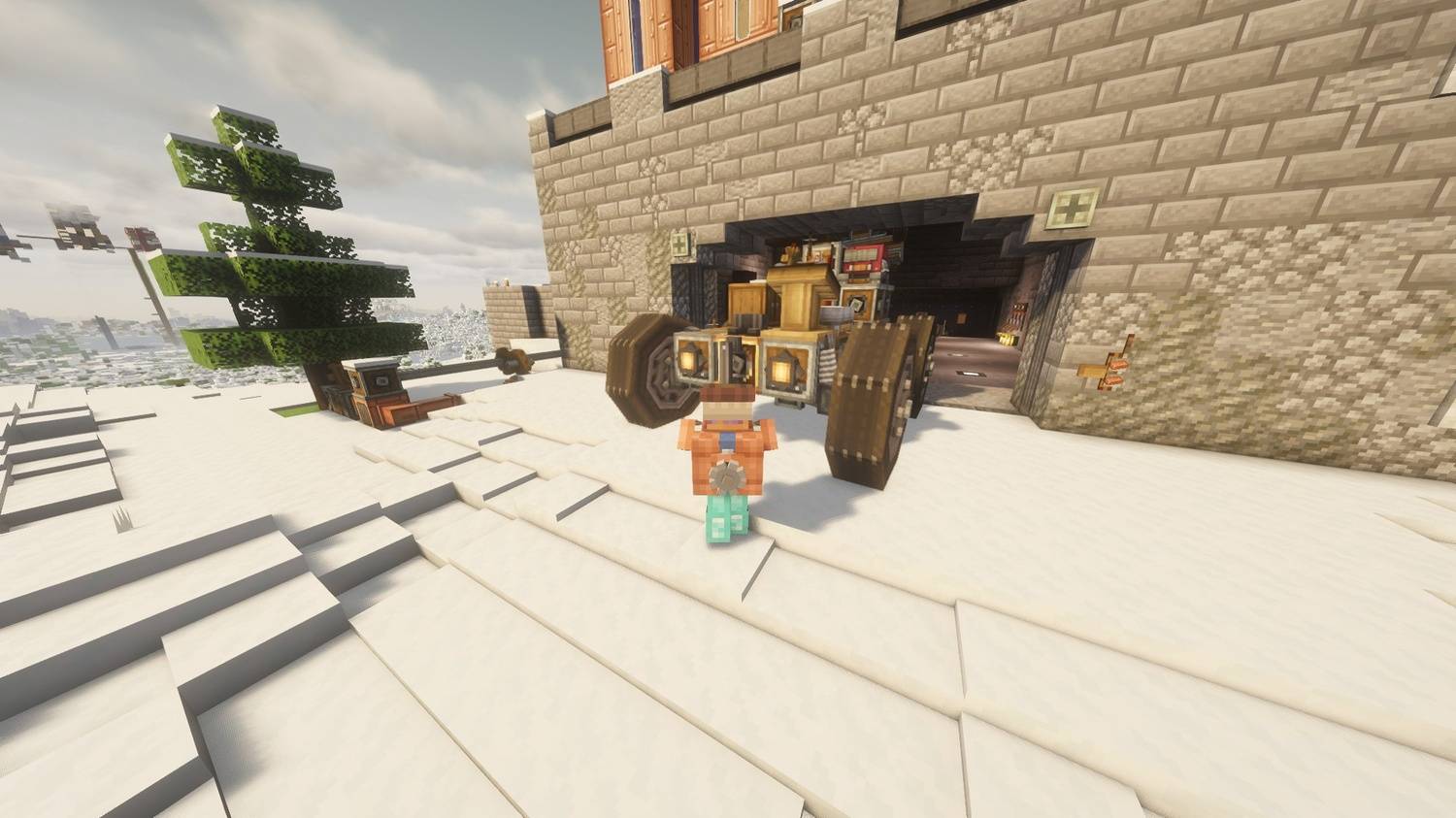
All of Create Aeronautics
The Ultimate Create Aeronautics Experience | Create Aeronautics with 50+ Addons, Quests and Great PerformanceInstallOn a server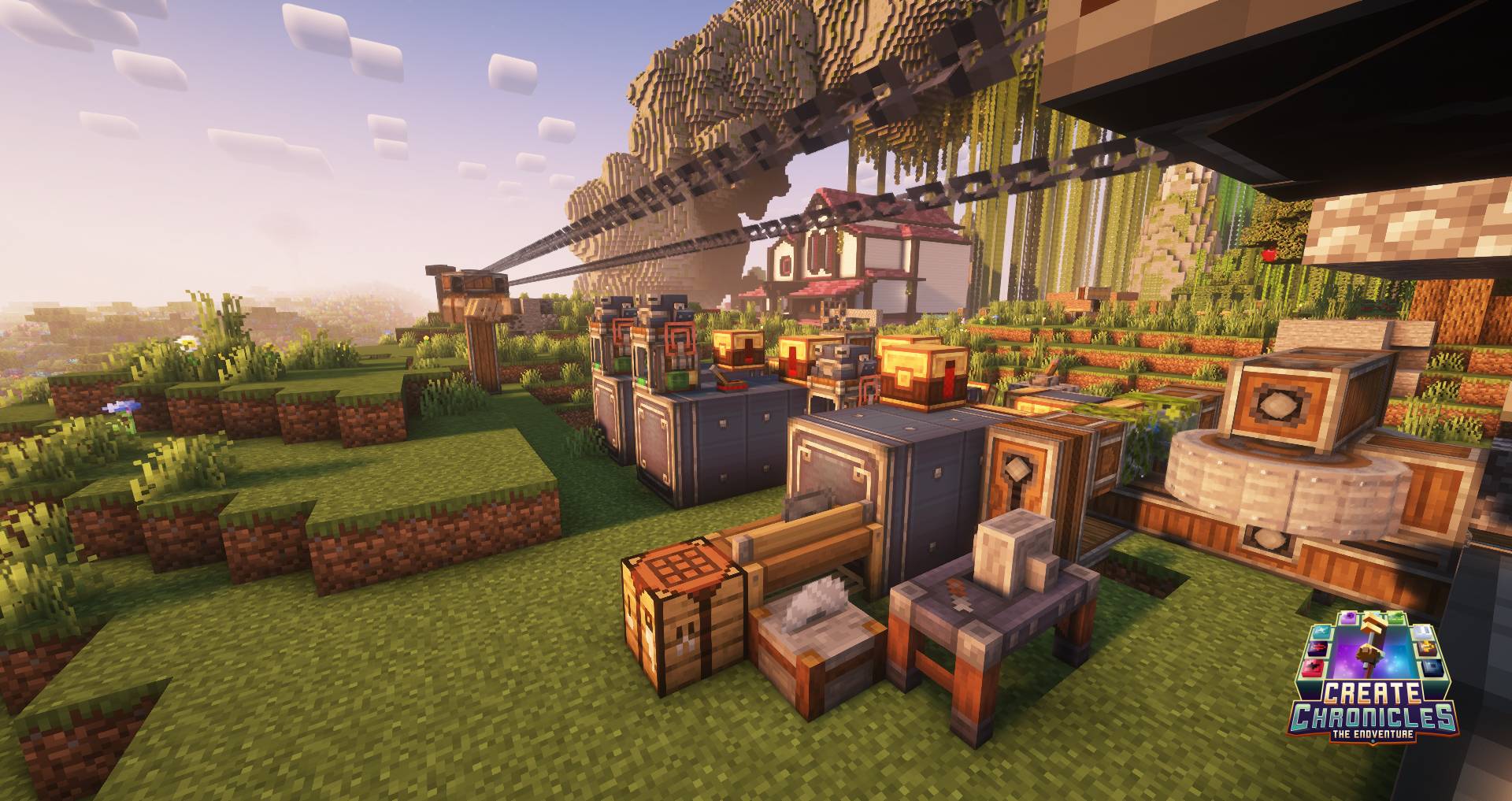
Create Chronicles: The Endventure
Collect 12 Ender Eyes to unlock the End or just relax and build with style. A cozy Create modpack with light progression, easy automation and explorationInstallOn a server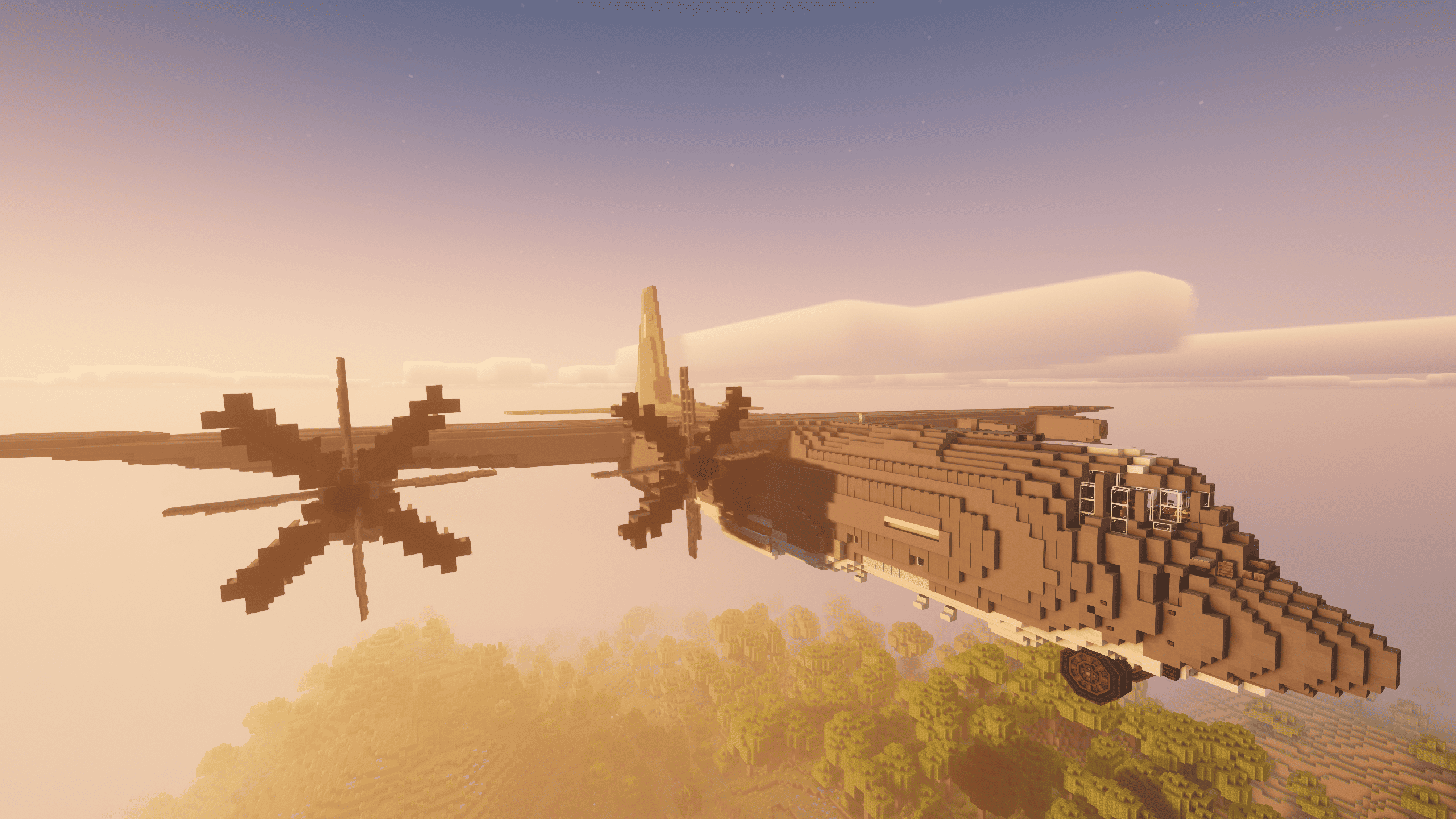
Create Ultimate Selection 2 – Create Aeronautics | Create Addons & Aeronautics Addons
NEW: Create Aeronautics! Unlock the full potential of engineering, automation, and innovation with the best Create mods.InstallOn a server
Create: Arcane Engineering
A Create Modpack set to Revolutionize Modern ModpacksInstallOn a server
Just Create SMP
Just Create and a few QOL mods in Minecraft SMP - Official pack of the Just Create SMPInstallOn a server
Create'a Colony
A modpack intended to combine the Create and Minecolonies experience into one!InstallOn a server

月亮工厂MCF 【Moon Create factory】
以机械动力和社交为核心的整合包,通过机械设备和你朋友一起创造快乐的世界。体验更加浓厚的科技机械之美。 An integrated package centered on mechanical power and social interaction, creating a happy world with your friends through mechanical devices. Experience a stronger beauty of technology and machinery.Install
FXNT Create
A vanilla+ experience featured around the Create Mod with improved world generation bringing Minecraft to life!InstallOn a server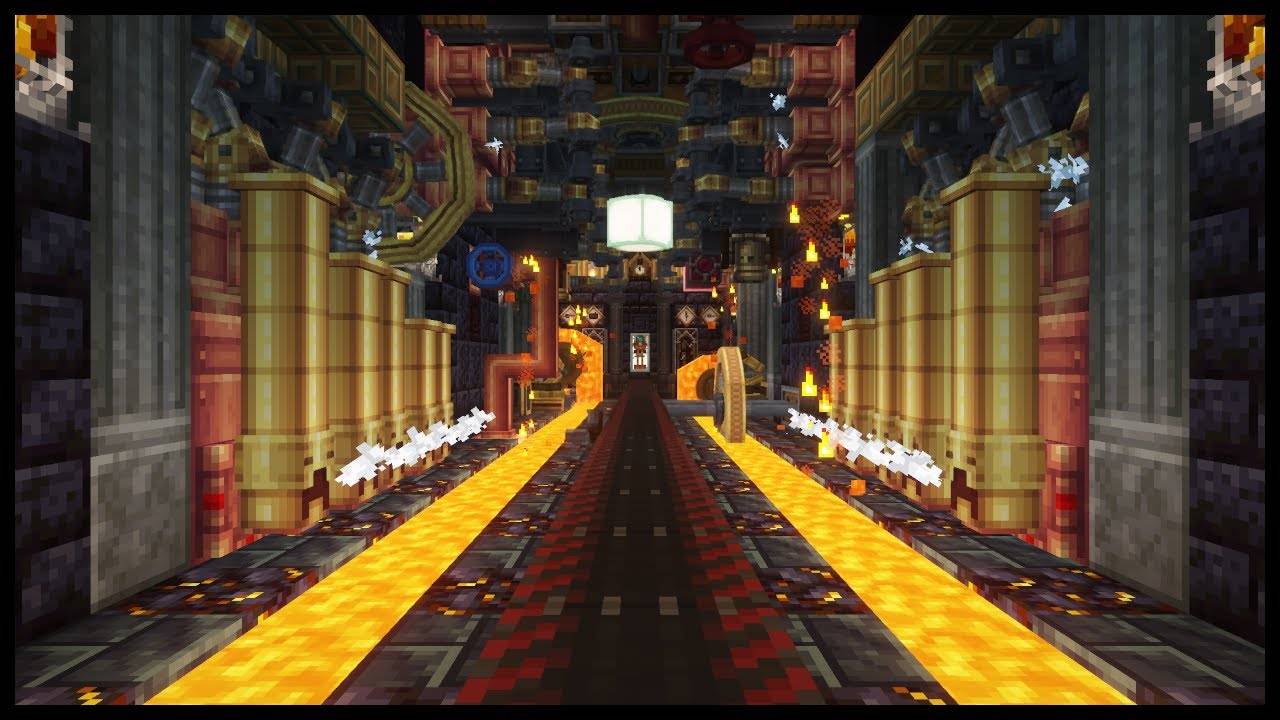
All in one: Create
Love the create mod? perfect modpack with create, its addons, QOL mods and some other fun mods.InstallOn a server
CABIN: Create Above & Beyond In Newer
A remaster of the 1.16 pack to newer versions, with new featuresInstallOn a server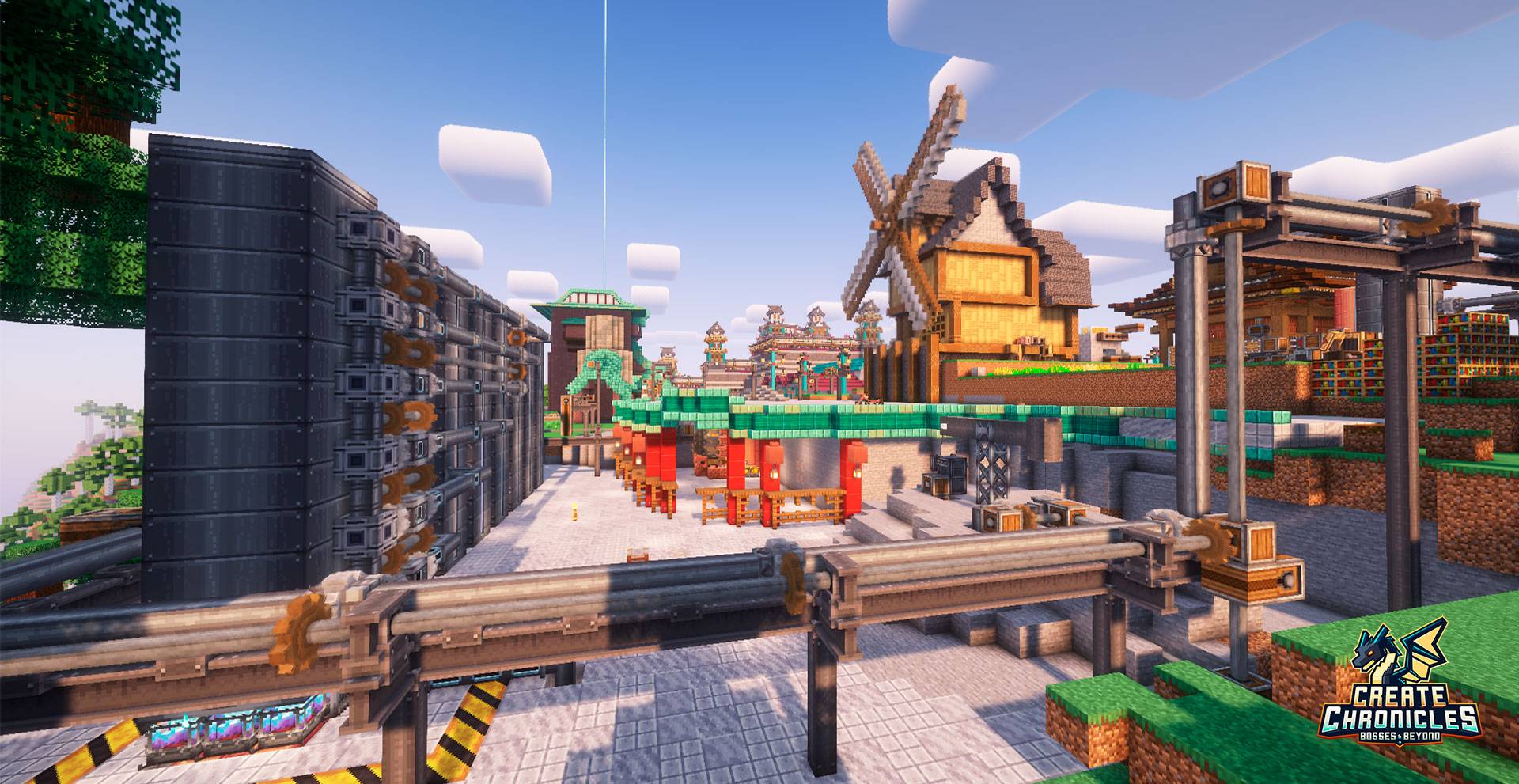
Create Chronicles: Bosses and Beyond
Adventure & Automation Modpack blending Create with Exploration, Magic, and Epic Bosses. 800+ Quests | Progression | Custom RecipesInstallOn a server
Create: Perfect World 2
Create-focused lightweight modpack from MrBeardstone's YouTube Series - Perfect World 2InstallOn a server
Cozy Create - Create Focused Adventure
A Cozy modpack focused around create and Quality of Life Mods!InstallOn a server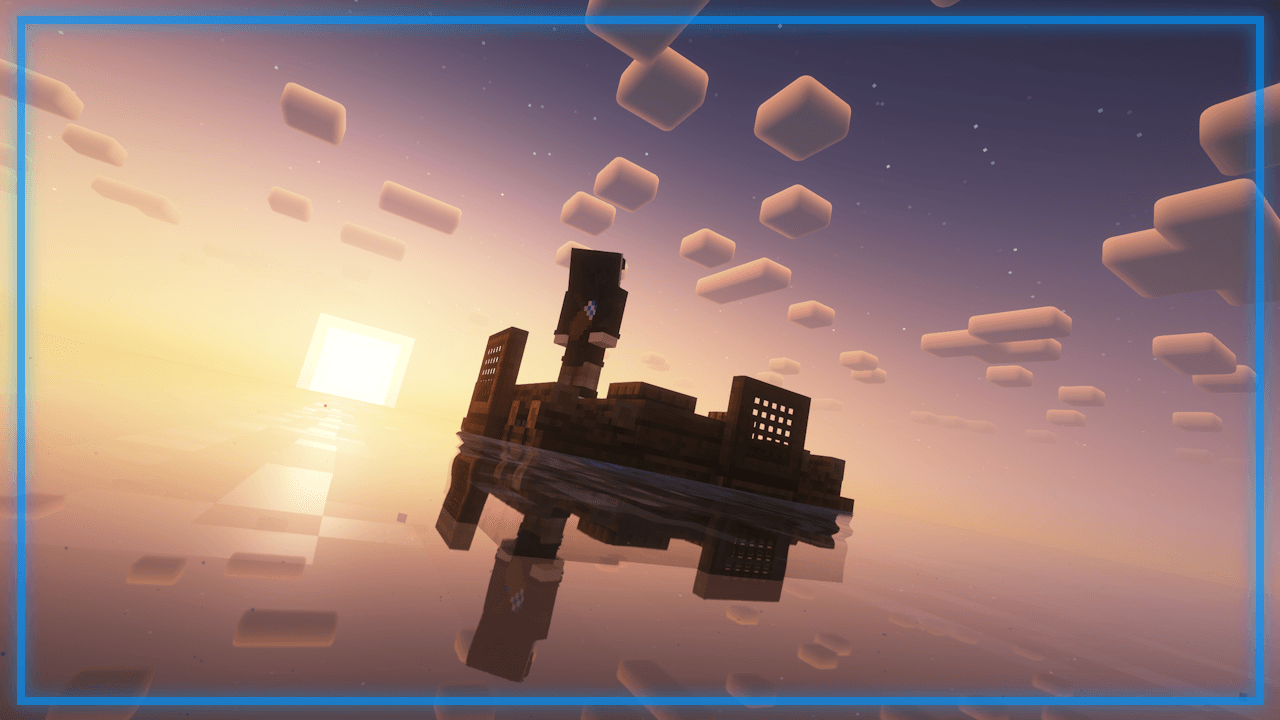
Create: Stranded at Sea
An ocean survival, centered around create automation, adventure, and a fully integrated economy system.InstallOn a server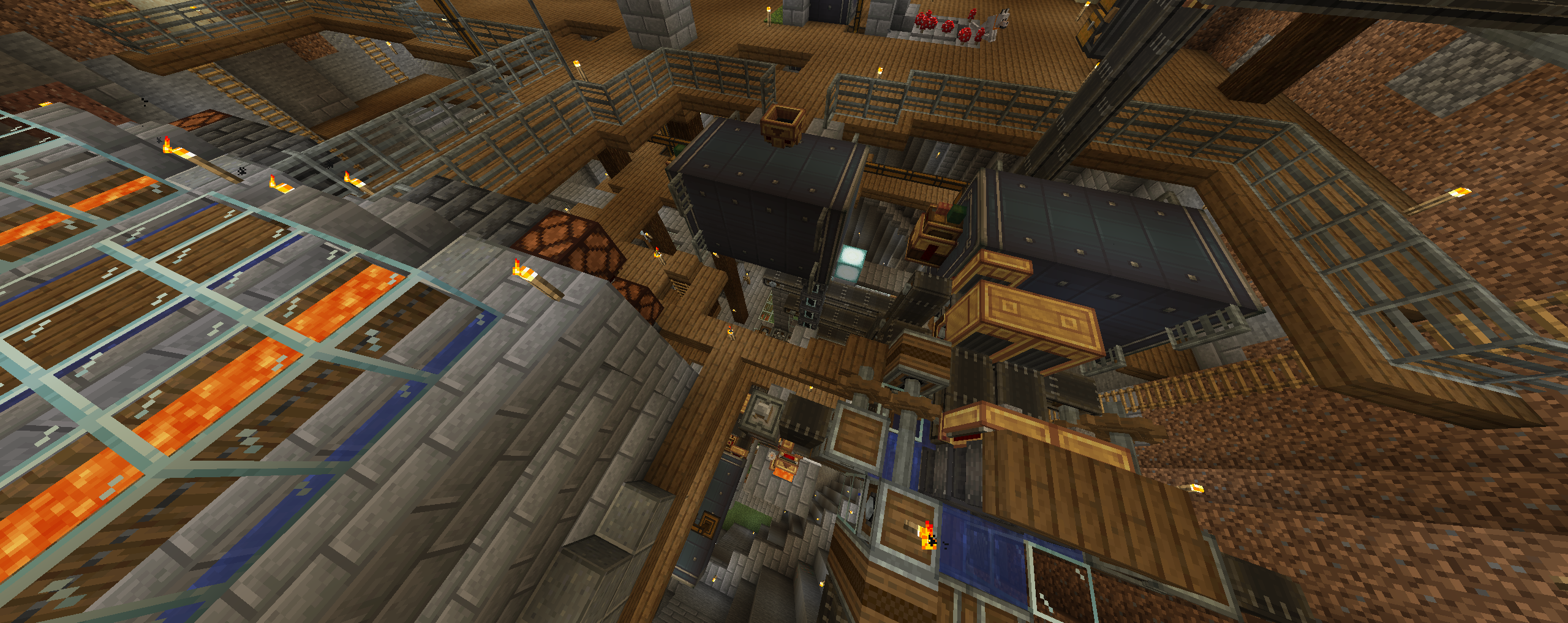
Create Optimized [FABRIC]
This modpack is curated to provide the highest performance possible while playing the famously taxing create mod. Keep your focus on the gameplay rather than your overheating PC!InstallOn a server
Create+
A lightweight vanilla plus pack focused around the create mod.InstallOn a server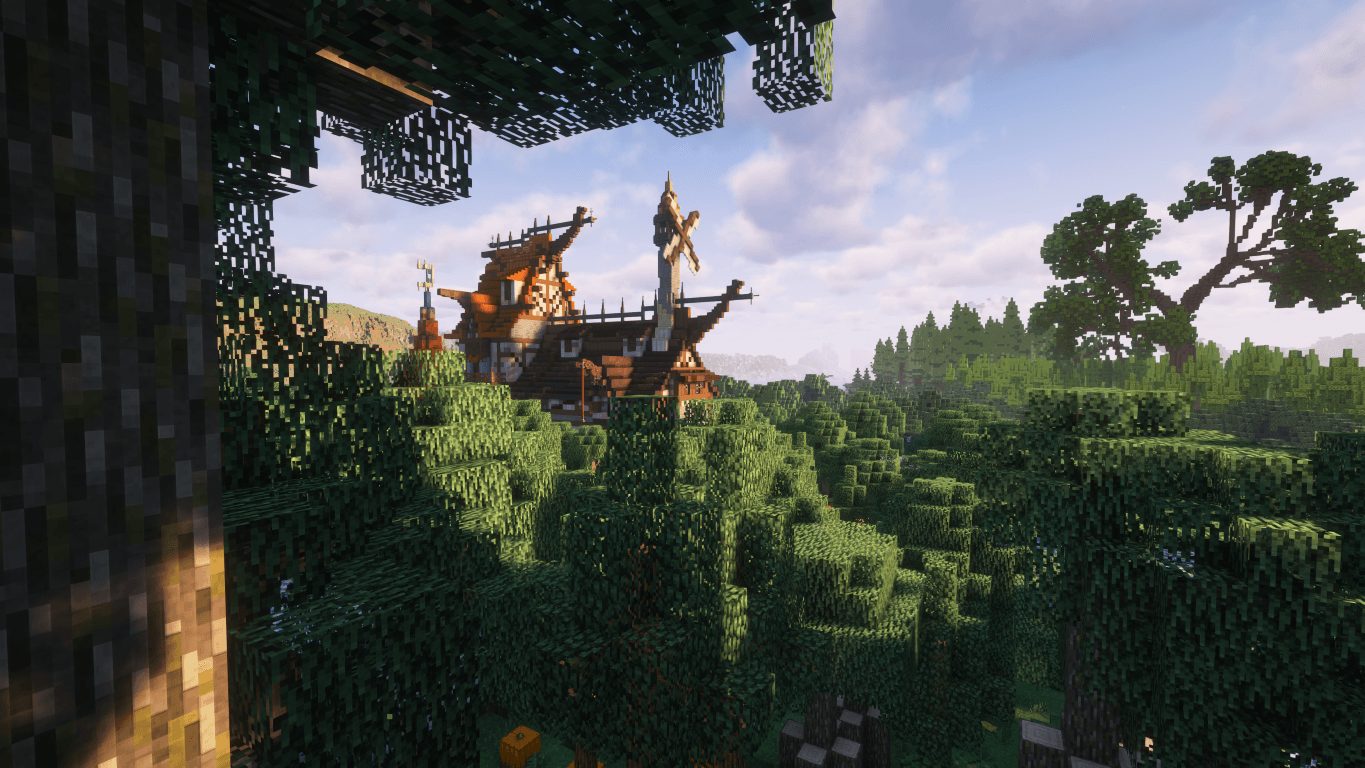
GenCraft - Forge your world, Create your destiny!
Discover GenCraft – the ultimate Minecraft experience! Enjoy stunning visuals, immersive questlines, new dimensions, custom configured shaders, diverse biomes, better combat, delightful farming, and seamless multiplayer. Download today!InstallOn a serverFAQ
How is a modpack different from a bunch of mods?
A modpack is already a tuned set: mod versions are matched to each other, configs are set up, and recipes and progression are tied together. Mods downloaded one by one you'll have to make work together yourself.
How do I install a modpack?
Click “Install” and Millida Launcher will download the modpack and the right Java for you and create a separate profile for it. No need to install the mods or loader separately.
How much memory should I allocate?
Light performance modpacks run on 4 GB, mid-sized ones on 6 GB, and big tech-and-magic ones need 8 GB or more. You can change memory in the Millida Launcher profile settings; the exact figure is usually in the modpack description.
Which modpack should I pick to play with friends?
Turn on the With a friend filter under What for to keep modpacks made for playing together: co-op survival, Create, adventures with shared progression. The modpack version must match for every player and the server.
Are there modpacks with quests in my language?
Modpacks with a quest book and a story are in the With quests theme. The quest language depends on the author: most packs ship in English, and other languages are usually added by a separate translation mod — check the modpack description.
Will a modpack run on a low-end PC?
A light one will. The For low-end PCs filter keeps modpacks with a small mod list and performance mods, and 4 GB of memory is enough for them. Big tech-magic modpacks need 6–8 GB and lag on a weak machine even if they start.
How do I run a modpack on my own server?
A modpack page has an On a server button: it installs the modpack on a Millida Hosting server and switches the core to match, and a copy of the old world is kept in backups. Players then install the same modpack in Millida Launcher and join the server address.
Modpacks with the Create mod for Minecraft Java
A modpack is a ready-made set of mods, configs and recipes put together by the author so that everything works together. Building a set like that by hand takes ages: mods clash over versions, need libraries and handle game mechanics in different ways. A modpack has already done that work for you — all that's left is to pick the game version and loader.
A modpack is not only for your own game: you can also run it on a server to play with friends. Next to Install on a modpack page there is an On a server button: it installs the same modpack on a Millida Hosting server together with the right core, and a copy of the old world is kept in backups. Your friends install the modpack in the launcher and join the server address — everyone gets the same version because it comes from one place.
Each modpack here is one page with every released version. The card shows which game version and loader it's built for, how big the archive is and who the author is. Modpacks aren't installed like individual mods: click “Install” and Millida Launcher downloads all the modpack's mods, the right loader and Java, and creates a separate profile for it without touching your others. Mind the memory requirements: heavy tech-and-magic modpacks need six gigabytes or more and simply won't start on the default two.