
Modpacks with the Create mod for Minecraft Java — page 6
211 itemsModpacks: list


Create 101
Automation-themed pack centered around Create & Mekanism in 1.15.2InstallOn a server
TechRPG - RPG with Tech, Magic, Create, Space Exploration
RPG Tech modpack featuring Tech automation with RPG Adventure, Create, Space Exploration, Skills, 1000+ Quests and more!InstallOn a server
Ninety Nine (99) Mods on the Wall - featuring Create
This quest base pack is built around the awesome mod, Create. Also, Alex's Mobs are really quite fun too!InstallOn a server
Create: Modern Warfare
Aims to be the best Pack for building things like: Tanks, Planes, Worships, Helicopters, Cars, Zeppelins, or anything you may desire using Create: Stimulated / Create: AeronauticsInstallOn a server
Create a Colony - Minecolonies and Create
Create a Colony from the Minecolonies mod and support it through massive factories focused around the Create mod!InstallOn a server
Create AeronauticalSMP
A Modpack made for the (Unofficial) server Create AeronauticalSMPInstallOn a server

Create Planetary
Including Create, Farmer's Delight, Cataclysm, Alexsmobs, Twilight Forest and much more! Vanilla StyledInstallOn a server
Create 90gQ
A modpack centered around Create and to enhance the multiplayer experience.InstallOn a server
UC6 - Ultimate Create 6
🔧 Build, 🌍 Explore, ⚡ Optimize – A Create-based modpack with enhanced structures, better performance, and immersive gameplay!InstallOn a server

Create+
The modpack using mods from the Create+ modpack on CurseForge (plus some additional mods, credits to StormDragon_64 for making the pack) that lets you play with friends on single player worlds using the Essential multiplayer mod!Install

Create-O-Holics S1 Public Server Pack
The modpack for the Create-O-Holics Season 1 Public Server!InstallOn a server
All of Create Fabric
The Ultimate Create Experience | Create with Addons and Great PerformanceInstallOn a server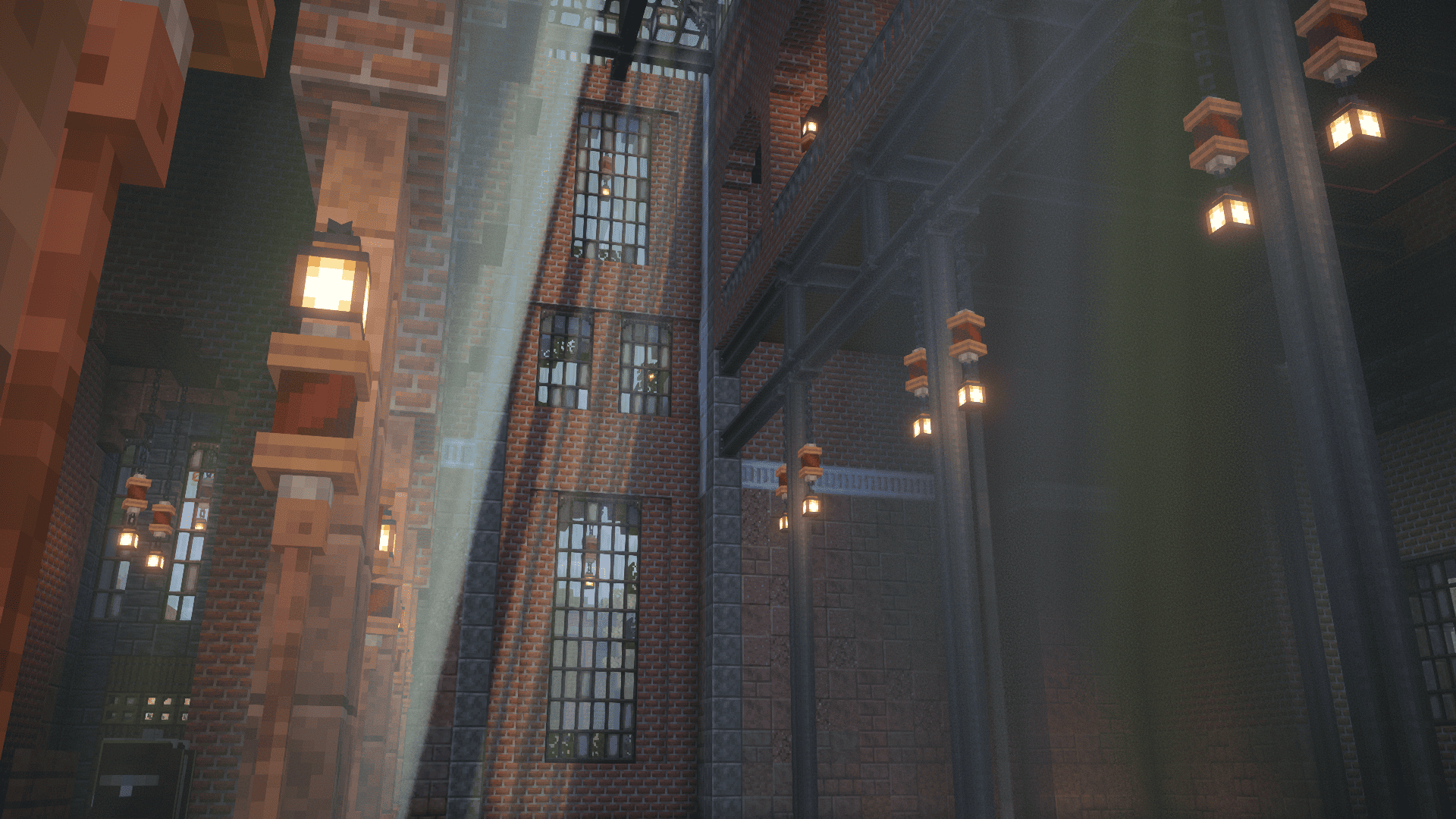
Create France Serveur
Create Communauty Pack for friends want to play Together, discover new minecraft world and find new friends to create best projectInstallOn a server

Isabel's Aeroscapes [for Create Aeronautics]
Totally immersive sky island survival for Create: Aeronautics.InstallOn a server

Keo Create Optimized
Keo Create Optimized is a carefully curated modpack that delivers a smooth, vanilla+ experience with a central focus on Create: AeronauticsInstallOn a server
Create Vanilla+
This modpack provides a vanilla+ experience centered around the create mod. If you're looking for a modpack that doesn't stray too far away from the original minecraft experience but is full of quality of life mods, look no further!InstallOn a server
Create Tycoon
A create modpack with magic and space exploration with a lot of challanges to achive in your factoryInstallOn a server

Create Nouveau
A magical adventure focused modpack, featuring the create mod and ars nouveau, with a good performance and a lot of QOL modsInstall
Create Comes Alive
Small modpack based on Create, Minecolonies and MCA RebornInstallOn a server
Create Valkyrien Skies Integration
A modpack made for exploration using flying or aquatic vehiclesInstallOn a server

Create: Cobblemon [Cardboard Edition]
A Casual Modpack that includes various mods such as Create where you can automate almost anything you can think of, Cobblemon to catch friends and fight various monster in engaging battles, Minecolonies where you can become a mayor of your own town!InstallOn a server

Nebby's Too Many Create Mods
Over 100 poorly-curated Create mod add-onsInstallOn a server
Create: Gears of History
Journey through the ages with Create in a fast-paced, quest-driven modpack. From the Stone Age to the Modern Era, will you be able to craft the Chromatic Compound?InstallOn a serverFAQ
How is a modpack different from a bunch of mods?
A modpack is already a tuned set: mod versions are matched to each other, configs are set up, and recipes and progression are tied together. Mods downloaded one by one you'll have to make work together yourself.
How do I install a modpack?
Click “Install” and Millida Launcher will download the modpack and the right Java for you and create a separate profile for it. No need to install the mods or loader separately.
How much memory should I allocate?
Light performance modpacks run on 4 GB, mid-sized ones on 6 GB, and big tech-and-magic ones need 8 GB or more. You can change memory in the Millida Launcher profile settings; the exact figure is usually in the modpack description.
Which modpack should I pick to play with friends?
Turn on the With a friend filter under What for to keep modpacks made for playing together: co-op survival, Create, adventures with shared progression. The modpack version must match for every player and the server.
Are there modpacks with quests in my language?
Modpacks with a quest book and a story are in the With quests theme. The quest language depends on the author: most packs ship in English, and other languages are usually added by a separate translation mod — check the modpack description.
Will a modpack run on a low-end PC?
A light one will. The For low-end PCs filter keeps modpacks with a small mod list and performance mods, and 4 GB of memory is enough for them. Big tech-magic modpacks need 6–8 GB and lag on a weak machine even if they start.
How do I run a modpack on my own server?
A modpack page has an On a server button: it installs the modpack on a Millida Hosting server and switches the core to match, and a copy of the old world is kept in backups. Players then install the same modpack in Millida Launcher and join the server address.
Modpacks with the Create mod for Minecraft Java
A modpack is a ready-made set of mods, configs and recipes put together by the author so that everything works together. Building a set like that by hand takes ages: mods clash over versions, need libraries and handle game mechanics in different ways. A modpack has already done that work for you — all that's left is to pick the game version and loader.
A modpack is not only for your own game: you can also run it on a server to play with friends. Next to Install on a modpack page there is an On a server button: it installs the same modpack on a Millida Hosting server together with the right core, and a copy of the old world is kept in backups. Your friends install the modpack in the launcher and join the server address — everyone gets the same version because it comes from one place.
Each modpack here is one page with every released version. The card shows which game version and loader it's built for, how big the archive is and who the author is. Modpacks aren't installed like individual mods: click “Install” and Millida Launcher downloads all the modpack's mods, the right loader and Java, and creates a separate profile for it without touching your others. Mind the memory requirements: heavy tech-and-magic modpacks need six gigabytes or more and simply won't start on the default two.