
Skyblock modpacks for Minecraft Java — page 4
329 itemsModpacks: list

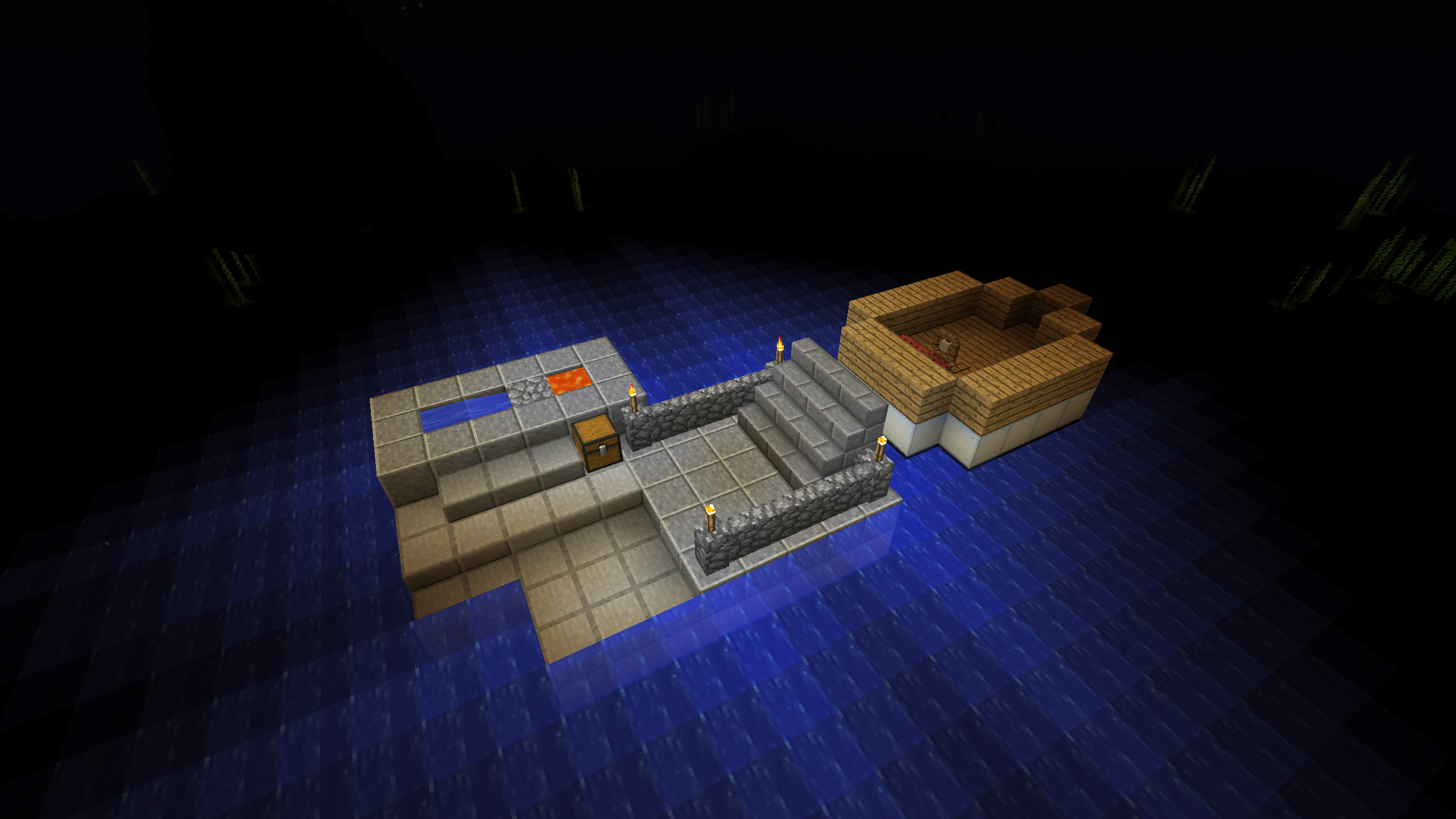
Raft
The world's nothing but a vast and deadly ocean, and all you have is a raft, cobblestone generator, and a fishing rod.InstallOn a server
EMC: To The Sky
A Skyblock modpack focusing on the mod ProjectEInstallOn a server
Heavens of Sorcery
A tale of magic in the sky of a ruined worldInstallOn a server

Cuboid Outpost
Stranded and alone on a barren planet! Restart civilization!InstallOn a server
Boodlyneck's Modded One Block
This is the modpack that Boodlyneck uses on his modded one block series.InstallOn a server
Contained Opolis (A Space Adventure)
A space based skyblock style modpackInstallOn a server

Cuboid Outpost (Luxury Edition)
Stranded and alone on a barren planet! Restart civilization! Just like Cuboid Outpost, only more luxurious!InstallOn a server
Astropolis
Starting on a asteroid can you navigate across the stars to different planets?InstallOn a server

Seaopolis Submerged 2
An ocean based survival questing modpack. Back for 1.21.1InstallOn a server
Not Too Complicated 2
A 1.16.5 Sequel to NTCInstallOn a server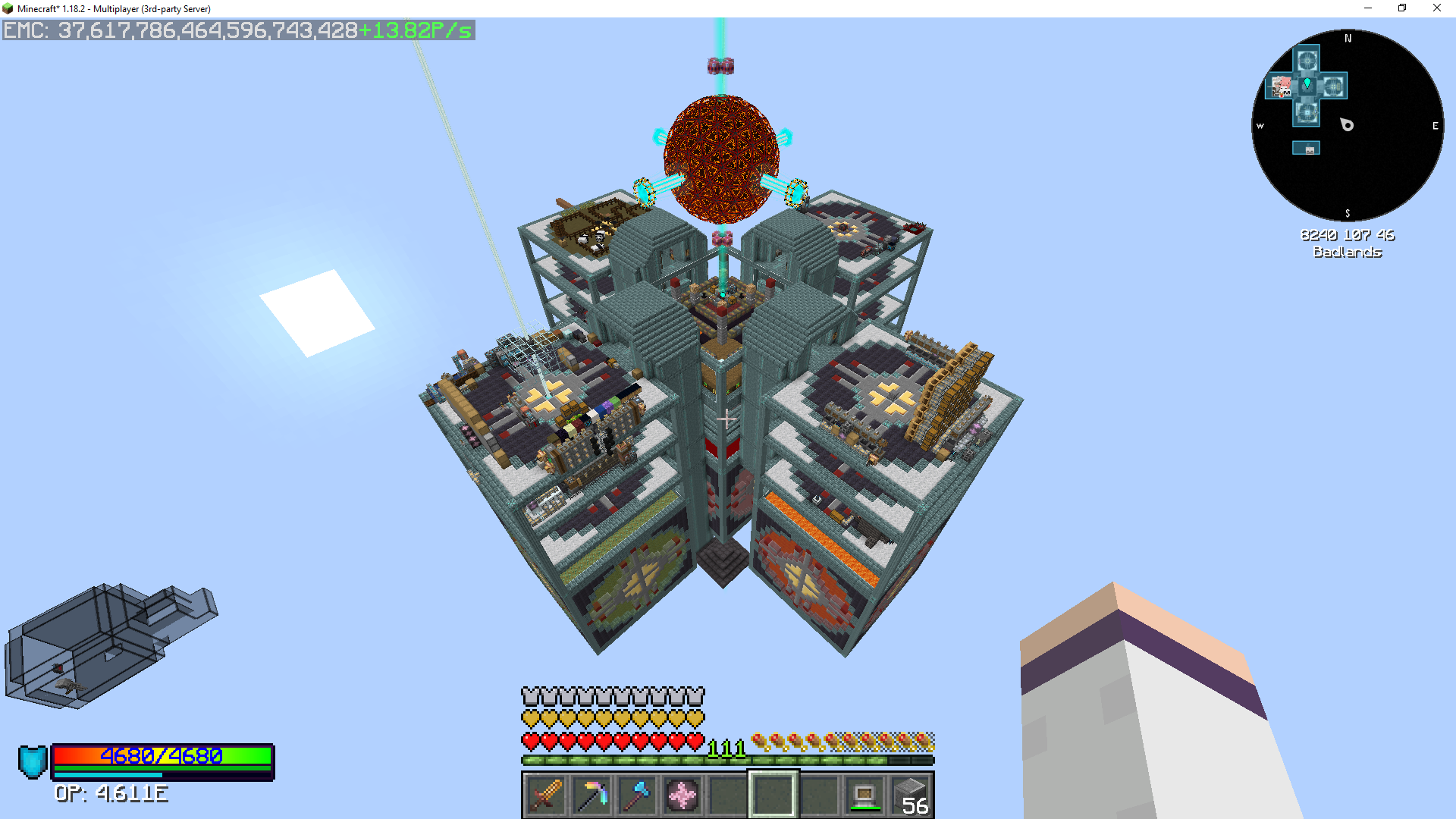
Project Sacrifice
Many scars await!InstallOn a server
Modded Oneblock Skyblock
Kitchen Sink modpack with 700+ mods, centered around "One Block" gameplay. Players start on a single block in the sky, expanding and progressing by breaking it. The pack offers a blend of automation, exploration, and progression across diverse mods.InstallOn a server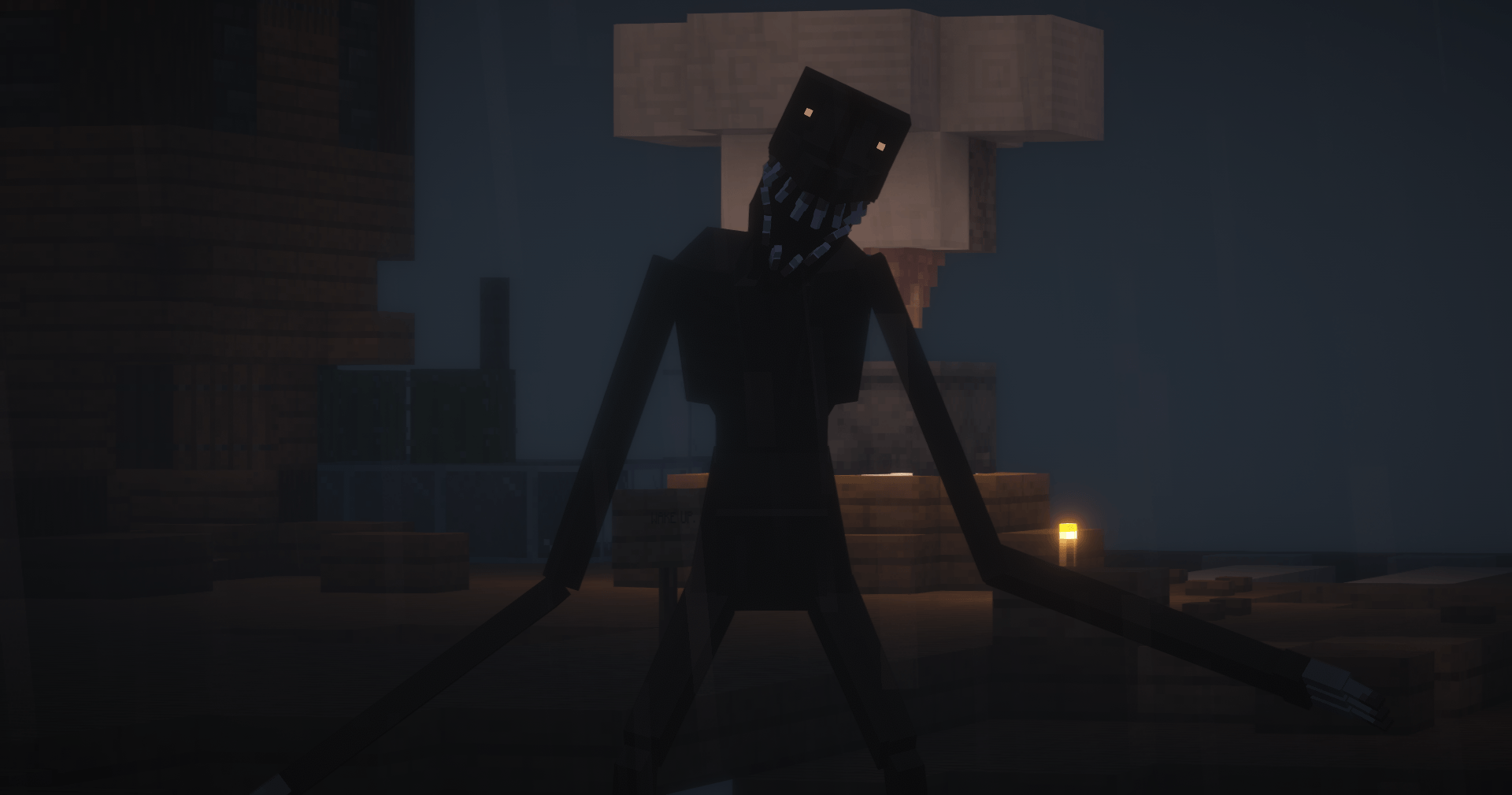
One Block But With Horror Entities (NGU)
Surviving ONE BLOCK For 100 Days But With HORROR MODS (MODPACK VIDEO)InstallOn a server
Break Out
A new challenge pack welcoming players to break into the wild world of modded MinecraftInstallOn a server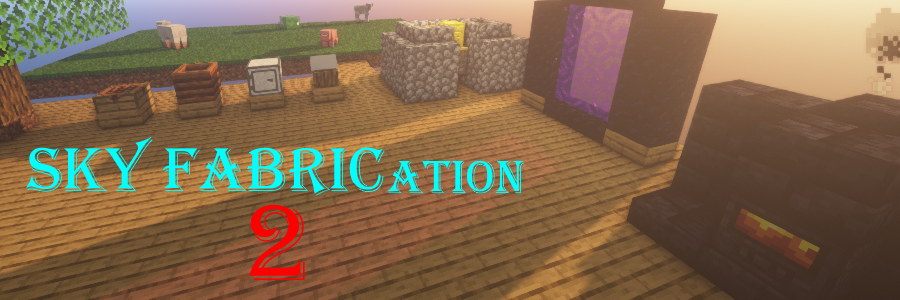
Sky FABRICation 2
A Fabric based Skyblock Modpack with focus on multiple tech agesInstallOn a server

Skyopolis: Evolved
A questing based skyblock modpack for minecraft 1.21.1, custom world and many questsInstallOn a server
Crop Block
A skyblock pack based around agricultureInstallOn a server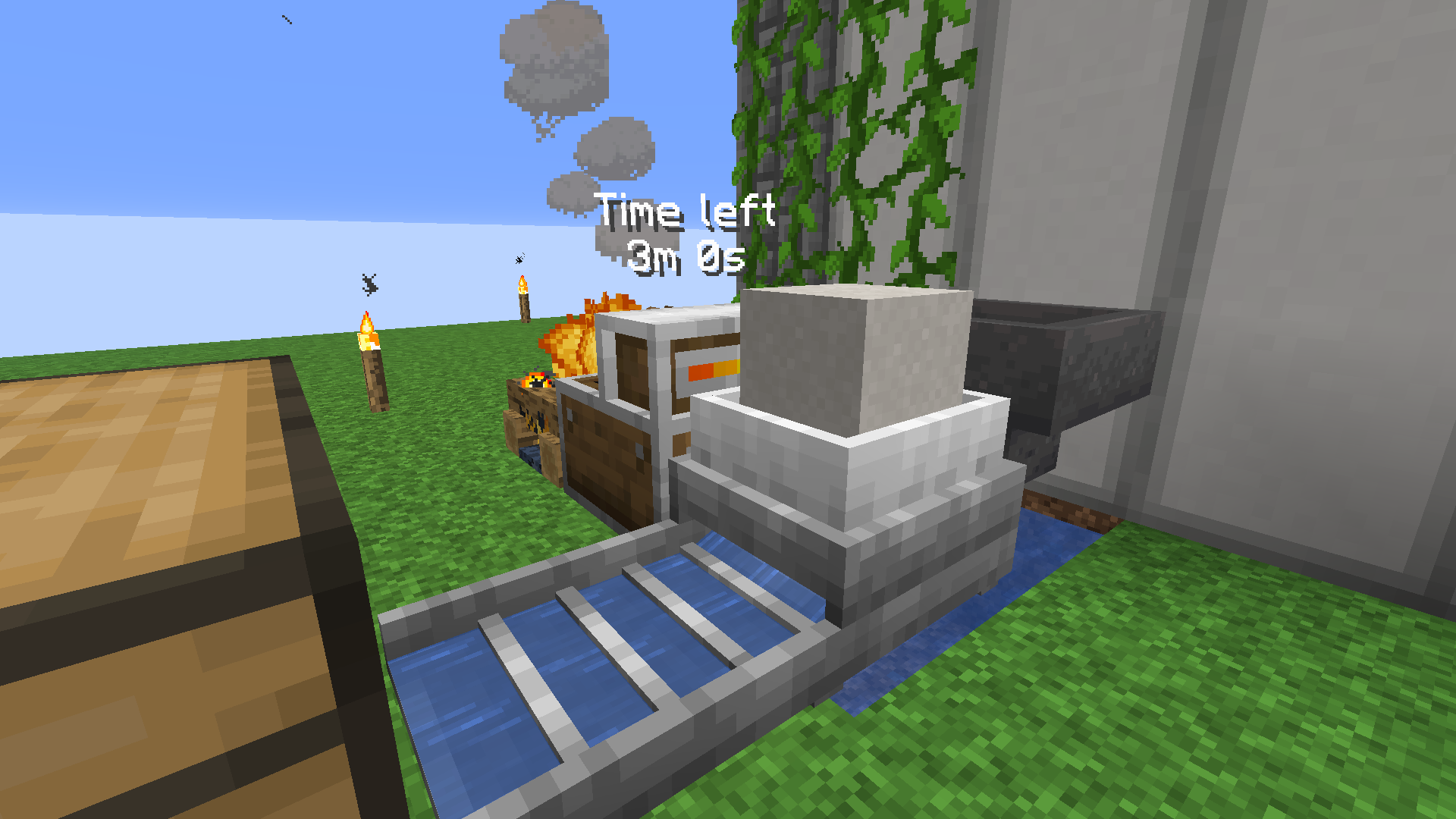
Chroma Sky 2
Chroma Sky strives to bring a new skyblock experience to players. With new dimensions, new mobs, new starting and even a slightly new progression system and of course modified recipes.InstallOn a server

Stoneopolis
A Stoneblock modpackInstallOn a server
Skyblock Burgeria
A modpack inspired by papa's burgeria, featuring customized business simulation experience.InstallOn a server
Caveopolis (Modpack)
Underground stone block style mod packInstallOn a server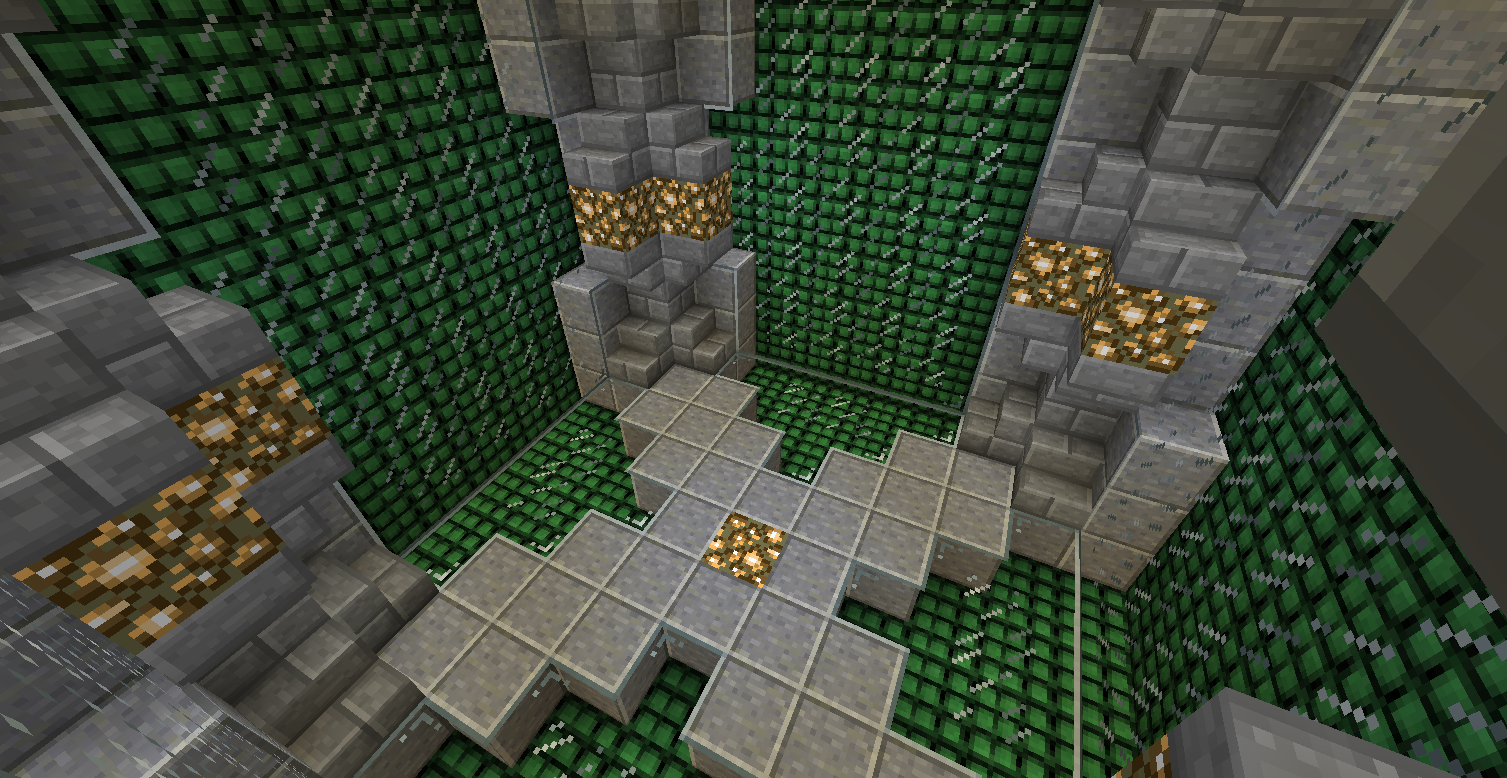
Project Equivalence
Project e focused modpackInstallOn a server

Sky Alchemy
EMC based, skyblock map where you start with nothing but a quest book and a dirt block under you feet. Inspired by skyexchange.InstallOn a serverFAQ
How is a modpack different from a bunch of mods?
A modpack is already a tuned set: mod versions are matched to each other, configs are set up, and recipes and progression are tied together. Mods downloaded one by one you'll have to make work together yourself.
How do I install a modpack?
Click “Install” and Millida Launcher will download the modpack and the right Java for you and create a separate profile for it. No need to install the mods or loader separately.
How much memory should I allocate?
Light performance modpacks run on 4 GB, mid-sized ones on 6 GB, and big tech-and-magic ones need 8 GB or more. You can change memory in the Millida Launcher profile settings; the exact figure is usually in the modpack description.
Which modpack should I pick to play with friends?
Turn on the With a friend filter under What for to keep modpacks made for playing together: co-op survival, Create, adventures with shared progression. The modpack version must match for every player and the server.
Are there modpacks with quests in my language?
Modpacks with a quest book and a story are in the With quests theme. The quest language depends on the author: most packs ship in English, and other languages are usually added by a separate translation mod — check the modpack description.
Will a modpack run on a low-end PC?
A light one will. The For low-end PCs filter keeps modpacks with a small mod list and performance mods, and 4 GB of memory is enough for them. Big tech-magic modpacks need 6–8 GB and lag on a weak machine even if they start.
How do I run a modpack on my own server?
A modpack page has an On a server button: it installs the modpack on a Millida Hosting server and switches the core to match, and a copy of the old world is kept in backups. Players then install the same modpack in Millida Launcher and join the server address.
Skyblock modpacks for Minecraft Java
A modpack is a ready-made set of mods, configs and recipes put together by the author so that everything works together. Building a set like that by hand takes ages: mods clash over versions, need libraries and handle game mechanics in different ways. A modpack has already done that work for you — all that's left is to pick the game version and loader.
A modpack is not only for your own game: you can also run it on a server to play with friends. Next to Install on a modpack page there is an On a server button: it installs the same modpack on a Millida Hosting server together with the right core, and a copy of the old world is kept in backups. Your friends install the modpack in the launcher and join the server address — everyone gets the same version because it comes from one place.
Each modpack here is one page with every released version. The card shows which game version and loader it's built for, how big the archive is and who the author is. Modpacks aren't installed like individual mods: click “Install” and Millida Launcher downloads all the modpack's mods, the right loader and Java, and creates a separate profile for it without touching your others. Mind the memory requirements: heavy tech-and-magic modpacks need six gigabytes or more and simply won't start on the default two.