
Skyblock modpacks for Minecraft Java — page 3
329 itemsModpacks: list


Project Infinity 0.1
Project Infinity is a versatile modpack that takes you on a journey through technology, magic, and the cosmos. Build compact automation or colossal factories, craft custom multiblocks, and tackle an ambitious endgame — endless ways to shape your adventure.InstallOn a server
Ultimate Lucky Oneblock
Lucky block Oneblock, enhanced with automation, machines, gear, bosses, and QoL features.InstallOn a server
Skyblock City
A fun new modded Skyblock - Based around Design and Tech with a little magicInstallOn a server
Techopolis 2
A modpack all about techInstallOn a server
Random Modded OneBlock SkyBlock
Is a one block skyblock but have a item generator that gives you random itens every time you breck itInstallOn a server
Desertopolis
Desert survival modpack make by BBLInstallOn a server
AMP - Sky of Diamonds!
>>> OP fun & serious silliness in the sky! 400+ mods - 1000 quests. From the creators of Awakening. <<<InstallOn a server
Mechanical Mastery
An automation skyblock modpack to put your Minecraft tech mod skills to the test.InstallOn a server
Project Overpowered - Skyblock
Start with nothing and get everything!InstallOn a server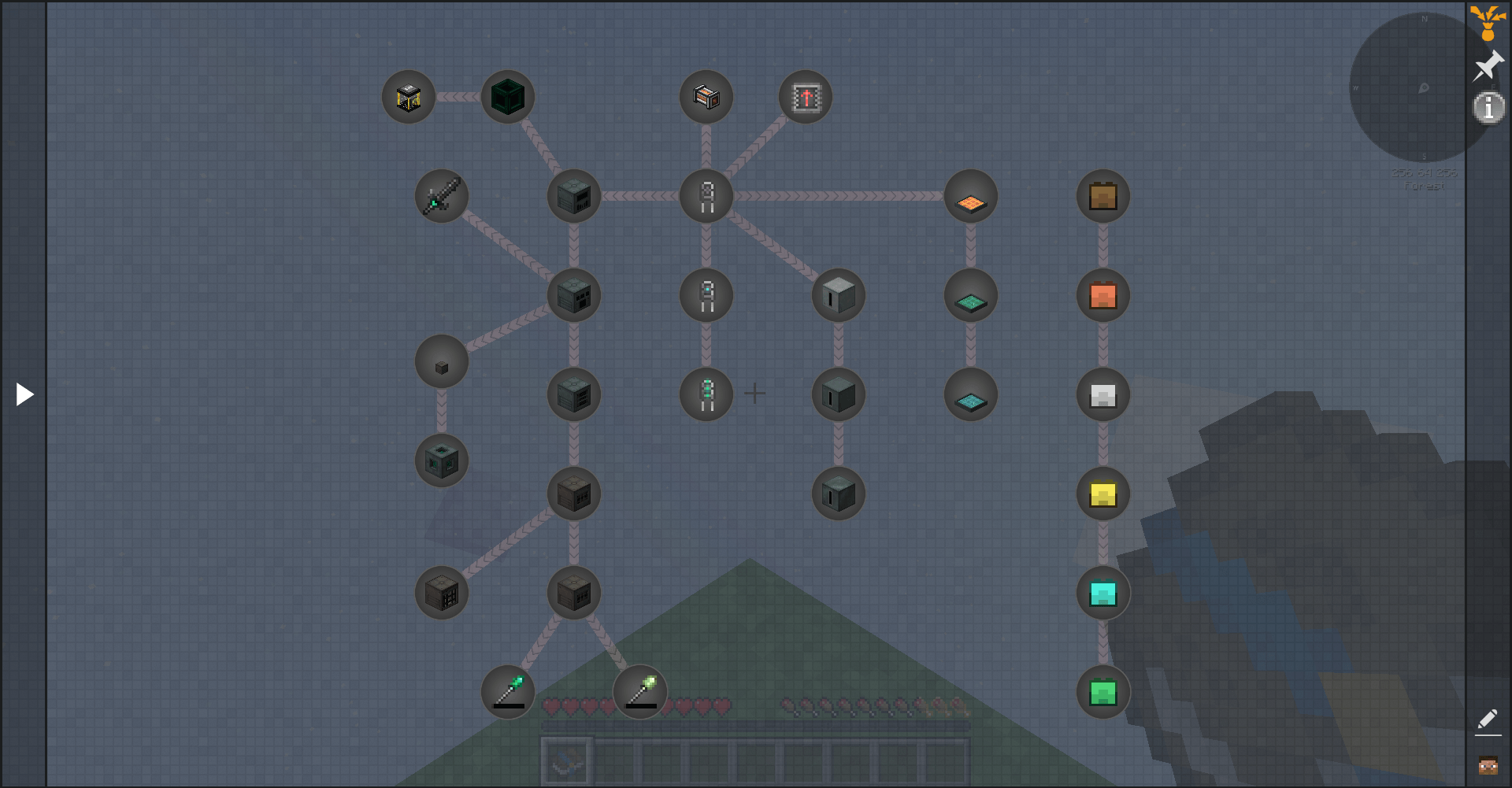

Ozone Skyblock Reborn
Inspired by Project Ozone. Extreme crafting, tech, magic, and automation!InstallOn a server
Chemical Exchange
A sky block combining the power of Alchemistry & ProjectEInstallOn a server

Shalz One Block Survival Create
Create Pack used by Shalz in his One block survival Create mod series.InstallOn a server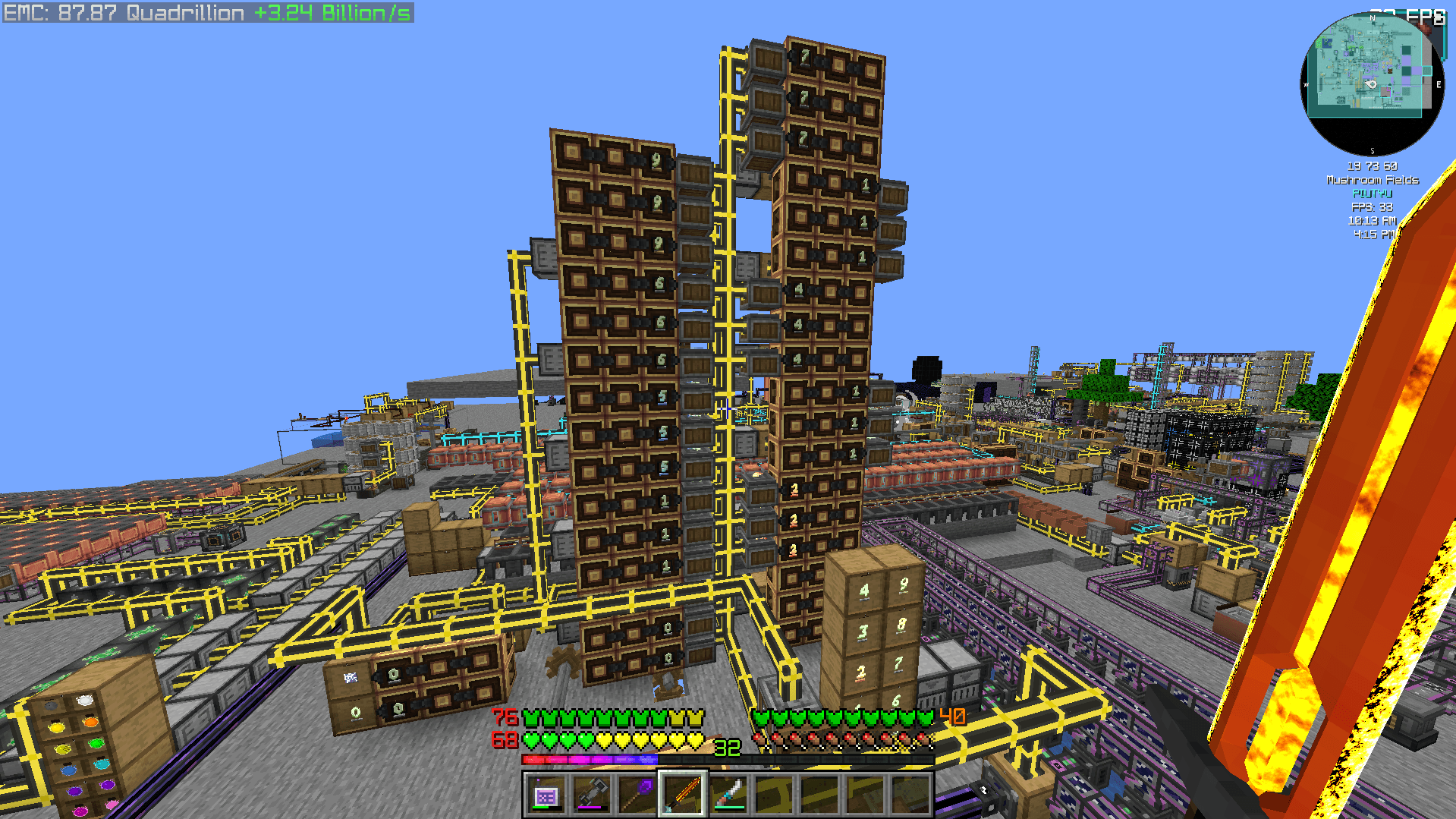
Create 2 Mekanism: Sky Edition 2
CREATE 6.0 UPDATE - Progression-based technical skyblock pack with Create, AE2, Industrial Foregoing, Mekanism and Ad Astra!InstallOn a server
Sky Bees 2
Sky Bees 2 is a 1.16.5 Modpack with Focus on getting Materials through BeesInstallOn a server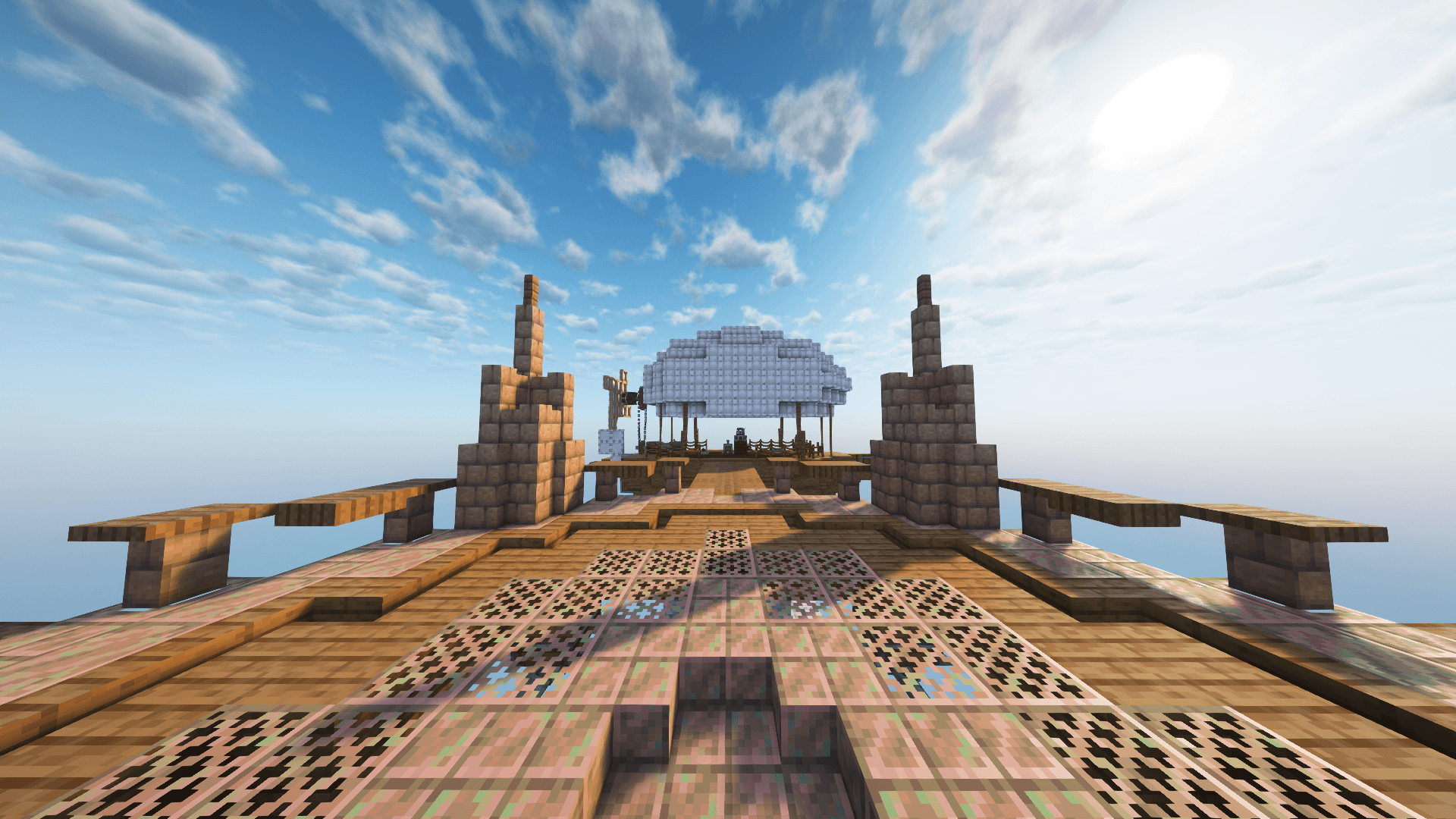
FTB Skies 2 Aero
Aero is a skyblock built to enable enhanced aeronautics play while proving a tailored progression experience without the grind.InstallOn a server
All the Mods: Volcano Block ATMVB
An Allthemods skyblock experience, but hotter!InstallOn a server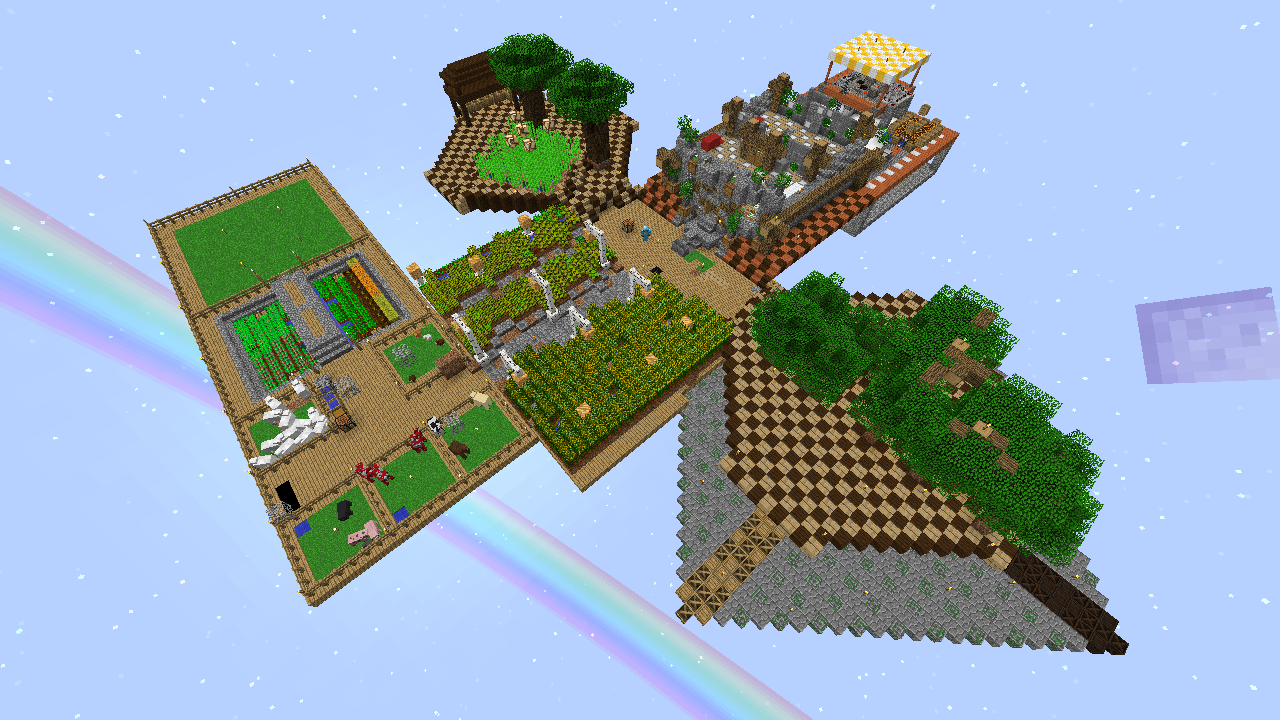
JASB 2.0 (Just Another SkyBlock)
Build more, Build better, Grind a little. A Lightweight Modded SkyBlock for newby Modded SkyBlock players or players that want a spiced up SkyBlock experience with tooons of AdvancementsInstallOn a server

Create: OneBlock
A modpack inspired by Shalz's YouTube series but modified to be more 'finished'InstallOn a server

Create on a Potato PC: Ultimate
A lightweight and Fun Forge modpack featuring Create! Play either Skyblock or Normal worldInstallOn a server
EggBlock
A Skyblock based around Chickens | 3 Pack Modes | 500+ Quests | for MC 1.12InstallOn a server
Better MC Skyblock [BMCS]
Vanilla+ Skyblock with a Buy, Sell & Daily Rewards SystemInstallOn a server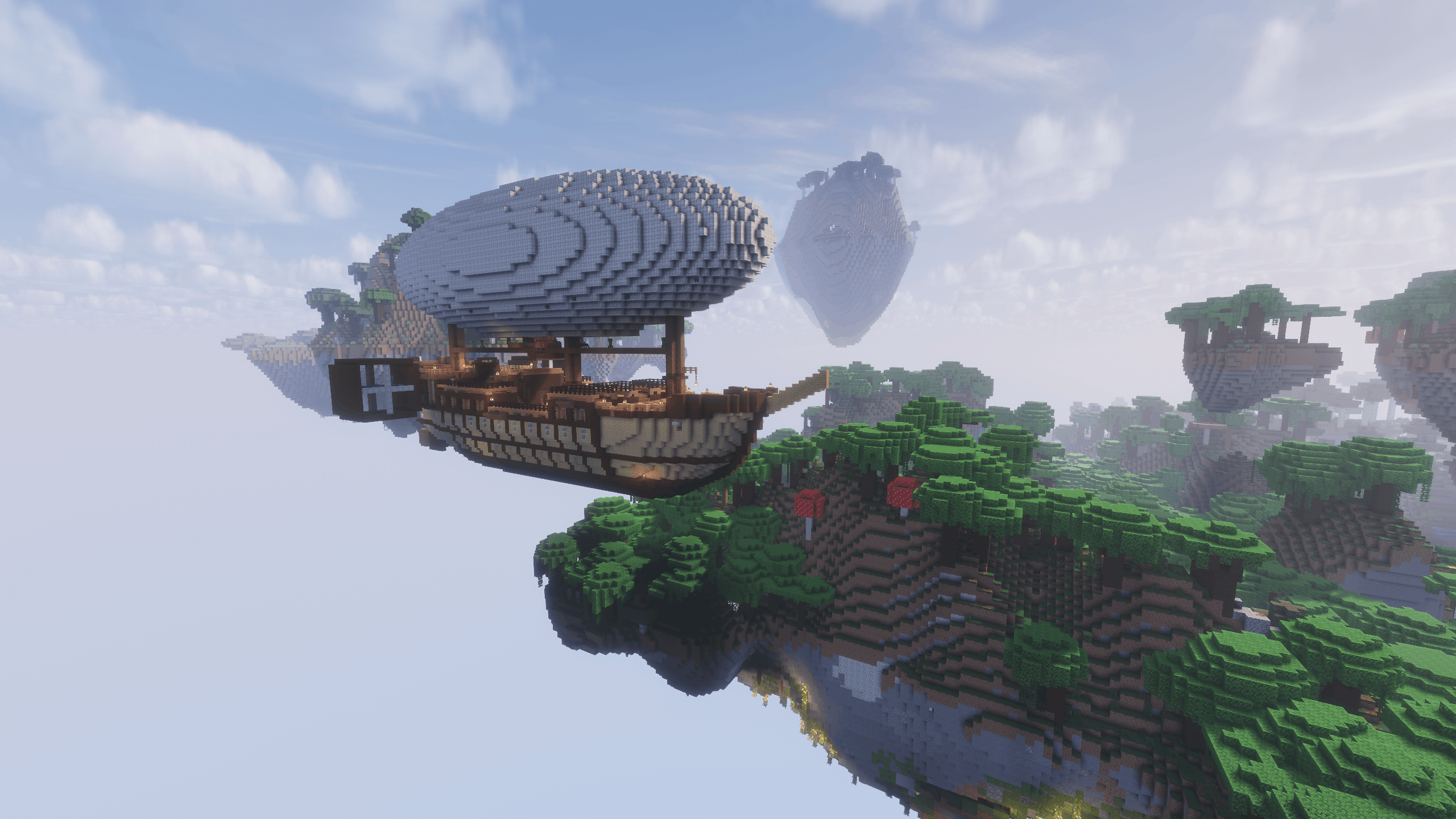
Create Aeronautics - Skybound | Create Aeronautics & Create Addons with Quests
A modpack built around Create Aeronautics and its main addons, set in a world with floating islands terrain generation.InstallOn a server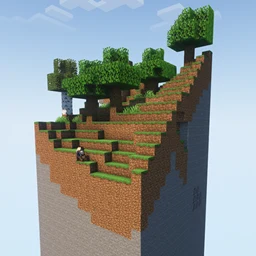
One Chunk At A Time
A clean world - very clean actually...InstallOn a serverFAQ
How is a modpack different from a bunch of mods?
A modpack is already a tuned set: mod versions are matched to each other, configs are set up, and recipes and progression are tied together. Mods downloaded one by one you'll have to make work together yourself.
How do I install a modpack?
Click “Install” and Millida Launcher will download the modpack and the right Java for you and create a separate profile for it. No need to install the mods or loader separately.
How much memory should I allocate?
Light performance modpacks run on 4 GB, mid-sized ones on 6 GB, and big tech-and-magic ones need 8 GB or more. You can change memory in the Millida Launcher profile settings; the exact figure is usually in the modpack description.
Which modpack should I pick to play with friends?
Turn on the With a friend filter under What for to keep modpacks made for playing together: co-op survival, Create, adventures with shared progression. The modpack version must match for every player and the server.
Are there modpacks with quests in my language?
Modpacks with a quest book and a story are in the With quests theme. The quest language depends on the author: most packs ship in English, and other languages are usually added by a separate translation mod — check the modpack description.
Will a modpack run on a low-end PC?
A light one will. The For low-end PCs filter keeps modpacks with a small mod list and performance mods, and 4 GB of memory is enough for them. Big tech-magic modpacks need 6–8 GB and lag on a weak machine even if they start.
How do I run a modpack on my own server?
A modpack page has an On a server button: it installs the modpack on a Millida Hosting server and switches the core to match, and a copy of the old world is kept in backups. Players then install the same modpack in Millida Launcher and join the server address.
Skyblock modpacks for Minecraft Java
A modpack is a ready-made set of mods, configs and recipes put together by the author so that everything works together. Building a set like that by hand takes ages: mods clash over versions, need libraries and handle game mechanics in different ways. A modpack has already done that work for you — all that's left is to pick the game version and loader.
A modpack is not only for your own game: you can also run it on a server to play with friends. Next to Install on a modpack page there is an On a server button: it installs the same modpack on a Millida Hosting server together with the right core, and a copy of the old world is kept in backups. Your friends install the modpack in the launcher and join the server address — everyone gets the same version because it comes from one place.
Each modpack here is one page with every released version. The card shows which game version and loader it's built for, how big the archive is and who the author is. Modpacks aren't installed like individual mods: click “Install” and Millida Launcher downloads all the modpack's mods, the right loader and Java, and creates a separate profile for it without touching your others. Mind the memory requirements: heavy tech-and-magic modpacks need six gigabytes or more and simply won't start on the default two.