
Modpacks with the Create mod for Minecraft Java — page 2
211 itemsModpacks: list


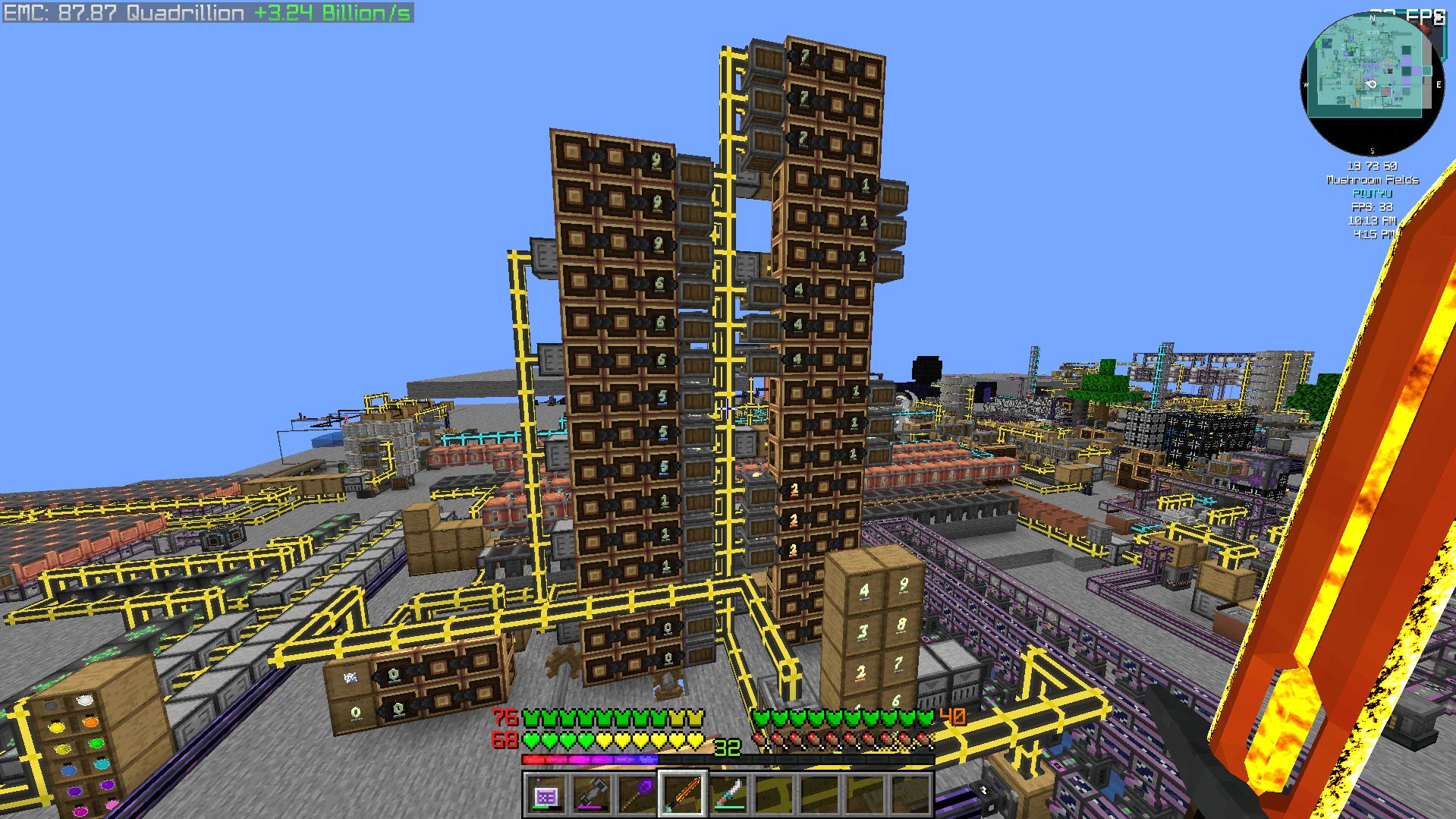
Create 2 Mekanism: Sky Edition 2
CREATE 6.0 UPDATE - Progression-based technical skyblock pack with Create, AE2, Industrial Foregoing, Mekanism and Ad Astra!InstallOn a server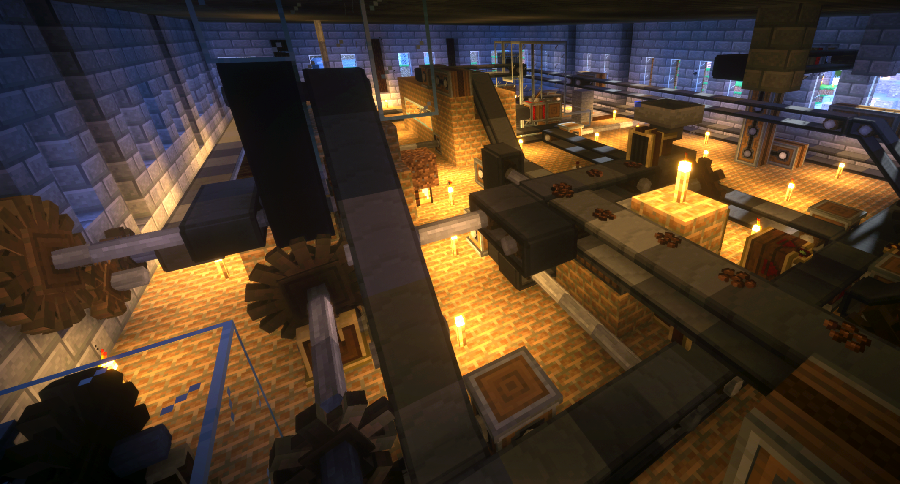
Create Live 2
Minecraft Create Live 2 is a Modpack created for the german YouTube/Twitch project "Minecraft Create Live 2".InstallOn a server

Create: OneBlock
A modpack inspired by Shalz's YouTube series but modified to be more 'finished'InstallOn a server
Create Live 3
Minecraft Create Live 3 is a Modpack created for the german YouTube/Twitch project "Minecraft Create Live 3".InstallOn a server

Create Ultimate
All addons you need for CreateInstallOn a server
Create on a Potato PC: Ultimate
A lightweight and Fun Forge modpack featuring Create! Play either Skyblock or Normal worldInstallOn a server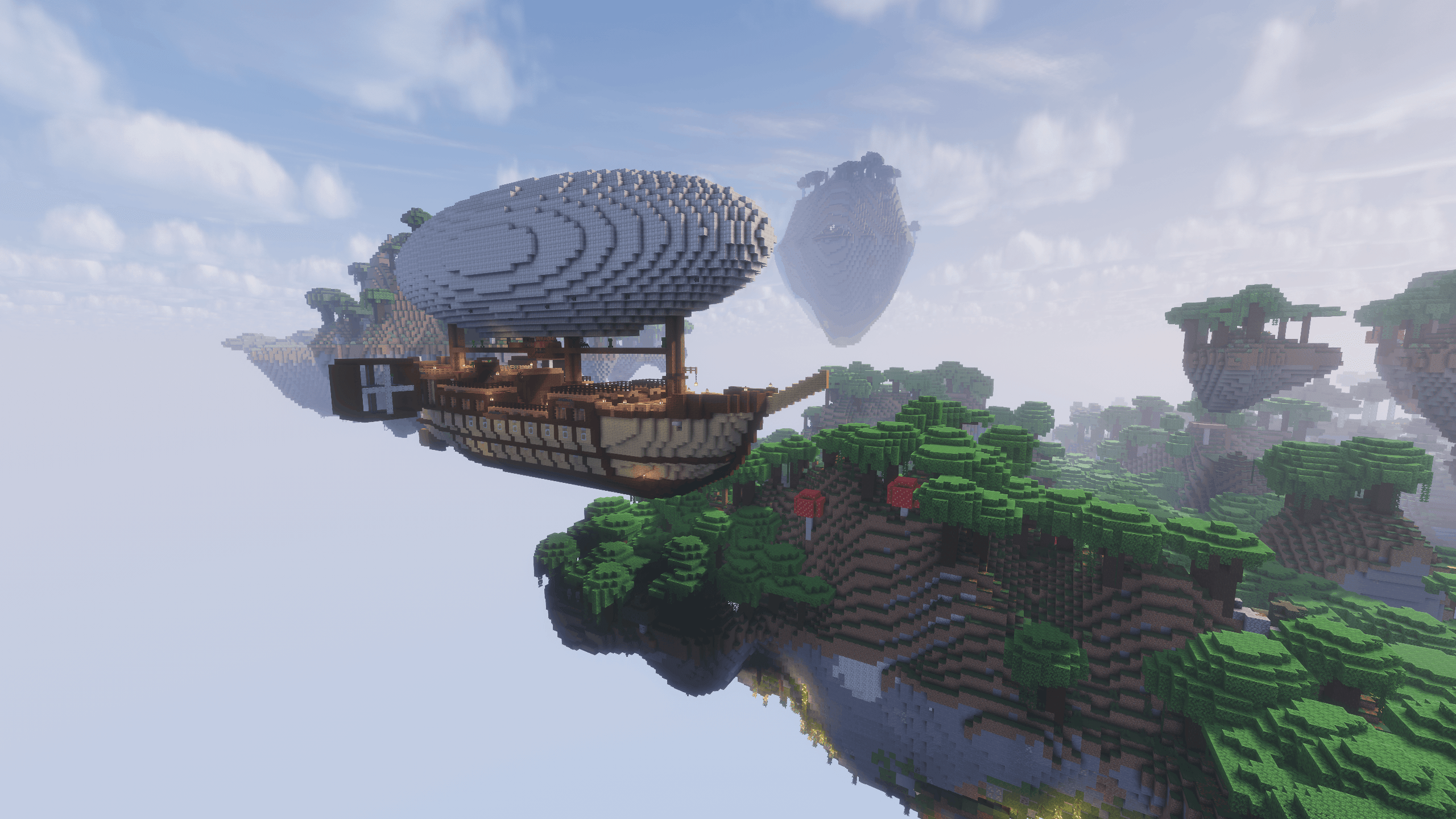
Create Aeronautics - Skybound | Create Aeronautics & Create Addons with Quests
A modpack built around Create Aeronautics and its main addons, set in a world with floating islands terrain generation.InstallOn a server
Create: Mekanized
A complex, technology-based modpack revolving around Create and Mekanism.InstallOn a server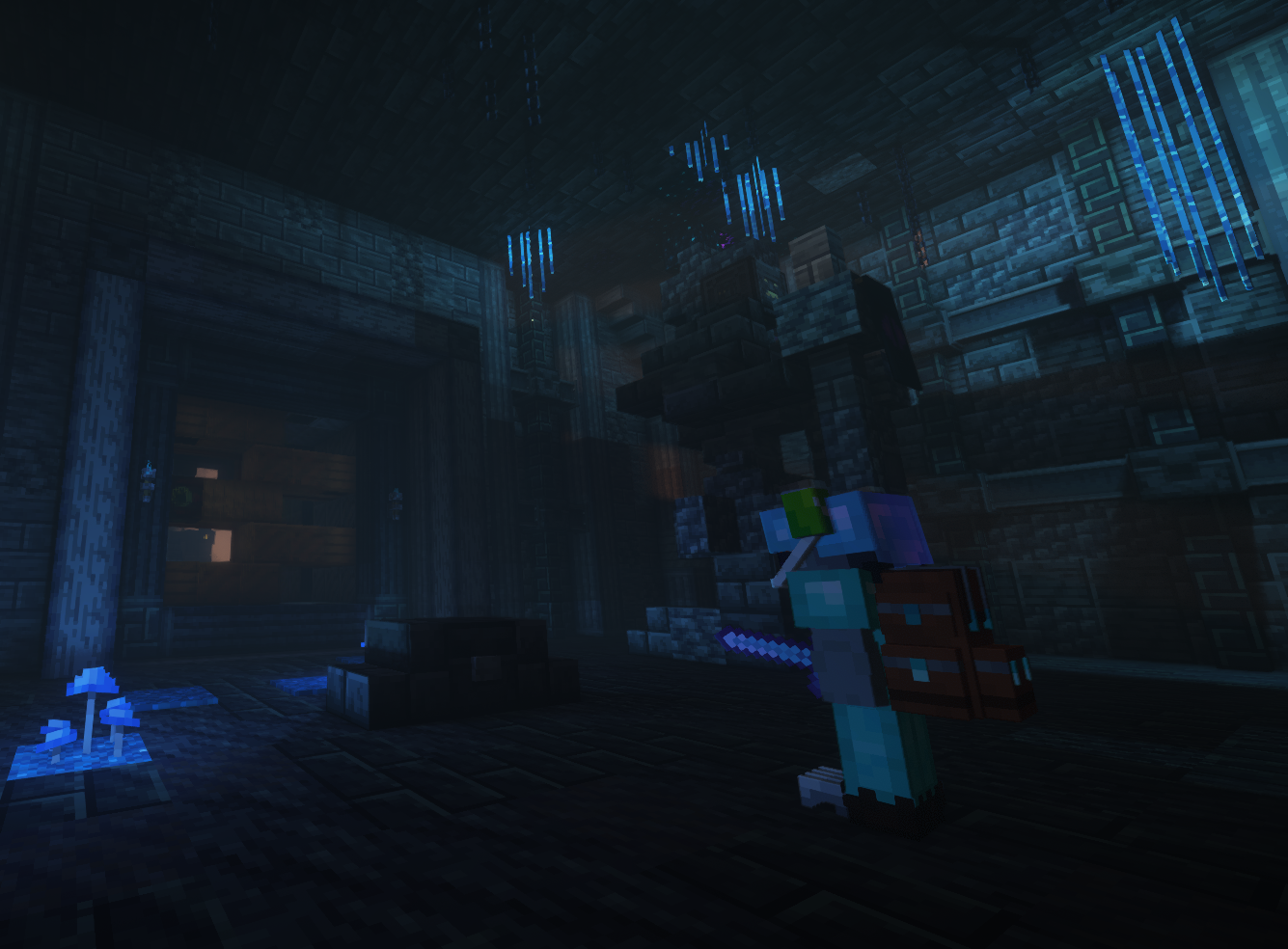
Create Stellar
Automate everything, explore space, and master Create across 5 progression stages and 600+ quests.InstallOn a server
MineColonies - Create & Conquer
An exploration-based MineColonies pack featuring biome and world generation overhauls, new combat mechanics, loosely tiered progression in colony building, magic, technology and so much more!InstallOn a server

Create & Explore (C&E)
This Modpack is based around Create, while also improving Minecrafts overworld Exploration aswell as adding Quality of Life Improvements.InstallOn a server
Chosen's Create: Integrated
Experience a reimagined Create journey by ChosenArchitect, seamlessly integrating Ars Nouveau, Just Dire Things, Refined Storage 2, and Replication into a unified, accessible progression.InstallOn a server
Create Flavored
Neat and simple mod-pack focused on Create, flavored with quality mods that enhance creativity and aesthetics, with built-in servers!InstallOn a server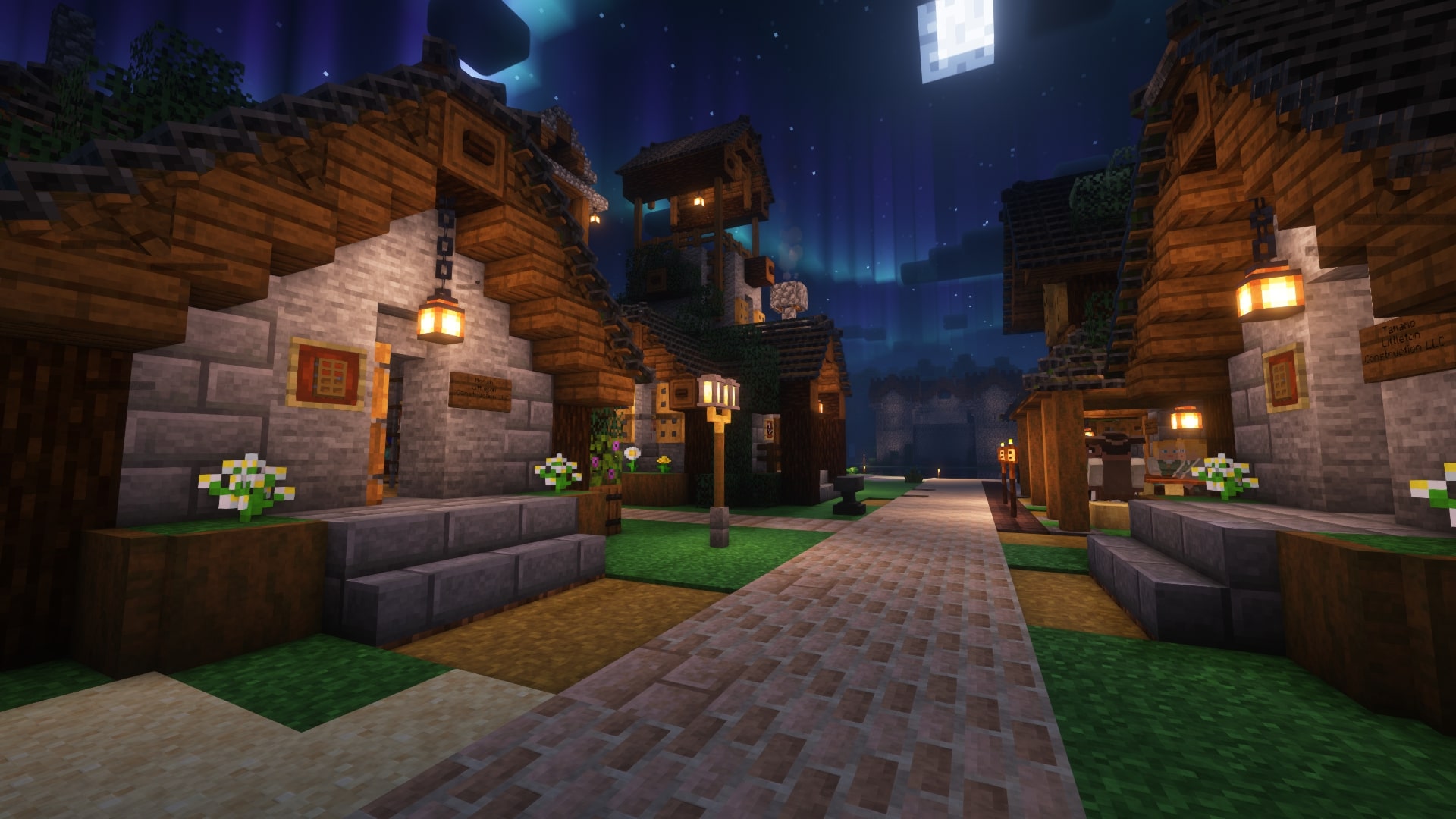
Create a Colony - MineColonies / Create / MCA
Build, invent, plan, trade and manage in this immersive village building focused modpackInstallOn a server
Create: Delight Remake
齿轮盛宴 Experience factory-building joy, immersive cooking, & explore a monster-rich world with stunning scenery. Enjoy the feast!InstallOn a server

Cobblemon x Create
A fresh combination of Create and Cobblemon addons to fuel your tinkering, Pokémon addictions all in one place!InstallOn a server
Create and Guns
A medium-weight modpack featuring a mix of tech, magic and building mods, spiced with some custom recipes to maket things more balanced.InstallOn a server
Create Colonies - AERONAUTICS
A modpack that Merges Create, Minecolonies and Aeronautics [300+ Quests] [Custom Starting Structure]InstallOn a server

Create Customised [Aeronautics]
A NeoForge modpack focused on customising the Create mod.InstallOn a server
Create - Perfect World Post Production
Create 6.0-focused lightweight modpack from MrBeardstone's YouTube SeriesInstallOn a server
TouchableVSxCreatePack
A light Valkyrien Skies X Create modpack 轻量的但基本完整的 瓦尔基里 X 机械动力整合包Install

All Of Create
All of CREATE mods in one place!InstallOn a server

等价无尽机械
等价无尽机械 - 魔法、机械与探索的完美融合Perfect blend of magic, machinery and explorationInstallOn a serverFAQ
How is a modpack different from a bunch of mods?
A modpack is already a tuned set: mod versions are matched to each other, configs are set up, and recipes and progression are tied together. Mods downloaded one by one you'll have to make work together yourself.
How do I install a modpack?
Click “Install” and Millida Launcher will download the modpack and the right Java for you and create a separate profile for it. No need to install the mods or loader separately.
How much memory should I allocate?
Light performance modpacks run on 4 GB, mid-sized ones on 6 GB, and big tech-and-magic ones need 8 GB or more. You can change memory in the Millida Launcher profile settings; the exact figure is usually in the modpack description.
Which modpack should I pick to play with friends?
Turn on the With a friend filter under What for to keep modpacks made for playing together: co-op survival, Create, adventures with shared progression. The modpack version must match for every player and the server.
Are there modpacks with quests in my language?
Modpacks with a quest book and a story are in the With quests theme. The quest language depends on the author: most packs ship in English, and other languages are usually added by a separate translation mod — check the modpack description.
Will a modpack run on a low-end PC?
A light one will. The For low-end PCs filter keeps modpacks with a small mod list and performance mods, and 4 GB of memory is enough for them. Big tech-magic modpacks need 6–8 GB and lag on a weak machine even if they start.
How do I run a modpack on my own server?
A modpack page has an On a server button: it installs the modpack on a Millida Hosting server and switches the core to match, and a copy of the old world is kept in backups. Players then install the same modpack in Millida Launcher and join the server address.
Modpacks with the Create mod for Minecraft Java
A modpack is a ready-made set of mods, configs and recipes put together by the author so that everything works together. Building a set like that by hand takes ages: mods clash over versions, need libraries and handle game mechanics in different ways. A modpack has already done that work for you — all that's left is to pick the game version and loader.
A modpack is not only for your own game: you can also run it on a server to play with friends. Next to Install on a modpack page there is an On a server button: it installs the same modpack on a Millida Hosting server together with the right core, and a copy of the old world is kept in backups. Your friends install the modpack in the launcher and join the server address — everyone gets the same version because it comes from one place.
Each modpack here is one page with every released version. The card shows which game version and loader it's built for, how big the archive is and who the author is. Modpacks aren't installed like individual mods: click “Install” and Millida Launcher downloads all the modpack's mods, the right loader and Java, and creates a separate profile for it without touching your others. Mind the memory requirements: heavy tech-and-magic modpacks need six gigabytes or more and simply won't start on the default two.