
Skyblock modpacks for Minecraft Java NeoForge
31 itemsModpacks: list
FTB StoneBlock 4
The stone remembers. Dive into StoneBlock 4, the next evolution of Minecraft’s underground survival: explore handcrafted Vaults, learn from ancient Echoes, power the World Engine, all on 1.21.1InstallOn a server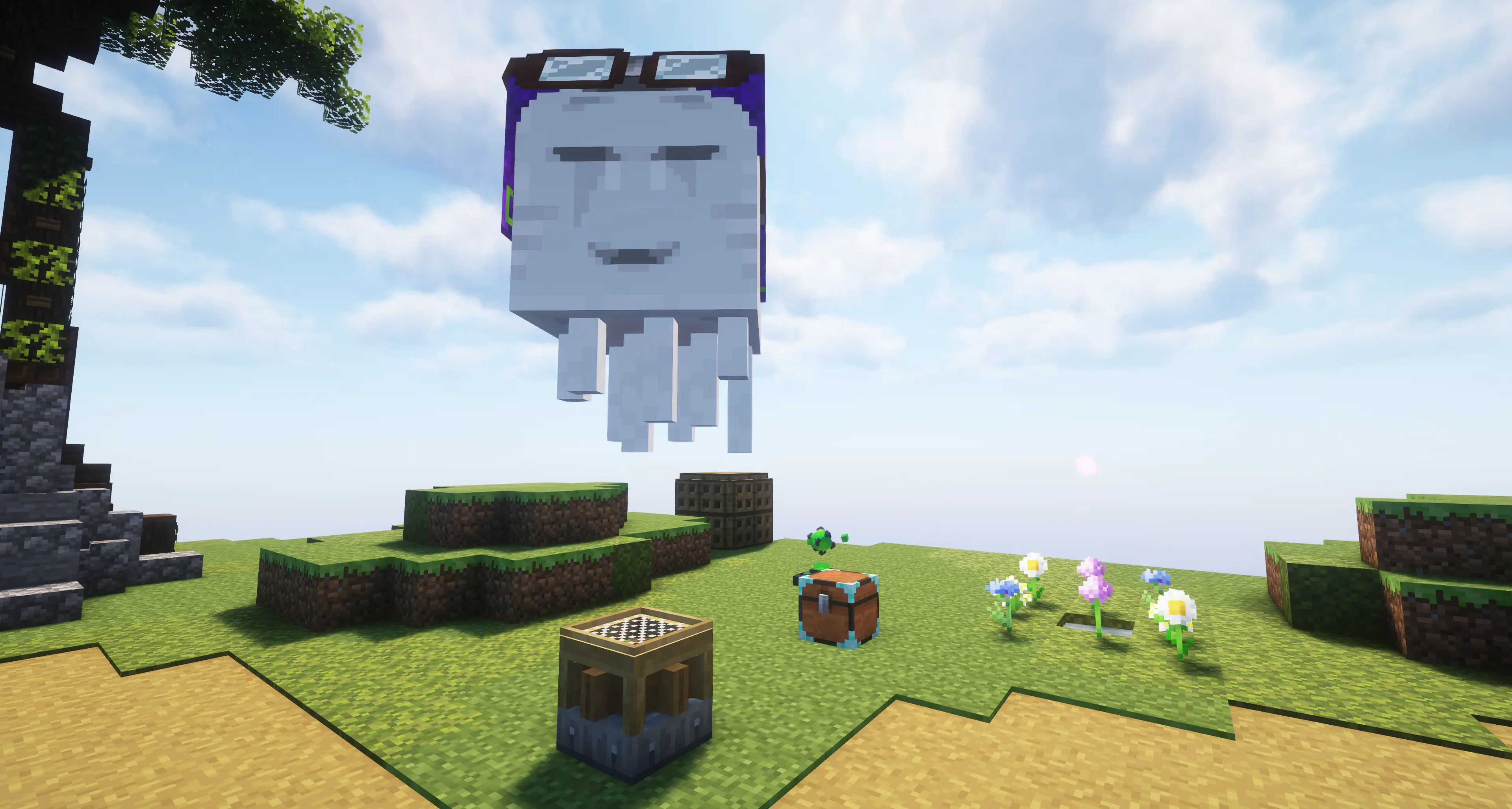
FTB Skies 2
Our skyblock experience built for Minecraft 1.21.1 with a focus on rewarding gameplay, custom mechanics, and player-driven progression!InstallOn a server
Techopolis 3
A modpack all about automation and techInstallOn a server
Ultimate Lucky Oneblock
Lucky block Oneblock, enhanced with automation, machines, gear, bosses, and QoL features.InstallOn a server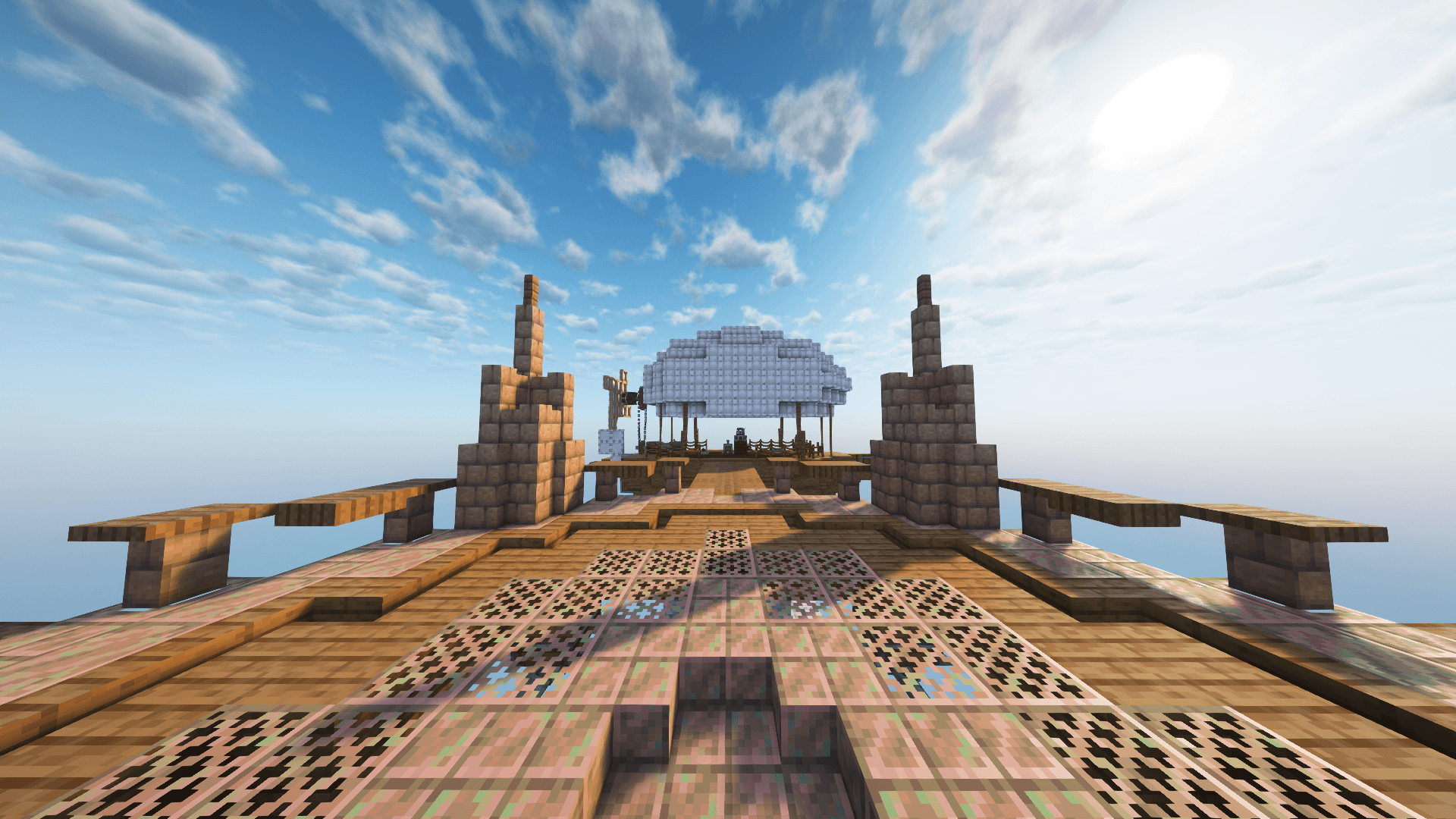

FTB Skies 2 Aero
Aero is a skyblock built to enable enhanced aeronautics play while proving a tailored progression experience without the grind.InstallOn a server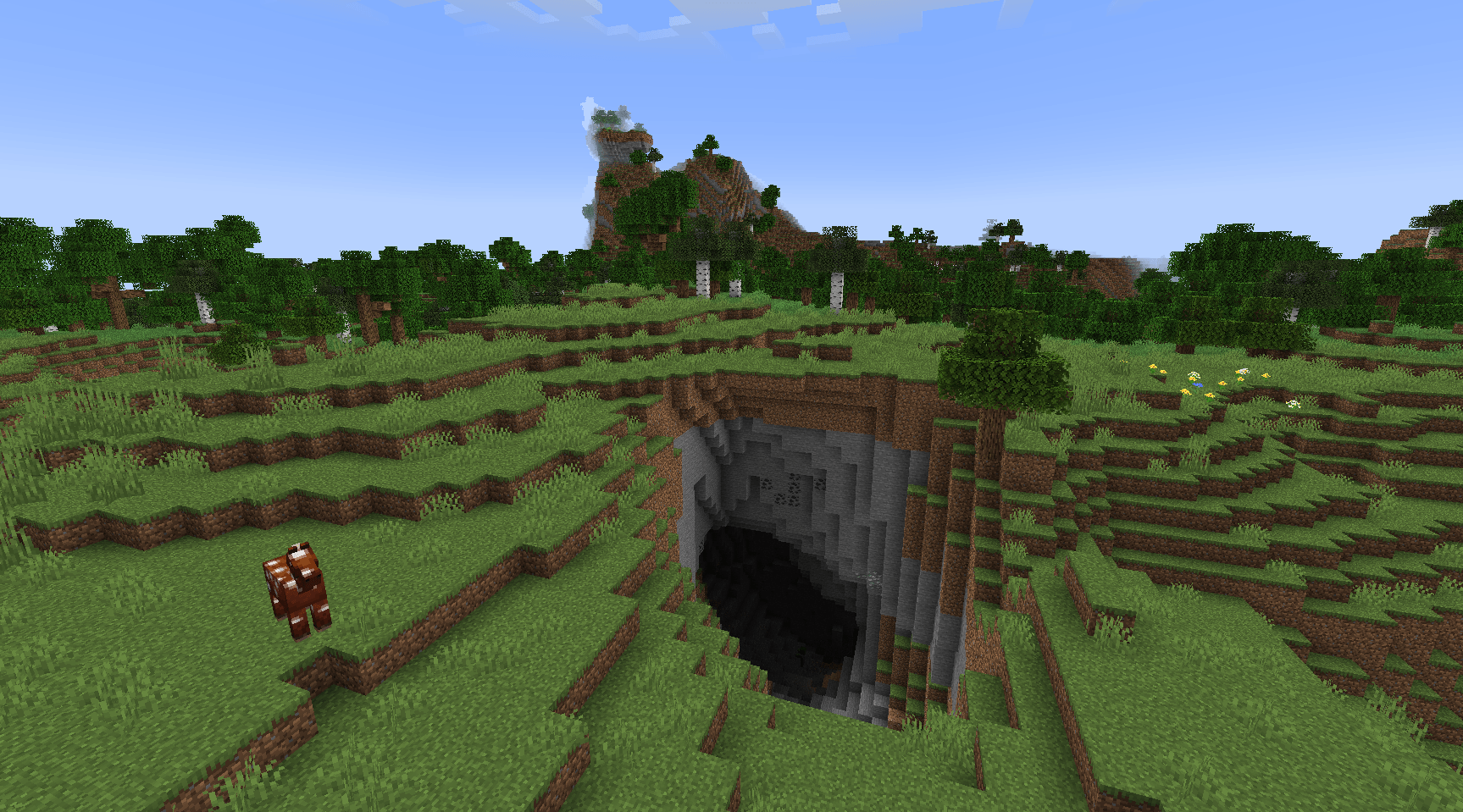

Create on a Potato PC: Ultimate
A lightweight and Fun Forge modpack featuring Create! Play either Skyblock or Normal worldInstallOn a server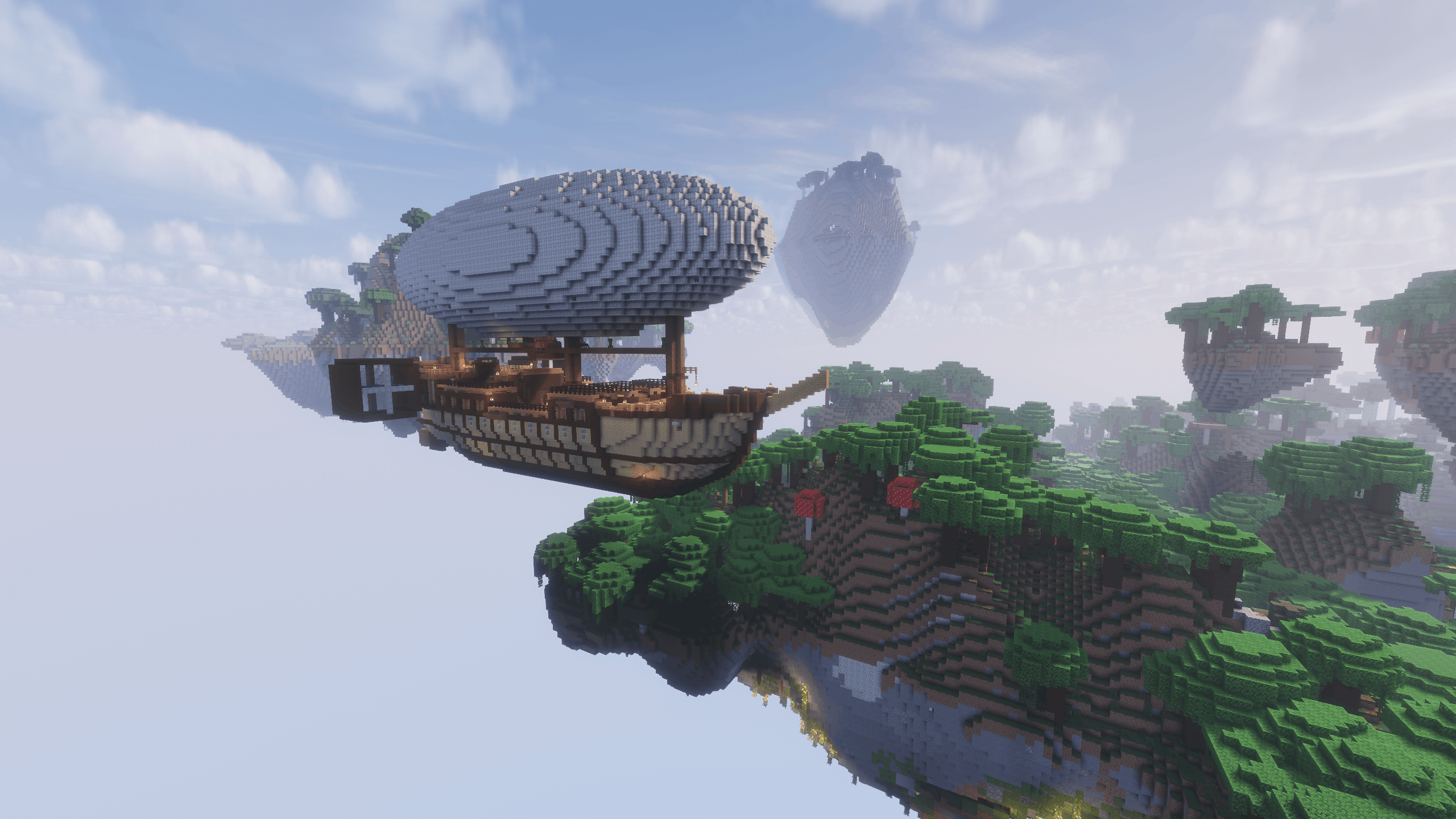

Create Aeronautics - Skybound | Create Aeronautics & Create Addons with Quests
A modpack built around Create Aeronautics and its main addons, set in a world with floating islands terrain generation.InstallOn a server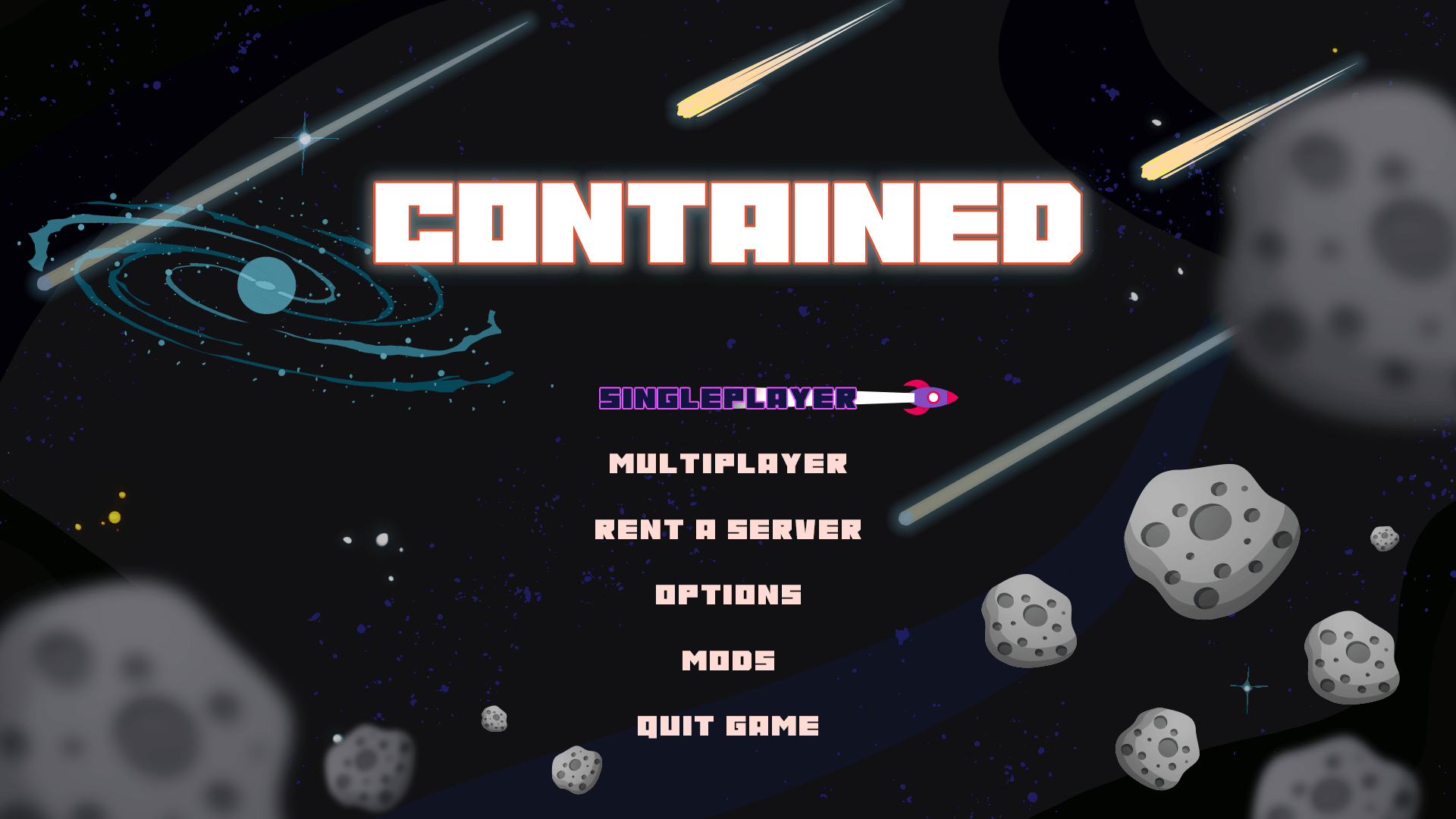
Contained Opolis (A Space Adventure)
A space based skyblock style modpackInstallOn a server

Seaopolis Submerged 2
An ocean based survival questing modpack. Back for 1.21.1InstallOn a server

Skyopolis: Evolved
A questing based skyblock modpack for minecraft 1.21.1, custom world and many questsInstallOn a server

Fractured Opolis
The world Fractured, travel across custom dimensions and worlds to finally go back to the overworldInstallOn a server

Beebeeblock - The Skyhive
Beebeeblock: The Skyhive [蜂蜂空坊]. A Skyblock modpack focused on the Productive Bees mod. Created for players who want to become familiar with bee mechanics.InstallOn a server

Ozone Skyblock Reborn 2
Inspired by Project Ozone. Extreme crafting, tech, magic, and automation! Sequel to Ozone Skyblock Reborn.InstallOn a server
RandBlock 2 Winterize
A modpack for skyblock featuring randomly generated blocks.InstallOn a server
Enigmatic Skies
Enigmatic SkiesInstallOn a server
One Block to Create All
Modded One Block with magic and tech alikeInstallOn a server
Prison Escape - Beginnings
Escape the Prison with a questing tech centered adventure, including tonnes of custom recipes & juicy loot! (Skyblock/Stoneblock/Tech/Quest/RPG/Gated Loot & Bosses)InstallOn a server
Monumental Experience - In the Sky
Welcome to Monumental Experience – In the Sky! ☁️ The second chapter of the Monumental Experience series takes survival above the overworld. Begin on a floating island where resources are scarce, challenges await, and creativity is your key to thriving.InstallOn a server
WT Endless Sky Adventures - Skyblock Edition
A fully guided skyblock modpack — master Create, Mekanism, Ars Nouveau and Immersive Engineering to reach Ascension.InstallOn a server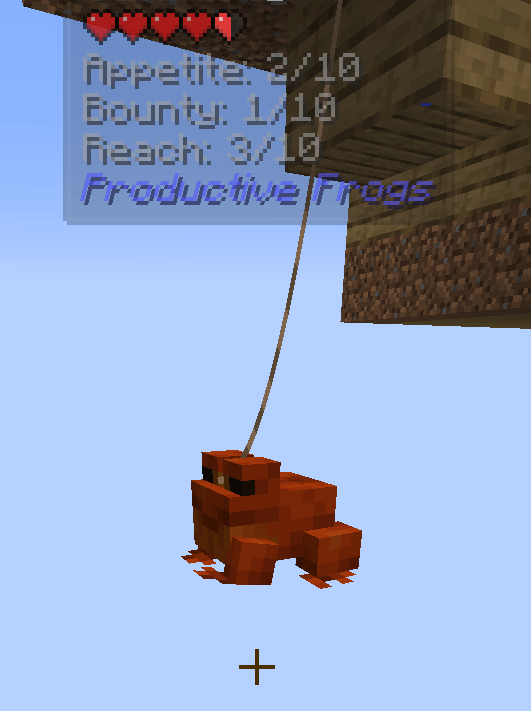
Sky Frogs
A skyblock where frogs do the mining. Breed Resource Frogs, feed them slimes, smelt the Froglights.InstallOn a server
Caveopolis 2
Caveopolis 2 is a brand new 26.1.2 questing modpack. Features brand new mods to play with all linked through custom recipes and progressionInstallOn a server

NeoForge Foundry SkyBlock Edition
NeoForge 1.20.4 based SkyBlock Modpack. Quests, new mechanics, new mods, new dimensions!InstallOn a server
Matrix of Materia
Matrix of Materia is a 1.21.1 automation pack making use of roomopolis and custom machinery.InstallOn a serverFAQ
How is a modpack different from a bunch of mods?
A modpack is already a tuned set: mod versions are matched to each other, configs are set up, and recipes and progression are tied together. Mods downloaded one by one you'll have to make work together yourself.
How do I install a modpack?
Click “Install” and Millida Launcher will download the modpack and the right Java for you and create a separate profile for it. No need to install the mods or loader separately.
How much memory should I allocate?
Light performance modpacks run on 4 GB, mid-sized ones on 6 GB, and big tech-and-magic ones need 8 GB or more. You can change memory in the Millida Launcher profile settings; the exact figure is usually in the modpack description.
Which modpack should I pick to play with friends?
Turn on the With a friend filter under What for to keep modpacks made for playing together: co-op survival, Create, adventures with shared progression. The modpack version must match for every player and the server.
Are there modpacks with quests in my language?
Modpacks with a quest book and a story are in the With quests theme. The quest language depends on the author: most packs ship in English, and other languages are usually added by a separate translation mod — check the modpack description.
Will a modpack run on a low-end PC?
A light one will. The For low-end PCs filter keeps modpacks with a small mod list and performance mods, and 4 GB of memory is enough for them. Big tech-magic modpacks need 6–8 GB and lag on a weak machine even if they start.
How do I run a modpack on my own server?
A modpack page has an On a server button: it installs the modpack on a Millida Hosting server and switches the core to match, and a copy of the old world is kept in backups. Players then install the same modpack in Millida Launcher and join the server address.
Skyblock modpacks for Minecraft Java NeoForge
Modpacks for Minecraft NeoForge: 31 items in the Modpacks section. Compatibility is checked against the files, not the description: only items with a build for exactly these conditions stay in the list.
Each modpack here is one page with every released version. The card shows which game version and loader it's built for, how big the archive is and who the author is. Modpacks aren't installed like individual mods: click “Install” and Millida Launcher downloads all the modpack's mods, the right loader and Java, and creates a separate profile for it without touching your others. Mind the memory requirements: heavy tech-and-magic modpacks need six gigabytes or more and simply won't start on the default two.