

explorify Build for Minecraft 1.20.1, 1.21.1
a beautiful minecraft modpack but there's a twist you aren't alone
 NeoForge
 Fabric
About the explorify modpack
explore trought bautiful biomes, structures. and survive the nights wile someone lurks in the dark nights alegend itself herobrine
you can change the shaders to insanity shaders to activate the horror mode
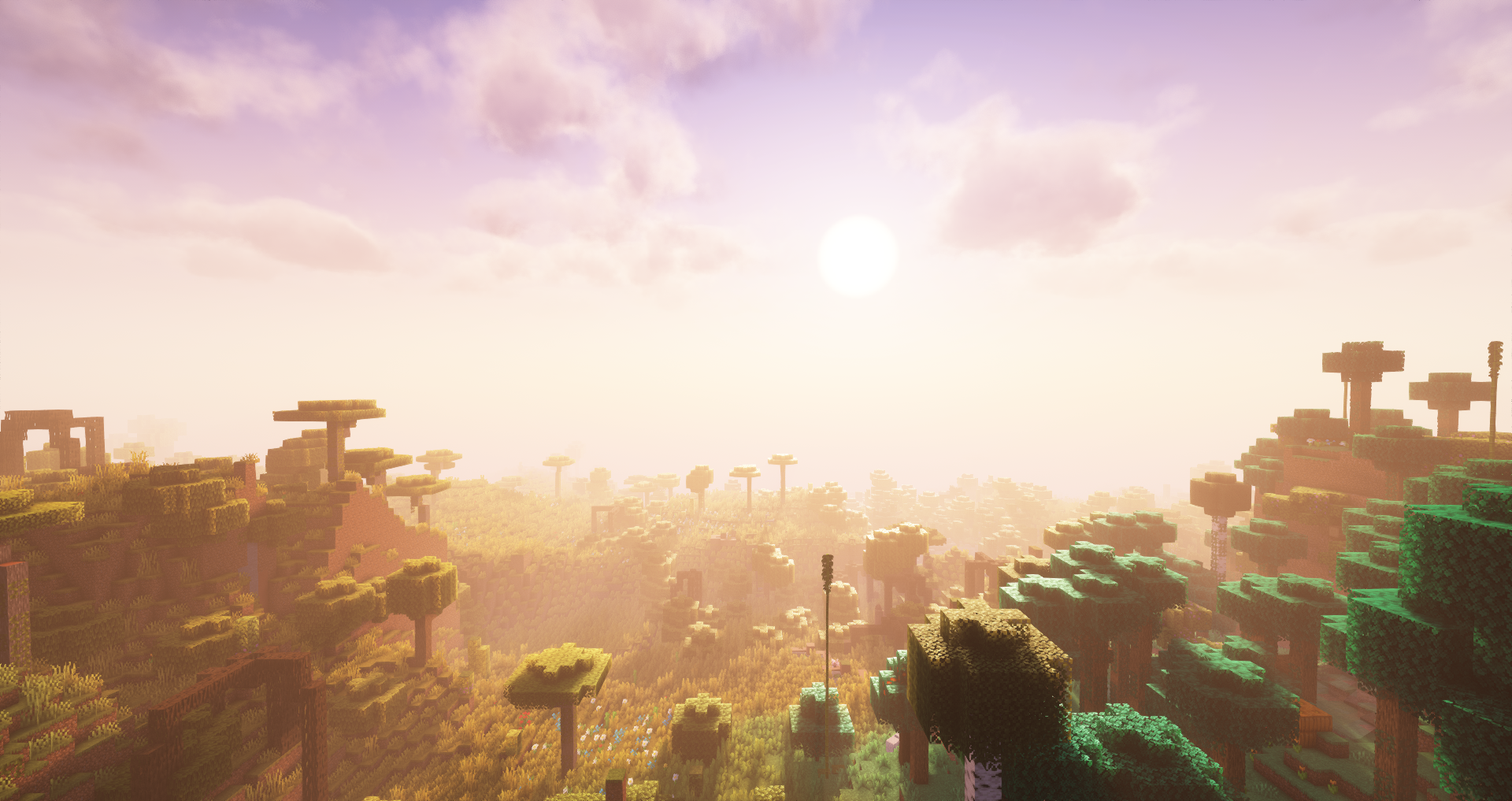
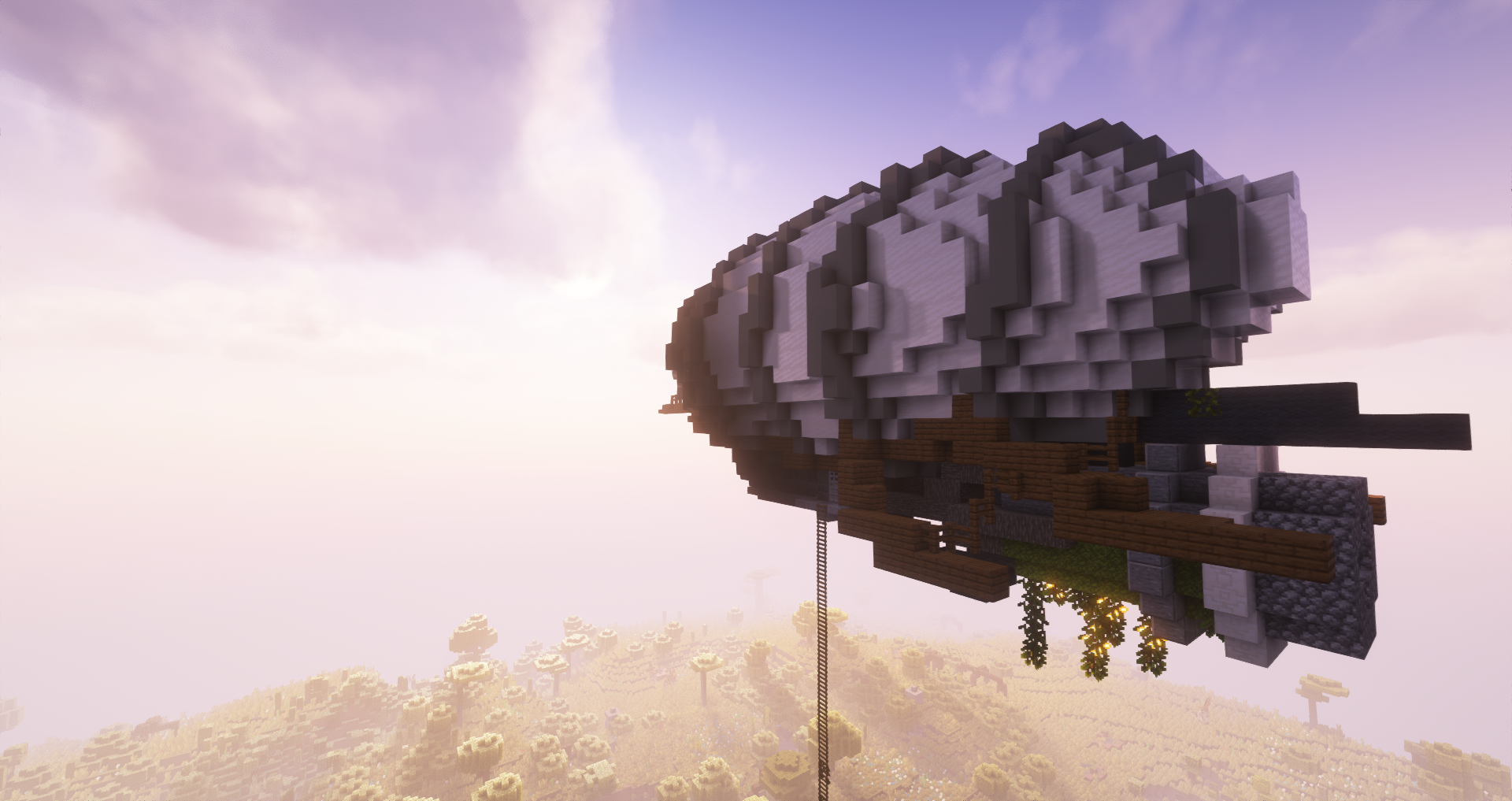
in this modpack you can explore a lot of biomes,structures,discover things from the past
do whatever you want the only limit is your imagination
How to install explorify
With Millida Launcher
Install Millida Launcher
The launcher is free: download it at millida.net/launcher and sign in with any nickname.
Click “Install” on this page
The launcher opens and installs the modpack for Minecraft 1.20.1–1.21.1 on Fabric or NeoForge automatically.
Launch the game
A profile with it appears in the launcher: click “Play”.
Manually
Download the modpack archive
In the version list above, pick the file explorify 22.0.zip (112 MB).
Import it into a launcher
A launcher that supports modpacks (Millida Launcher, Prism) takes the archive via “Add modpack”, then “From file”. No need to unpack it yourself.
Allocate memory
Modpacks need more memory than the plain game: set 4–6 GB in the profile settings.
On a server
Use the “To server” button
On Millida Hosting, the button at the top of the page uploads the file to your server and restarts it for you.
Invite friends: they install the same modpack
To join the server, every player needs the same modpack version.
Minecraft 1.21.1 runs on Java 21: with a different Java version the game may close right after launch.
Versions
With dependencies
| Minecraft | Loader | File | Date | Actions |
|---|---|---|---|---|
| 1.21.1 | NeoForge | explorify 2.0.zip112 MB | ||
| 1.20.1 | — | explorify 1.14.2 MB | ||
| 1.20.1 | Fabric | chamba-1.0.zip4.2 MB |
FAQ
Which Minecraft versions does explorify work on?
There are files for 1.21.1, 1.20.1. The newest is 1.21.1.
Is explorify for Forge or Fabric?
There are files for Fabric: 1.20.1 and for NeoForge: 1.21.1.
Which Java does explorify need?
Minecraft 1.21.1 runs on Java 21. If the game closes right after launch, the usual cause is the wrong Java version in the profile settings.
Where can I download explorify safely?
On this page: the file explorify 22.0.zip (112 MB) is stored on Millida’s server, with no link shorteners. SHA-1 checksum: 48cbc76158394fdf7dc984a1c573a0e5129dd5e1.
Reviews
Be the first to rate explorify


