

Epic Expedition Build for Minecraft 1.19.2
Experience a world of magic and technology with our expertly crafted modpack, featuring endless exploration, dungeon delving, and epic boss battles
- views
- 19 views
- Updated
- Updated 18.10.2026
- 1.19.2
 Forge
Forge
About the Epic Expedition modpack
- Long-term engagement for many hours of gameplay
- Through-thought balance of different difficulty features, making for challenging and rewarding gameplay for all kinds of players
- Seamlessly discovery of mods to encounter naturally during gameplay
- Focus on performance and good gameplay on multiplayer servers
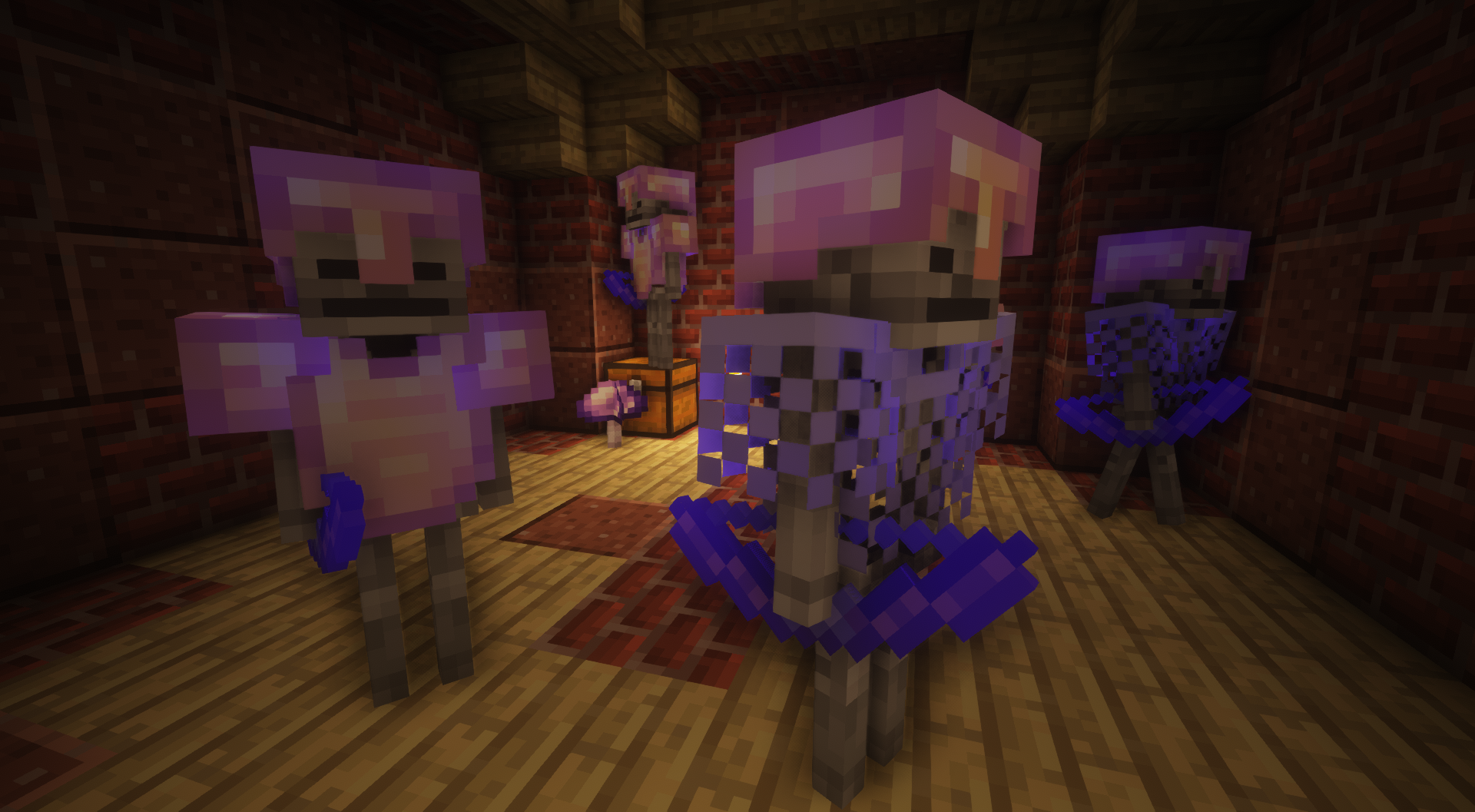
- Explore lots of dungeons with proper loot integrating various mods
- A large variety of different tools, weapons and armor to craft and loot
- Enhanced combat mechanics creating more balanced and immersive combat
- Enhanced mechanics for potions and many new potions
- Discover various ways of using different magic
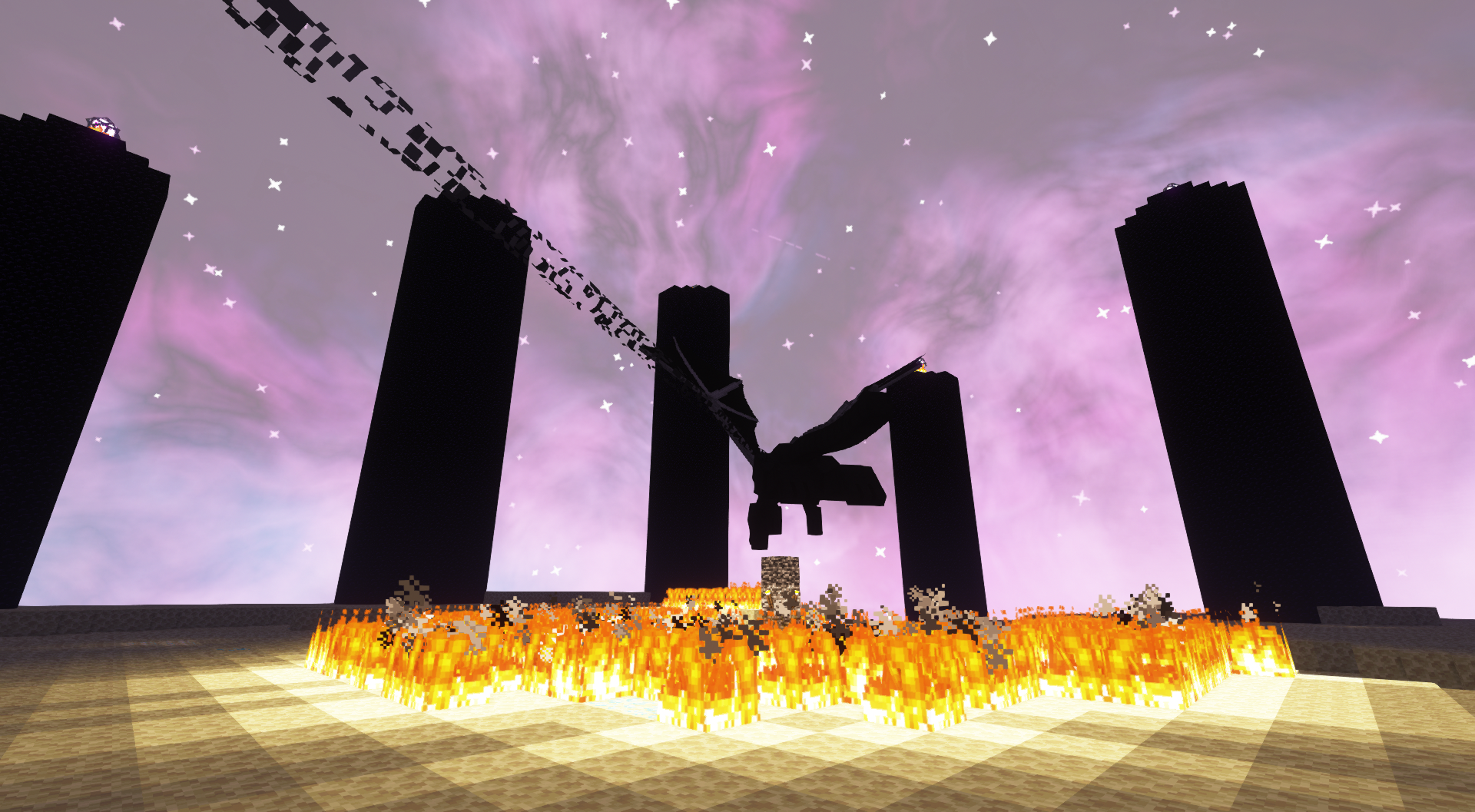
- Overhauled minecart logistics and rails
- Balanced integration of immersive tech options
- Multiple lag-free storage options
- Lots of varied biomes and cave systems
- Immersive experience through added music and sound effects
- Nerfs some vanilla mechanics to incentivize seeking out solutions of the many mods added
- Enhanced villages and villager trading, including waystones
- World feels alive everywhere
How to install Epic Expedition
With Millida Launcher
Install Millida Launcher
The launcher is free: download it at millida.net/launcher and sign in with any nickname.
Click “Install” on this page
The launcher opens and installs the modpack for Minecraft 1.19.2 on Forge automatically.
Launch the game
A profile with it appears in the launcher: click “Play”.
Manually
Download the modpack archive
In the version list above, pick the file epic_expedition-1.7.zip (1.0 MB).
Import it into a launcher
A launcher that supports modpacks (Millida Launcher, Prism) takes the archive via “Add modpack”, then “From file”. No need to unpack it yourself.
Allocate memory
Modpacks need more memory than the plain game: set 4–6 GB in the profile settings.
On a server
Use the “To server” button
On Millida Hosting, the button at the top of the page uploads the file to your server and restarts it for you.
Invite friends: they install the same modpack
To join the server, every player needs the same modpack version.
Minecraft 1.19.2 runs on Java 17: with a different Java version the game may close right after launch.
Versions
With dependencies
| Minecraft | Loader | File | Date | Actions |
|---|---|---|---|---|
| 1.19.2 | Forge | epic_expedition-1.7.zip1 MB |
FAQ
Which Minecraft versions does Epic Expedition work on?
Only Minecraft 1.19.2: there are no files for other versions.
Is Epic Expedition for Forge or Fabric?
Only for Forge: 1.19.2.
Which Java does Epic Expedition need?
Minecraft 1.19.2 runs on Java 17. If the game closes right after launch, the usual cause is the wrong Java version in the profile settings.
Where can I download Epic Expedition safely?
On this page: the file epic_expedition-1.7.zip (1.0 MB) is stored on Millida’s server, with no link shorteners. SHA-1 checksum: 53bbabf9d94b4ca668eaffc566ec6081d0e3220b.
Reviews
Be the first to rate Epic Expedition


