

Dragoncraft Build for Minecraft 1.20.1, 1.21.1
Playing as a Dragon Modpack | 350+ mods | Free Community Servers | A lot of Quests
 NeoForge
 Forge
ForgeAbout the Dragoncraft modpack
Dragoncraft is a world of magic where you play as a dragon, learn powerful magic, grow in strength, and take on unique bosses. Built around steady progression, automation, and rich environmental encounters, this pack lets you fulfill the ultimate fantasy: to be a dragon.
Grow up as a dragon, explore different diets, magics, and abilities, gather immense riches, and build your forever hoard.
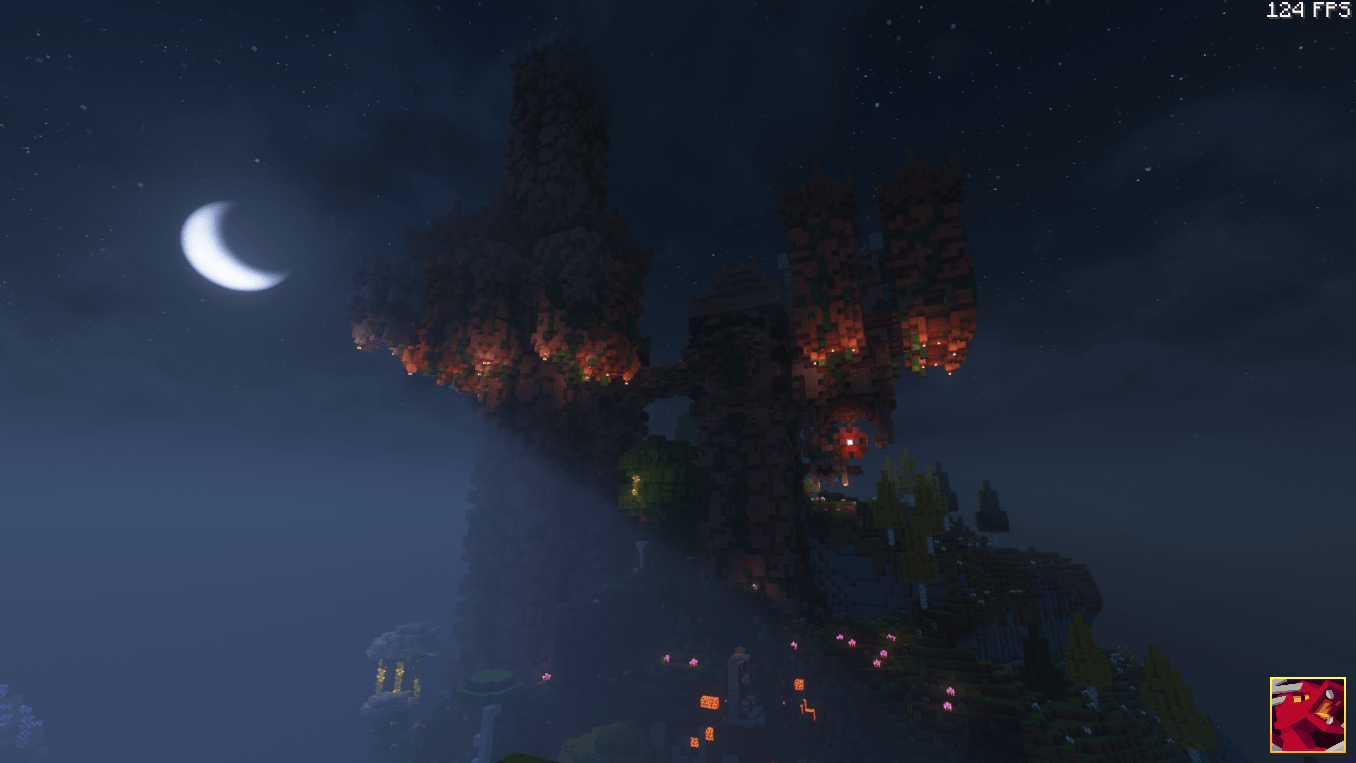
Play as a Dragon
Choose from a massive and ever-growing selection of dragon species, each with unique mechanics, diets, and abilities. Balance and new dragon types are actively developed to provide the best possible dragon experience.
- Cave Dragon
- Sea Dragon
- Forest Dragon
- Aether Dragon
- Astral Dragon
- Sculk Dragon
- Griffin
- Bee — Be a Queen Bee!
- Brain Stealer Dragon — Mind Flayer inspired
- Fairy Dragon
- Tundra Dragon
- Crystcursed Dragon
- Deepwoods Dragon
- Tectonic Dragon
- Primordial Dragon
- Hooman
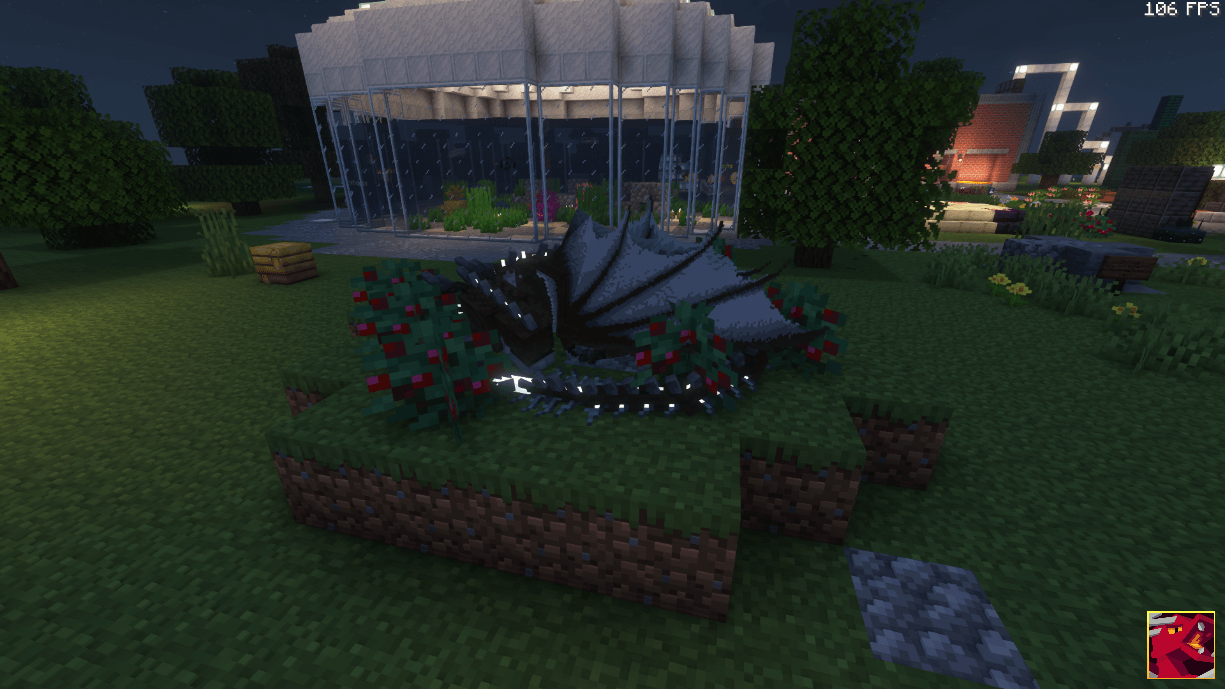
Expansive Magic
Magic is deeply integrated and highly customizable. Craft your own spells, create magical artefacts, perform rituals, and shape your playstyle through modular magic systems that feel meaningful and rewarding to master.
Automation & Farming
Dragoncraft respects your time. Automation is powerful, balanced, and earned — never free. Passive systems enable steady progression for busy players, while active play remains the fastest and most rewarding path.
Immersive Worldgen
Experience fast, performant, fantasy-themed world generation. Endless biomes and structures make the world feel alive, each one a potential location for your next forever hoard.
Improved Exploration
Exploration is strongly encouraged through a vast number of structures and carefully balanced, evenly distributed loot tables.
Brewing & Cuisine
Food and drink provide meaningful effects that directly impact gameplay. Brewing and cooking open up powerful bonuses and rich roleplay opportunities — you cook for a reason.
Villages & Settlements
Design towns, colonies, and homesteads that grow over time, filled with detail, personality, and purpose.
Trial Chambers & Challenges
Prove your strength in Trial Chambers and face cataclysmic bosses designed to push your abilities to the limit.
Questions, feedback, or suggestions? Want to share builds, worlds, or find servers to play on? Join our community!
Thank you to everyone who beta tested the pack, reported issues, and helped shape Dragoncraft — and to the developers whose work made this world possible.
Want to Host a Dragoncraft Server?
Our partner BisectHosting offers powerful and convenient hosting for Dragoncraft.
Get 25% off your server by using code URMOM at checkout.
Click here to get the discount!
How to install Dragoncraft
With Millida Launcher
Install Millida Launcher
The launcher is free: download it at millida.net/launcher and sign in with any nickname.
Click “Install” on this page
The launcher opens and installs the modpack for Minecraft 1.18.2–1.21.1 on Forge or NeoForge automatically.
Launch the game
A profile with it appears in the launcher: click “Play”.
Manually
Download the modpack archive
In the version list above, pick the file Dragoncraft-[35.1.1].zip (171 MB).
Import it into a launcher
A launcher that supports modpacks (Millida Launcher, Prism) takes the archive via “Add modpack”, then “From file”. No need to unpack it yourself.
Allocate memory
Modpacks need more memory than the plain game: set 4–6 GB in the profile settings.
On a server
Use the “To server” button
On Millida Hosting, the button at the top of the page uploads the file to your server and restarts it for you.
Invite friends: they install the same modpack
To join the server, every player needs the same modpack version.
Minecraft 1.21.1 runs on Java 21: with a different Java version the game may close right after launch.
Versions
With dependencies
| Minecraft | Loader | File | Date | Actions |
|---|---|---|---|---|
| 1.21.1 | NeoForge | Dragoncraft [35.1.1]171 MB 4 | ||
| 1.20.1 | Forge | Dragoncraft [5.0.2]970 KB | ||
| 1.18.2 | — | Dragoncraft [4.0.5]918 KB | ||
| 1.18.2 | Forge | Dragonsreach [3.0.0]656 KB | ||
| 1.18.2 | — | Dragonsreach [1.0.6]350 KB |
FAQ
Which Minecraft versions does Dragoncraft work on?
There are files for 1.21.1, 1.20.1, 1.18.2. The newest is 1.21.1.
Is Dragoncraft for Forge or Fabric?
There are files for Forge: 1.18.2–1.20.1 and for NeoForge: 1.21.1.
Which Java does Dragoncraft need?
Minecraft 1.21.1 runs on Java 21. If the game closes right after launch, the usual cause is the wrong Java version in the profile settings.
Where can I download Dragoncraft safely?
On this page: the file Dragoncraft-[35.1.1].zip (171 MB) is stored on Millida’s server, with no link shorteners. SHA-1 checksum: 2c9811a4694aa6d08b8c6a0c2e973b9b20d9a76f.
Reviews
Be the first to rate Dragoncraft


