

Dragon Block Zero S Build for Minecraft 1.7.10
The first Official Dragon Block C Server by JinGames.
- views
- 14 views
- Updated
- Updated 18.10.2026
- 1.7.10
 Forge
Forge
JinGames Dragon Block Zero S ModPack
(Forge 1.7.10)
Use CurseForge Launcher to Download this Pack:
https://curseforge.overwolf.com/
Description:
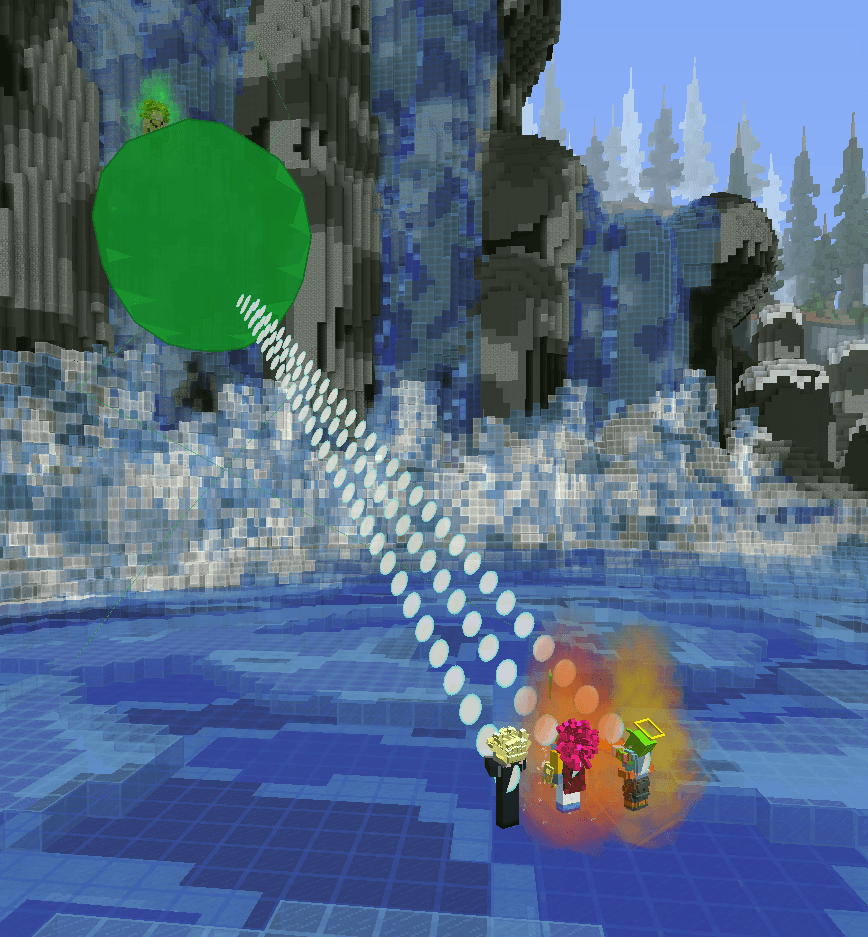
This is the first Official JinGames Dragon Block C Server's, Dragon Block Zero S CurseForge ModPack.
Our Server is mainly based off on our Dragon Block C mod combined with the Custom NPCs mod.
The Server has a lot of Custom Missions, and there is always more under development!
We also have unique Systems such as Sparring between players, and Weapons which you can level up!
Join the Zero S Discord Server, and discover our community of Great Fighters!
Discord Invite Link:
https://discord.gg/wfGu2xa
Mod List:
- JRMCore
A Core mod for the JinGames mods, which adds an RPG system, decoration/building blocks, a customizable hair, and more.
- JBRA C
A Client-Side Core mod for the JinGames mods that is needed to render content properly.
- Dragon Block C
A Dragon Ball Z, Super and GT Anime mod for the JRMCore mod. Contains a Ton of features from the Anime Series such as:
- Character Creator
- Forms
- Races
- Ki Attacks
- Skills
- Customizable HUD
- And More...
- Family C
Select a Gender in the JRMCore Character Creation Menu.
- Damage Indicators
Shows how much Damage you deal against targets.
- Armourer's Workshop
Adds the option to customize the looks of content using Voxel-Art such as for Custom NPCs.
- Custom NPC+
Customized NPCs Story, Missions, and Fighting, and more.
- Custom Main Menu
A customized Main Menu to make it a better fit for the Server.
- MapWriter
A mini map mod for easier navigation.
- Resource Loader
Helps loading textures and images, which then the Server can use to create a wider variety of unique content.
- Watchdog Anti Cheat
An Anti-Cheat mod to improve your gaming experience.
Donate:
OUR PATREON: patreon.com/JinRyuu
SERVER DONATION: JinGames DBC Zero S Minecraft Server
JinGames is Sponsored by BisectHosting!
Need a Minecraft Server? BisectHosting is a super easy to use Server Hosting provider! Use our Link and promo code JinGames to get 25% OFF your first month.
WEBSITE
ZERO S WEBSITE
DISCORD
ZERO S DISCORD
How to install Dragon Block Zero S
With Millida Launcher
Install Millida Launcher
The launcher is free: download it at millida.net/launcher and sign in with any nickname.
Click “Install” on this page
The launcher opens and installs the modpack for Minecraft 1.7.10 on Forge automatically.
Launch the game
A profile with it appears in the launcher: click “Play”.
On a server
Use the “To server” button
On Millida Hosting, the button at the top of the page uploads the file to your server and restarts it for you.
Invite friends: they install the same modpack
To join the server, every player needs the same modpack version.
Minecraft 1.7.10 runs on Java 8: with a different Java version the game may close right after launch.
Versions
With dependencies
| Minecraft | Loader | File | Date | Actions |
|---|---|---|---|---|
| 1.7.10 | Forge | Dragon Block Zero S Modpack 2.1.zip20.9 MB |
Reviews
Be the first to rate Dragon Block Zero S


