

CobblemonOneBlock Build for Minecraft 1.21.1
Ever Wanted a Cobblemon OneBlock Here it is
- downloads
- 1 downloads
- views
- 37 views
- Updated
- Updated 18.10.2026
- 1.21.1
 NeoForge
About the CobblemonOneBlock modpack
I’ve taken it upon myself to create the first Cobblemon One Block experience! This isn’t just a bunch of mods thrown together-this pack was built from scratch specifically for this challenge.
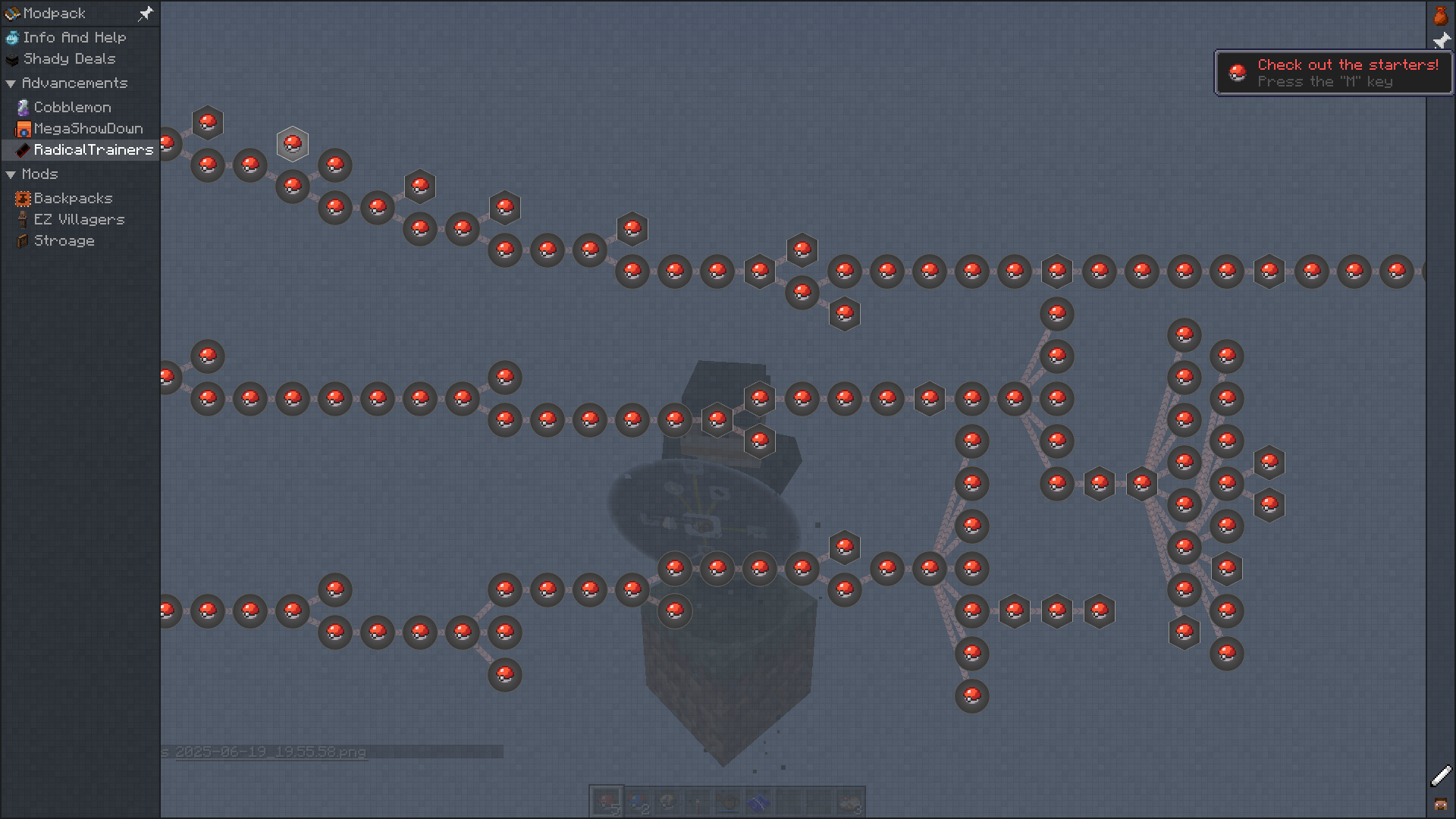
About the Challenge:
This pack features Radical Trainers, a mod that introduces multiple storylines and plenty of challenges for everyone-whether you’re playing solo or in multiplayer. On top of that, you’ll find many of the usual Cobblemon add-ons, like Showdown, Ride On, and more.
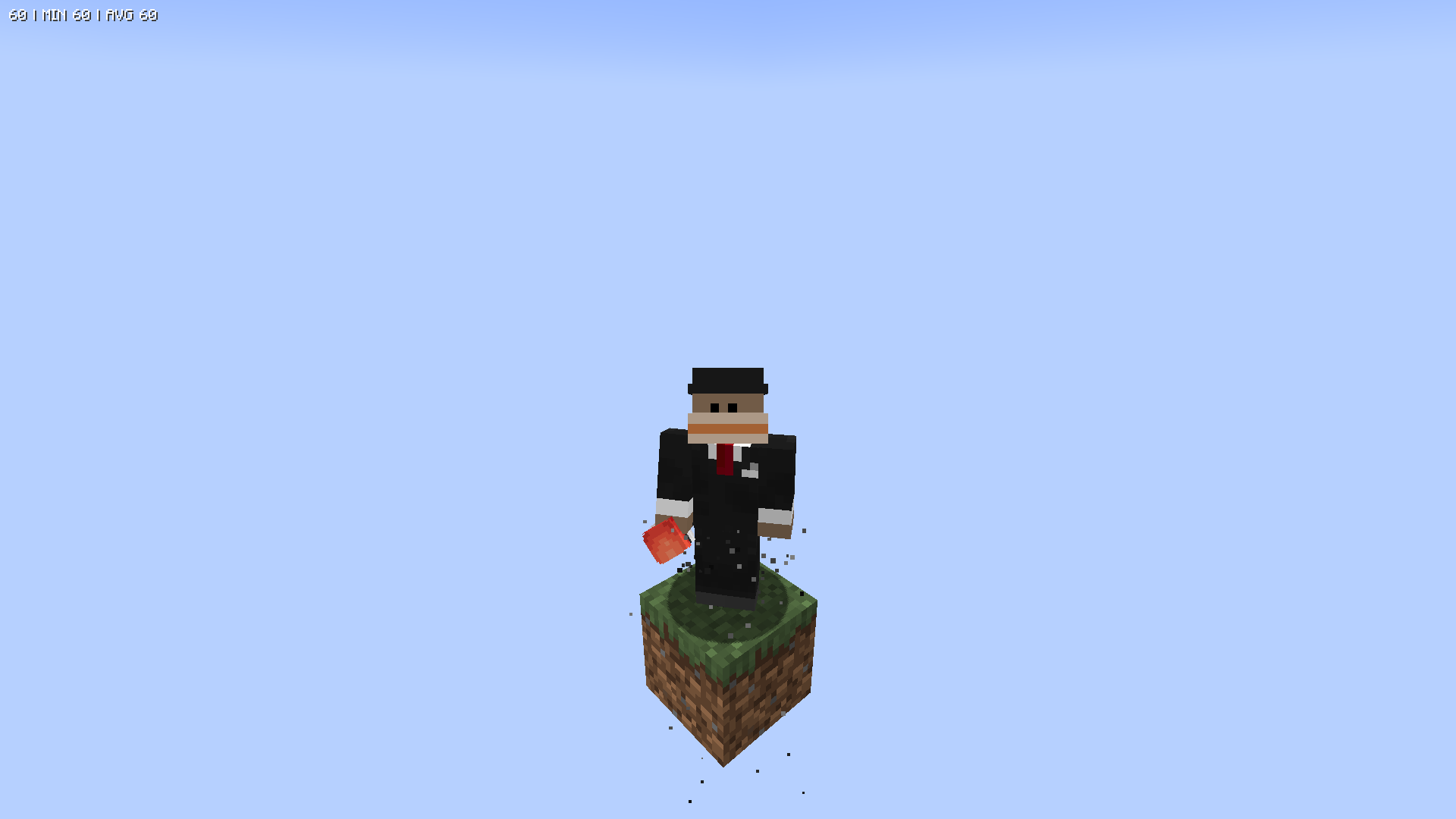
What's Included:
Fully custom quests - These are designed to reward you, but you can play however you want. There are no restrictions.
Everything from one block - All items are accessible from a single block in the sky. Make the most of it!
Unique features to enhance gameplay, like:
Real-time days that boost shiny odds by 50%
Quirky salesmen who offer key items
A selection of Vanilla+ mods to make the experience smoother and more immersive
I hope you enjoy the pack and the adventure it brings!
Thanks, Harrison
How to install CobblemonOneBlock
With Millida Launcher
Install Millida Launcher
The launcher is free: download it at millida.net/launcher and sign in with any nickname.
Click “Install” on this page
The launcher opens and installs the modpack for Minecraft 1.21.1 on NeoForge automatically.
Launch the game
A profile with it appears in the launcher: click “Play”.
Manually
Download the modpack archive
In the version list above, pick the file Cobblemon OneBlock.zip (19 MB).
Import it into a launcher
A launcher that supports modpacks (Millida Launcher, Prism) takes the archive via “Add modpack”, then “From file”. No need to unpack it yourself.
Allocate memory
Modpacks need more memory than the plain game: set 4–6 GB in the profile settings.
On a server
Use the “To server” button
On Millida Hosting, the button at the top of the page uploads the file to your server and restarts it for you.
Invite friends: they install the same modpack
To join the server, every player needs the same modpack version.
Minecraft 1.21.1 runs on Java 21: with a different Java version the game may close right after launch.
Versions
With dependencies
| Minecraft | Loader | File | Date | Actions |
|---|---|---|---|---|
| 1.21.1 | NeoForge | Cobblemon OneBlock.zip18.6 MB 1 | ||
| 1.21.1 | NeoForge | Cobblemon OneBlock.zip2.8 MB |
FAQ
Which Minecraft versions does CobblemonOneBlock work on?
Only Minecraft 1.21.1: there are no files for other versions.
Is CobblemonOneBlock for Forge or Fabric?
Only for NeoForge: 1.21.1.
Which Java does CobblemonOneBlock need?
Minecraft 1.21.1 runs on Java 21. If the game closes right after launch, the usual cause is the wrong Java version in the profile settings.
Where can I download CobblemonOneBlock safely?
On this page: the file Cobblemon OneBlock.zip (19 MB) is stored on Millida’s server, with no link shorteners. SHA-1 checksum: 2ce56c4b3d259575b96d2d1e414b648fc2d392d2.
Reviews
Be the first to rate CobblemonOneBlock


