

About the Rainbow Minegames map
Rainbow Minegames
Rainbow Minegames is a map for Minecraft
with various types of minegames
such as:
*Parkour *Pvp/Kit Pvp *Tnt Run *Spleef
*Dropper
The map is still in beta and i'll soon post more
updates adding new Minegames, Levels(Parkour), Areas(Parkour)
Parkour
Parkour is an obstacle course game within Minecraft that test players' agility by requiring them to run, jump, and do other acrobatic moves to get from point A to point B. The goal of parkour is to get from start to finish as fast as you can
Dirt Area - Parkour levels in the sky.
Sky Area - Parkour levels in earth.
Nether Area - Parkour levels based in nether.
PVP/KIT PVP Player versus player, also known as PvP, refers to combat in Minecraft which involves players fighting other players in multiplayer. Whether fighting in teams or in one-on-one duels.
Kit pvp is a server where you can select specific pre-made kits and fight.
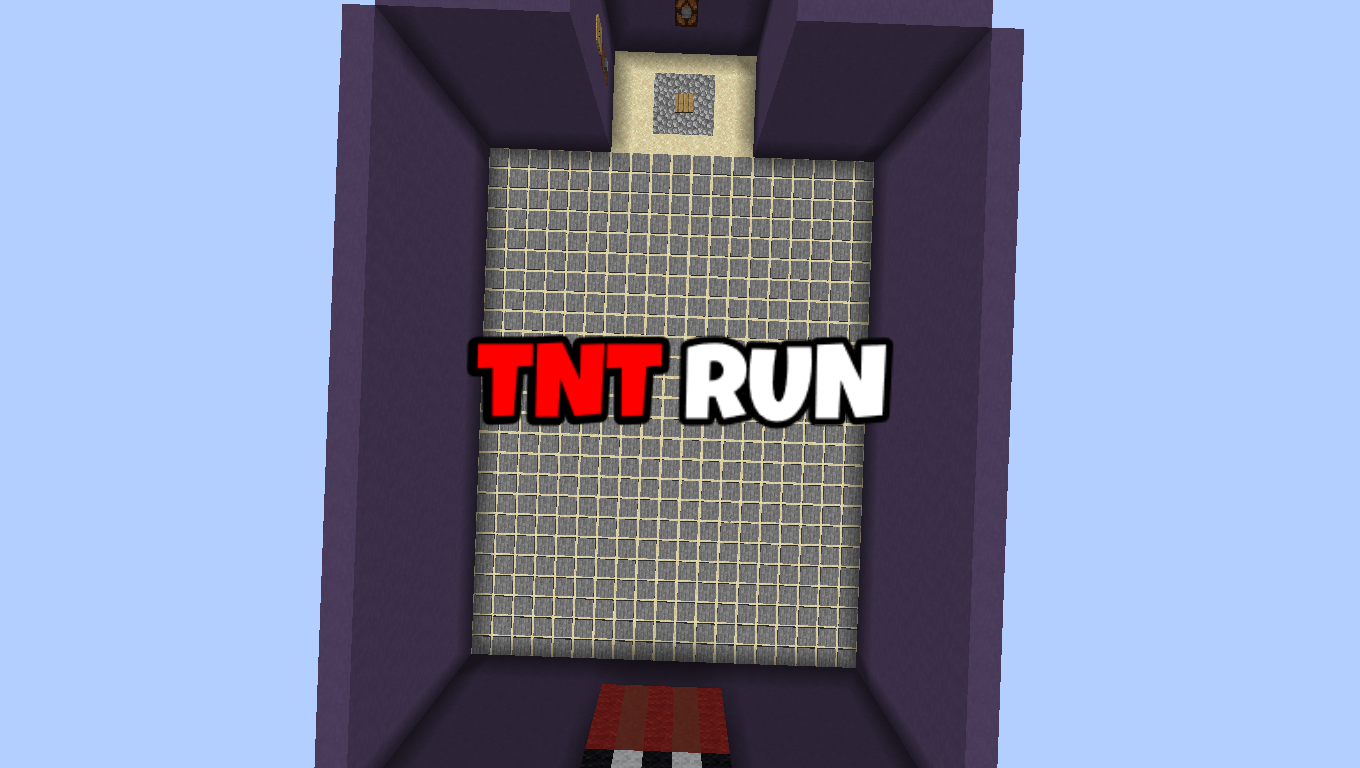
TNT RUN
TNT Run is a game about TNT disappearing under you while you walk, run, jump, and die if u fall in the void on the last floor.
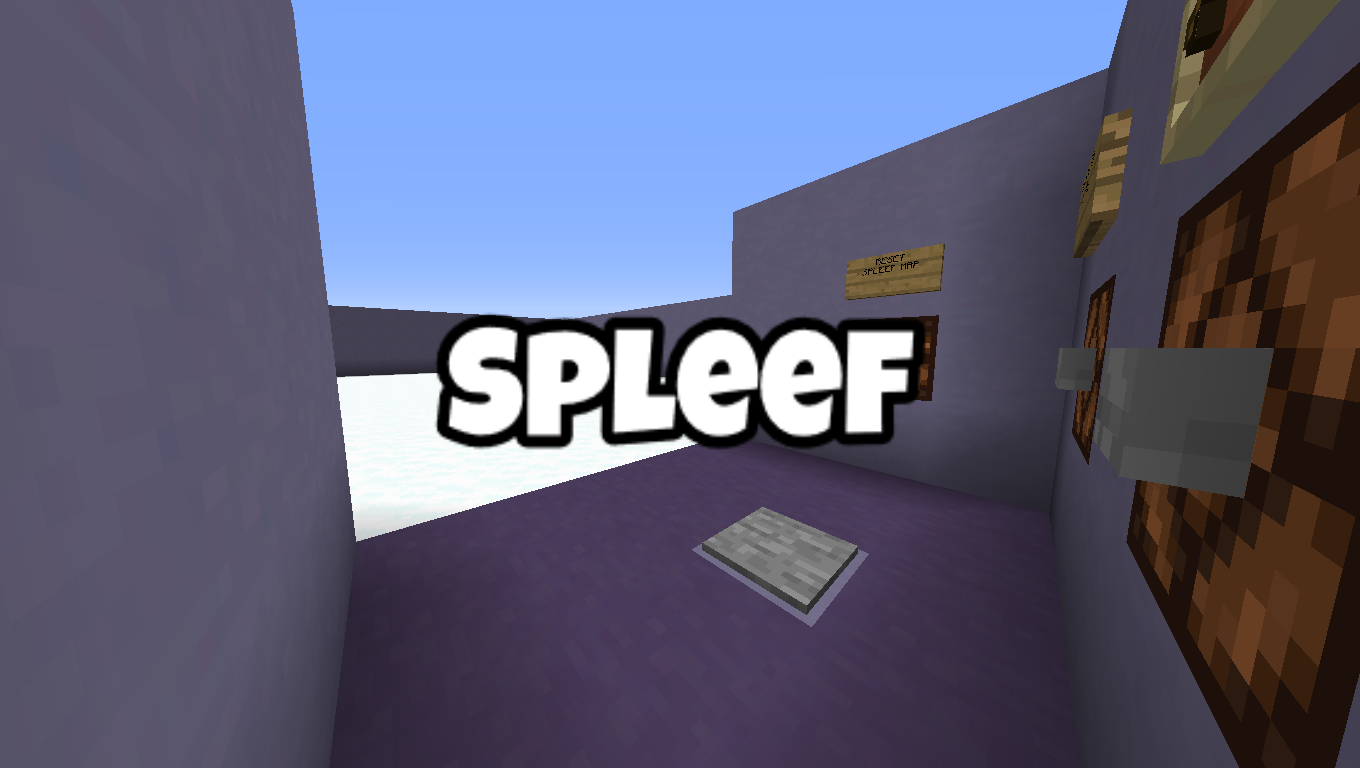
Spleef
Spleef is a term for one of Minecraft's popular player-invented games. The purpose of the game is to be the last player standing as you destroy the blocks that other players are standing on to make them fall into void.
How to install Rainbow Minegames
With Millida Launcher
Install Millida Launcher
The launcher is free: download it at millida.net/launcher and sign in with any nickname.
Click “Install” on this page
The launcher opens and installs the map for Minecraft 1.14–1.20.1 automatically.
Launch the game
A profile with it appears in the launcher: click “Play”.
Manually
Download the map archive
Pick the file RainbowMinigames.zip (2.6 MB).
Unpack it into the saves folder
The world folder (with level.dat inside) must sit directly in .minecraft/saves.
Open the world
“Singleplayer”: the map will be in your world list.
On a server
Replace the world folder
Stop the server and put the map folder in place of world (or set its name in level-name).
Or use the “To hosting” button
On Millida Hosting, the button at the top of the page uploads the file to your server and restarts it for you.
Versions
With dependencies
| Minecraft | Loader | File | Date | Actions |
|---|---|---|---|---|
| 1.20.1 | — | Rainbow Minigames (1.9)2.6 MB | ||
| 1.14.4 | — | Rainbow Minegames (1.9-a1)1.9 MB | ||
| 1.14.4 | — | Rainbow Minegames (1.8-pre1)1.8 MB |
FAQ
Which Minecraft versions does Rainbow Minegames work on?
There are files for 1.14–1.20.1, 7 versions in total. The newest is 1.20.1.
Where can I download Rainbow Minegames safely?
On this page: the file RainbowMinigames.zip (2.6 MB) is stored on Millida’s server, with no link shorteners. SHA-1 checksum: 58d6285639c61784edd21b5c5bf1643cabac437b.
Reviews
Be the first to rate Rainbow Minegames



