

Miner Tycoon Map for Minecraft 26.10
Explore unique mines, farm rare resources, and build your path to wealth.
About the Miner Tycoon map
This is a simulator where you can progress through different areas and upgrade your tools as you advance. By completing all the zones, you will receive and obtain much more valuable rewards.
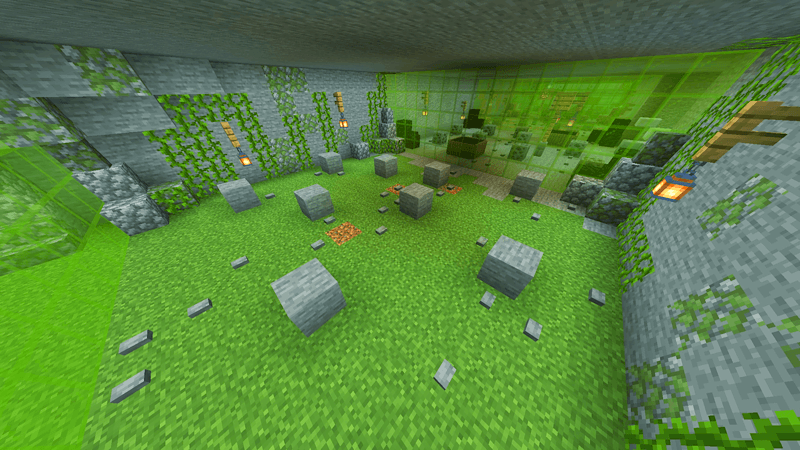
You will also find various structures that grant powerful upgrades for you and your resources.
With the Furnace, you can smelt materials such as stone, raw iron, or ancient debris using a small amount of coal. This process increases their value and significantly boosts their selling price.
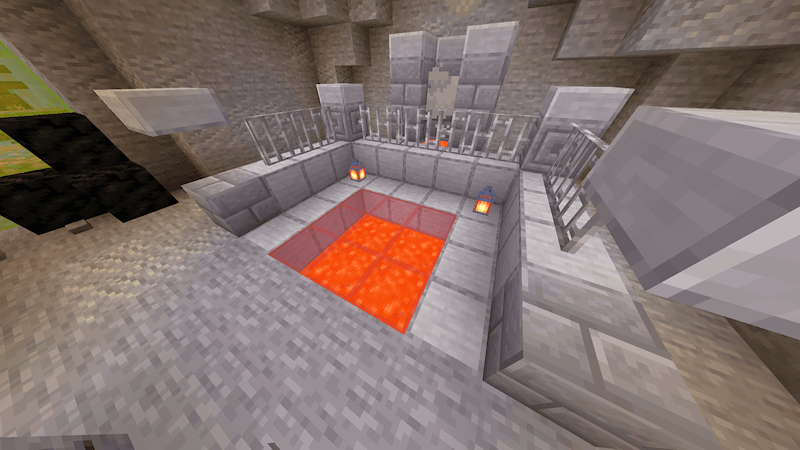
The Compactor allows you to convert certain resources into high-value blocks, rewarding you with much greater profits.
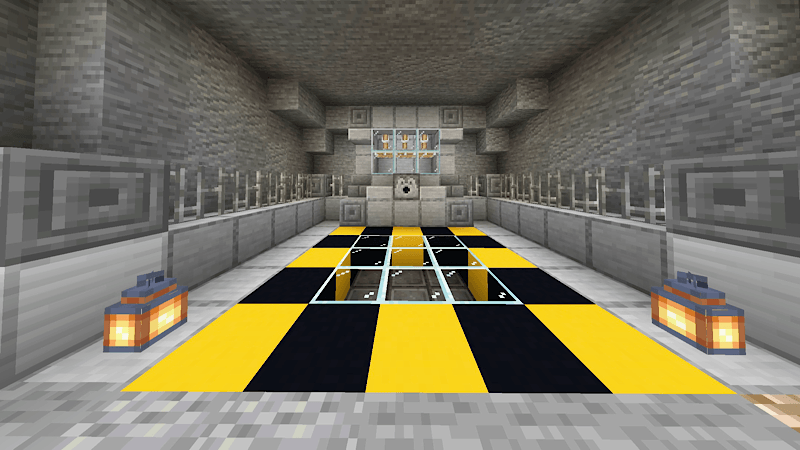
Using the Enchanting Table, you can apply powerful enhancements to your enchantments, making them more efficient and greatly improving your resource gathering.
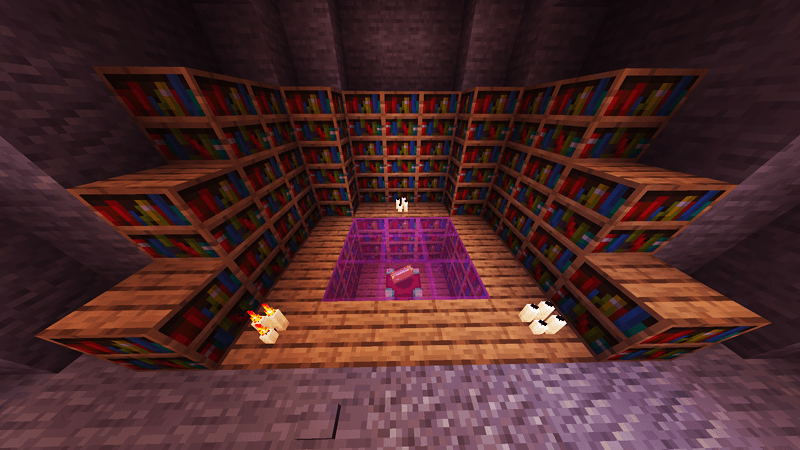
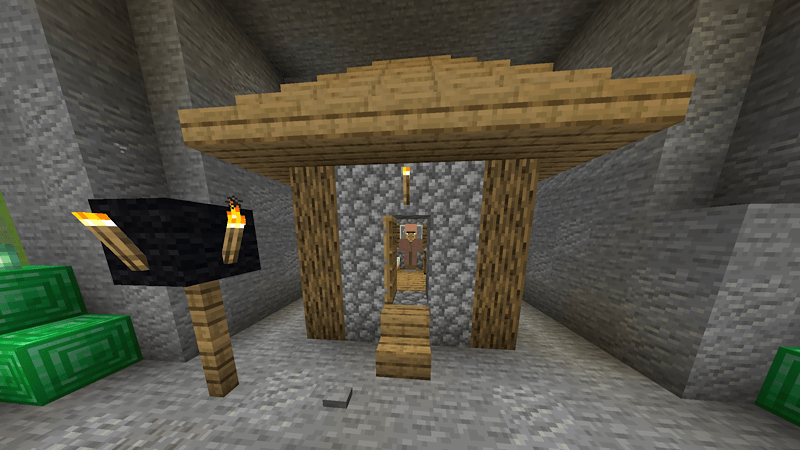
You will also discover a Villager House, where you can negotiate with a villager to obtain exclusive discounts and valuable upgrades.
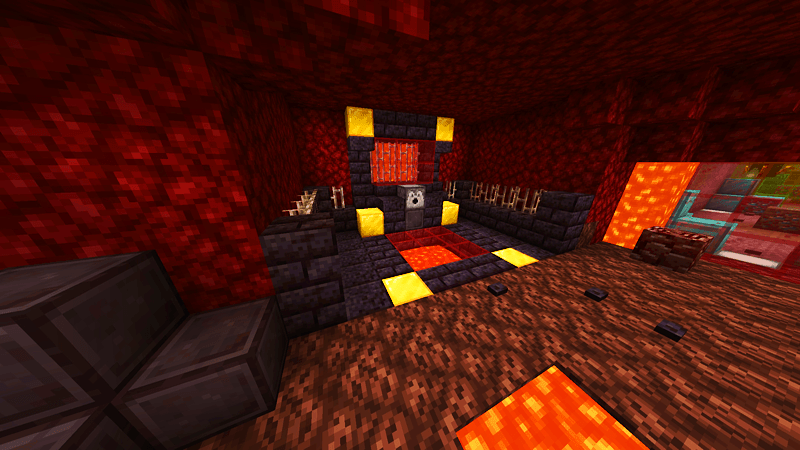
Finally, there is the Netherite Smelter, which lets you combine gold ingots with ancient scraps to create a precious netherite ingot-one of the most coveted materials in the mining world.
Don’t forget to recommend the map and leave your suggestions for future improvements!
How to install Miner Tycoon
With Millida Launcher
Install Millida Launcher
The launcher is free: download it at millida.net/launcher and sign in with any nickname.
Click “Install” on this page
The launcher opens and installs the map for Minecraft 26.10 automatically.
Launch the game
A profile with it appears in the launcher: click “Play”.
Manually
Download the map archive
Pick the file Miner_Tycoon.mcworld (816 KB).
Unpack it into the saves folder
The world folder (with level.dat inside) must sit directly in .minecraft/saves.
Open the world
“Singleplayer”: the map will be in your world list.
On a server
Replace the world folder
Stop the server and put the map folder in place of world (or set its name in level-name).
Use the “To server” button
On Millida Hosting, the button at the top of the page uploads the file to your server and restarts it for you.
Versions
With dependencies
| Minecraft | Loader | File | Date | Actions |
|---|---|---|---|---|
| 26.10 | — | Miner_Tycoon.mcworld816 KB 2 |
FAQ
Which Minecraft versions does Miner Tycoon work on?
Only Minecraft 26.10: there are no files for other versions.
Where can I download Miner Tycoon safely?
On this page: the file Miner_Tycoon.mcworld (816 KB) is stored on Millida’s server, with no link shorteners. SHA-1 checksum: 9137d9fada52f2750ac7ce364796e879aead81a4.
Reviews
Be the first to rate Miner Tycoon



