

Lucky Block Flat World!
Break Lucky Blocks to get random items or blocks
Project made with: Xyla
(Discord: xylabun)
An infinite world with 3 layers of lucky blocks
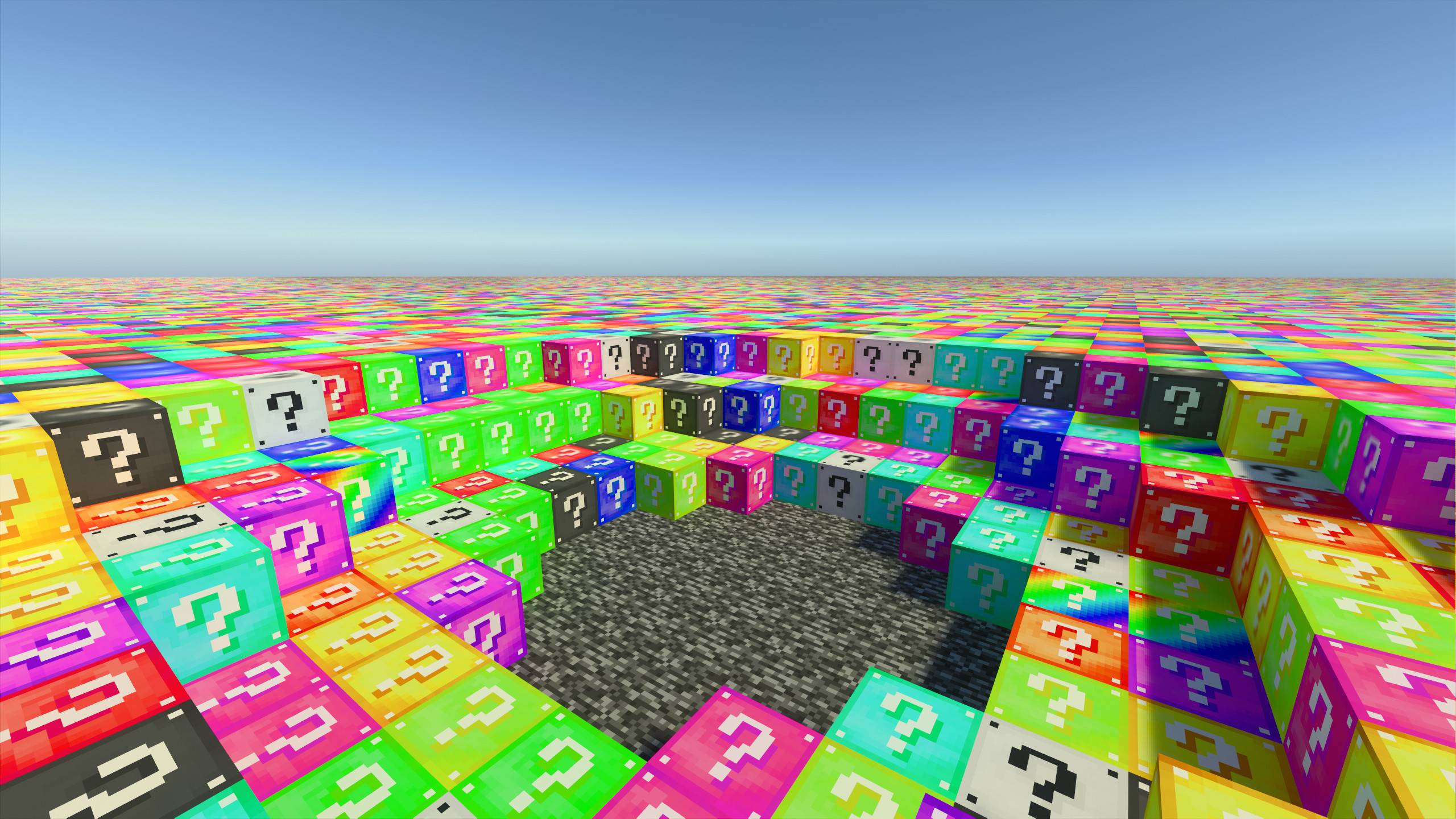
You can select loot table and Lucky Block texture
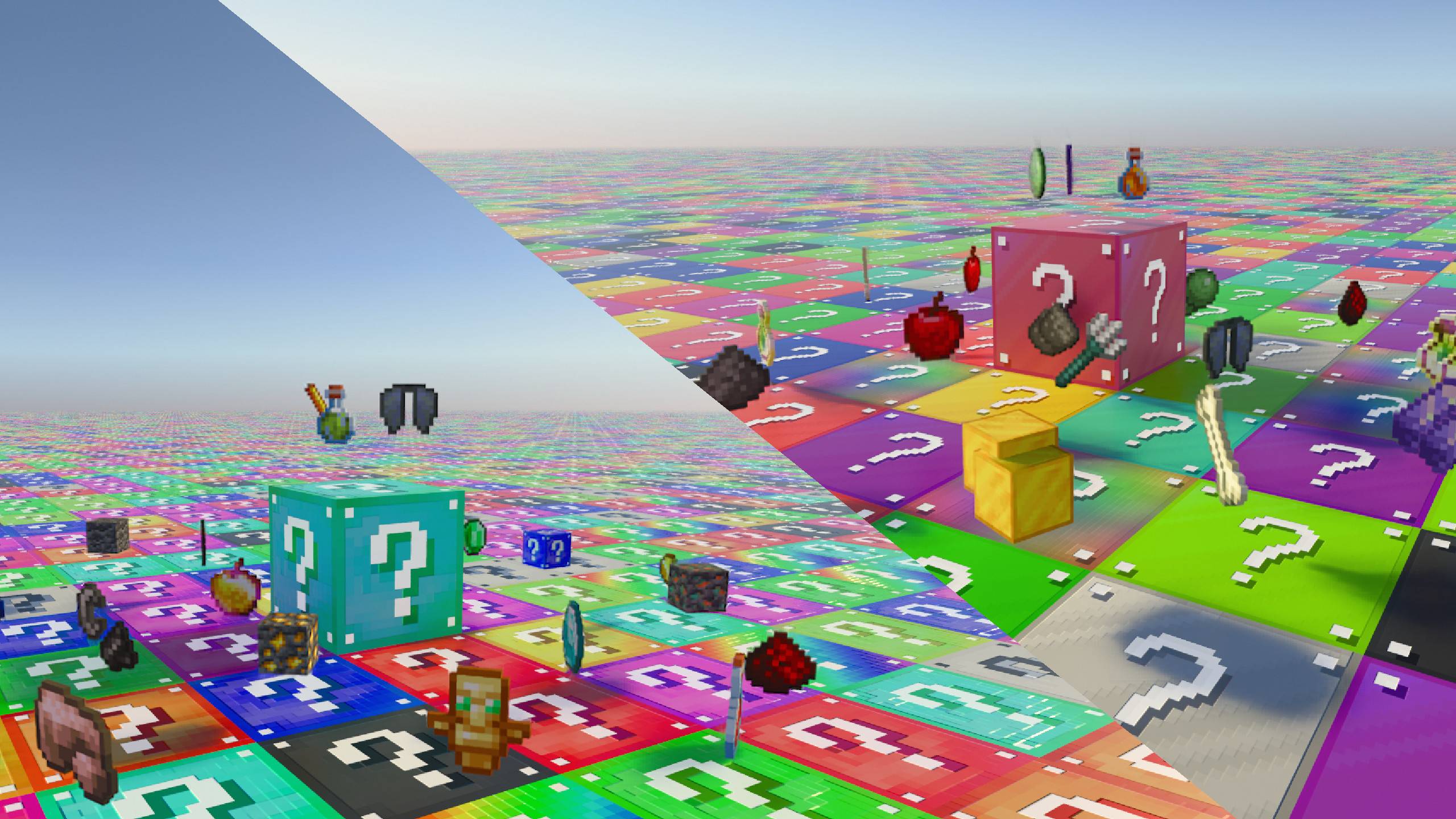
To do it, use config icon in pack included to this world

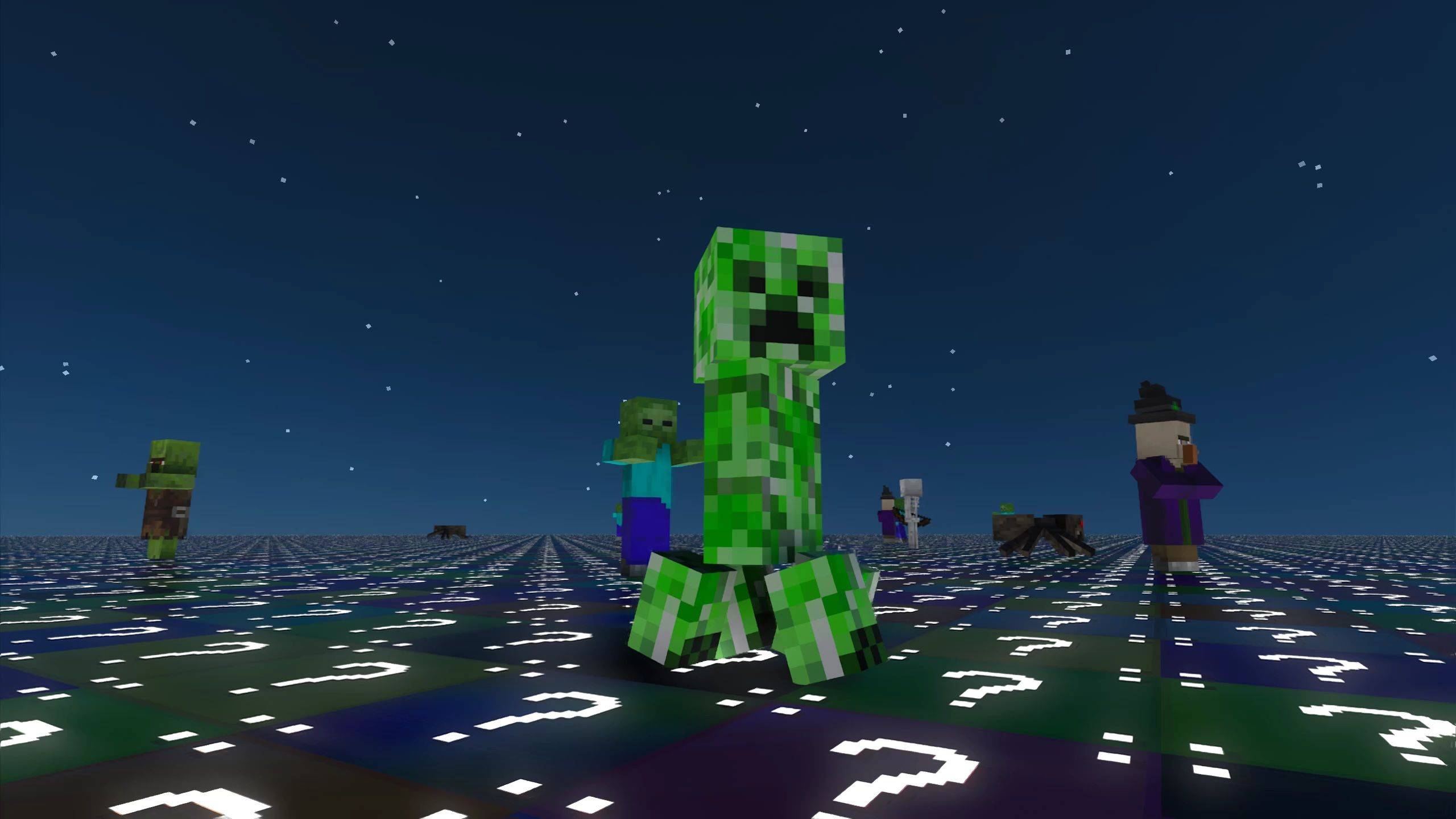
Hide yourself from the monsters at night!
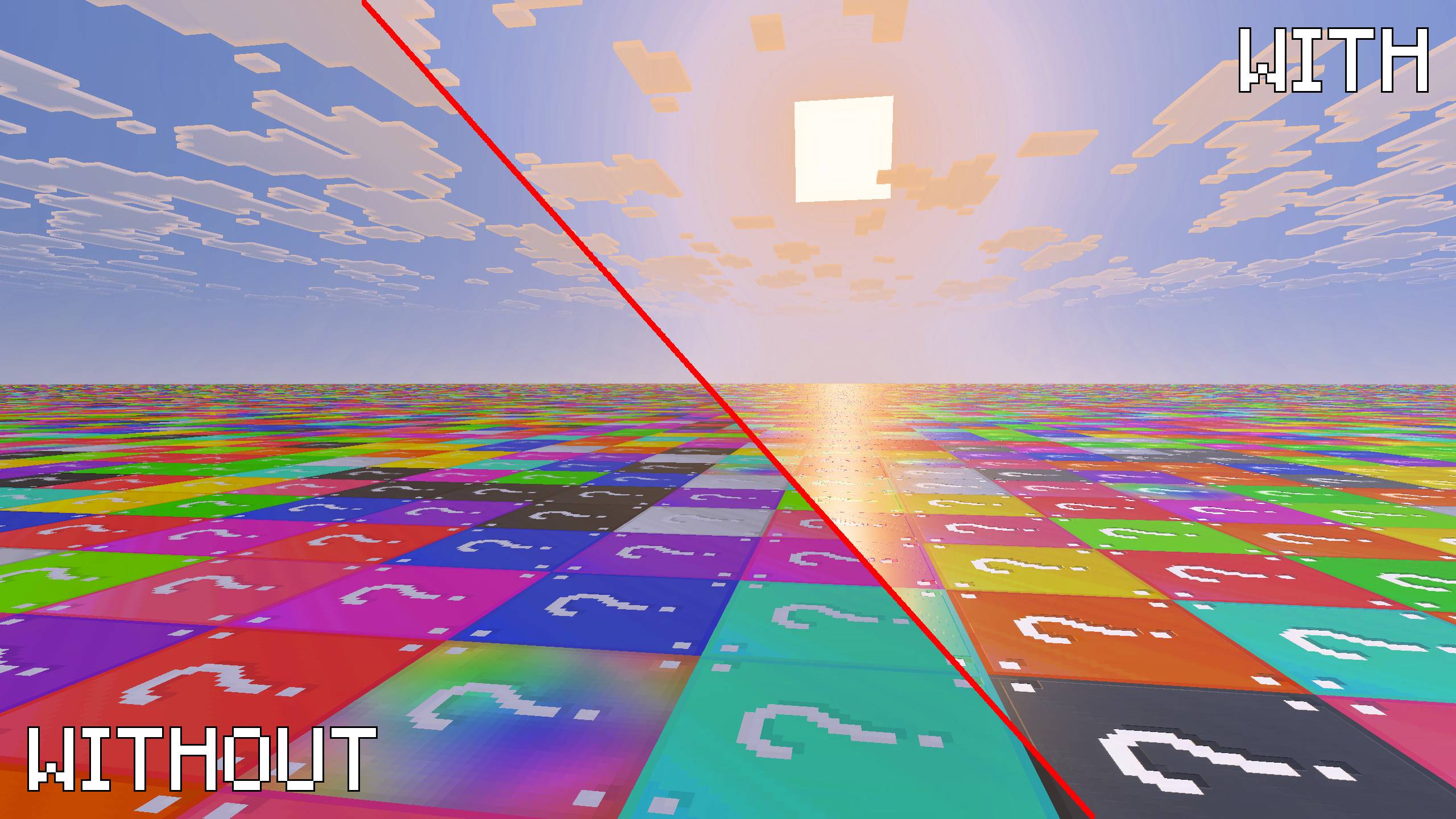
ADDITIONAL PACK FOR VIBRANT VISUALS
Add this pack to the world for more video experience!
You can support me here:

Additional message: The presented images require a specific texture pack which is not included for this world

How to install Lucky Flat World V3
With Millida Launcher
Install Millida Launcher
The launcher is free: download it at millida.net/launcher and sign in with any nickname.
Click “Install” on this page
The launcher opens and installs the map for Minecraft 26.40–26.50 automatically.
Launch the game
A profile with it appears in the launcher: click “Play”.
Manually
Download the map archive
Pick the file Lucky_Flat_World_ft_XylaBun_V3.2.mcworld (1.2 MB).
Unpack it into the saves folder
The world folder (with level.dat inside) must sit directly in .minecraft/saves.
Open the world
“Singleplayer”: the map will be in your world list.
On a server
Replace the world folder
Stop the server and put the map folder in place of world (or set its name in level-name).
Use the “To server” button
On Millida Hosting, the button at the top of the page uploads the file to your server and restarts it for you.
Versions
With dependencies
| Minecraft | Loader | File | Date | Actions |
|---|---|---|---|---|
| 26.50 | — | Lucky Flat World V3.21.2 MB 462 | ||
| 26.40 | — | Lucky Flat World V3.11.2 MB |
Reviews
Be the first to rate Lucky Flat World V3



