
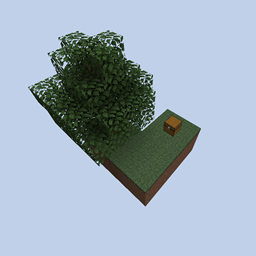
Large Skyblocks Map for Minecraft 1.17
You start from the small spawn skyblock then you go to larger skyblocks and even other dimensions.
About the Large Skyblocks map
JEI is very highly recomended: https://www.curseforge.com/minecraft/mc-mods/jei . It will still run but you have no idea what the custum recipes are.
For Fabric Users: https://www.curseforge.com/minecraft/mc-mods/roughly-enough-items
Turning clouds to off in the video settings is also recommended.
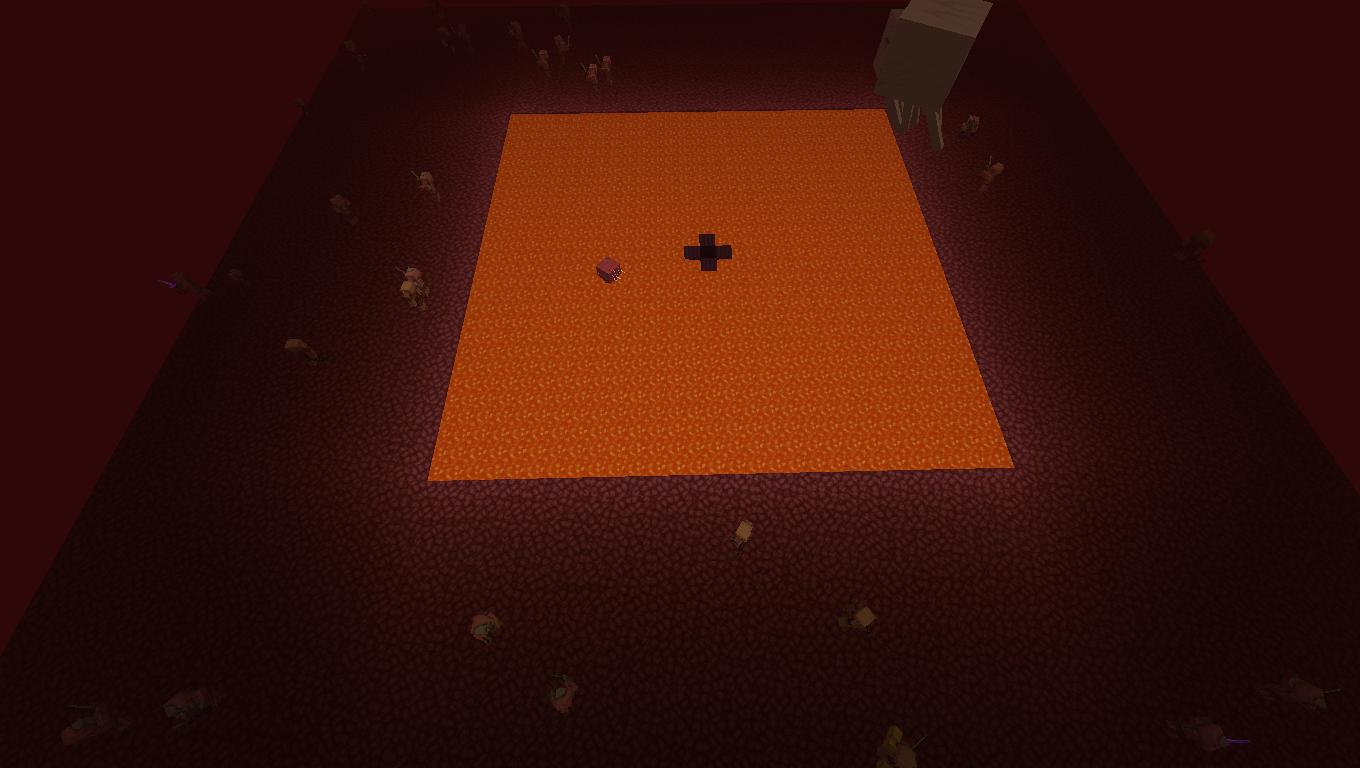
You start from the spawn skyblock and you build your way out to other skyblocks that have lots of space and each skyblock has its own biome (execpt the spawn skyblock). There are desert, jungle, village, taiga, forest, dark forest, birch forest, mountain, mushroom, nether skyblocks, end skyblocks, and even more. You can get loot from chests and if that runs out you can buy stuff that you mine in normal survival from some no ai invurnable villagers throughout the village. There is a pillager skyblock blocking the way to the village so you can either go around it or fight them and go through it. Ive added custom recipes and custom advancements for the skyblock.
If you click "Large Skyblocks 1.17 edition.zip" or here check aditional files and there is a hardcore mode version of this map.
FAQ:
Q: Is there an ender dragon fight?
A: No there is no ender dragon fight, Instaid, it has skyblocks in the end.
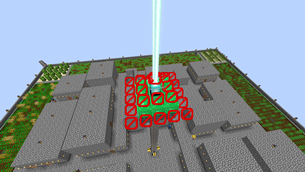
Q: I've Noticed that there are beacons in this game. Would I be able to mine all the pyramid blocks and the beacon?
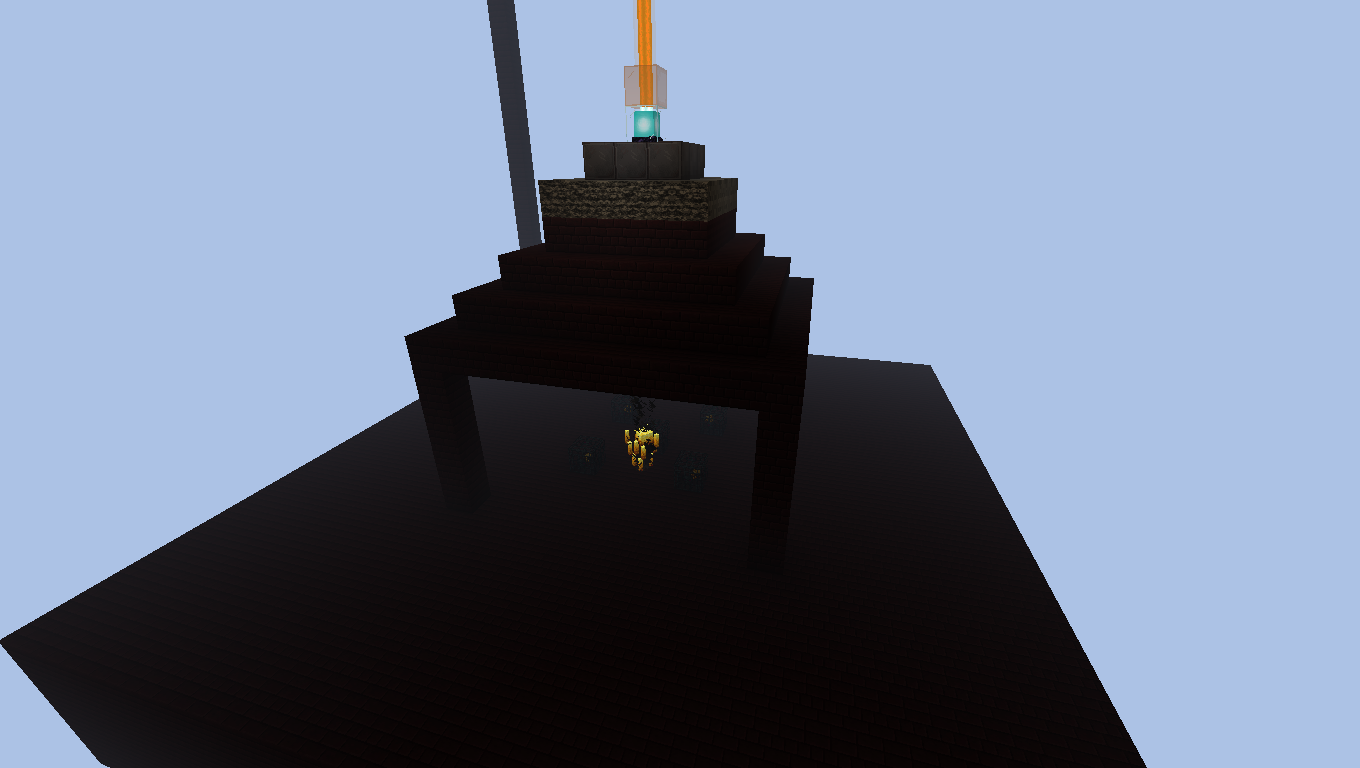
A: No. The beacons are protected by bedrock and barriers. Click the spolier for an example. All beacons are protected by bedrock and barriers. (unless the ones that you have built yourself.)
Q: Is mob griefing on or off?
A: Mob griefing is off so everything won't get destroyed
Q: Why are some spawners have barriers and bedrock around them?
A: Because thoes ones are vital for the game and so they can't get destroyed. The ones that have no barriers or bedrock around them, thoes ones are the ones that you can destroy.
Q: I can't see any skyblock in the nether because it's too fogy. What are the cordinates for the skyblocks?
A: Click on the spoiler to see all the cordinates for the nether skyblocks
(128 128) (128 0) (0 128) (-128 0) (0 -128) (-128 -128) (128 -128) (-128 128) (0 0)
Q: What items/blocks have a custom recipe
A: I don't have time to put the recipe itself but I will list the blocks that have custum recipes and you can then see what it is in jei
Sponge
Warped Nylium
Totem
Soul Soil
Soul Sand
Slime
Sand
Red Sand
Mycelium
Netherrack
Lava
Grass Block
End Stone
Enchanted Golden Apple
Elytra
Dragon Breath
Dirt
Crying Obsidian
Crimson Nylium
Cobwebs
Blackstone
Bell
Basalt
Budding Amethyst
Tuff
Calcite
cobbled deepslate
Q: What is the hardcore version of this map?
A: It is exactly the same thing as the normal map but in hardcore mode.
Planet Minecraft Page: https://www.planetminecraft.com/project/large-skyblocks/
Credits:
Advancement Generator: https://advancements.thedestruc7i0n.ca/
Recipe Generator: https://crafting.thedestruc7i0n.ca/
World Edit: https://www.curseforge.com/minecraft/mc-mods/worldedit
A datapack that adds wood recipes for the stonecutter that someone else made. Saw by BigBiBoi: https://www.planetminecraft.com/data-pack/saw-stonecutter-cuts-wood/
Villager Trade Generator by digminecraft: https://www.digminecraft.com/generators/villager_trade.php
Faithful texture pack used in these pictures: https://faithful.team/
How to install Large Skyblocks
With Millida Launcher
Install Millida Launcher
The launcher is free: download it at millida.net/launcher and sign in with any nickname.
Click “Install” on this page
The launcher opens and installs the map for Minecraft 1.17 automatically.
Launch the game
A profile with it appears in the launcher: click “Play”.
Manually
Download the map archive
Pick the file Large Skyblocks 1.17 edition.zip (147 MB).
Unpack it into the saves folder
The world folder (with level.dat inside) must sit directly in .minecraft/saves.
Open the world
“Singleplayer”: the map will be in your world list.
On a server
Replace the world folder
Stop the server and put the map folder in place of world (or set its name in level-name).
Or use the “To hosting” button
On Millida Hosting, the button at the top of the page uploads the file to your server and restarts it for you.
Versions
With dependencies
| Minecraft | Loader | File | Date | Actions |
|---|---|---|---|---|
| 1.17 | — | Large Skyblocks 1.17 edition.zip147 MB |
FAQ
Which Minecraft versions does Large Skyblocks work on?
Only Minecraft 1.17: there are no files for other versions.
Where can I download Large Skyblocks safely?
On this page: the file Large Skyblocks 1.17 edition.zip (147 MB) is stored on Millida’s server, with no link shorteners. SHA-1 checksum: 156ecf664a2bbb74c164000e53d581aa12b5a209.
Reviews
Be the first to rate Large Skyblocks



