
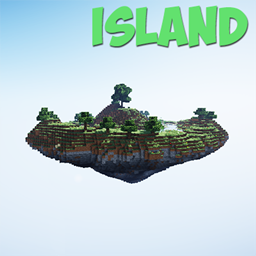
About the Island map
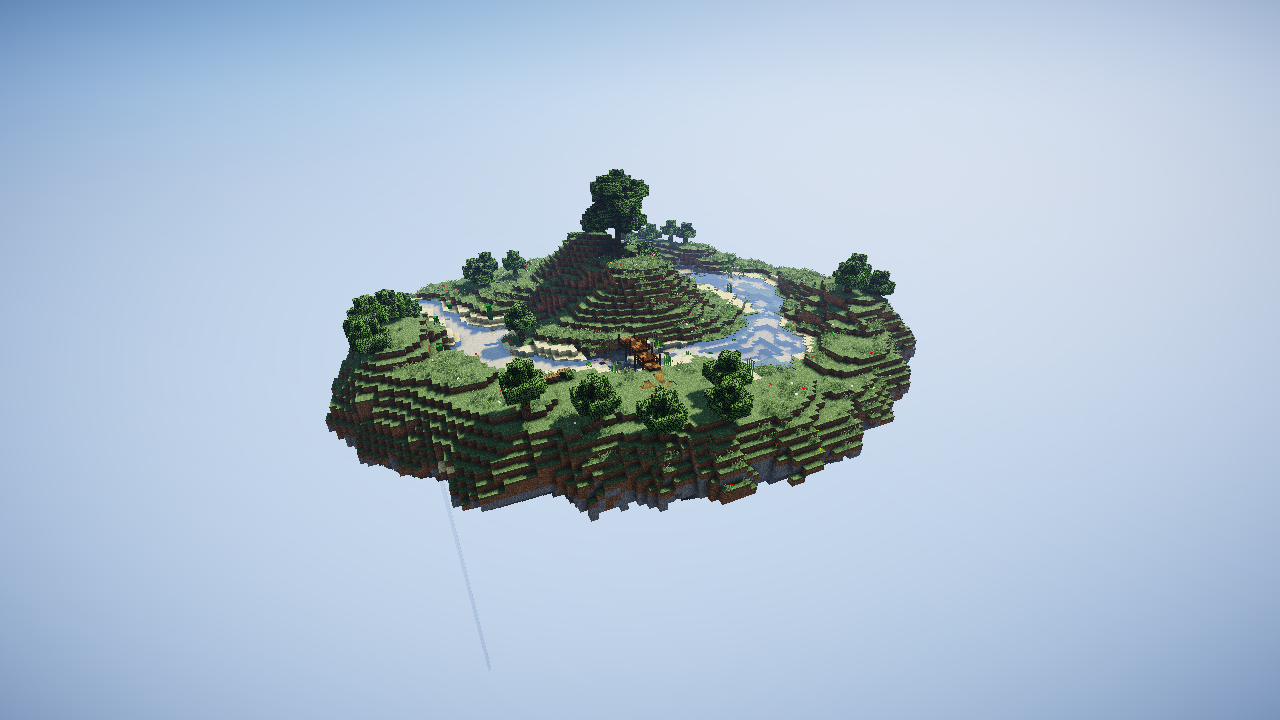
The island floating in the endless void... This island is ideal for server spawn for skyblock. Or it can be used in a single game, for a more comfortable start skyblock... Note: The island is a template on which you can arrange the buildings you need.
This map may be used in any modpacks :)
How to install Island
With Millida Launcher
Install Millida Launcher
The launcher is free: download it at millida.net/launcher and sign in with any nickname.
Click “Install” on this page
The launcher opens and installs the map for Minecraft 1.12.2 automatically.
Launch the game
A profile with it appears in the launcher: click “Play”.
Manually
Download the map archive
Pick the file Island.zip (866 KB).
Unpack it into the saves folder
The world folder (with level.dat inside) must sit directly in .minecraft/saves.
Open the world
“Singleplayer”: the map will be in your world list.
On a server
Replace the world folder
Stop the server and put the map folder in place of world (or set its name in level-name).
Or use the “To hosting” button
On Millida Hosting, the button at the top of the page uploads the file to your server and restarts it for you.
Versions
With dependencies
| Minecraft | Loader | File | Date | Actions |
|---|---|---|---|---|
| 1.12.2 | — | Island.zip866 KB |
FAQ
Which Minecraft versions does Island work on?
Only Minecraft 1.12.2: there are no files for other versions.
Where can I download Island safely?
On this page: the file Island.zip (866 KB) is stored on Millida’s server, with no link shorteners. SHA-1 checksum: 483df979e77b616ea52d0605c86624c10e2b0979.
Reviews
Be the first to rate Island



