
Diversity Map for Minecraft 1.7.4
A Minecraft challenge map with 10 unique genres
About the Diversity map
FOR ANY HELP PLEASE JOIN THE DISCORD SERVER https://discord.gg/R7PmMXZ
THE TWO MOST COMMON PROBLEMS REPORTED WITH THE MAP
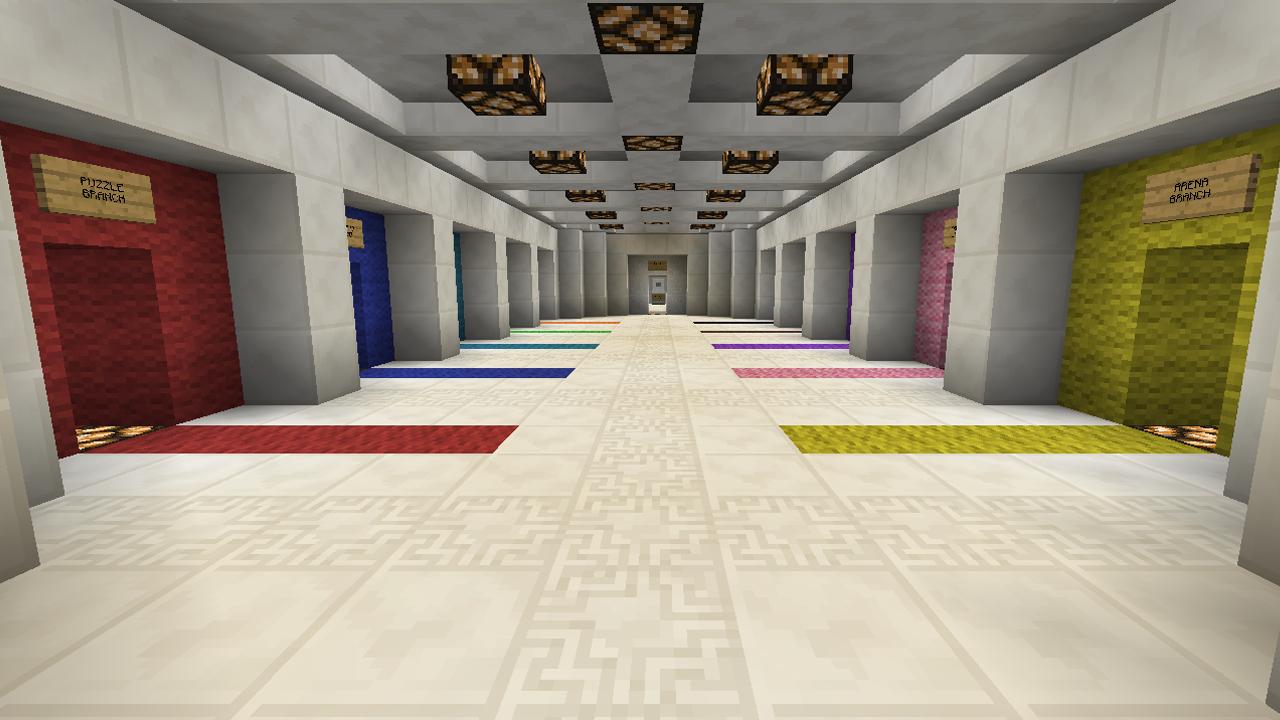
- "When I step on the intro plate I get no wool"
- You MUST play this map in Minecraft 1.7.4 - no other version
- "I put the folder into my save but it won't show up"
- Don't place the entire folder in your saves, only put the folder titled Diversity (v1.3.4) into your saves
For all other concerns, please post them on the forums. I do not check this thread very often but I would love to help you. http://www.minecraftforum.net/forums/topic/1545921
DESCRIPTION Diversity is a unique take on the CTM genre. As usual, you have to complete the monument by collecting the coloured wool. However in Diversity, each wool is obtained by finishing a completely different Minecraft map genre.
RULES
- No breaking, placing or crafting ANY items unless instructed or implied.
- No changing gamemodes or difficulty, for ANY reason whatsoever.
- ABSOLUTELY no typing commands like TP, give, spawnpoint, etc. (ESPECIALLY for Multiplayer!)
When you cheat, we all lose :(
- For Single Player, start on Easy. Avoid viewing the Options Screen if possible.
I HIGHLY recommend the following
- Resource Pack: Default
- Brightness: High
- Clouds: Off
- Render Distance: 16 Chunks
Last Updated 08/21/15
Diversity v1.3.4 - ONLY compatible with Minecraft 1.7.4
How to install Diversity
With Millida Launcher
Install Millida Launcher
The launcher is free: download it at millida.net/launcher and sign in with any nickname.
Click “Install” on this page
The launcher opens and installs the map for Minecraft 1.7.4 automatically.
Launch the game
A profile with it appears in the launcher: click “Play”.
Manually
Download the map archive
Pick the file DIVERSITY PACKAGE.zip (15 MB).
Unpack it into the saves folder
The world folder (with level.dat inside) must sit directly in .minecraft/saves.
Open the world
“Singleplayer”: the map will be in your world list.
On a server
Replace the world folder
Stop the server and put the map folder in place of world (or set its name in level-name).
Or use the “To hosting” button
On Millida Hosting, the button at the top of the page uploads the file to your server and restarts it for you.
Versions
With dependencies
| Minecraft | Loader | File | Date | Actions |
|---|---|---|---|---|
| 1.7.4 | — | DIVERSITY (v1.3.4)15.1 MB 25 |
FAQ
Which Minecraft versions does Diversity work on?
Only Minecraft 1.7.4: there are no files for other versions.
Where can I download Diversity safely?
On this page: the file DIVERSITY PACKAGE.zip (15 MB) is stored on Millida’s server, with no link shorteners. SHA-1 checksum: 607170e38729abe632f1febaf3e9d0cdbf5591f8.
Reviews
Be the first to rate Diversity



