

Builder's Boundry Data pack for Minecraft 1.21.1, 1.21
Make your houses, taverns, and villages feel more alive than ever with Builder's Bounty, a pack of decorative accessories in perfect vanilla Minecraft style!
- views
- 43 views
- Updated
- Updated 13.10.2026
- 1.21 — 26.2
 Data pack
- Client and server
About the Builder's Boundry data pack

Bring your Minecraft builds to life with Builder's Boundry, a collection of decorative blocks and items designed to seamlessly blend with the game's vanilla aesthetic.

✨ Features
- Functional Decorations: Add lamps, trophies, beverages, and seasonal items like Halloween scarecrows to enhance your builds.
- Vanilla-Compatible Textures: Designed to match Minecraft's default look for a cohesive experience.
- Lightweight and Server-Friendly: Ideal for builders, roleplayers, and themed servers.

🖼️ Gallery
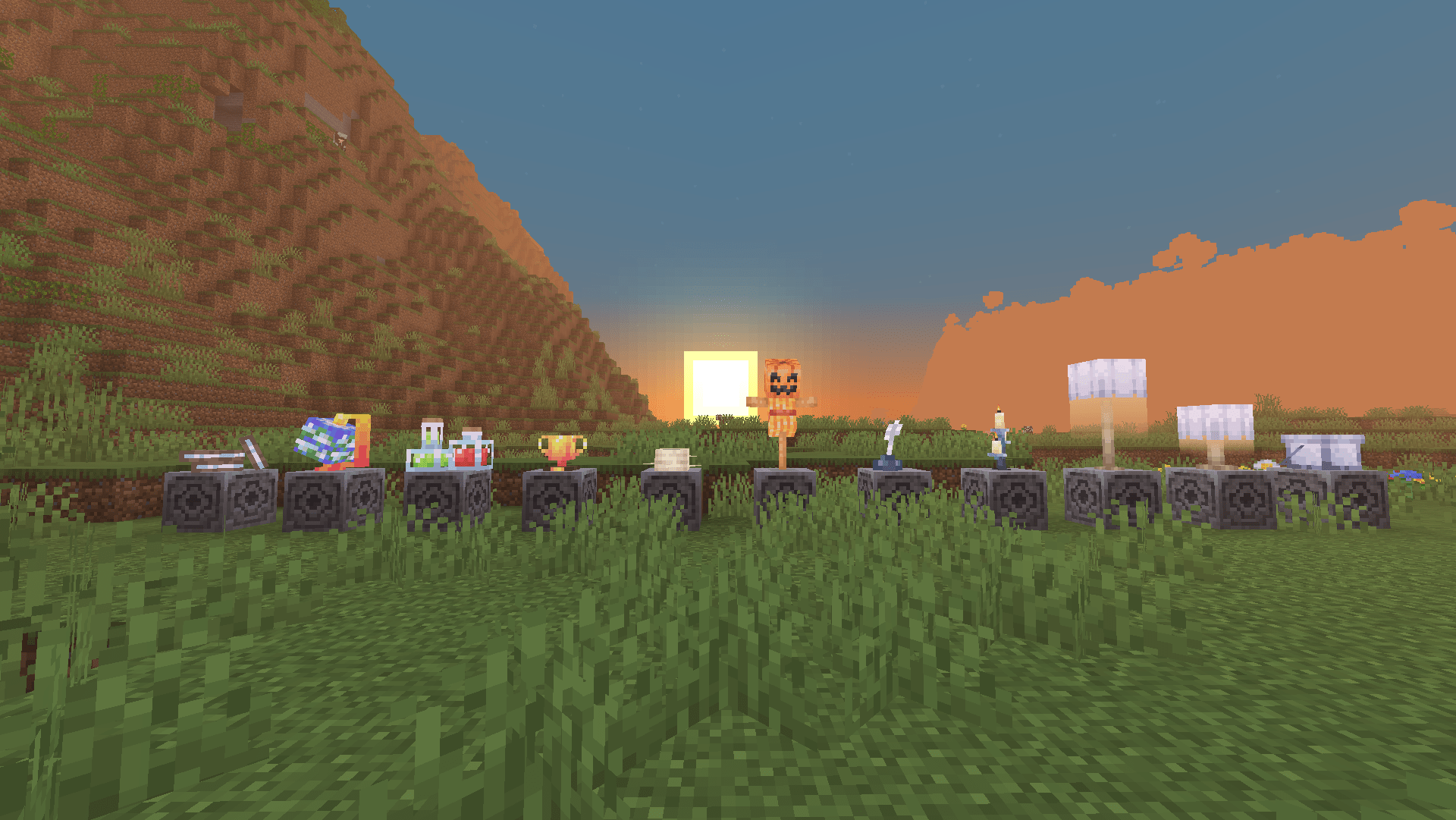
Items
Items
- Book Column
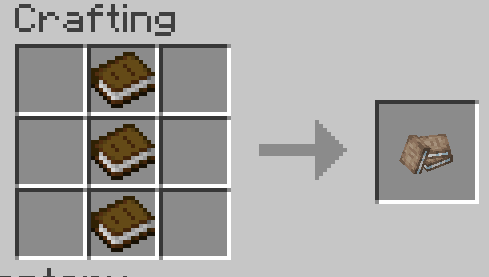
- Candlestick
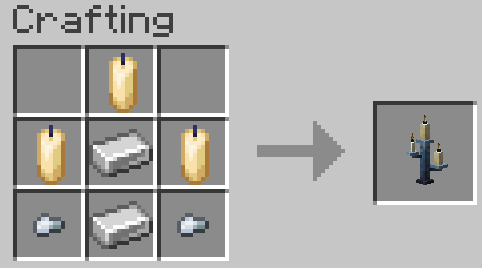
- Globe
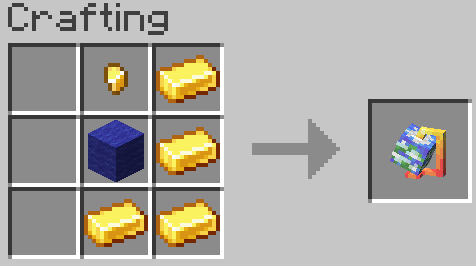
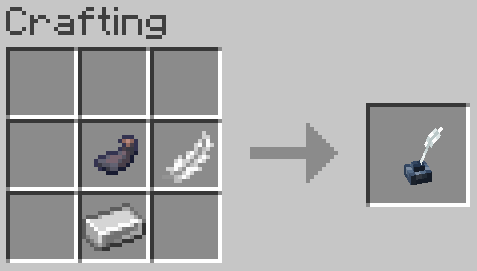
- Ink
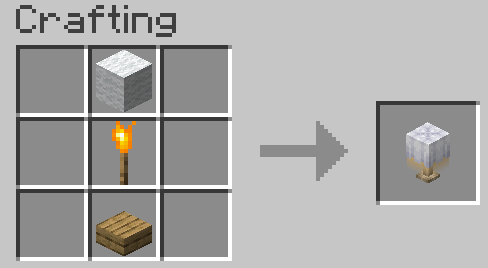
- Lamp
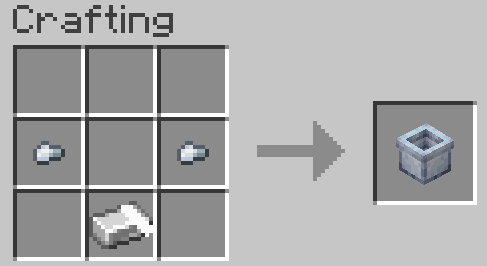
- Paint Bucket
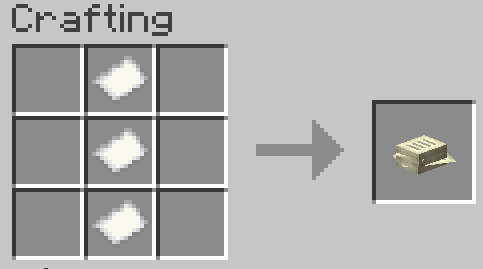
- Paper Column
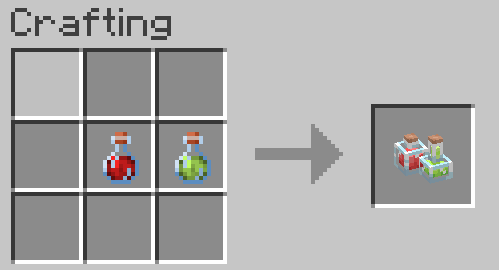
- Potions
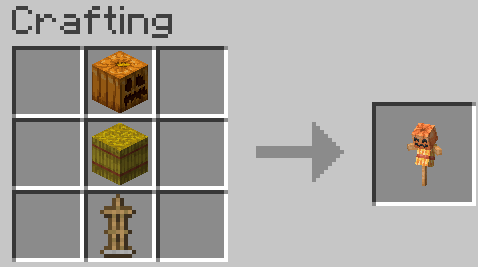
- Scarecrow
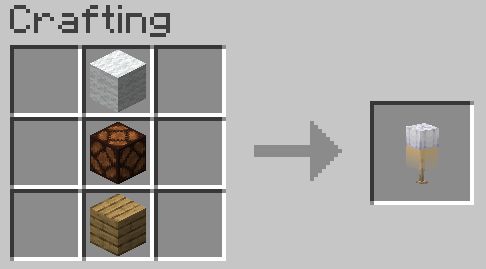
- Tall Lamp
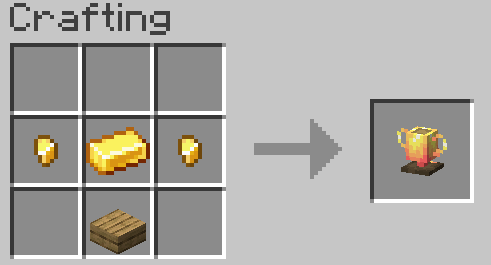
- Trophy
- Skull Flower
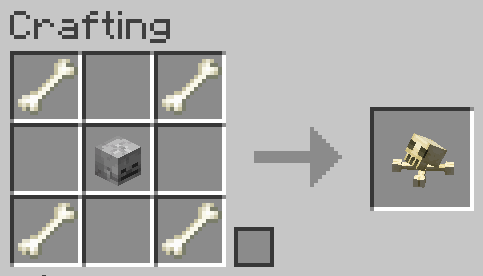
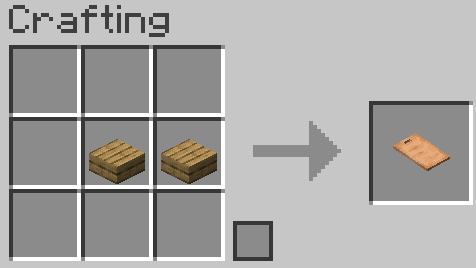
- Cutting Board
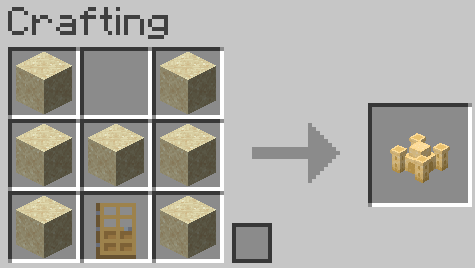
- Sand Castle
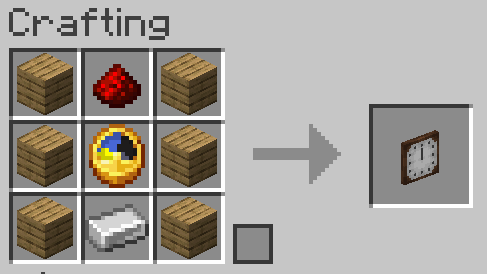
- Clock
Website
If you have any questions, need assistance, or simply want to share your thoughts or feedback, feel free to reach out. We're always here to help and would love to hear from you – whether you're looking for answers, suggestions, or just want to let us know how we're doing.
How to install Builder's Boundry
With Millida Launcher
Install Millida Launcher
The launcher is free: download it at millida.net/launcher and sign in with any nickname.
Click “Install” on this page
The launcher opens and installs the data pack for Minecraft 1.21–26.2 automatically.
Launch the game
A profile with it appears in the launcher: click “Play”.
Manually
Download the archive
Pick the file Builders_Boundry.zip (204 KB) for your game version.
New world: “Data Packs”
When creating a world, click “Data Packs”, drag the archive into the window, then move it to “Selected”.
Existing world: the datapacks folder
Put the archive into saves/<world>/datapacks and type /reload in game.
On a server
Archive goes into the server world’s datapacks
The world/datapacks folder on the server; players do not need to install anything.
Reload the data
Type /reload in the server console or restart the server.
Use the “To server” button
On Millida Hosting, the button at the top of the page uploads the file to your server and restarts it for you.
Versions
With dependencies
| Minecraft | Loader | File | Date | Actions |
|---|---|---|---|---|
| 26.2 | Data pack | 26.2204 KB | ||
| 26.1 | Data pack | 26.1204 KB | ||
| 1.21.11 | Data pack | 1.21.11204 KB | ||
| 1.21 | Data pack | 1.21122 KB |
FAQ
Which Minecraft versions does Builder's Boundry work on?
There are files for 1.21–26.2, 16 versions in total. The newest is 26.2.
Does Builder's Boundry work on a server?
Yes: the data pack goes into the datapacks folder of the server world, and players do not need to install anything.
Where can I download Builder's Boundry safely?
On this page: the file Builders_Boundry.zip (204 KB) is stored on Millida’s server, with no link shorteners. SHA-1 checksum: 93d7790482e6aa399786b19aff3223aa402baae0.
Reviews
Be the first to rate Builder's Boundry


