

Dragon balls Addon for Minecraft 1.21.73
The Dragon Balls Addon brings the Dragon Balls to Minecraft! Search for them, use the Dragon Radar to track them, and collect all seven. But beware, sometimes they enter stone mode and can't be tracked.
About the Dragon balls addon
The Dragon Balls Addon
lets you find and use the legendary Dragon Balls in Minecraft. Use the Dragon Radar to track them, gather all seven, and request any item you want.
No longer disables achievements
🔹 Steps:
- Craft the Dragon Radar.
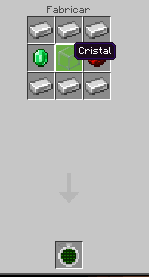
- Search for and find all 7 Dragon Balls.
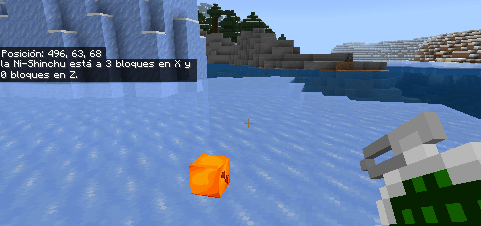
- Place them on the ground to summon Shenlong.
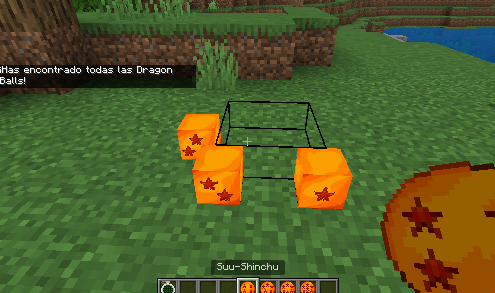
Choose your wish!
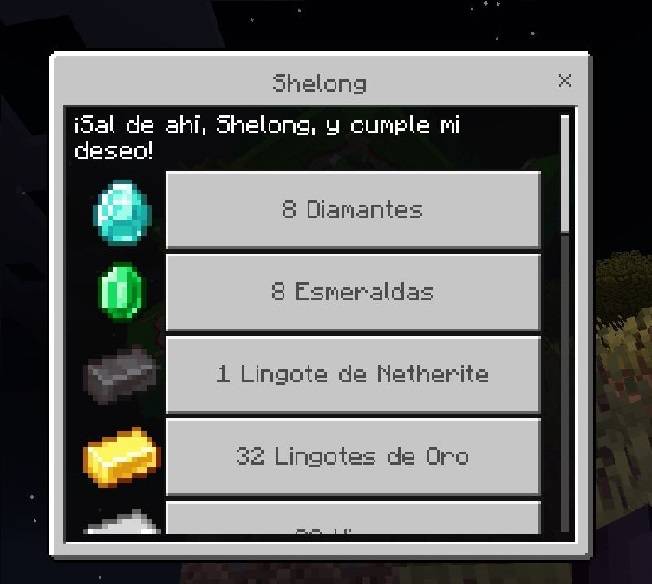
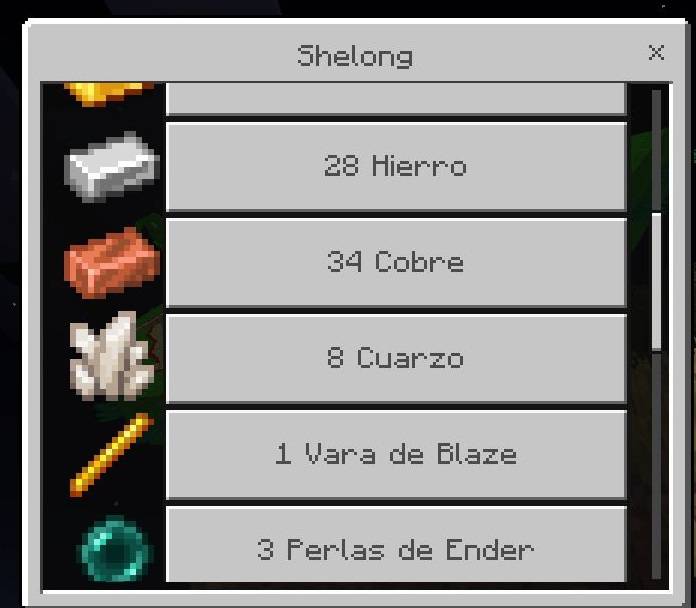
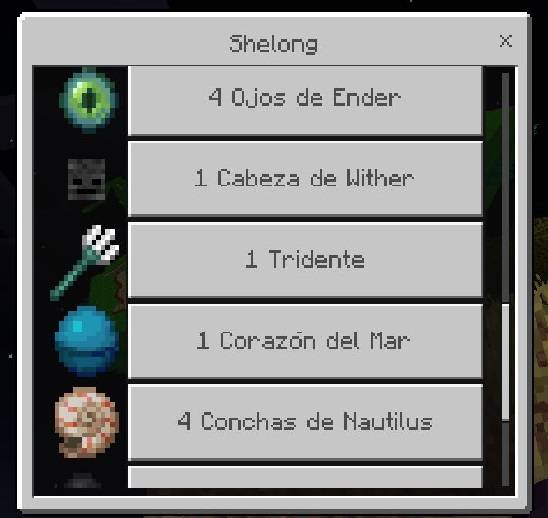
- Done! You can search for them again in 30 minutes.
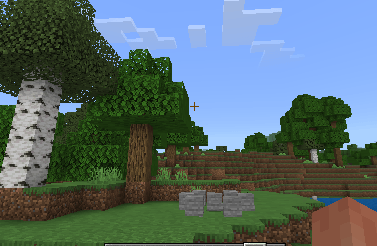
📍 Dragon Balls usually spawn between -500 and 500 blocks from where you used the radar.
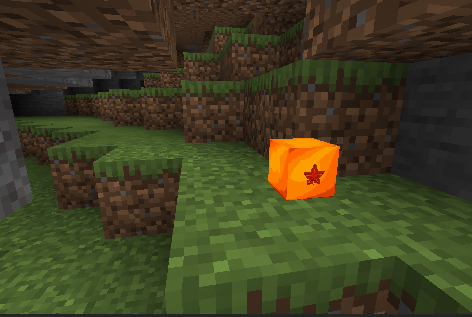
Be careful, the spheres can be underground in mini underground caves! If you don't see them when you're in 0 0, try digging down!
Versions
| Minecraft | Loader | File | Date | Actions |
|---|---|---|---|---|
| 1.21.73 | — | Dragon balls rp update696 KB |
FAQ
Which Minecraft versions does Dragon balls work on?
There are files for 1.21.73, 1.21.72, 1.21.71, 1.21.70. The newest is 1.21.73.
Where can I download Dragon balls safely?
On this page: the file Dragon balls rp.mcaddon (696 KB) is stored on Millida’s server, with no link shorteners. SHA-1 checksum: e080ea6724d328bbddc859c165a741367390ea4b.
Reviews
Be the first to rate Dragon balls
