

Über das Visual Tamer+ (FPS BOOST)-Ressourcenpaket
🔷 About Visual Tamer+
Built for players who prefer a cleaner and smoother Minecraft experience, Visual Tamer+ reduces visual clutter by disabling particles and animated textures to improve overall gameplay performance.

🔷 What Sets Visual Tamer+ Apart?
- Reduced Visual Effects - Disables particles such as smoke, fire, potion effects, and other distracting visuals for a cleaner experience.
- Smoother Performance - Removes flipbook animations and unnecessary visual effects to help improve performance and reduce distractions during gameplay.
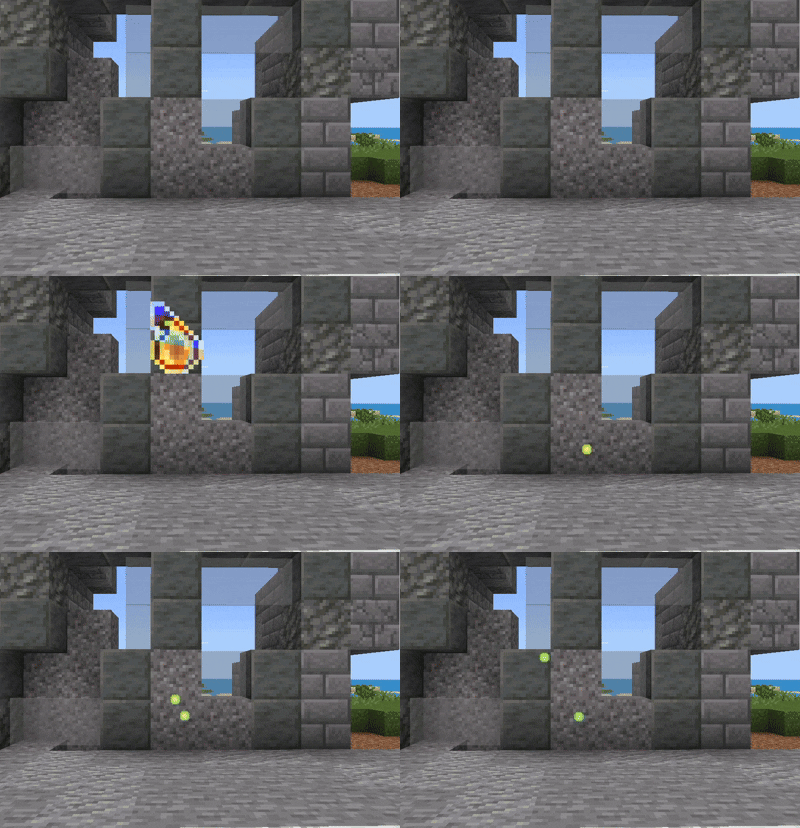
Whether you're focused on PvP, survival, or simply want a cleaner-looking game, Visual Tamer+ delivers a smoother and more optimized Minecraft experience.
Looking to optimize your Minecraft Bedrock experience? Download the Truly Bedrock+ today!
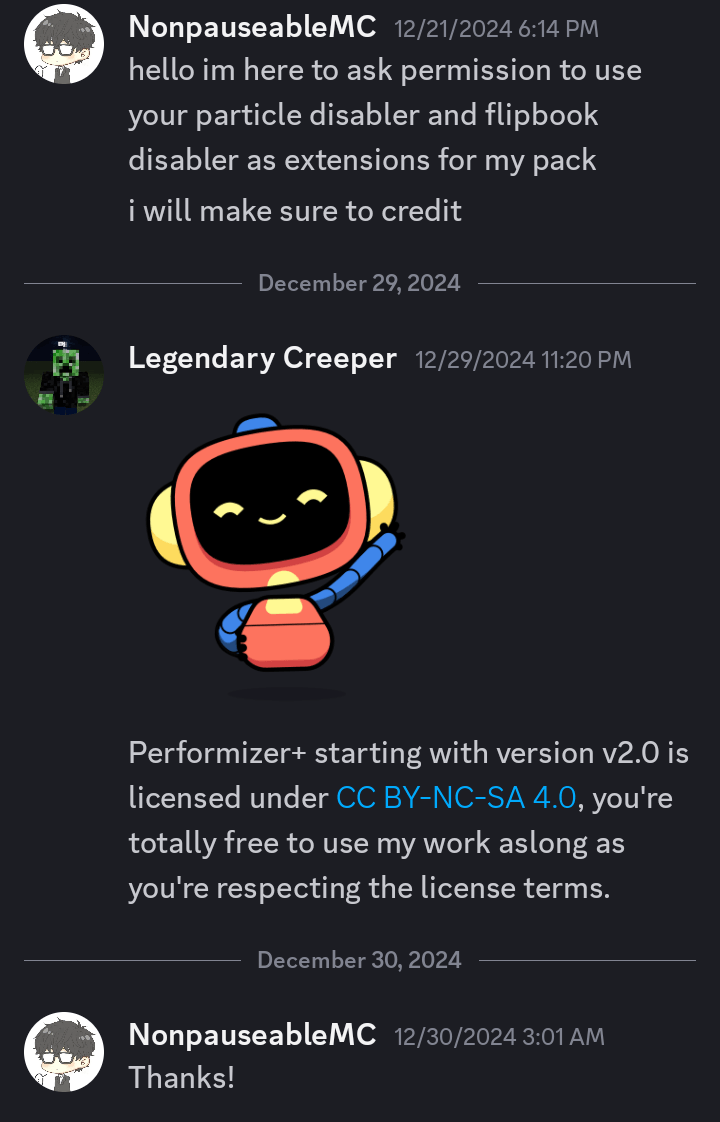
}=Permission from Legendary Creeper={
Installation von Visual Tamer+ (FPS BOOST)
With Millida Launcher
Install Millida Launcher
The launcher is free: download it at millida.net/launcher and sign in with any nickname.
Click “Install” on this page
The launcher opens and installs the resource pack for Minecraft 1.21–26.30 automatically.
Launch the game
A profile with it appears in the launcher: click “Play”.
Manually
Download the archive
Pick the file Visual Tamer+ v1.0.5.mcpack (600 KB) for your game version. No need to unpack it.
Put it in the resourcepacks folder
The easiest way: “Options”, then “Resource Packs”, then “Open Pack Folder”, and drag the archive there.
Enable the pack
In the same window, move the pack to the right-hand “Selected” column and click “Done”.
Versionen
Mit Abhängigkeiten
| Minecraft | Loader | Datei | Datum | Aktionen |
|---|---|---|---|---|
| 1.21.30 | — | Visual Tamer+ v1.0.5.mcpack600 KB 8 |
FAQ
Which Minecraft versions does Visual Tamer+ (FPS BOOST) work on?
There are files for 1.21–26.30, 45 versions in total. The newest is 26.30.
Where can I download Visual Tamer+ (FPS BOOST) safely?
On this page: the file Visual Tamer+ v1.0.5.mcpack (600 KB) is stored on Millida’s server, with no link shorteners. SHA-1 checksum: 8ca3950a02439ca18af644dc2edc8facb4ea1045.
Bewertungen
Bewerten Sie Visual Tamer+ (FPS BOOST) als Erster


