

Velora Visuals Ressourcenpaket für Minecraft 1.21.132
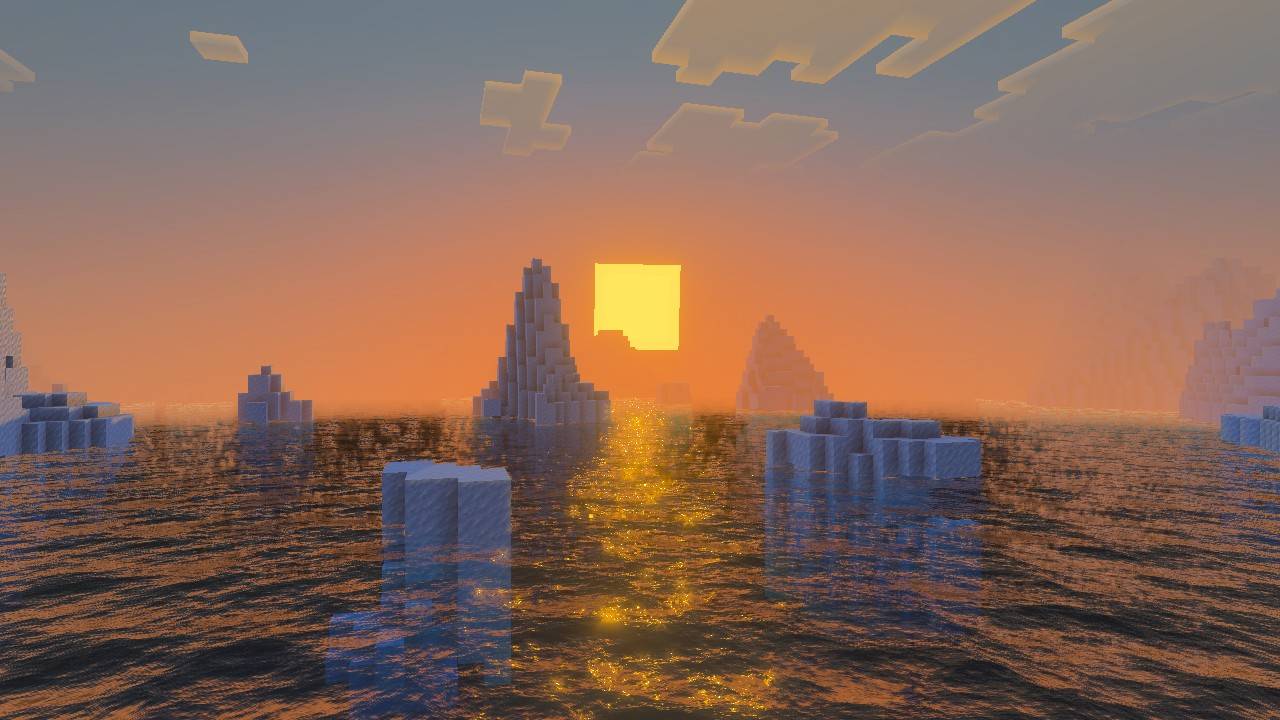
Ein fantasy-thematisches visuelles Verbesserungspaket mit lebendigen violetten/rosa atmosphärischen und Lichteffekten. Du siehst magische Sonnenuntergänge, verzauberte Himmel und filmische God Rays.
Über das Velora Visuals-Ressourcenpaket
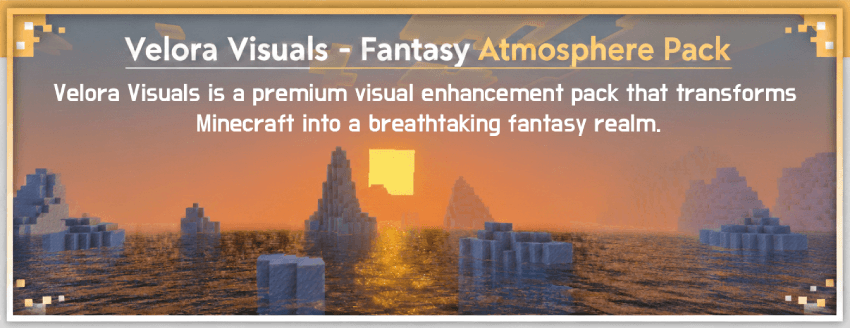

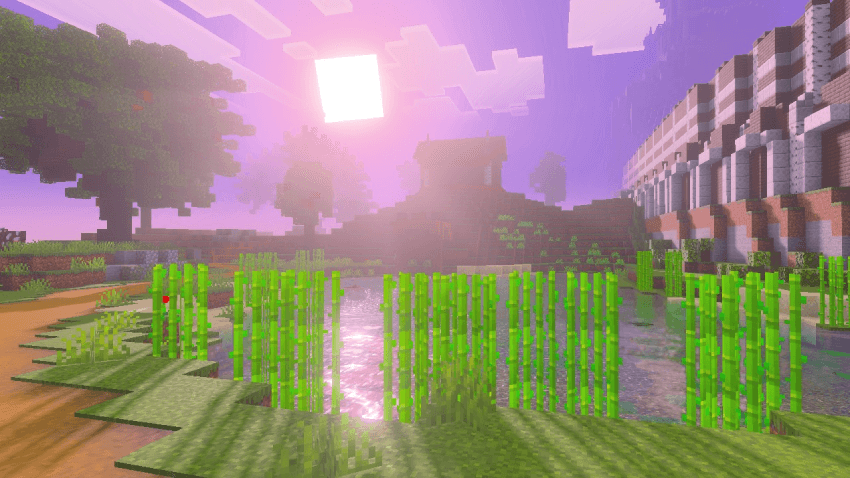

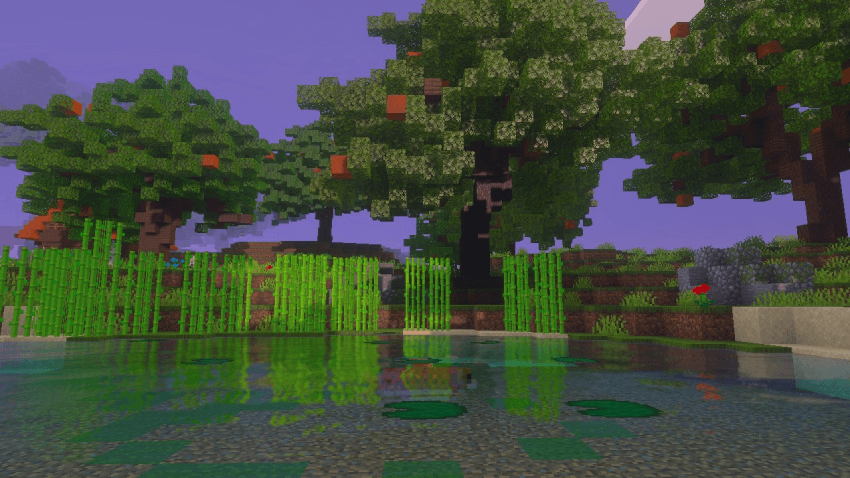

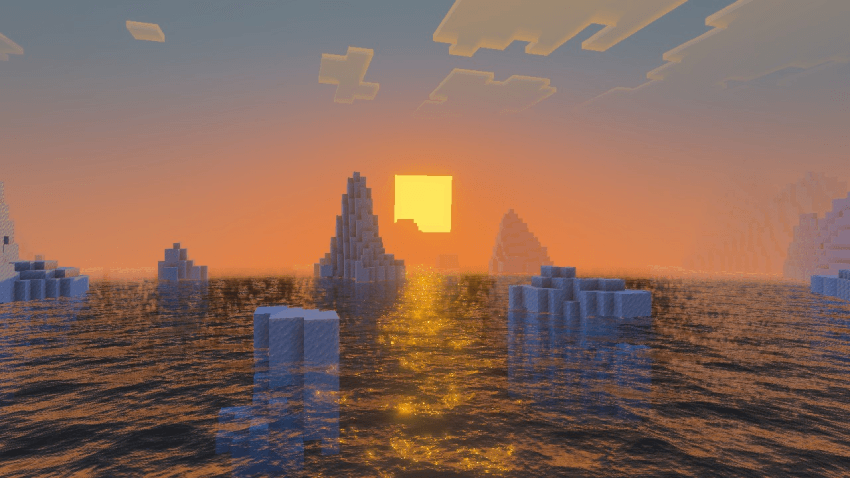

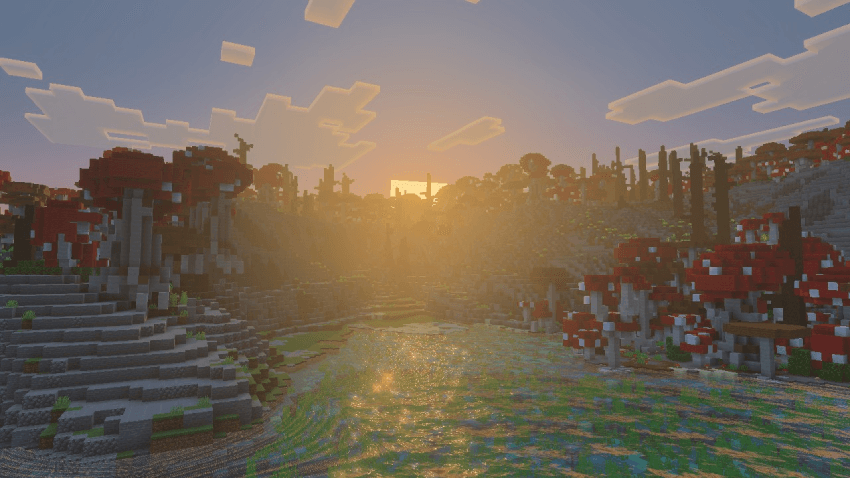

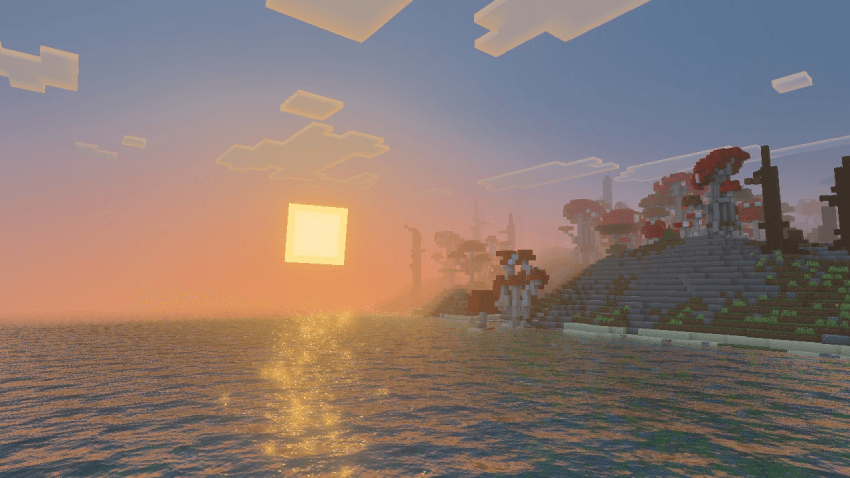

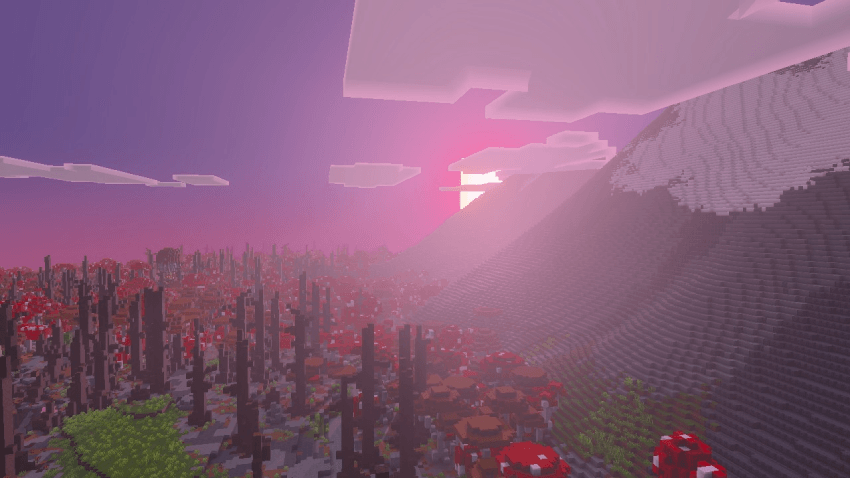

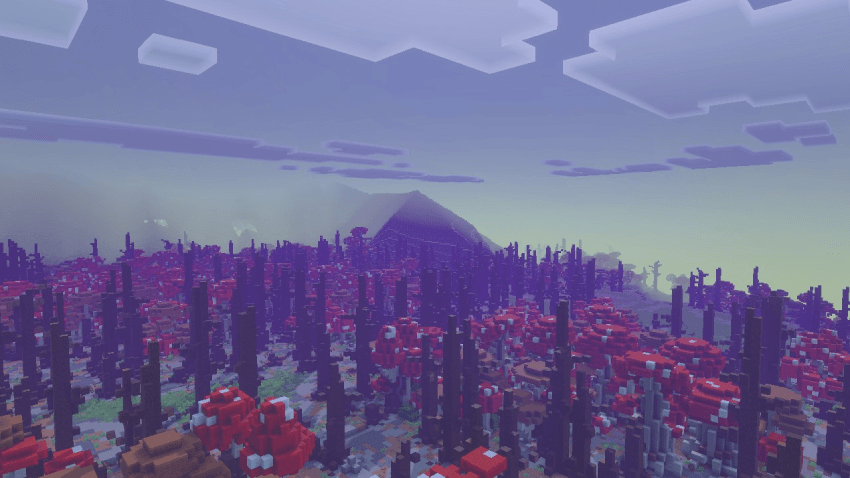

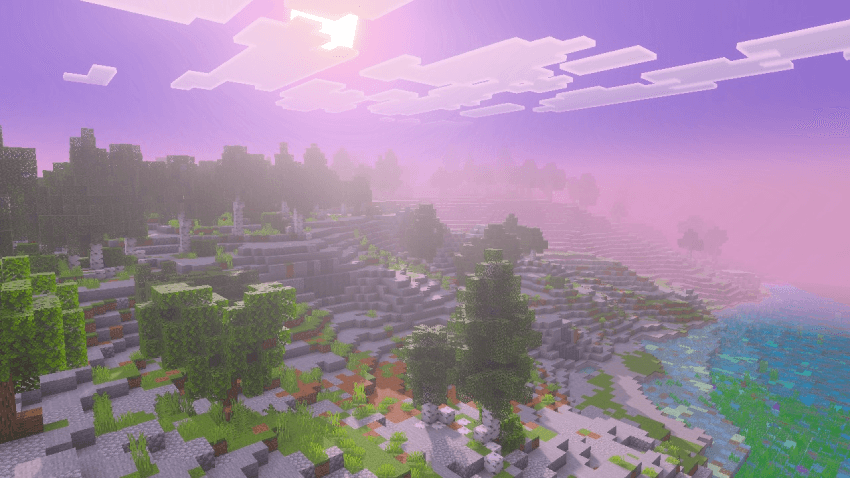
Velora Visuals is a premium visual enhancement pack that transforms Minecraft into a breathtaking fantasy realm. Experience a in ethereal purple and pink hues, where the sun blooms with intense radiance and atmospheric fog creates cinematic depth across every landscape.
Key Features Includes: Sun Bloom, Atmospheric Fog, God Rays, Fantasy Colors, Cinematic Lighting & Vibrant Environments
Perfect For
Fantasy Builders - Your castles and villages deserve this atmosphere Content Creators - Cinematic quality visuals for streams and videos Adventurers - Every exploration feels like a magical journey Dreamers - Experience Minecraft as you've always imagined it

Installation von Velora Visuals
With Millida Launcher
Install Millida Launcher
The launcher is free: download it at millida.net/launcher and sign in with any nickname.
Click “Install” on this page
The launcher opens and installs the resource pack for Minecraft 1.21.80–1.21.132 automatically.
Launch the game
A profile with it appears in the launcher: click “Play”.
Manually
Download the archive
Pick the file Velora Visuals v0.1 [RP].mcpack (121 KB) for your game version. No need to unpack it.
Put it in the resourcepacks folder
The easiest way: “Options”, then “Resource Packs”, then “Open Pack Folder”, and drag the archive there.
Enable the pack
In the same window, move the pack to the right-hand “Selected” column and click “Done”.
Versionen
Mit Abhängigkeiten
| Minecraft | Loader | Datei | Datum | Aktionen |
|---|---|---|---|---|
| 1.21.81 | — | Velora Visuals v0.1 [RP].mcpack121 KB |
FAQ
Which Minecraft versions does Velora Visuals work on?
There are files for 1.21.80–1.21.132, 19 versions in total. The newest is 1.21.132.
Where can I download Velora Visuals safely?
On this page: the file Velora Visuals v0.1 [RP].mcpack (121 KB) is stored on Millida’s server, with no link shorteners. SHA-1 checksum: bc167479da6aafd08255b2e33784d832bd71d2d0.
Bewertungen
Bewerten Sie Velora Visuals als Erster



