
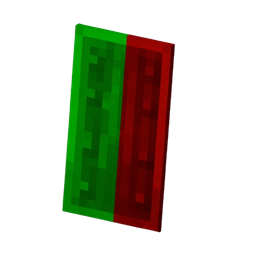
Shield Indicator Ressourcenpaket für Minecraft 26.3
„Zeigt den Schildstatus in Echtzeit an — zeigt an, wann der Schild aktiv, inaktiv oder auf Abklingzeit ist.
Über das Shield Indicator-Ressourcenpaket
Shield Indicator shows the current state of your shield directly on your screen.
It lets you instantly know whether your shield is active, inactive, or on cooldown, so you can react faster during combat.
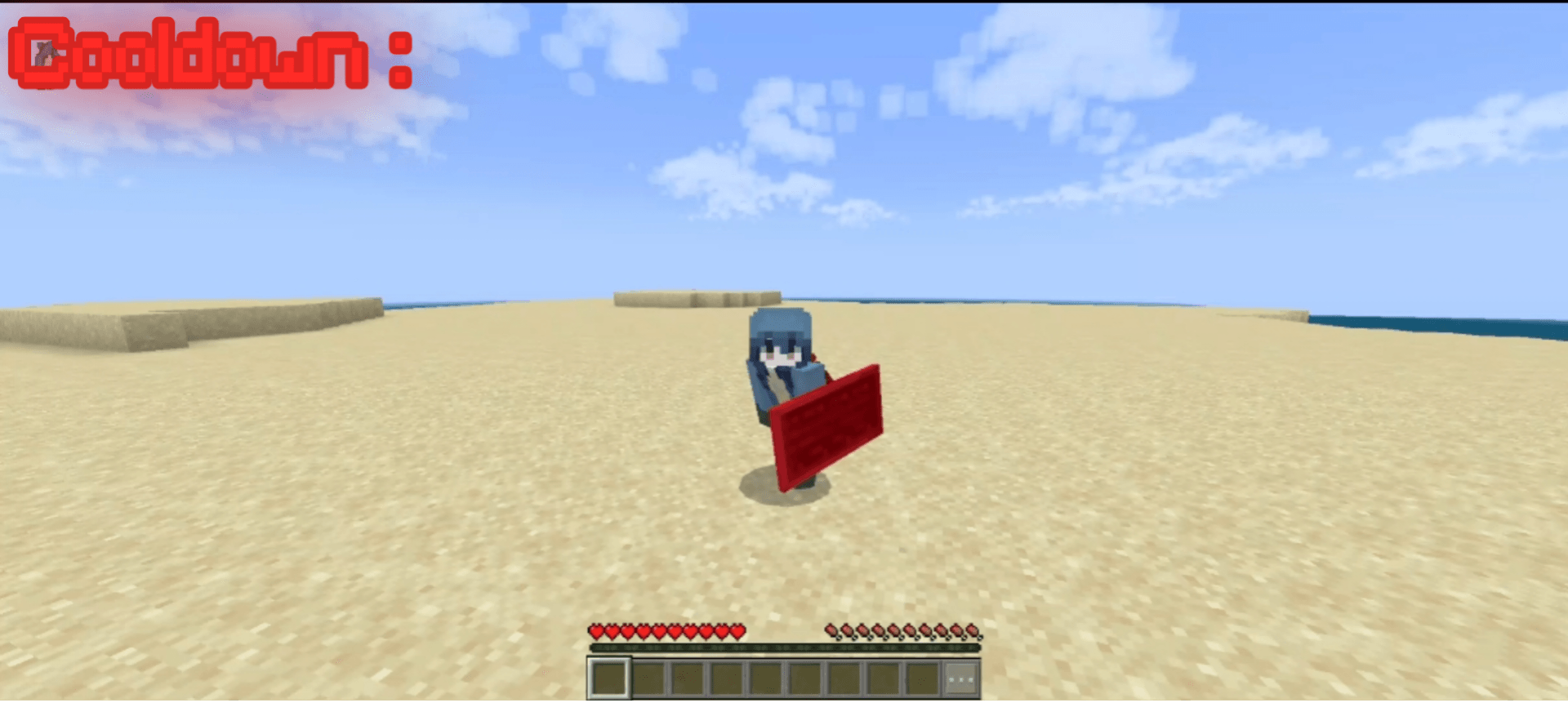
The indicator changes color depending on the shield state:
🟢 Green - Shield is active (blocking)
⚪ Normal - Shield is ready but not being used
🔴 Red - Shield is on cooldown
Original pack by @jh0nzxx
Original pack :
https://mcpedl.com/visual-shield
For any help or suggestions :
https://discord.gg/qrSM3Vctf

Installation von Shield Indicator
With Millida Launcher
Install Millida Launcher
The launcher is free: download it at millida.net/launcher and sign in with any nickname.
Click “Install” on this page
The launcher opens and installs the resource pack for Minecraft 26.0–26.3 automatically.
Launch the game
A profile with it appears in the launcher: click “Play”.
Manually
Download the archive
Pick the file Shield_Indicator_v2.mcpack (122 KB) for your game version. No need to unpack it.
Put it in the resourcepacks folder
The easiest way: “Options”, then “Resource Packs”, then “Open Pack Folder”, and drag the archive there.
Enable the pack
In the same window, move the pack to the right-hand “Selected” column and click “Done”.
Versionen
Mit Abhängigkeiten
| Minecraft | Loader | Datei | Datum | Aktionen |
|---|---|---|---|---|
| 26.0.02 | — | Shield_Indicator_v2.mcpack122 KB 2 |
FAQ
Which Minecraft versions does Shield Indicator work on?
There are files for 26.3, 26.0.02, 26.0. The newest is 26.3.
Where can I download Shield Indicator safely?
On this page: the file Shield_Indicator_v2.mcpack (122 KB) is stored on Millida’s server, with no link shorteners. SHA-1 checksum: f79770df3fff9968c4533e08a40dff5a4fccb241.
Bewertungen
Bewerten Sie Shield Indicator als Erster



