
RTX 16x for Java Ressourcenpaket für Minecraft 1.16.5
Das Windows 10 RTX Pack, nach Java portiert
Über das RTX 16x for Java-Ressourcenpaket
DISCLAIMER: THIS IS AN UNOFFICIAL PACK MADE BY ME
However, I have full permission from RazzleBerries(Original creator of the official 16x rtx pack) to port this pack into java and upload it on my own
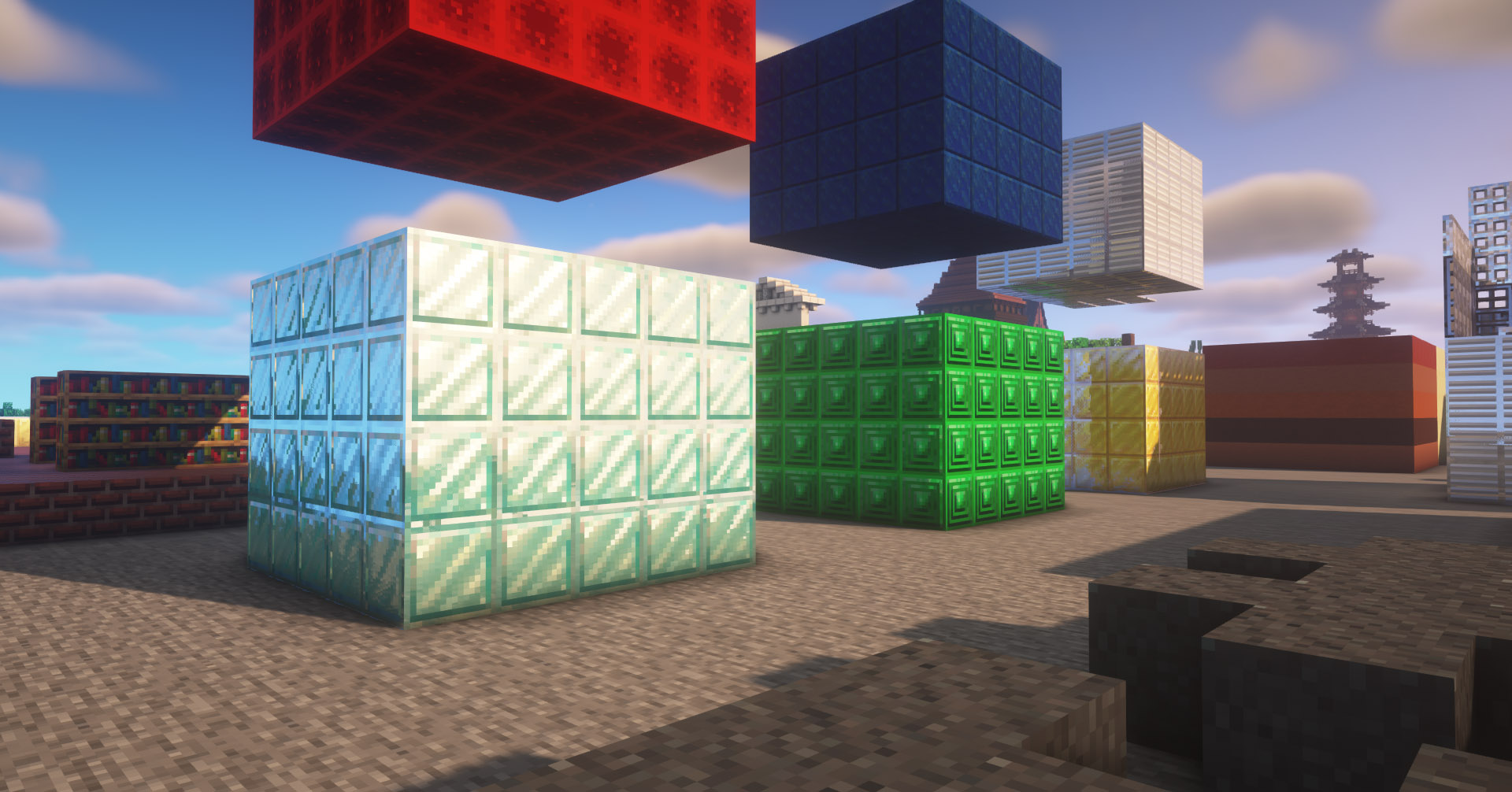
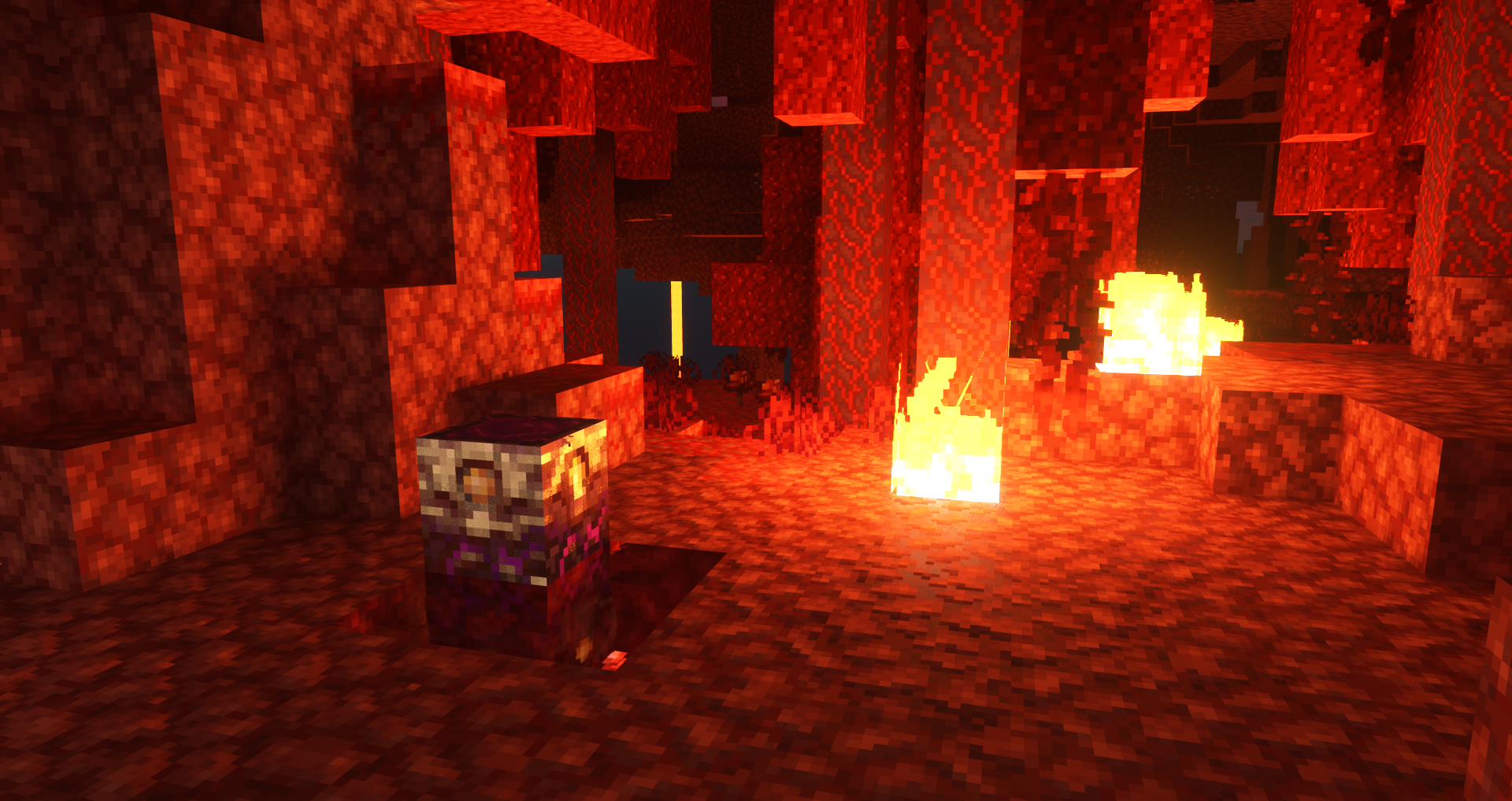
This pack aims to bring the RTX Texture Pack from Windows 10 into Java Edition
Screenshots
v6 UPDATE! (06/07/2021)
- Major fixes
Make sure you follow the settings below for the best output.
I hope you enjoy :)
This pack DOES NOT require an RTX card. YOU CAN USE ANY CARD, as long as it can run minecraft with shaders.
Video Installation Guide: https://www.youtube.com/watch?v=8ou4u5iukxA Massive thanks to CraftStones for creating this tutorial.
Pre-requisites   - Optifine   - Shaders (Recommended shader pack is SEUS PTGI; but if you dont have access to it, I recommend BSL Shaders)   - This Pack
  Install Optifine, then apply both this resource pack and SEUS PTGI(or any shaders that you choose).
  IMPORTANT:
Make sure to set your texture resolution to 16x and turn on your Parallax Occlusion Mapping on your shader options
Optional:
If you use SEUS PTGI HRR, I recommend turning off Smooth Parallax, it makes the pack look more similar to RTX Bedrock   
For my full shader options, you can find them here
Support me on Patreon: https://www.patreon.com/Arkadya
Installation von RTX 16x for Java
With Millida Launcher
Install Millida Launcher
The launcher is free: download it at millida.net/launcher and sign in with any nickname.
Click “Install” on this page
The launcher opens and installs the resource pack for Minecraft 1.16–1.16.5 automatically.
Launch the game
A profile with it appears in the launcher: click “Play”.
Manually
Download the archive
Pick the file RTX+16x+for+Java+v6.zip (1.4 MB) for your game version. No need to unpack it.
Put it in the resourcepacks folder
The easiest way: “Options”, then “Resource Packs”, then “Open Pack Folder”, and drag the archive there.
Enable the pack
In the same window, move the pack to the right-hand “Selected” column and click “Done”.
Versionen
Mit Abhängigkeiten
| Minecraft | Loader | Datei | Datum | Aktionen |
|---|---|---|---|---|
| 1.16.3 | — | RTX 16x for Java v61.4 MB 1 |
FAQ
Which Minecraft versions does RTX 16x for Java work on?
There are files for 1.16.5, 1.16.4, 1.16.3, 1.16.2, 1.16.1, 1.16. The newest is 1.16.5.
Where can I download RTX 16x for Java safely?
On this page: the file RTX+16x+for+Java+v6.zip (1.4 MB) is stored on Millida’s server, with no link shorteners. SHA-1 checksum: bb4d708db6c9cd013c1271e5419d6177337b564b.
Bewertungen
Bewerten Sie RTX 16x for Java als Erster



