
Pixel Edge Ressourcenpaket für Minecraft 26.30
Pixel Edge verbessert die Optik von Minecraft mit HD-Klarheit und scharfen Pixelrändern, wodurch jede Textur ein gestochen scharfes, sauberes und wunderschön definiertes Aussehen erhält, während der ursprüngliche Vanilla-Stil erhalten bleibt.
Pixel Edge
Pixel Edge enhances Minecraft’s visuals with HD clarity and sharp pixel borders, giving every texture a crisp, clean, and well-defined look while keeping the original vanilla style intact.
Future Updates
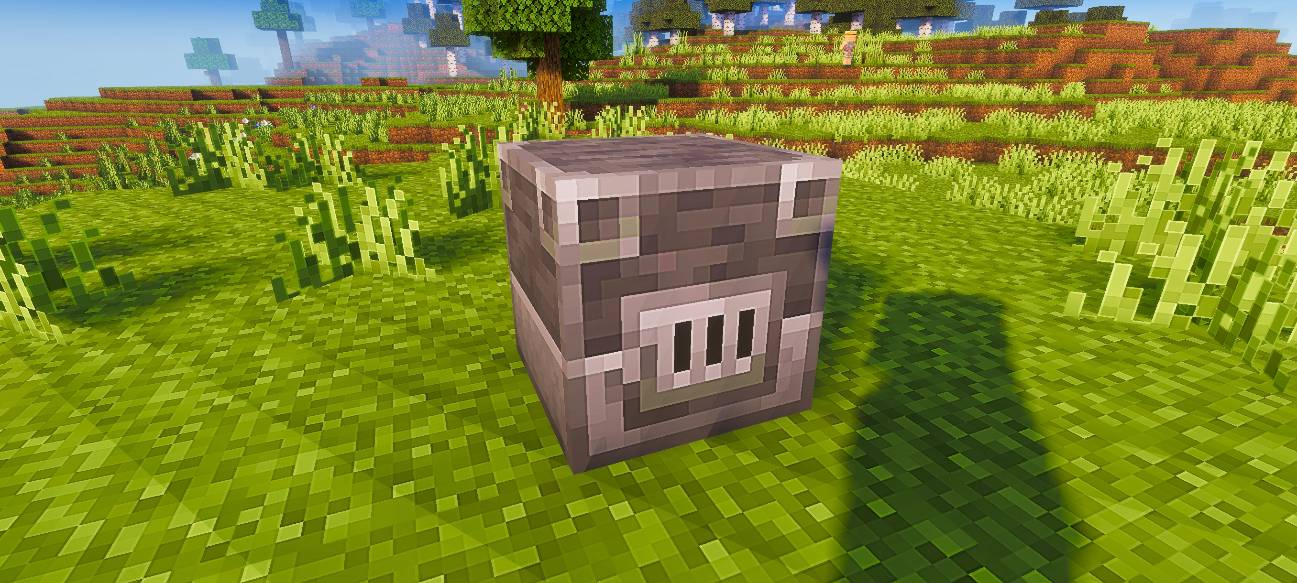
This pack is currently available in 128x resolution. More resolutions will be added soon.
Recommendation
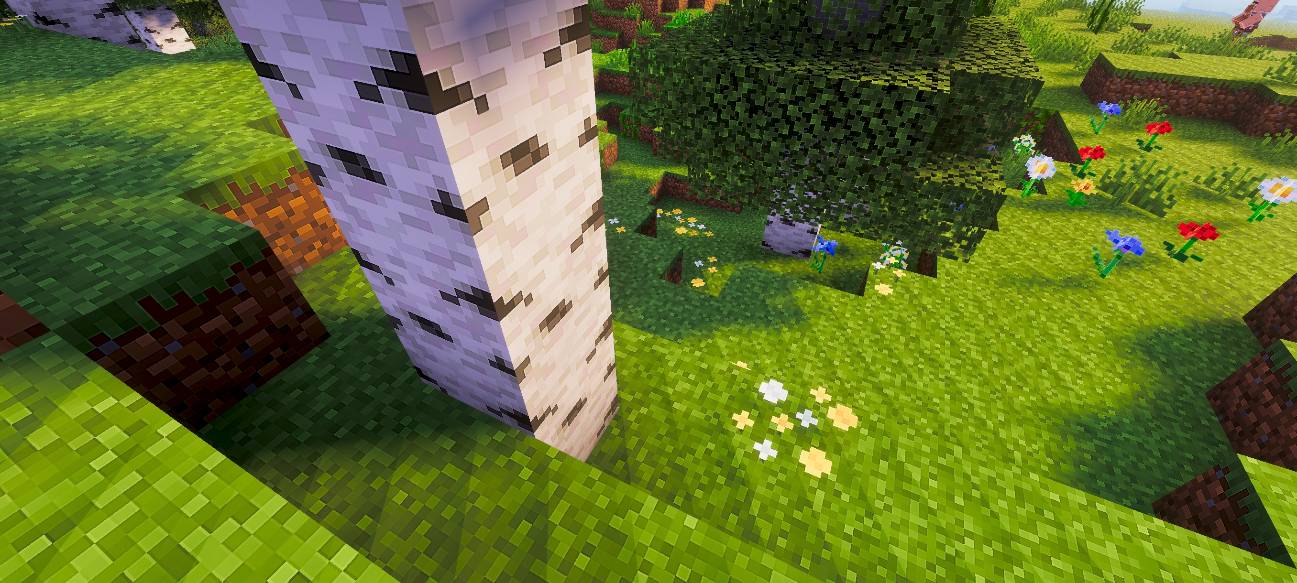
For the best visual experience, use this pack with a shader. In the preview images, I used Relta Visuals for enhanced lighting and overall appearance.
Installation von Pixel Edge
With Millida Launcher
Install Millida Launcher
The launcher is free: download it at millida.net/launcher and sign in with any nickname.
Click “Install” on this page
The launcher opens and installs the resource pack for Minecraft 26.30 automatically.
Launch the game
A profile with it appears in the launcher: click “Play”.
Manually
Download the archive
Pick the file Pixel-Edge-128x-v1.1.3.mcpack (20 MB) for your game version. No need to unpack it.
Put it in the resourcepacks folder
The easiest way: “Options”, then “Resource Packs”, then “Open Pack Folder”, and drag the archive there.
Enable the pack
In the same window, move the pack to the right-hand “Selected” column and click “Done”.
Versionen
Mit Abhängigkeiten
| Minecraft | Loader | Datei | Datum | Aktionen |
|---|---|---|---|---|
| 26.30 | — | Pixel-Edge-128x-v1.1.3.mcpack19.9 MB |
Bewertungen
Bewerten Sie Pixel Edge als Erster



