
No Particles Pack für Minecraft 26.20
Entferne die meisten Minecraft-Partikel für einen saubereren Bildschirm und bessere Leistung.
No Particles Texture Pack
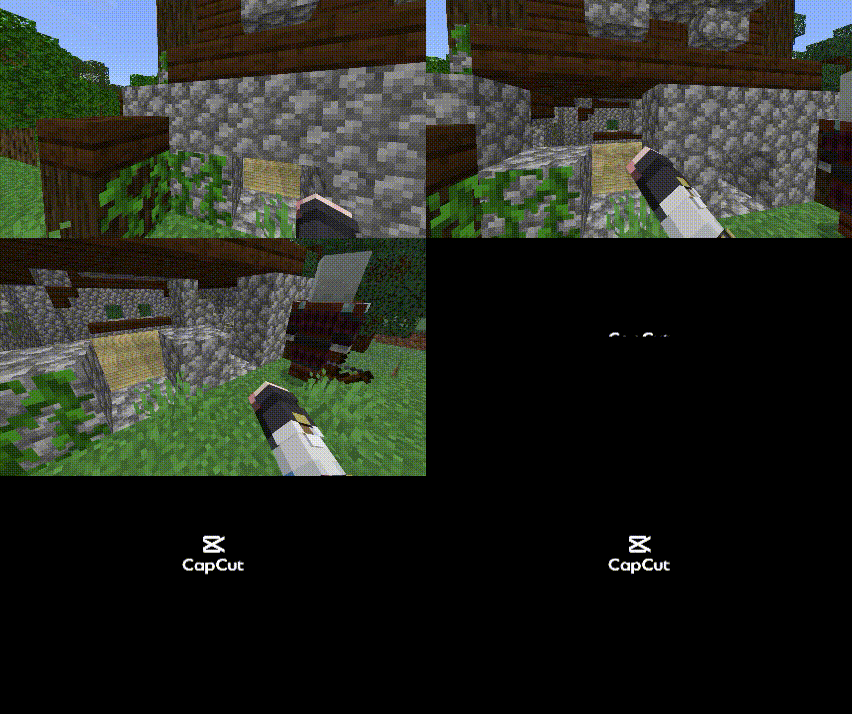
This resource pack removes most particles in Minecraft to create a cleaner and less distracting gameplay experience.
Many Minecraft actions generate particles such as breaking blocks, sprinting, explosions, potion effects, and more. While they look nice, too many particles can clutter the screen and sometimes affect performance on lower-end devices.
This pack removes or minimizes those particles so you can: ✔ See more clearly while mining or fighting ✔ Reduce visual distractions ✔ Improve performance on low-end devices ✔ Enjoy a cleaner gameplay experience
Perfect for
- PvP players who want better visibility
- Miners who don’t want block particles blocking their view
- Low-end devices that struggle with many particles
- Players who prefer a minimalist visual style
Features
- Removes most block particles
- Removes unnecessary visual particles
- Lightweight and performance friendly
- Works alongside other texture packs
Socials
Youtube: https://youtube.com/@siaizhu?si=Y1NpxsuuPTUdEHyF Tiktok: https://www.tiktok.com/@siiaizhu?_r=1&_t=ZS-94Y3ln8l47c Donate: https://sociabuzz.com/aizhu/tribe
Installation von No Particles Pack
With Millida Launcher
Install Millida Launcher
The launcher is free: download it at millida.net/launcher and sign in with any nickname.
Click “Install” on this page
The launcher opens and installs the resource pack for Minecraft 26.12–26.20 automatically.
Launch the game
A profile with it appears in the launcher: click “Play”.
Manually
Download the archive
Pick the file No Particle.mcpack (151 KB) for your game version. No need to unpack it.
Put it in the resourcepacks folder
The easiest way: “Options”, then “Resource Packs”, then “Open Pack Folder”, and drag the archive there.
Enable the pack
In the same window, move the pack to the right-hand “Selected” column and click “Done”.
Versionen
Mit Abhängigkeiten
| Minecraft | Loader | Datei | Datum | Aktionen |
|---|---|---|---|---|
| 26.12 | — | No Particle 1.2151 KB |
Bewertungen
Bewerten Sie No Particles Pack als Erster



