
Night Vision Universal Ressourcenpaket für Minecraft 26.30
Sehen Sie in Höhlen, nachts, unter Wasser und durch Nebel klar mit einem clientseitigen FullBright Pack für Welten, Realms und Multiplayer-Server.
Night Vision Universal
Explore dark caves and survive nights clearly without torches or potions using this client-side FullBright behavior and resource pack setup.
Features
- No Effects/Commands Needed: Works without potion effects or commands.
- Universal Compatibility: Works in personal worlds, Realms, and most multiplayer servers on Windows, Android, and iOS.
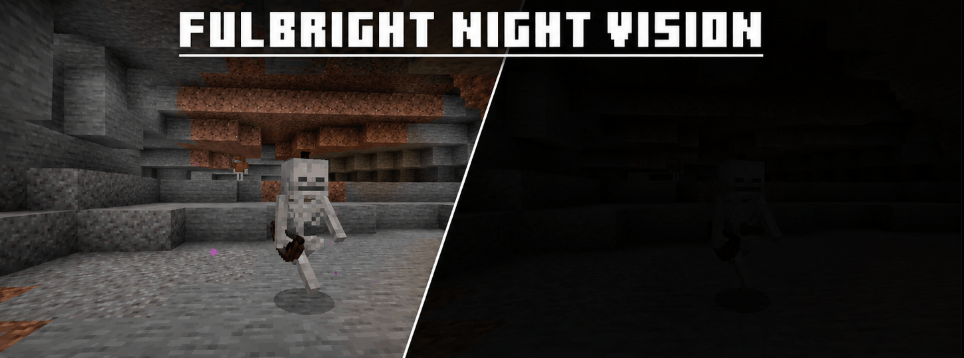
- Enhanced Visuals: Improves cave, nighttime, and underwater visibility while reducing rain and distance fog without breaking block colors or achievements.
Showcase
Socials
Terms of Use
- You Are Allowed To: Use the pack in personal worlds and compatible multiplayer servers; showcase it in videos or streams with proper credit; edit it for personal use and share the official project page link.
- You Are Not Allowed To: Re-upload, redistribute, or sell the pack; claim the pack as your own or edit and publicly re-share it; use monetized download links or reuse its logo and assets without permission.
Installation von Night Vision Universal
With Millida Launcher
Install Millida Launcher
The launcher is free: download it at millida.net/launcher and sign in with any nickname.
Click “Install” on this page
The launcher opens and installs the resource pack for Minecraft 26.0–26.30 automatically.
Launch the game
A profile with it appears in the launcher: click “Play”.
Manually
Download the archive
Pick the file BrightVision-TrueNightVision-v1.0.0 (1).mcpack (11 KB) for your game version. No need to unpack it.
Put it in the resourcepacks folder
The easiest way: “Options”, then “Resource Packs”, then “Open Pack Folder”, and drag the archive there.
Enable the pack
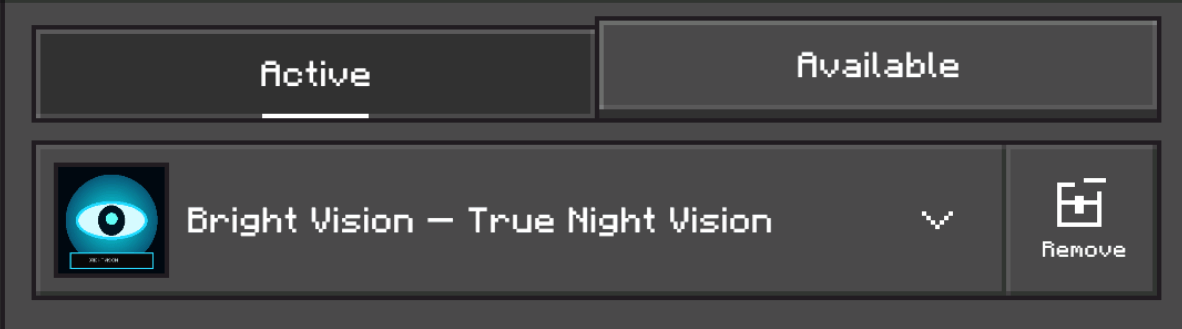
In the same window, move the pack to the right-hand “Selected” column and click “Done”.
Versionen
Mit Abhängigkeiten
| Minecraft | Loader | Datei | Datum | Aktionen |
|---|---|---|---|---|
| 26.0.02 | — | Night Vision Universal – Ultra-Lite v2.1.010.9 KB 7 |
Bewertungen
Bewerten Sie Night Vision Universal als Erster



